To view updates in Supervisor App :
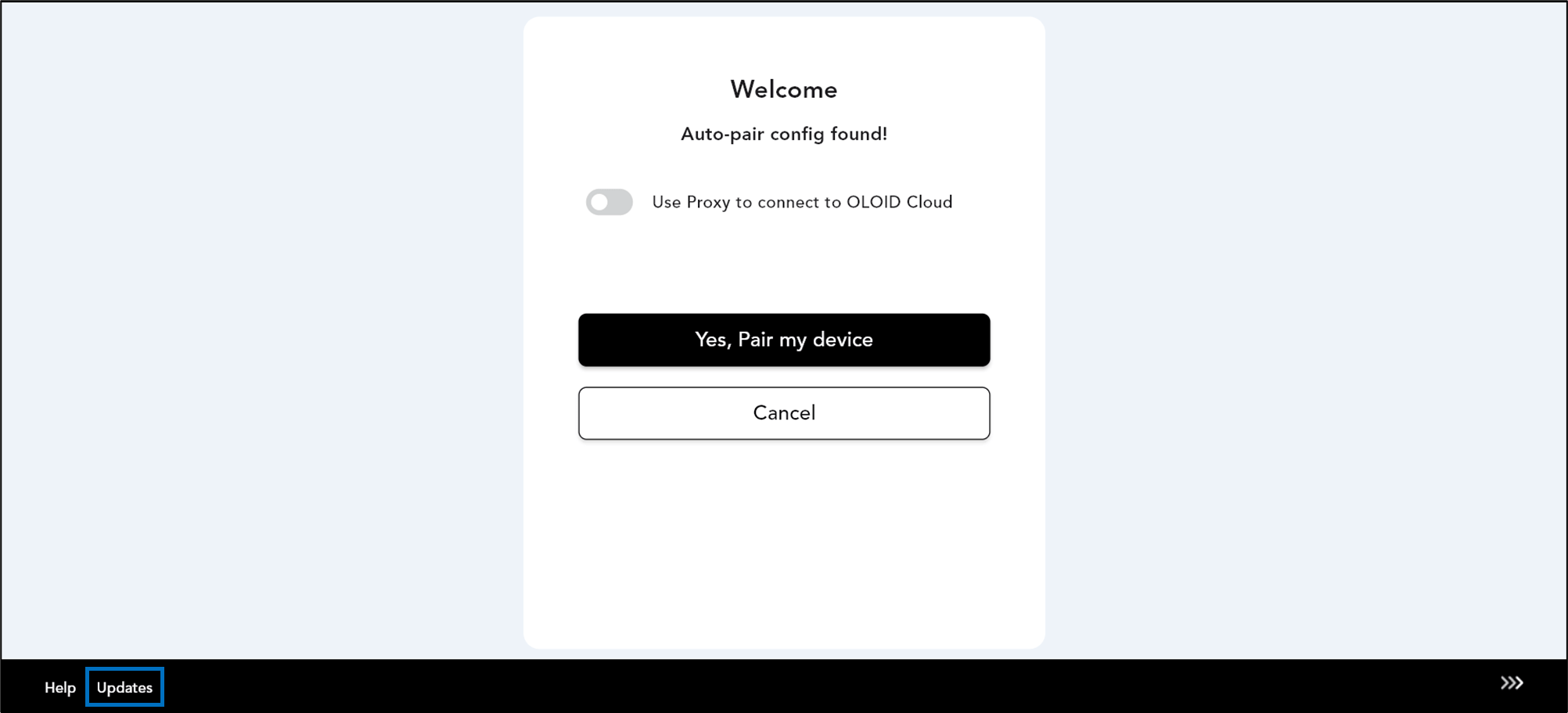
  1. Double-click on Supervisor app How to view updates in Supervisor App - screenshot 1 icon. The app opens.
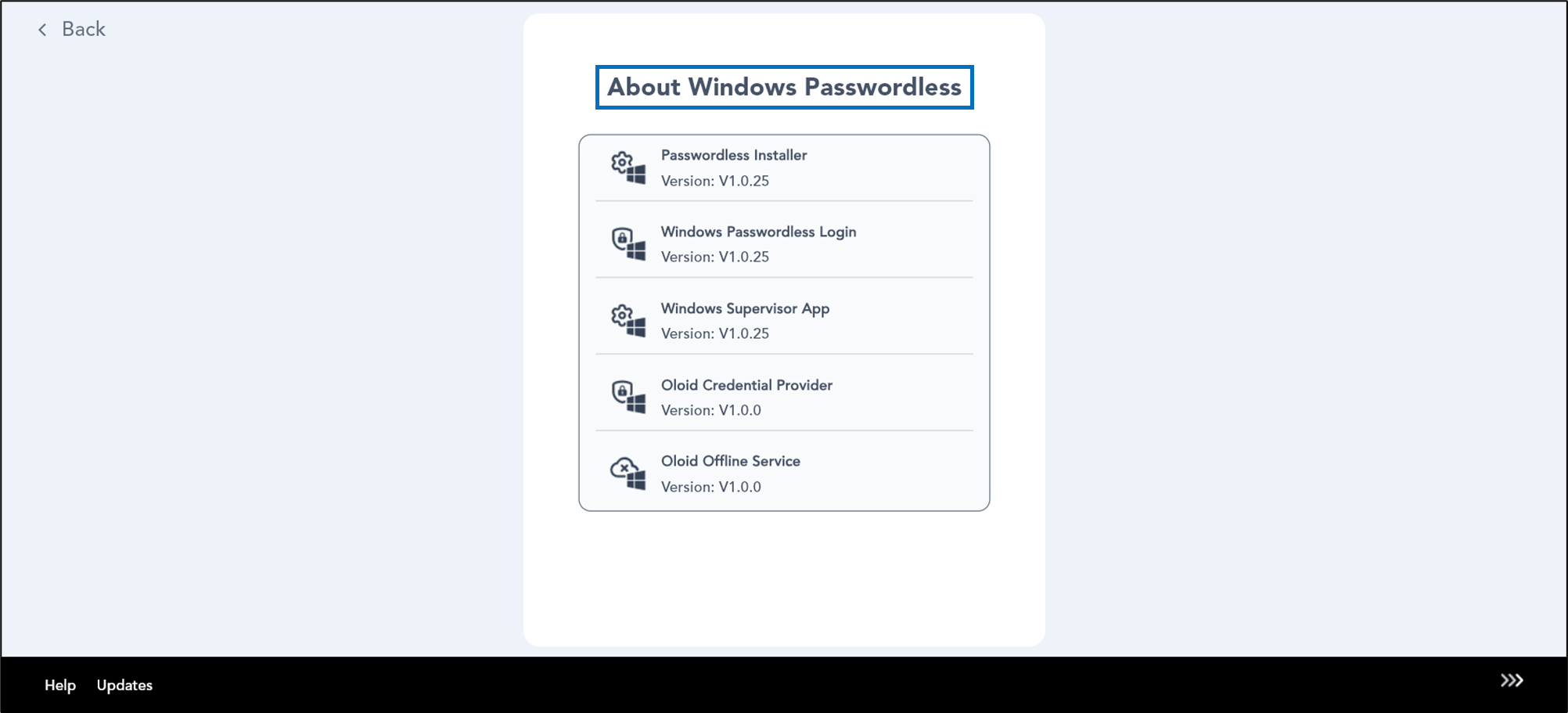
  2. Select Updates in the bottom left. How to view updates in Supervisor App - screenshot 2 The About Windows Passwordless screen opens. How to view updates in Supervisor App - screenshot 3 You can now view the latest updates of the Supervisor App.