Introduction
The Oloid DeviceLock app enables users to securely unlock their Android devices using Badge credential. After successful authentication, the device unlocks and redirects to the device home screen.Prerequisites
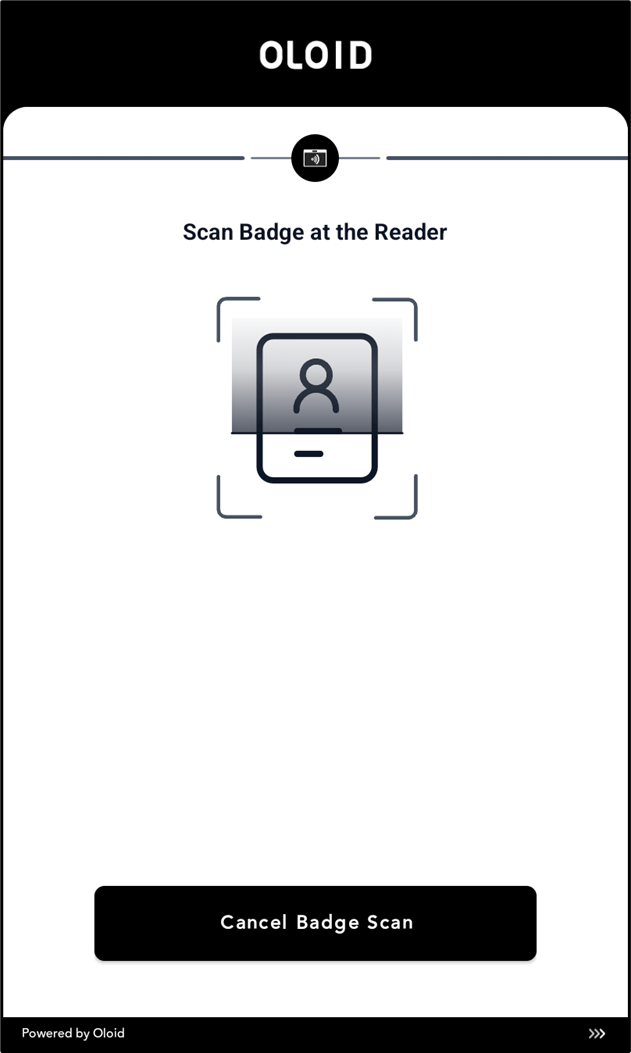
- Ensure that the Android device is connected to an external card reader.
- You must have your assigned Badge ID.
Steps to Unlock the Device
-
Press the Power button or tap the screen on your device.
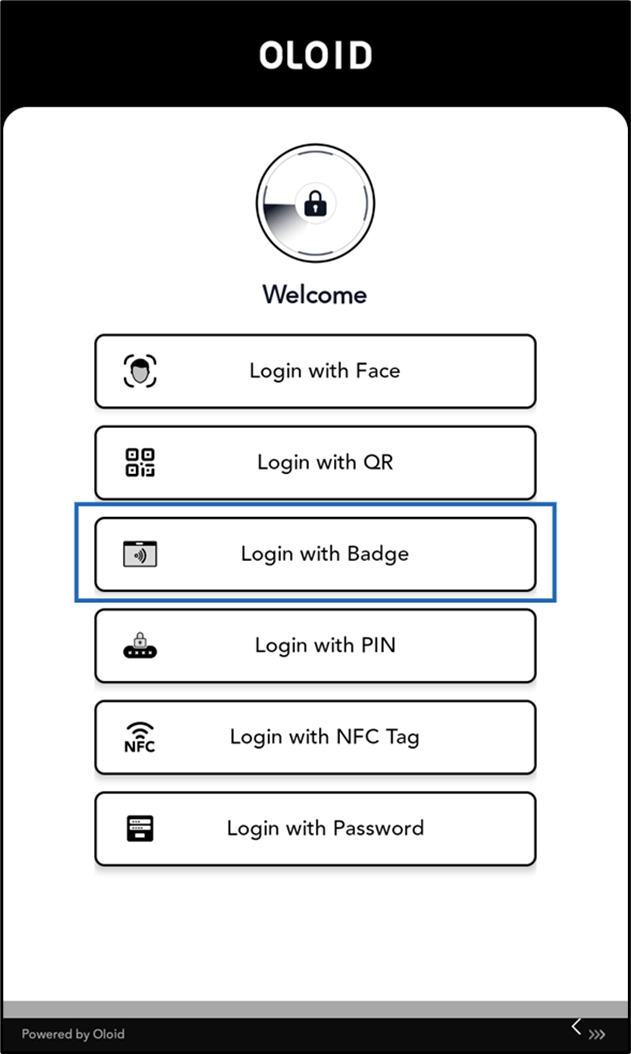
The Welcome screen is displayed.Note: The Device Lock app is displayed automatically, as it always runs in Kiosk Mode.
-
Tap Login with Badge.
Note: You will only see the authentication methods (Face, Badge, PIN, QR, Password and NFC/ID) enabled for you. Button names may vary based on configuration. Contact Support if no authentication method appears.