Introduction
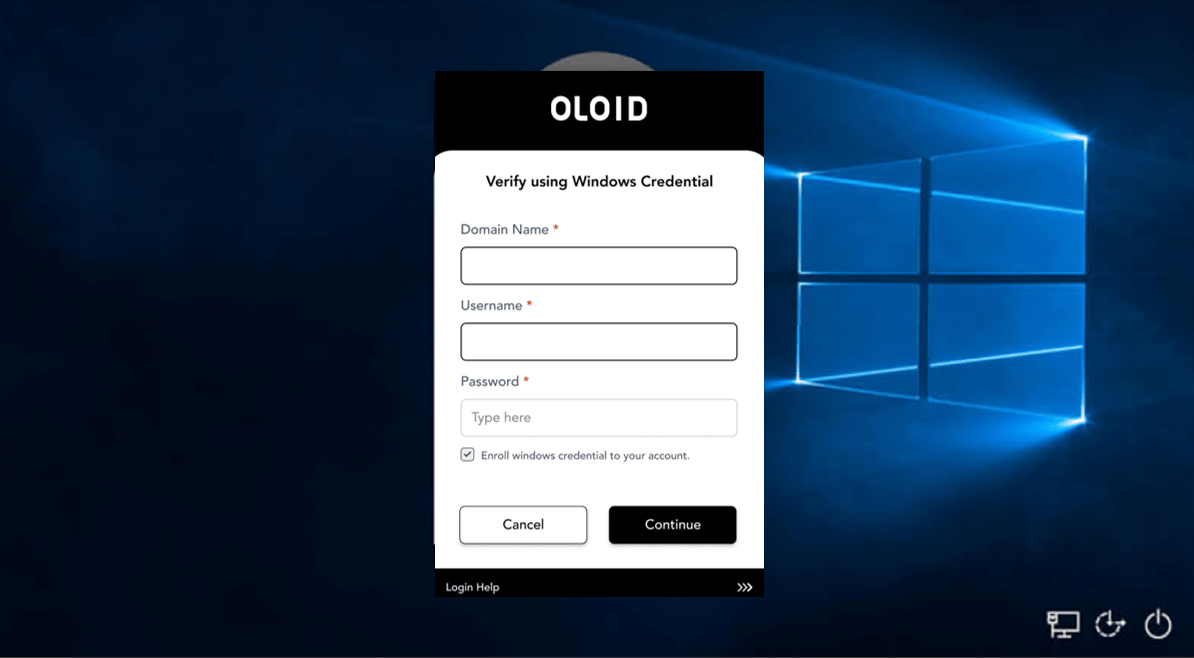
In Tenant Admin Portal, enabling Credential Updates and Enrollment feature allows users to update existing credentials or enroll new credentials using their Windows credentials in the Windows Login app.Prerequisites
You must create a Windows Login application. For further details, refer How to create a Windows Login Application.Steps to Allow Credential Updates and Enrollment
- Log in to the Tenant Admin Portal.
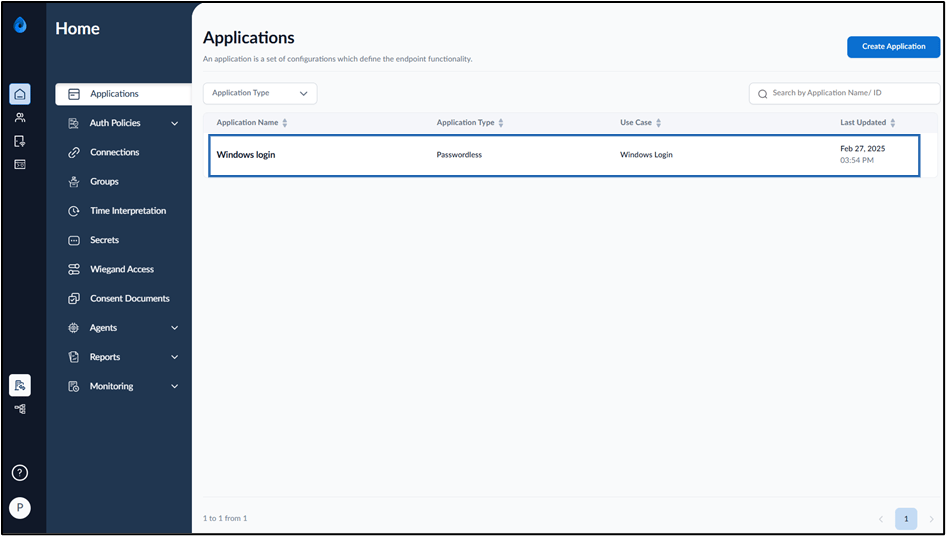
- On the Applications page, select the application paired in the Supervisor App (Windows Authenticator App).
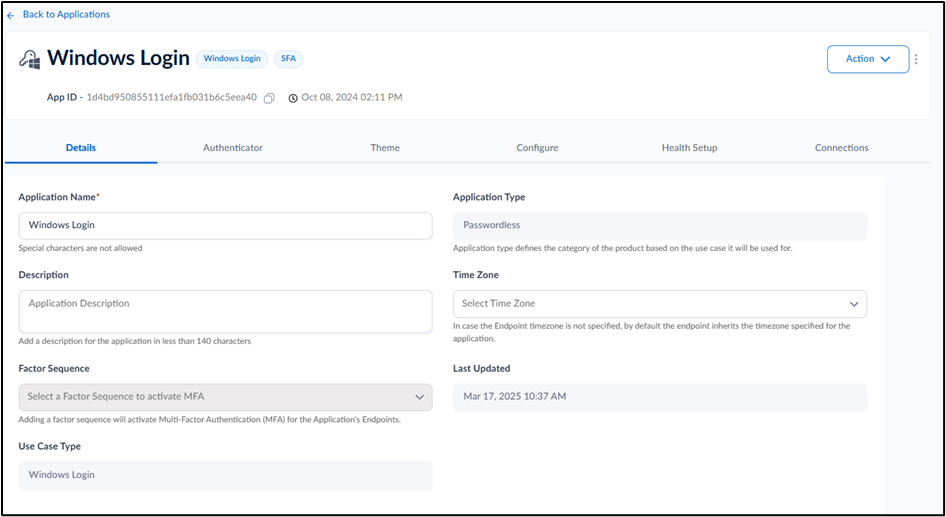
- Go to Configure > Settings tab.
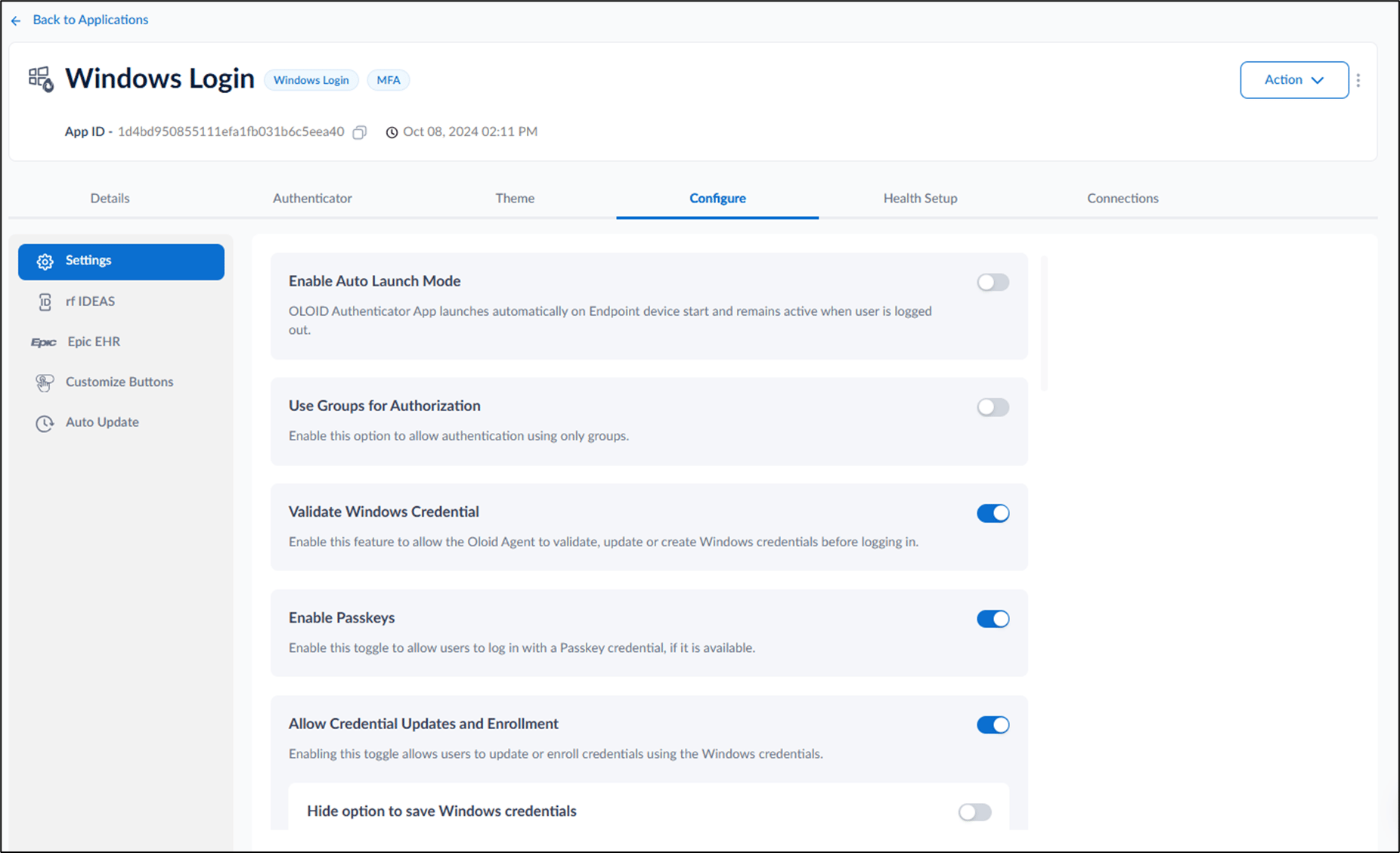
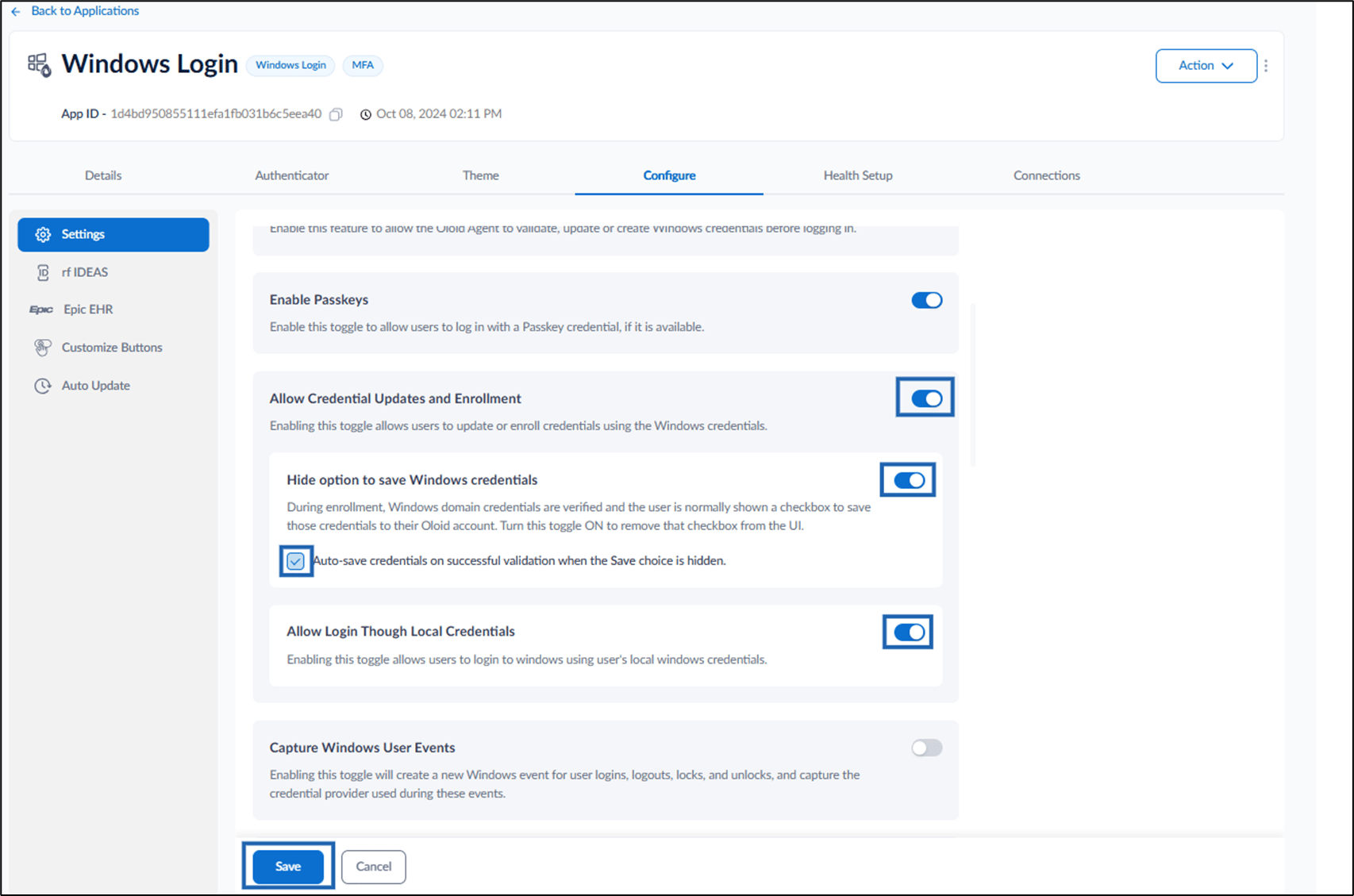
- Turn on Allow Credential Updates and Enrollment toggle button to allow users to enroll or update credentials in the Windows Login App and do the following:
- Enable Hide option to save Windows credentials toggle to remove the checkbox for saving Windows domain credentials to the Oloid account during enrolment.
- Select Auto-save credentials on successful validation checkbox to automatically save credentials when the Save option is hidden.
- Enable Allow Login Through Local Credentials toggle to allow users to log in to Windows using their local Windows credentials.
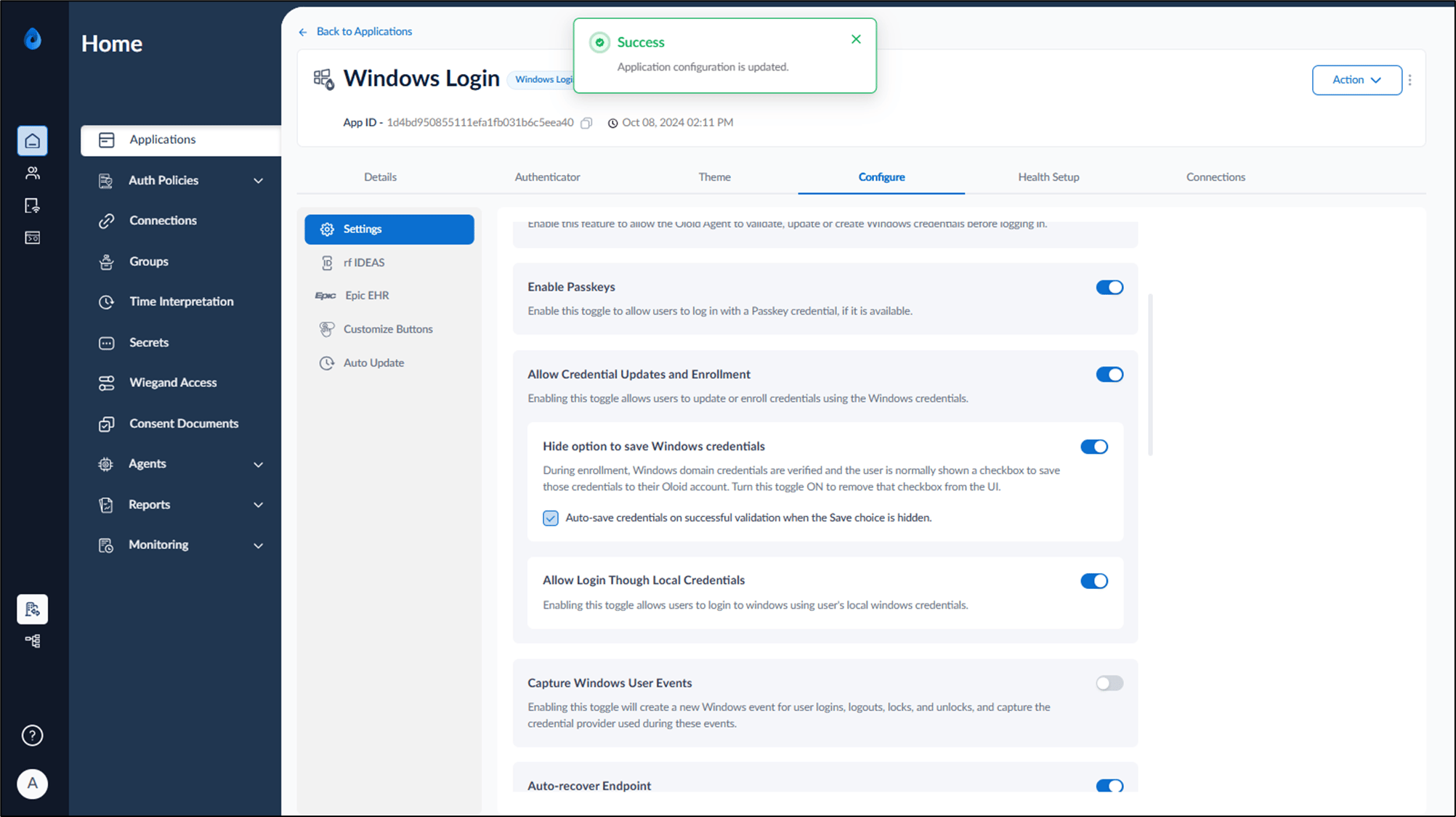
Note: In Windows Authenticator app, you must sync the configuration to Allow Credential Updates and Enrollment work properly. For more details, refer How to sync configuration in Supervisor App