Introduction
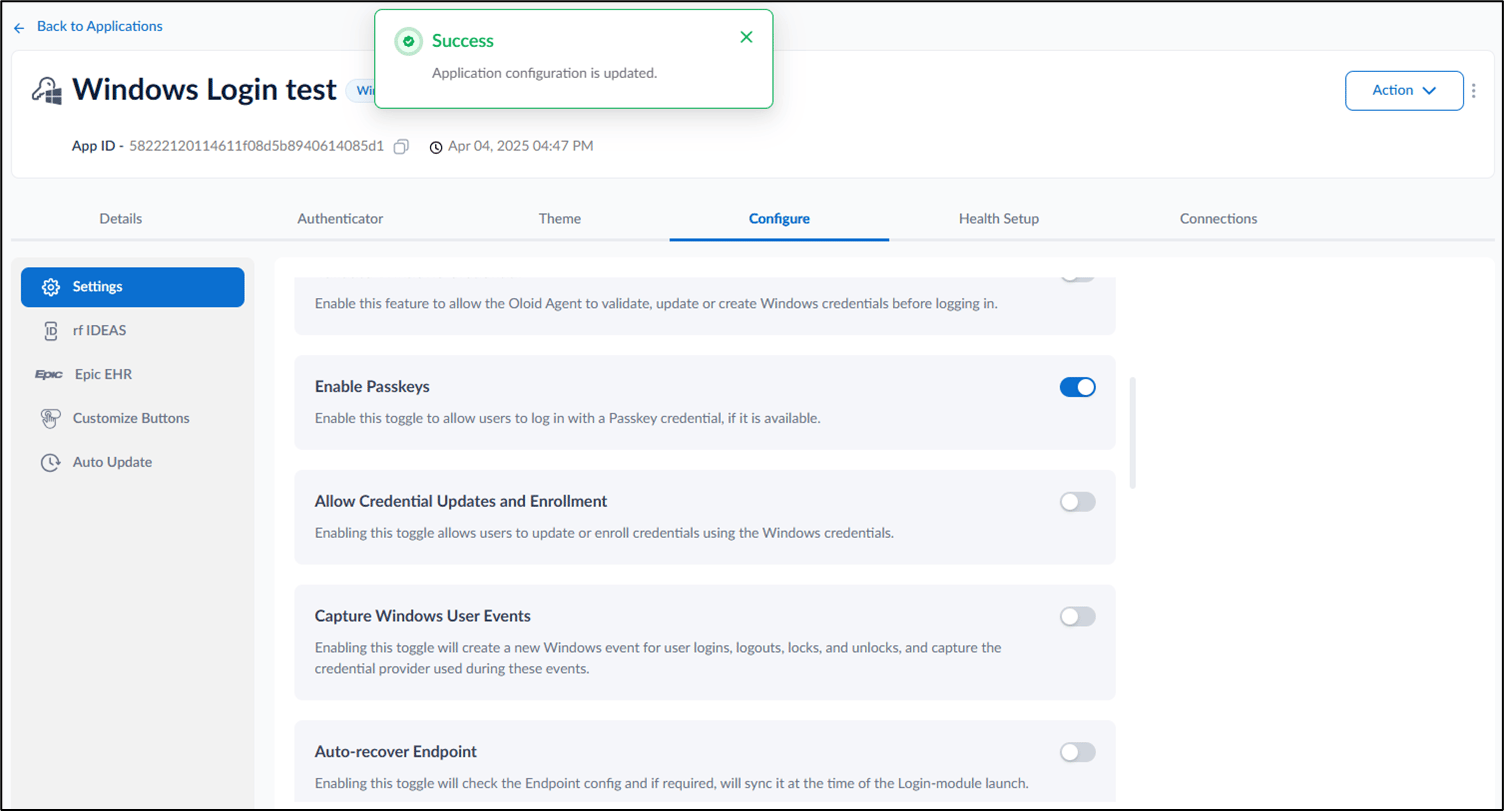
The Passkey feature enables secure, passwordless authentication for users accessing a Windows application. This article explains how an admin can enable Passkey login for a Windows application from the Tenant Admin Portal.Prerequisite
- You must have Tenant Admin Access.
- Windows Login Application must be created in the Tenant Admin Portal. For more information, refer: How to create and configure Windows Login application in the Tenant Admin Portal
Steps to Enable Passkey
- Log in to the Tenant Admin Portal.
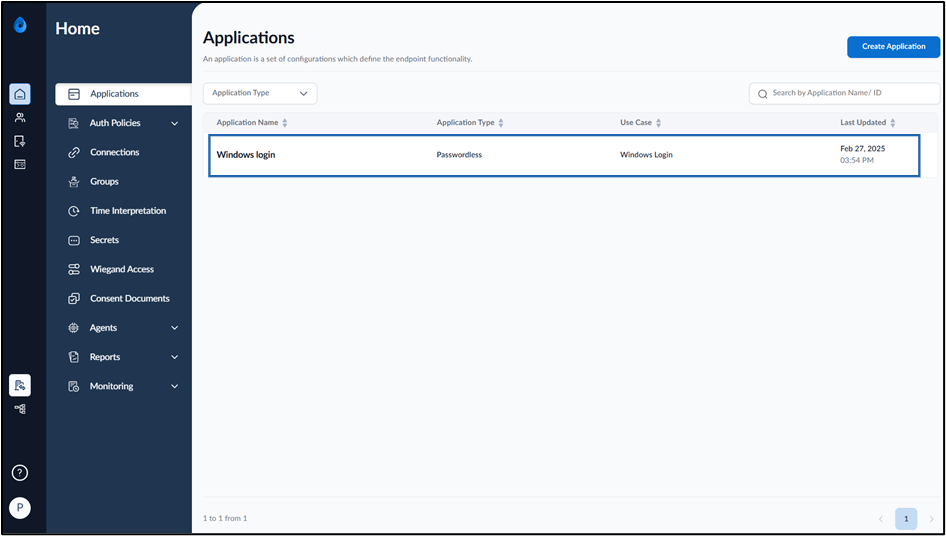
- On the Applications page, click on the Windows application to edit.
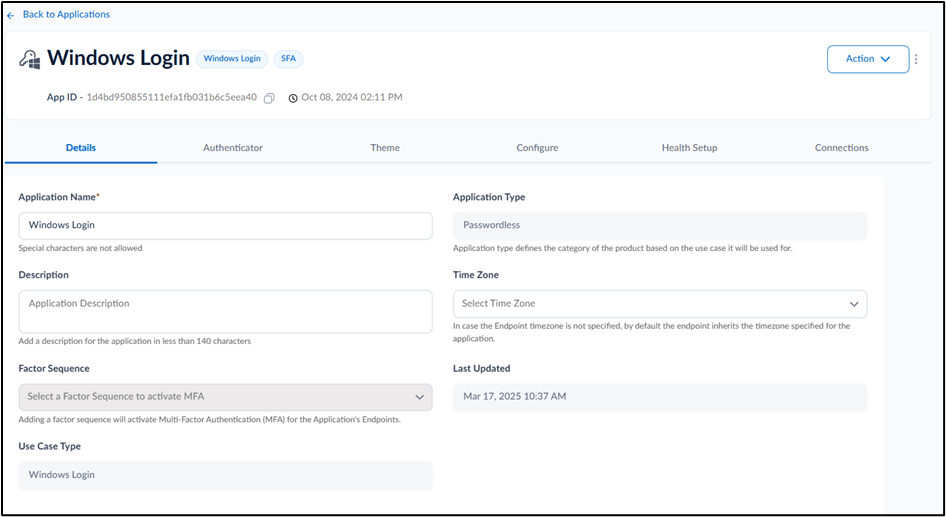
- Go to Configure > Settings tab.
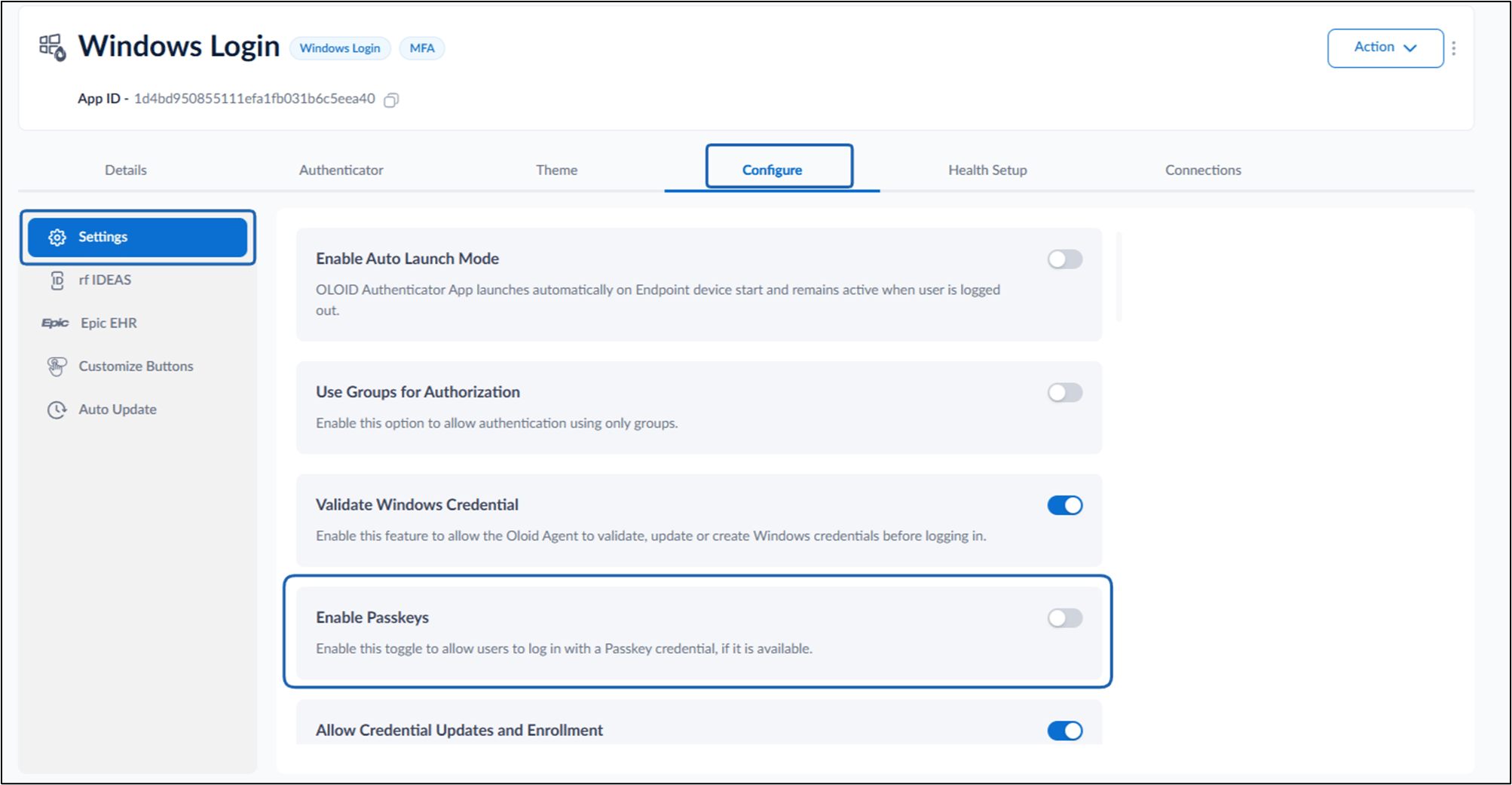
- Turn on Enable Passkeys toggle button to allow users to log in using Passkey credential.