- Log in to Oloid Portal.
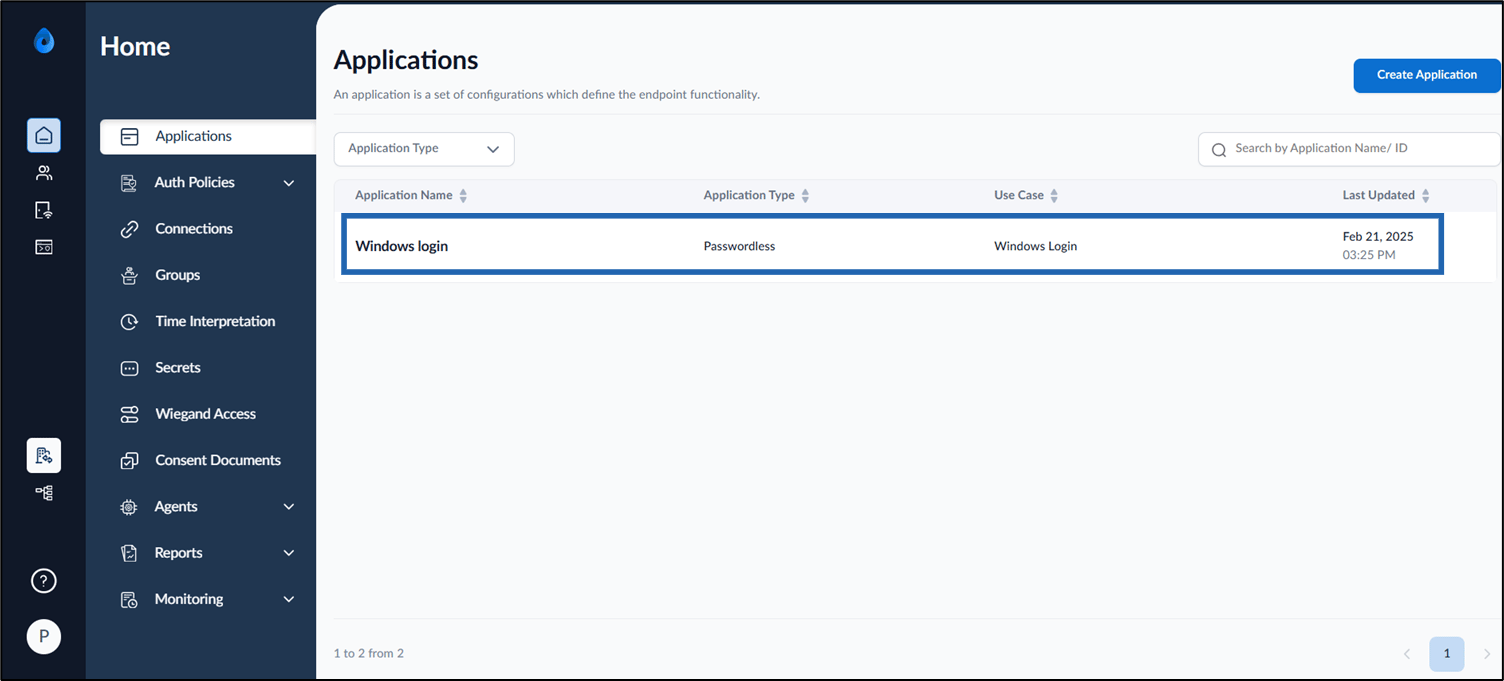
- On the homepage, select Windows Login application.
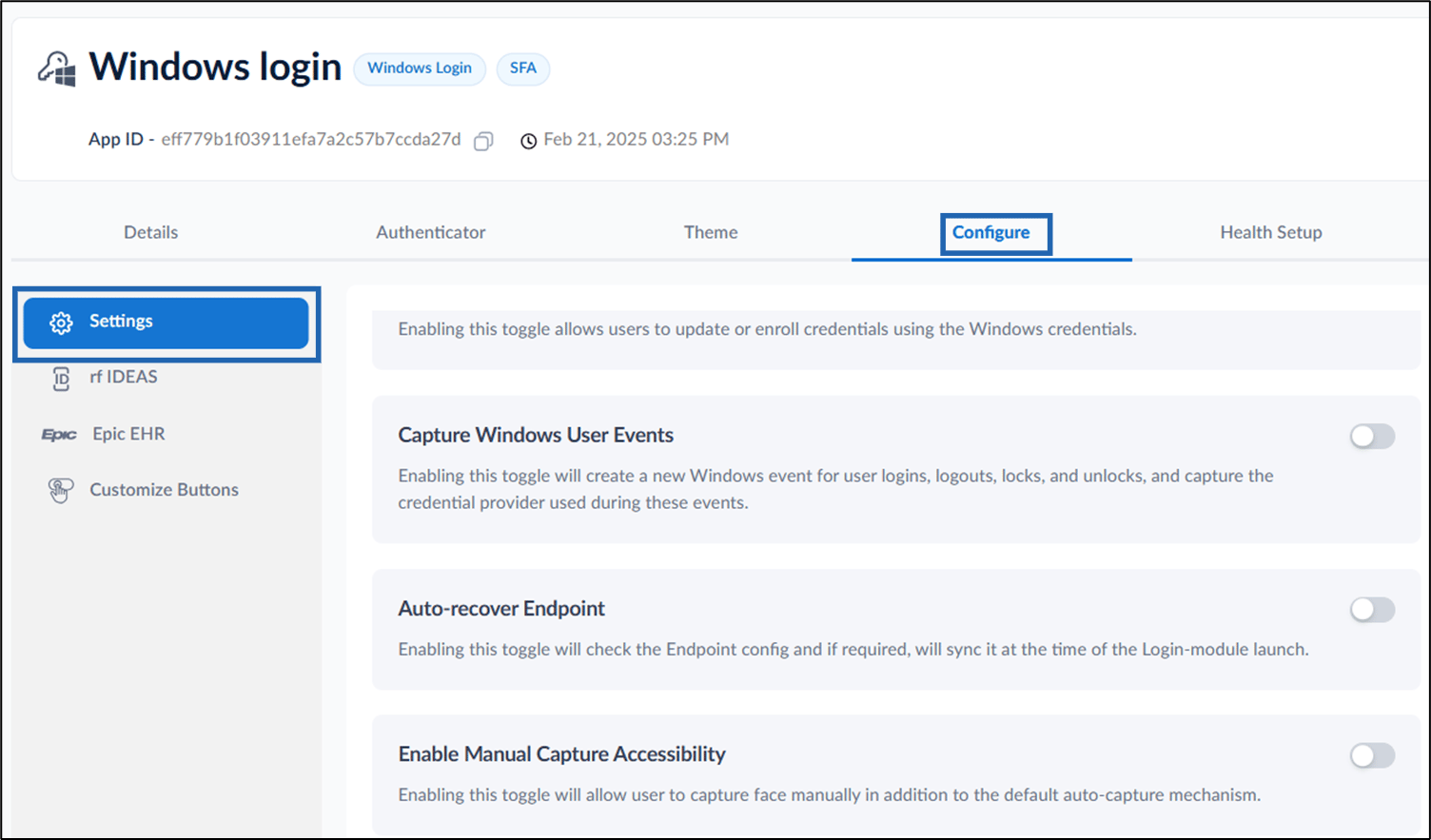
- Go to Configure tab > select Settings tab from the left menu panel.
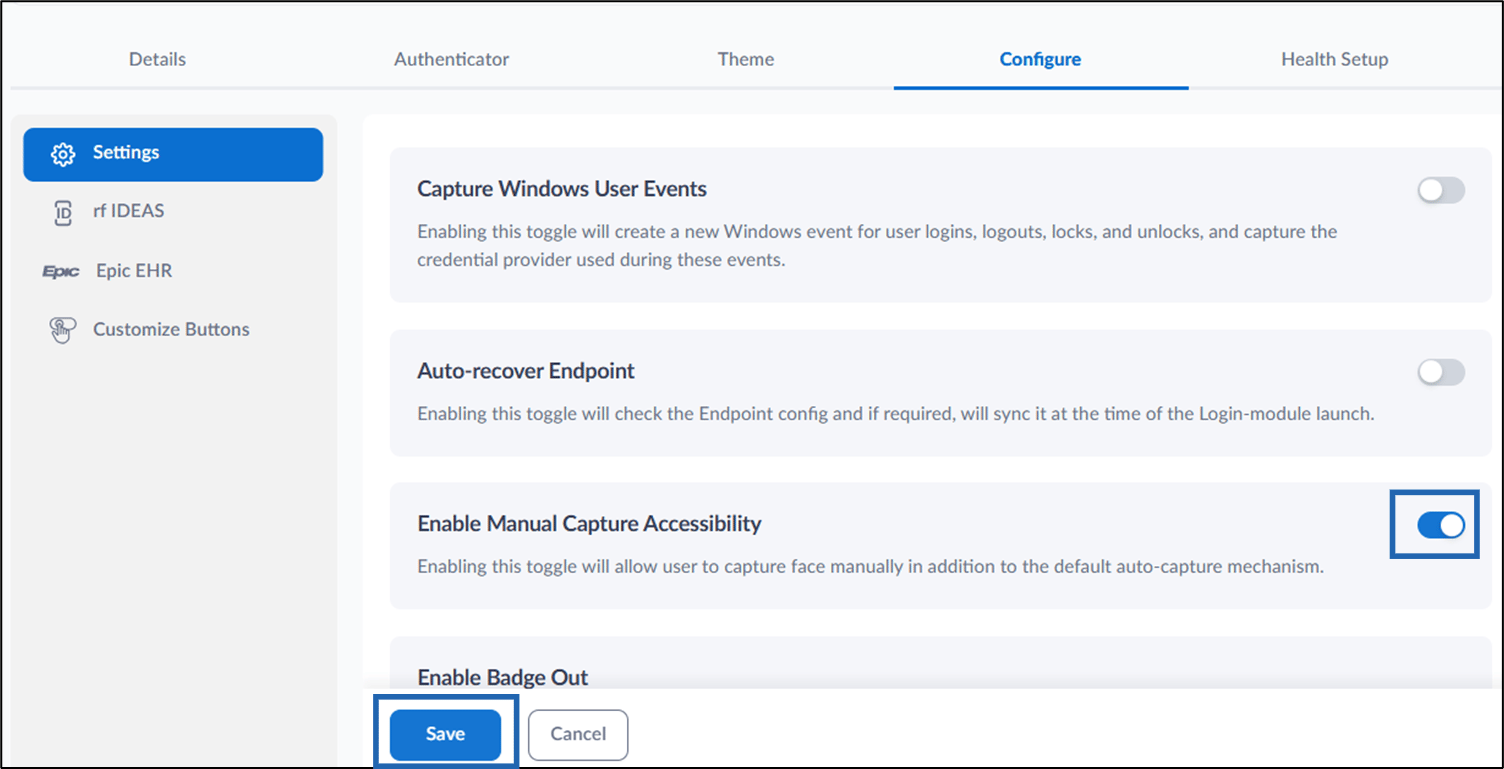
- Turn on Enable Manual Capture Accessibility toggle button.
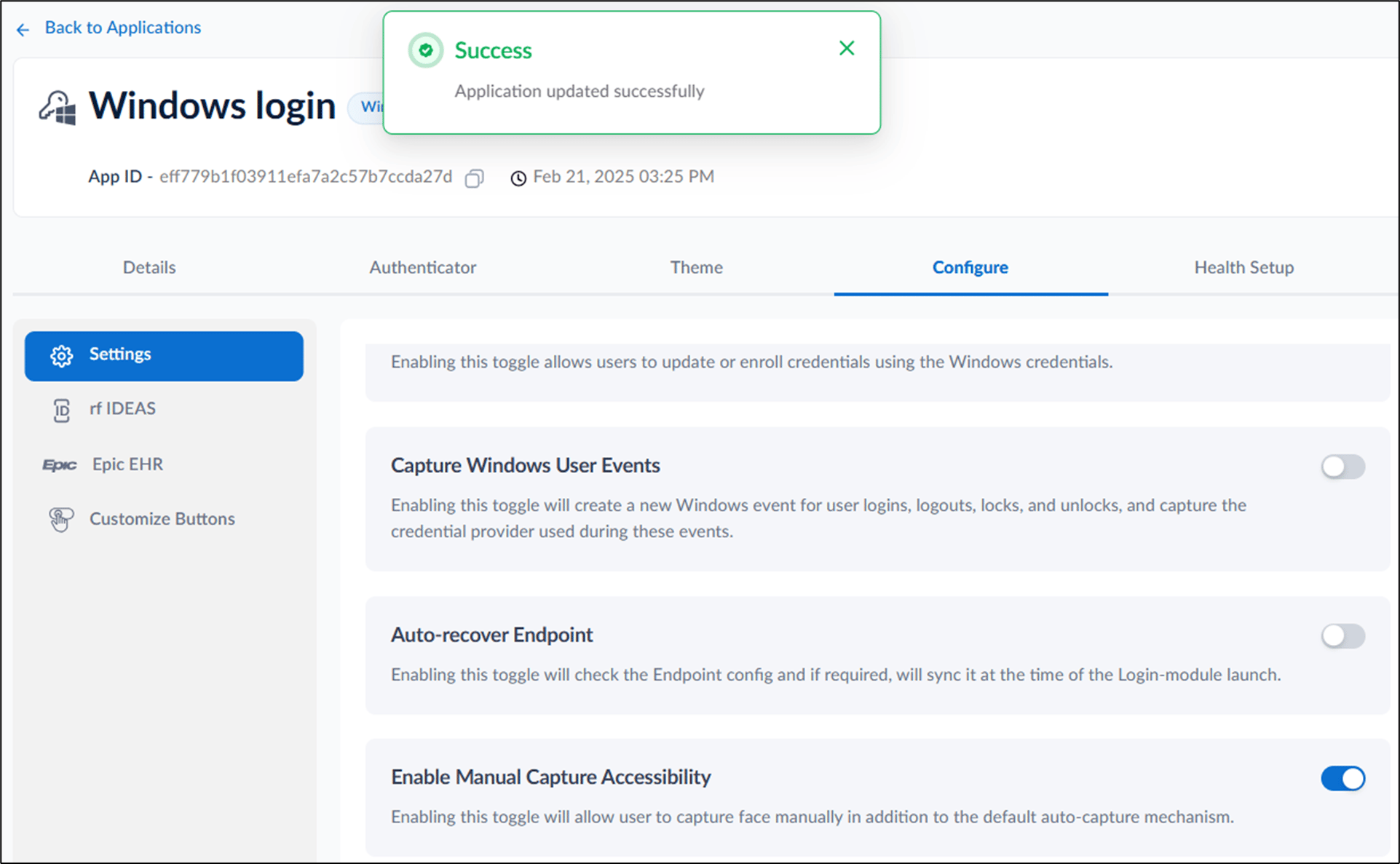
- Click Save.