Introduction
The NFC/ID credential feature in the Tenant Admin Portal allows the admin to enable NFC/ID credential for the Windows Login application. Once enabled, users can log in to Windows endpoints by tapping their registered NFC tag.Prerequisites
- You must have Tenant Admin Access.
- Windows Login Application must be created in the Tenant Admin Portal. For more information, refer: How to create and configure Windows Login application in the Tenant Admin Portal
Steps to Enable NFC/ID credential
- Log in to the Tenant Admin Portal.
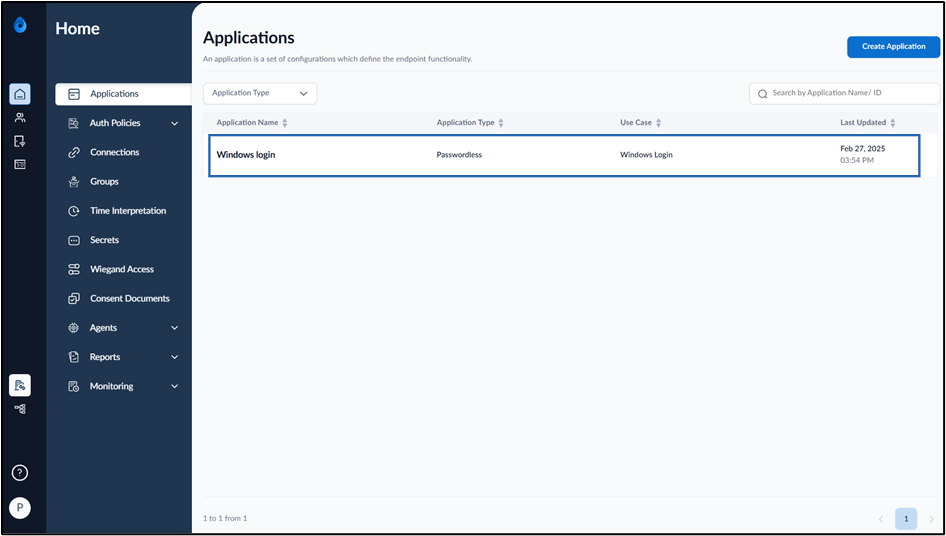
- On the Applications page, select the preferred Windows Login application.
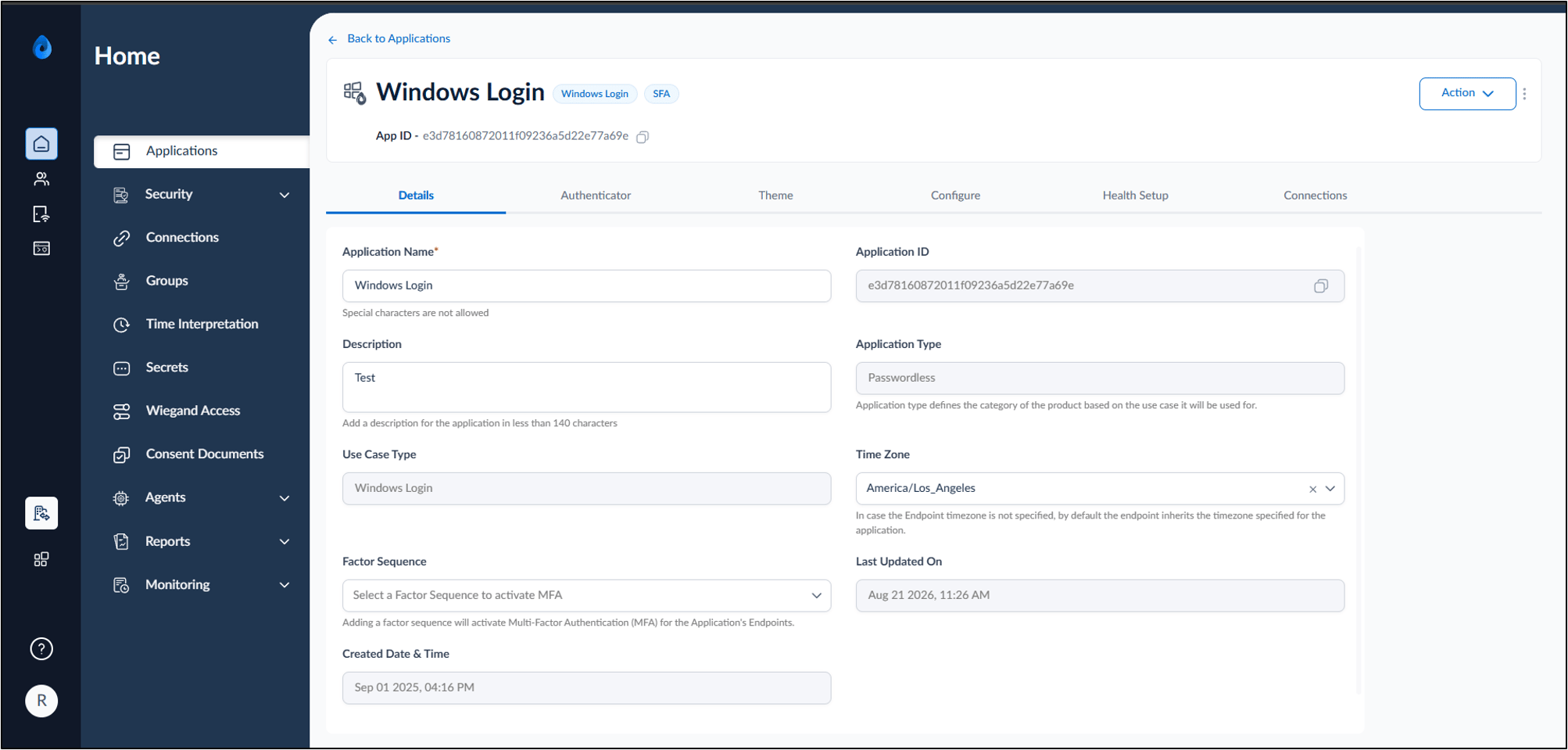
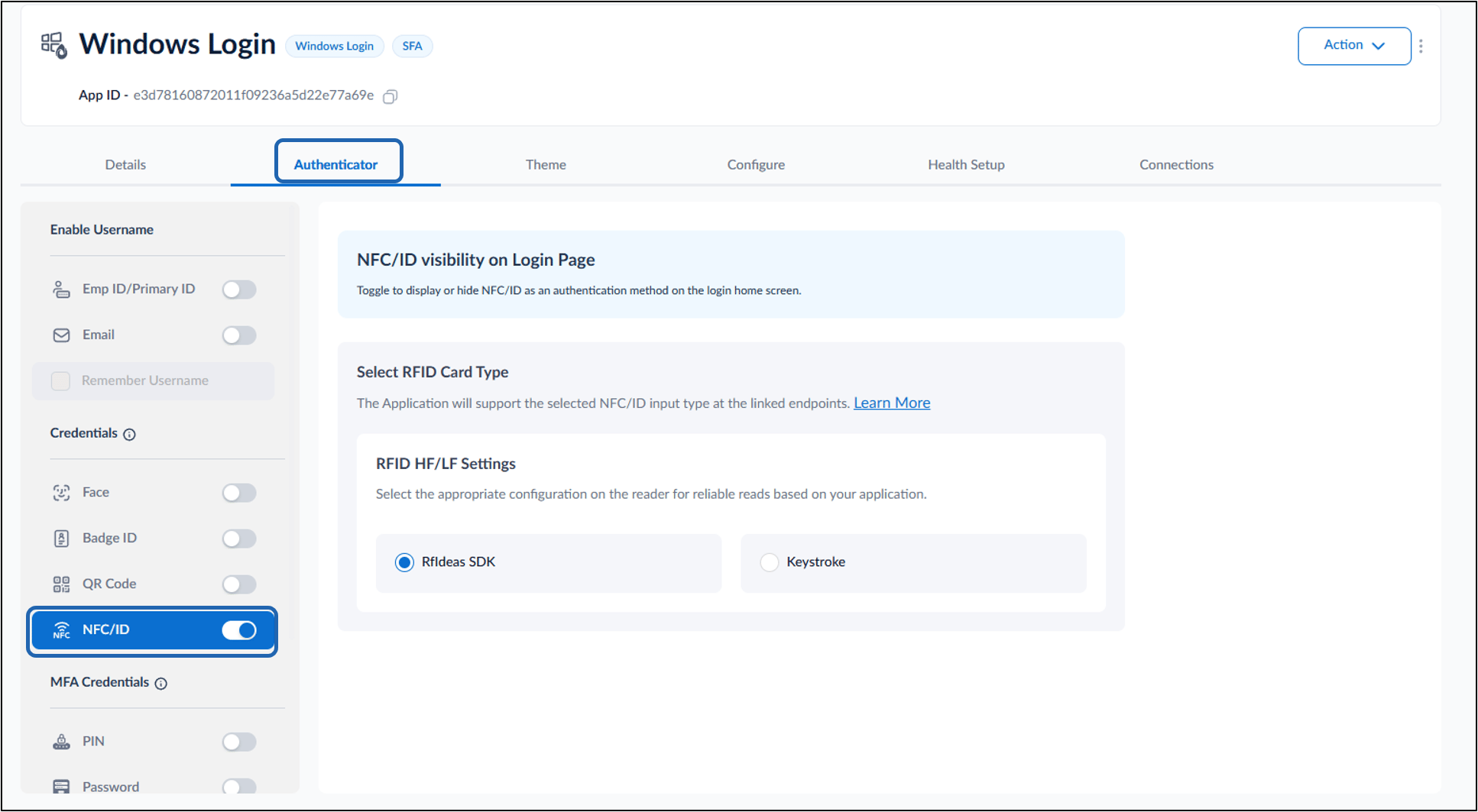
- Go to Authenticator tab.
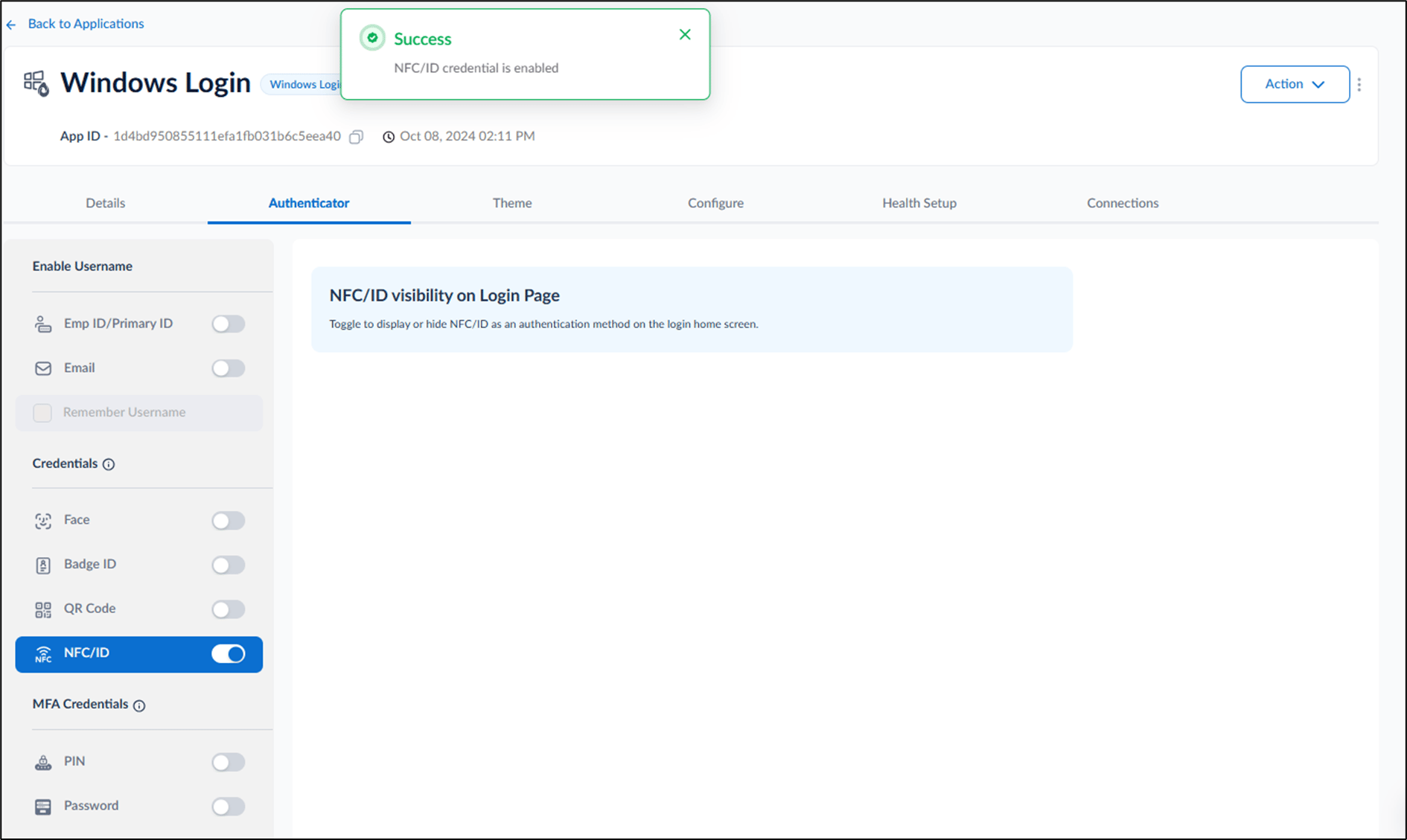
- Turn on NFC/ID toggle.