

- Go to a website that you need to log in.
- Click on the password field. The Chrome Vault icon is displayed.
- Edit the password field > Update Password.
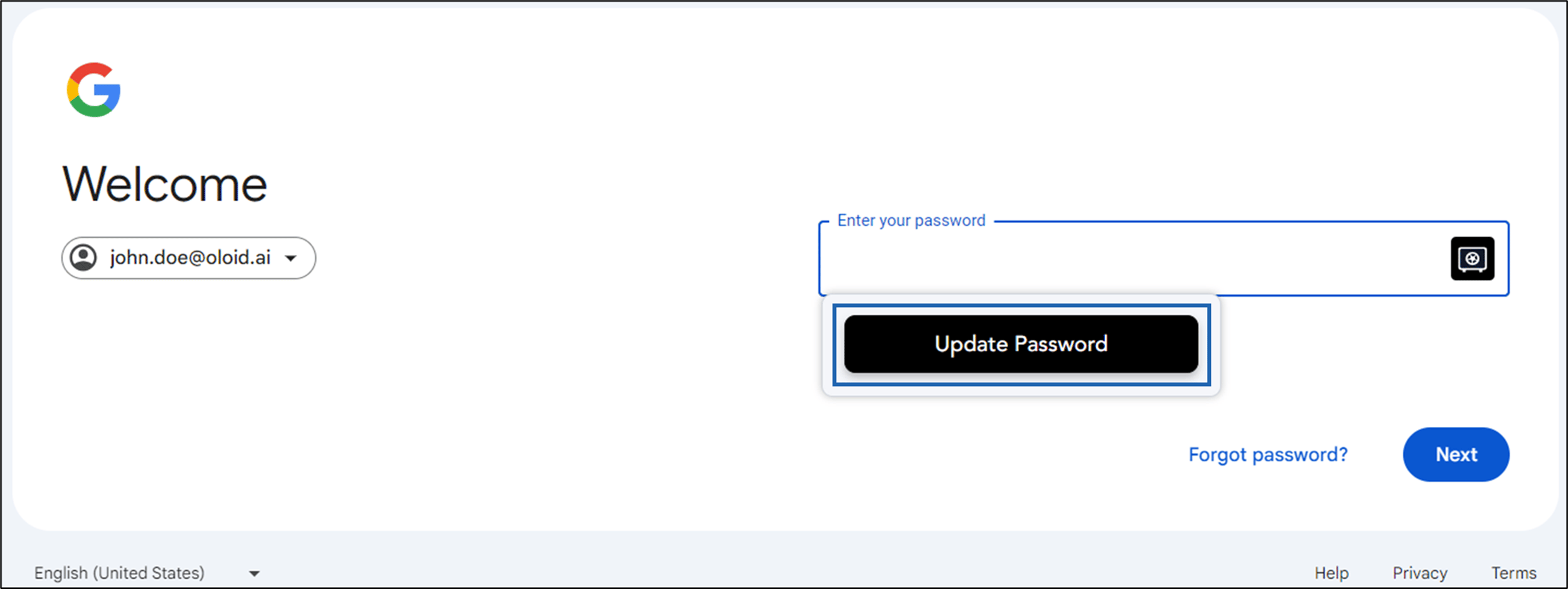
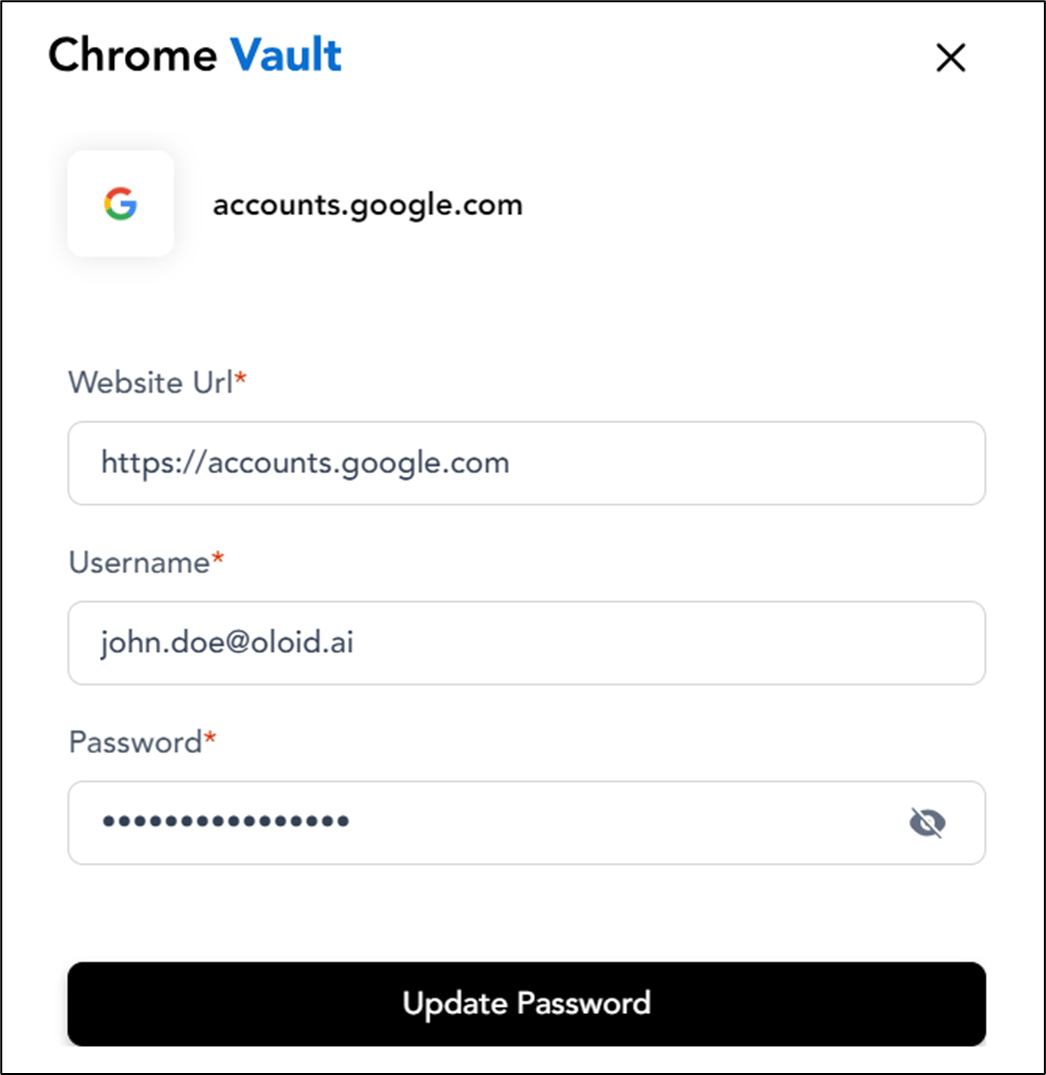
- Click Update Password.
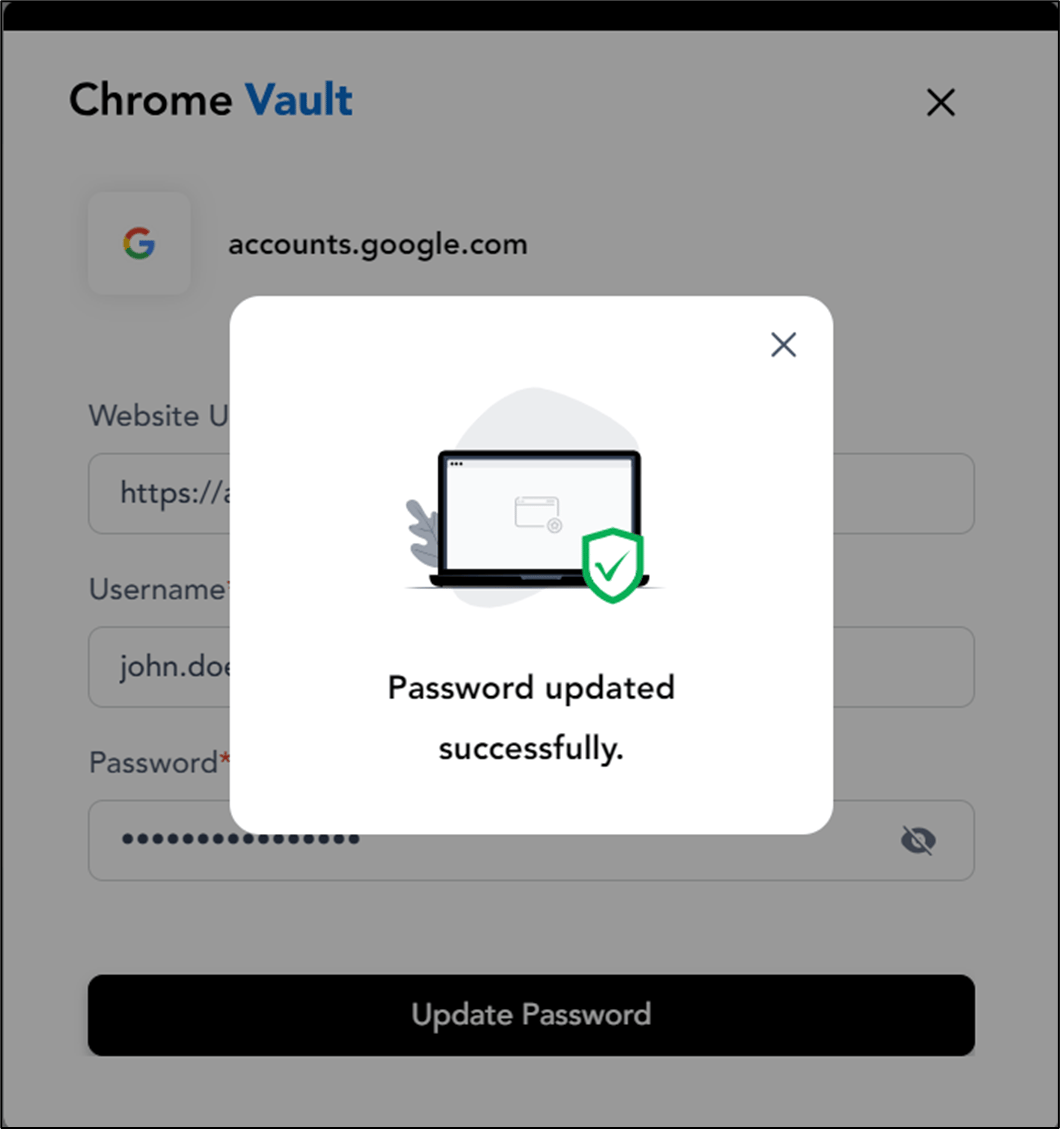
The password is updated successfully and you can log in to the website.
How to update password in Chrome Vault
You have saved credentials in the Chrome Vault application. For more information, see How to save password in Chrome Vault
Pre-requisite
You have saved credentials in the Chrome Vault application. For more information, see How to save password in Chrome Vault
To update password:
⌘I