Introduction
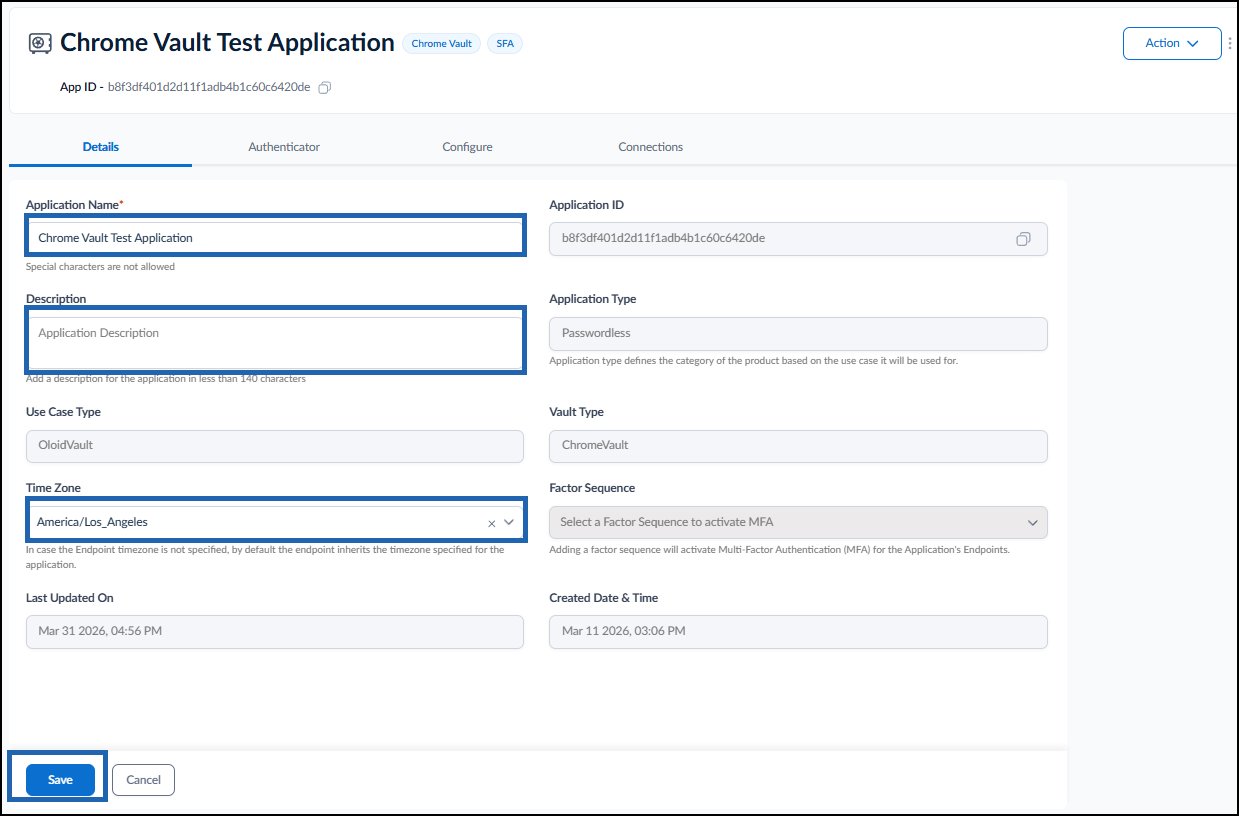
The Details tab for Oloid Vault (Chrome / Chromium) application in the Tenant Admin Portal allows the admin to update the application name, description, set the time zone, etc.Prerequisites
- You must have access to the Tenant Admin Portal.
- Ensure that Oloid Vault (Chrome / Chromium) application is created. To create refer Oloid Vault (Chrome / Chromium) - How to Create and Configure Oloid Vault Application in the Tenant Admin Portal.
Steps to Update Details Tab
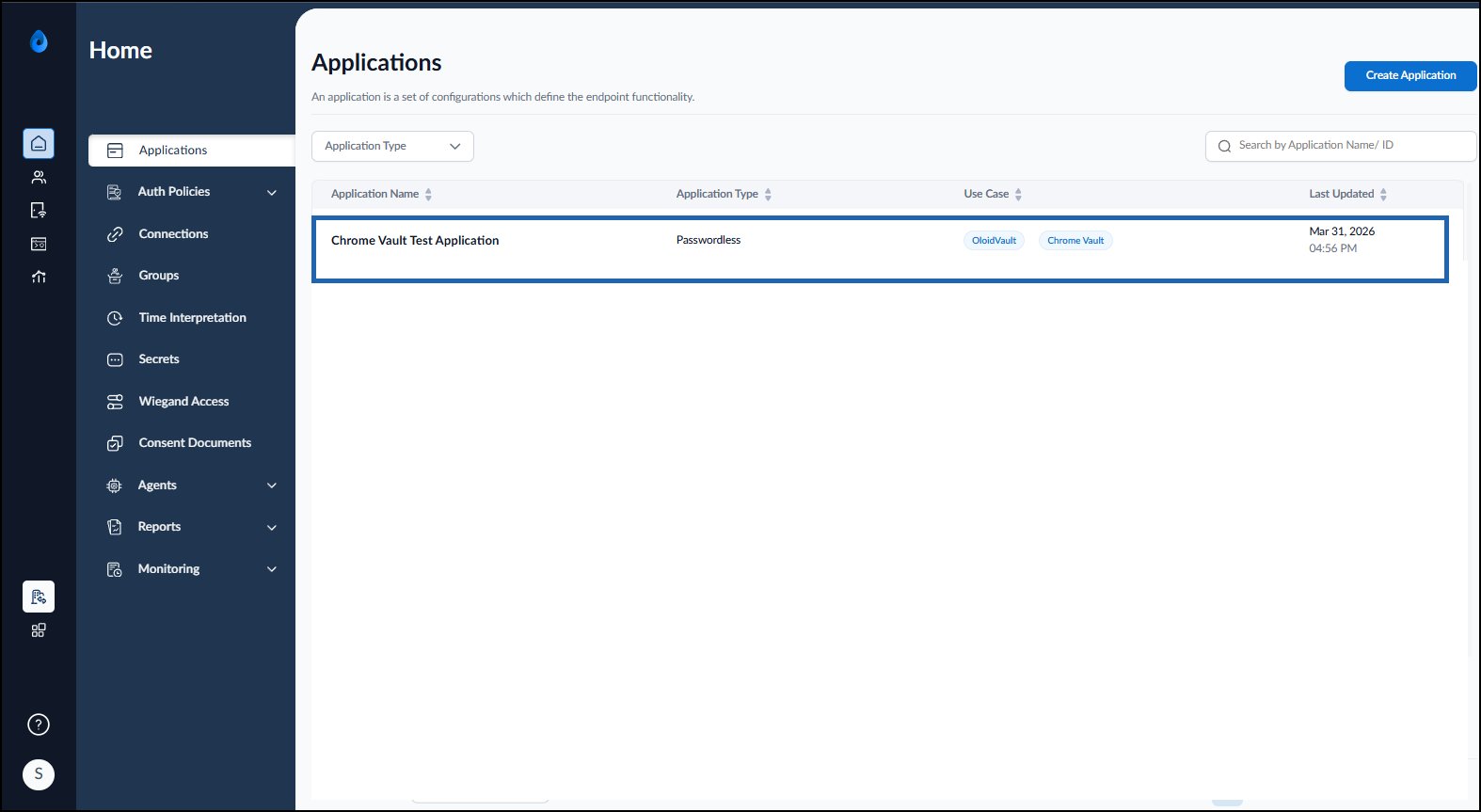
- Log in to the Tenant Admin Portal.
- On the Home page of the portal, click on the preferred Oloid Vault application.
- Do the following:
- Update the Application Name (If needed).
-
Add the Description (Optional).
Note: The description should be less than 140 characters.
-
Select the Time Zone from the dropdown menu.
Note: If the endpoint time zone is not set, it will automatically use the application’s time zone.
-
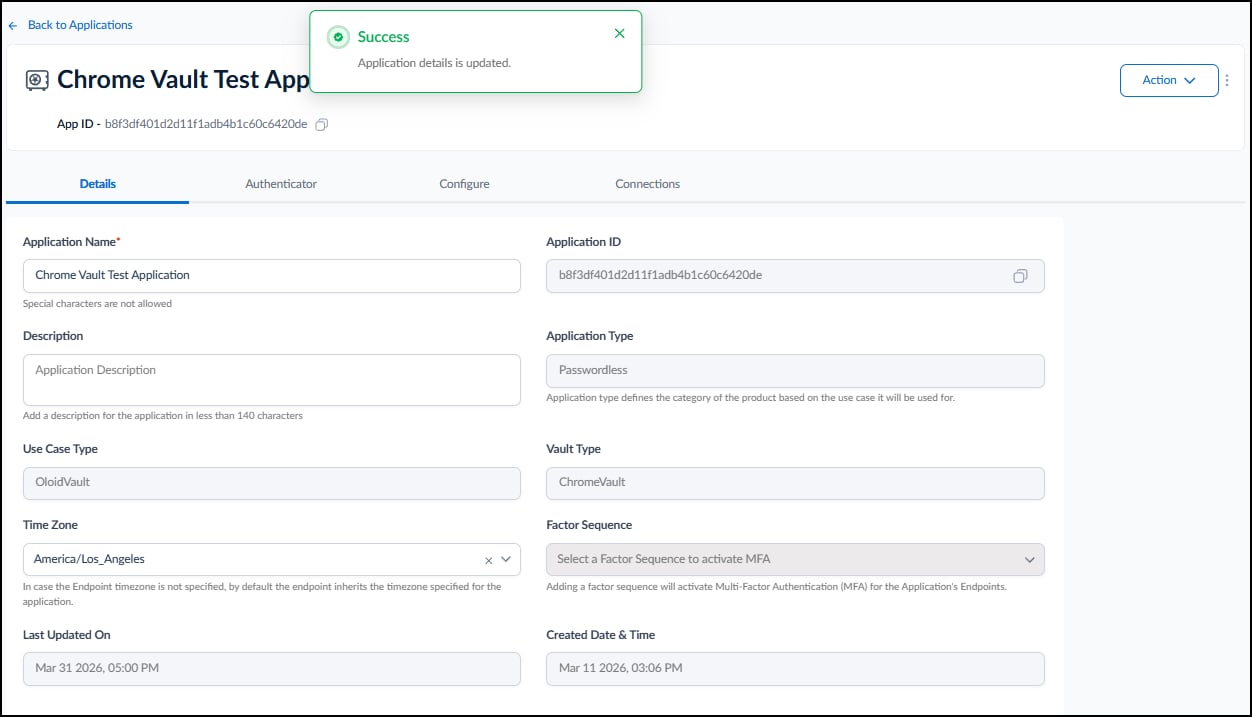
Click Save.