Introduction
The Chrome Vault application provides a secure and passwordless way for users to access their accounts using Face, Badge, or NFC/ID authentication. This ensures a faster login experience while maintaining high security standards.Prerequisites
Authentication method (Face, Badge, or NFC/ID) must be enabled. To enable refer How to create and configure Chrome Vault application.Steps to login
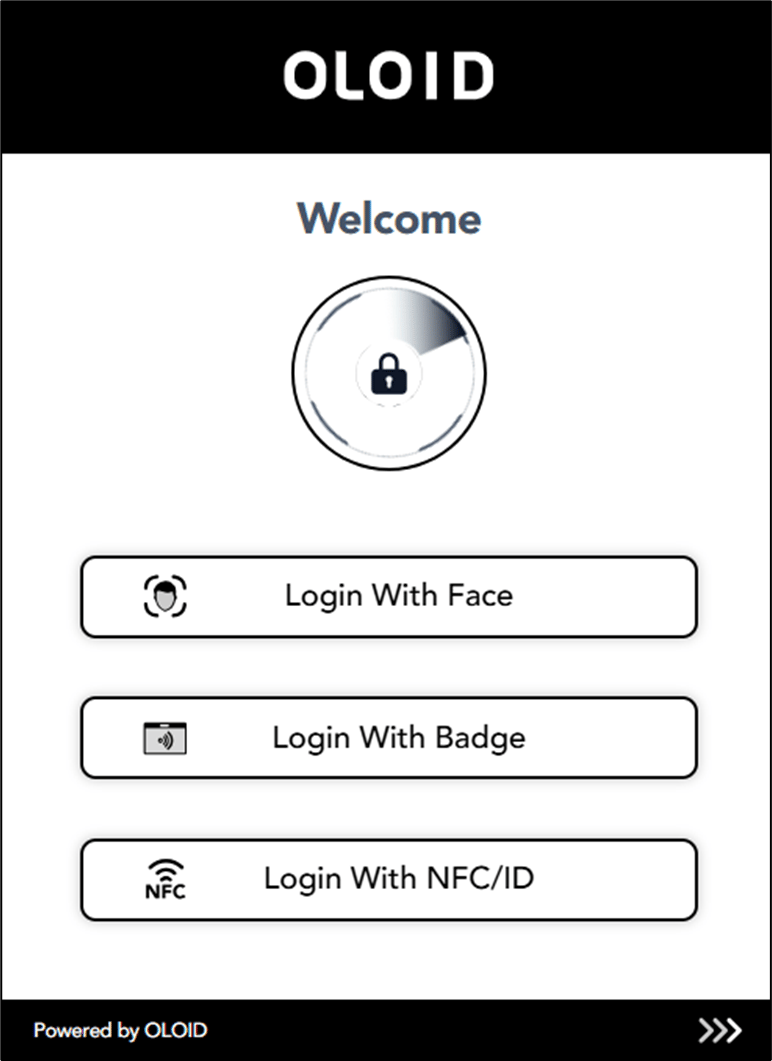
- Open Google Chrome browser and click Chrome Vault icon located on the toolbar.

- Do one of the following:
- Select Login with Face To login with Face referHow to log in to Chrome Vault using Face.
- Select Login with Badge To login with Badge refer How to log in to Chrome Vault using Badge.
- Select Login with NFC/ID
To login with NFC/ID refer How to log in to Chrome Vault using NFC.