Introduction
The Add Vault Shared Password feature allows an admin to securely assign an existing shared password from the Vault to a specific user.Prerequisites
- You must have access to the Tenant Admin Portal.
- Vault Shared Password must already be created. For more information, refer How to create Vault Password for a user
Steps to Assign Vault Password
- Log in to the Tenant Admin Portal.
-
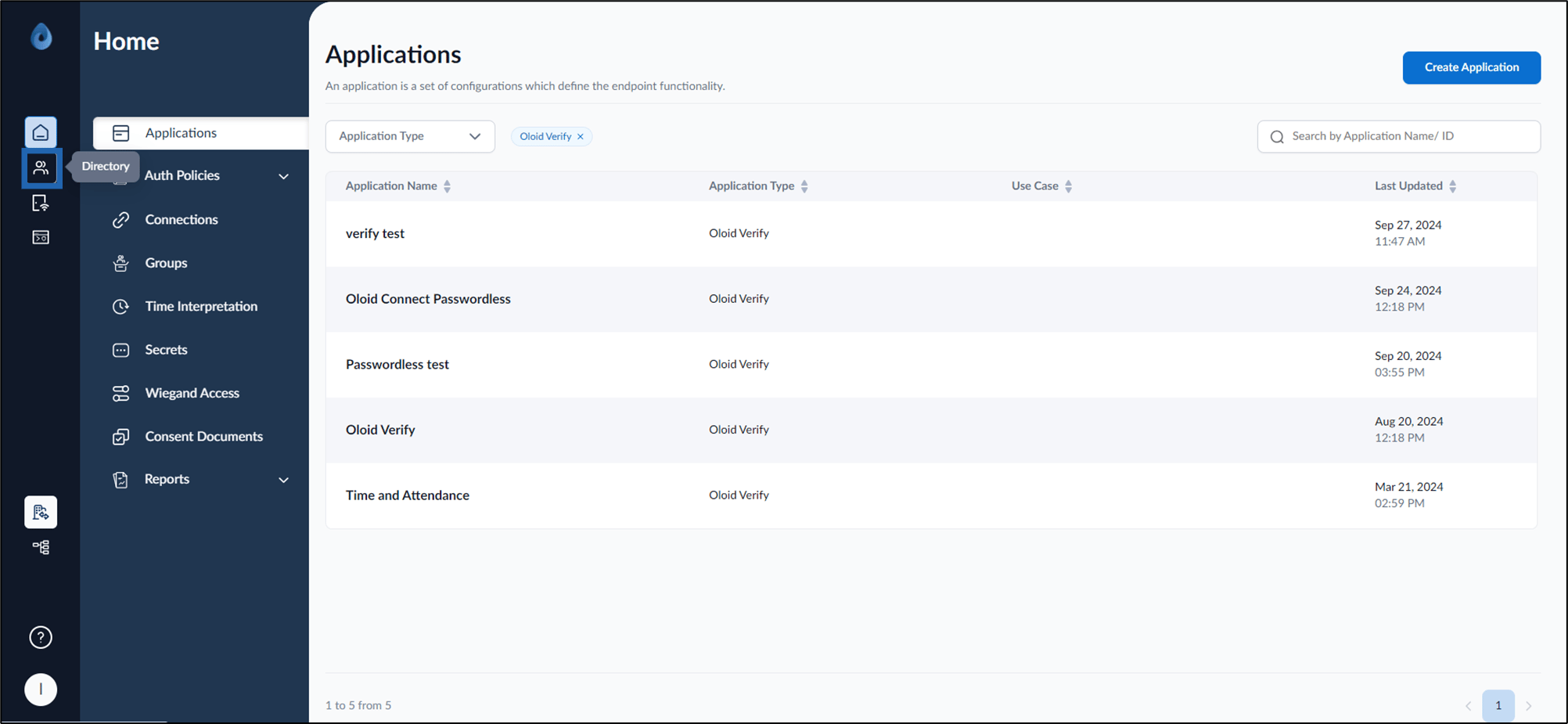
On the homepage, click Directory from the left menu panel.
-
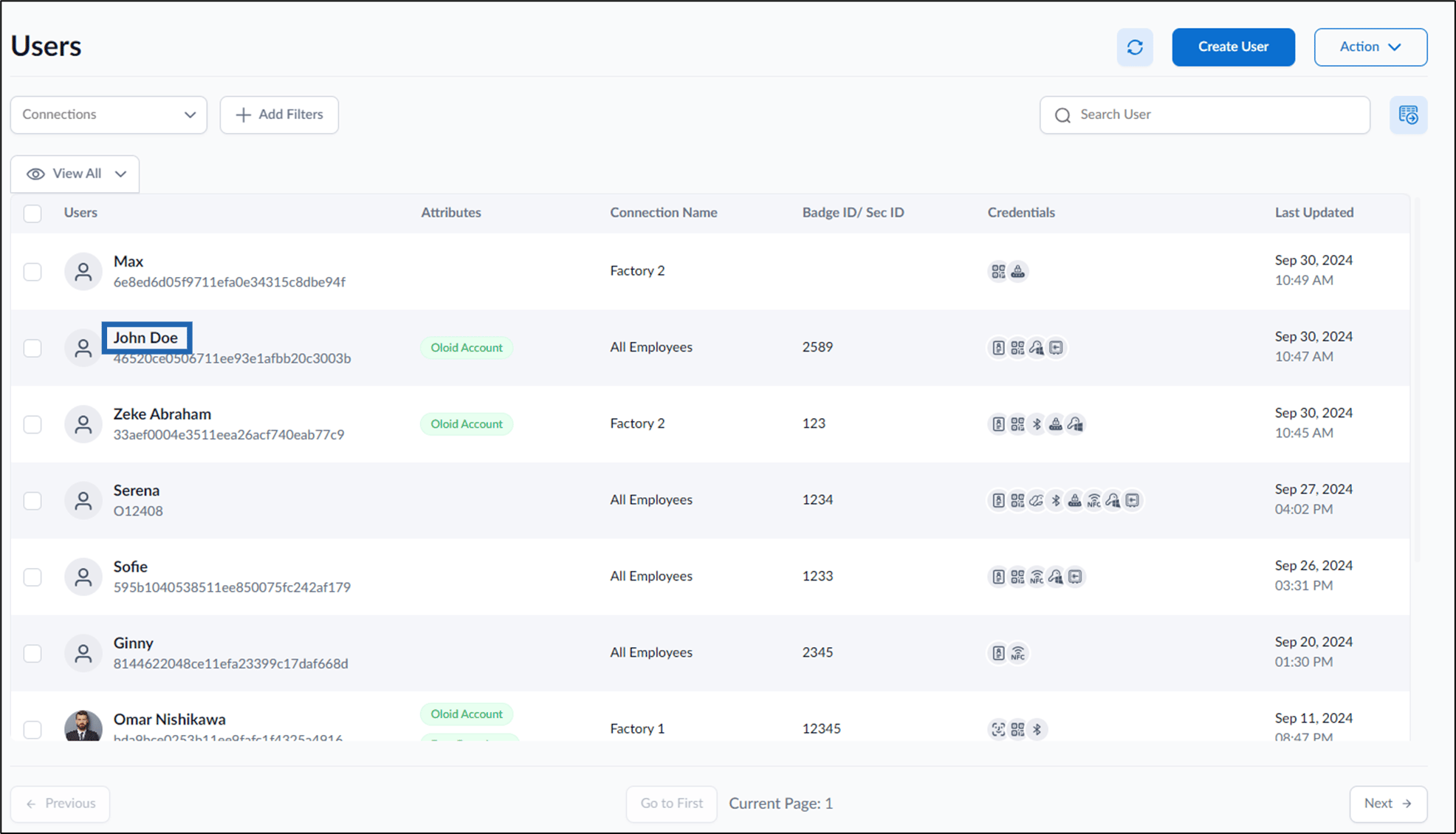
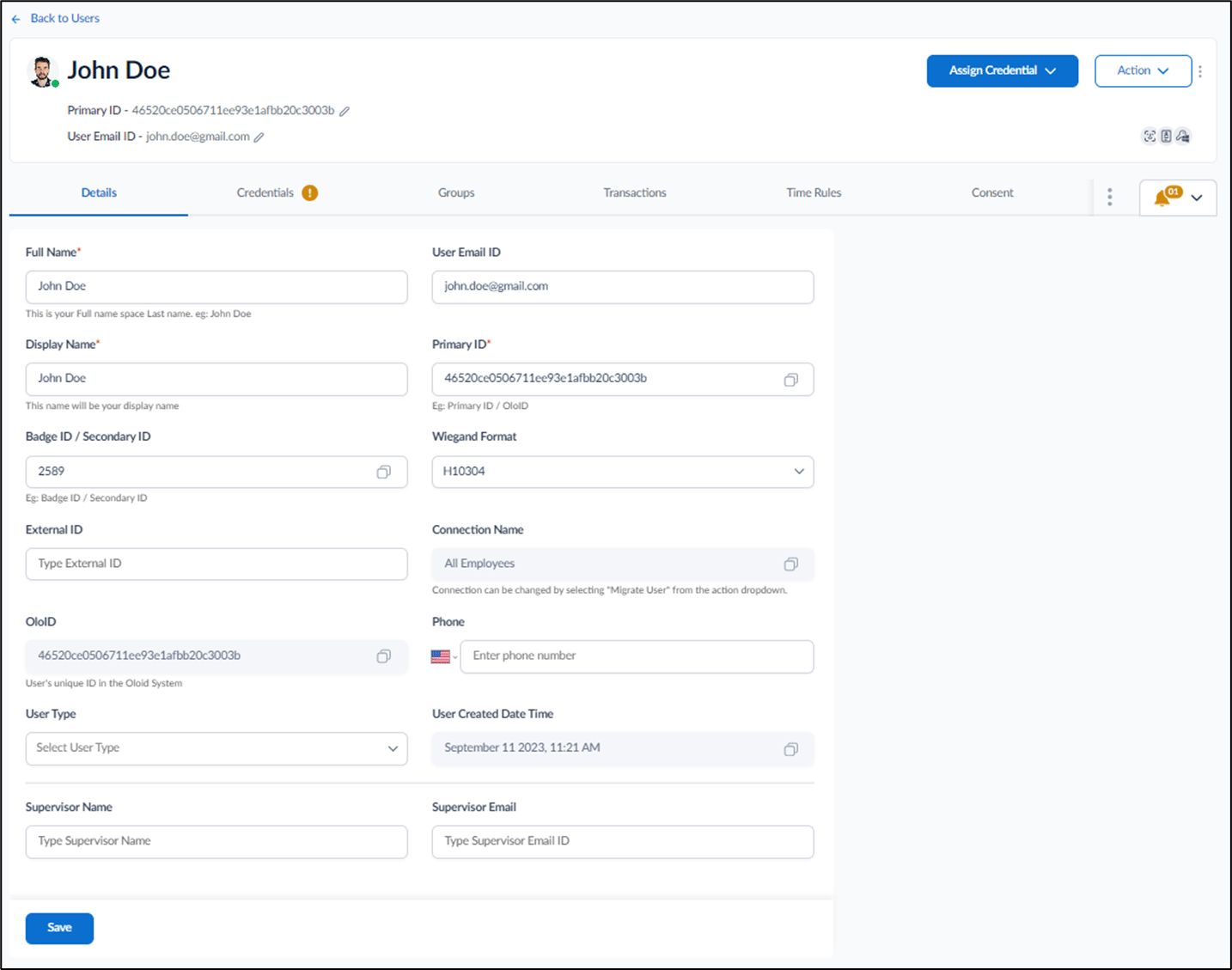
Select preferred User from the list.
-
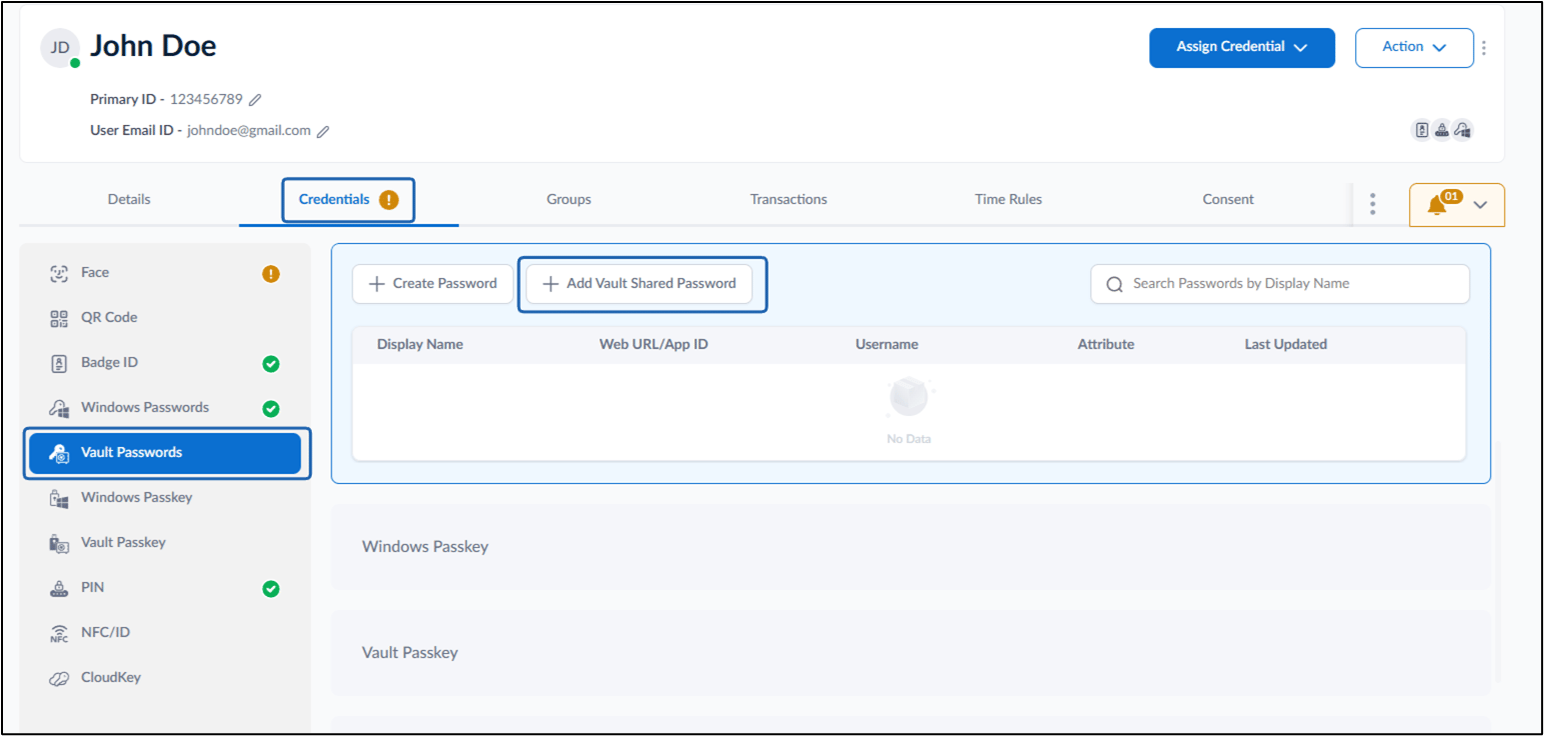
Go to Credential tab > Vault Passwords > + Add Vault Shared Password.
-
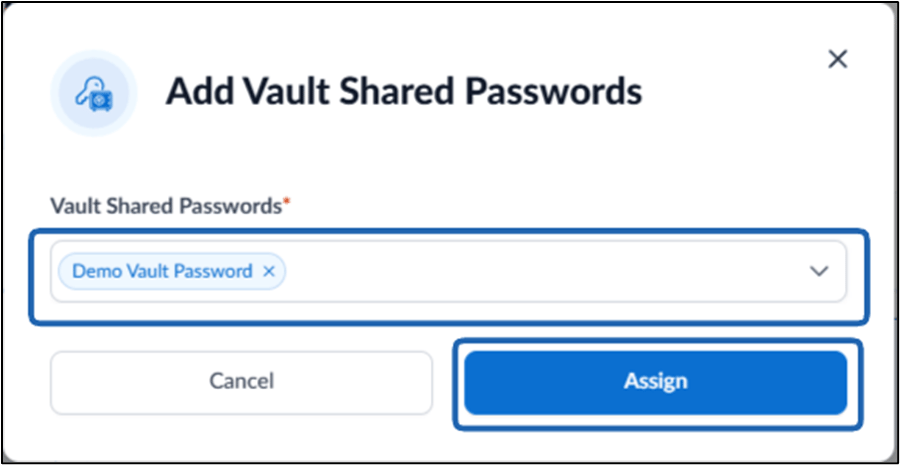
Select Vault Shared password to Assign from the dropdown.
Note: More than one Vault shared password can be assigned for a user.
-
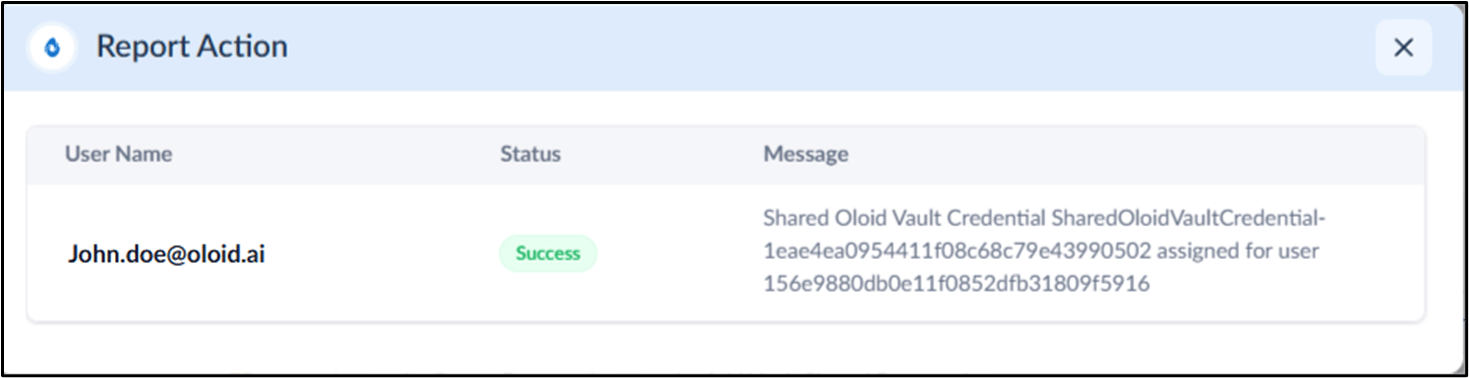
Click Assign.