Introduction
This document provides instructions for unpairing an endpoint from Oloid Vault (Chrome/Chromium) when the endpoint is no longer in use or needs to be removed from the system.Prerequisites
- The endpoint you want to unpair must be paired with Oloid Vault (Chrome/Chromium).
- You must have valid Oloid Vault admin credentials to access Admin Mode.
Steps to unpair an Endpoint
- Open Google Chrome browser and click Oloid Vault icon located on the toolbar.

- Go to More option (

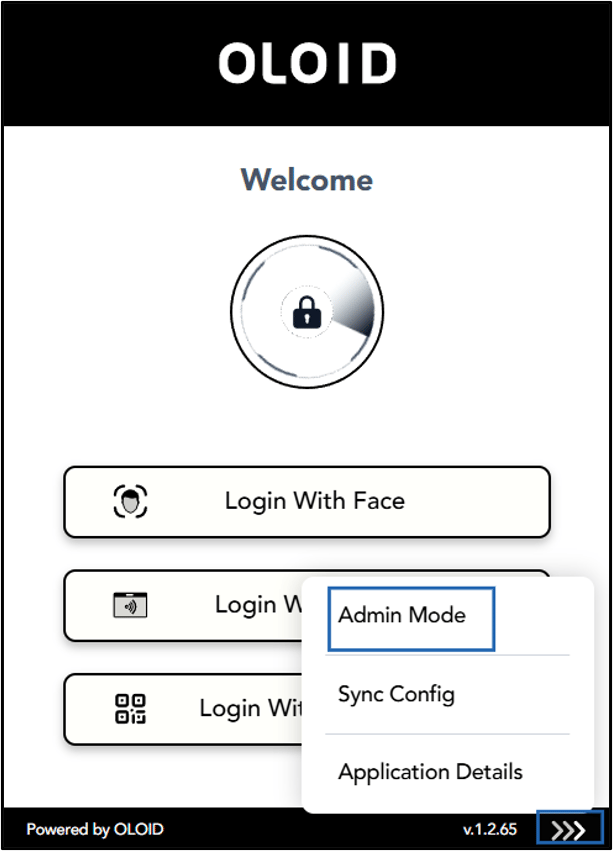
- Do the following:
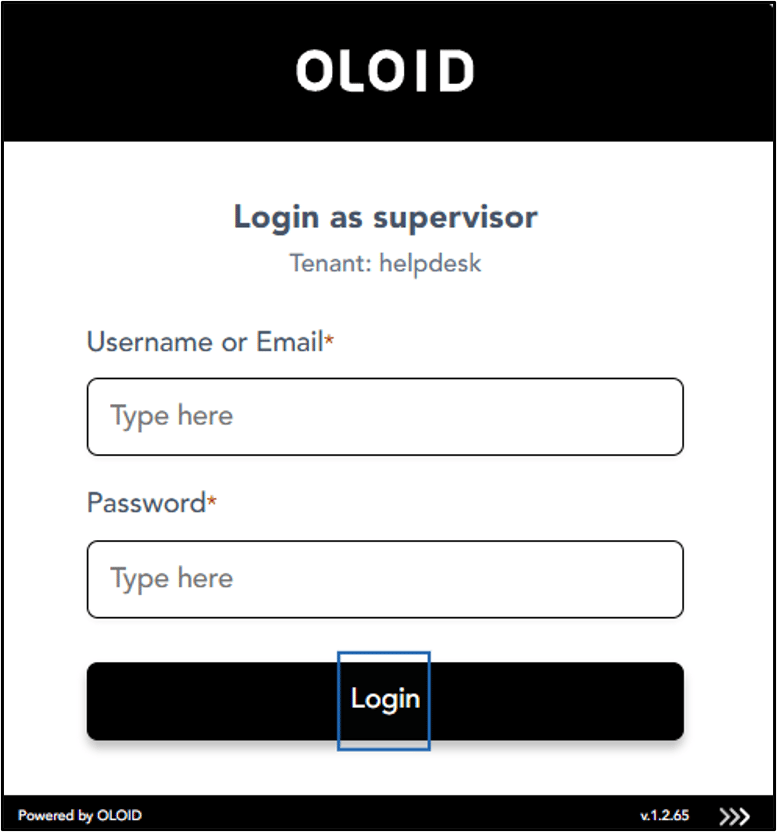
- Enter your Username or Email ID.
- Enter Password.
- Click Login.
- Select Unpair Endpoint.
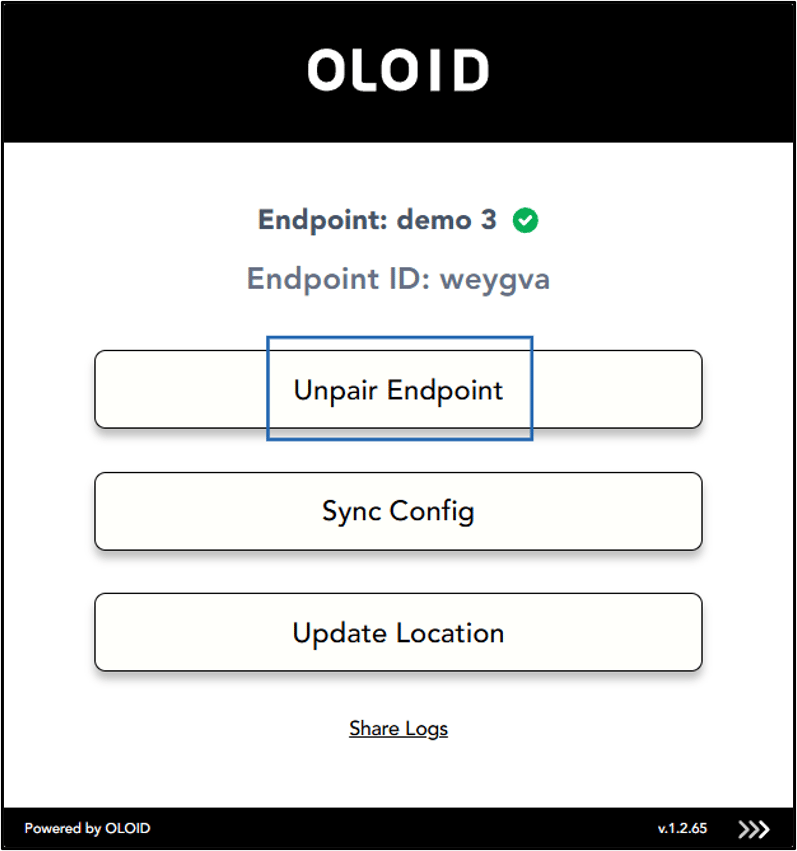
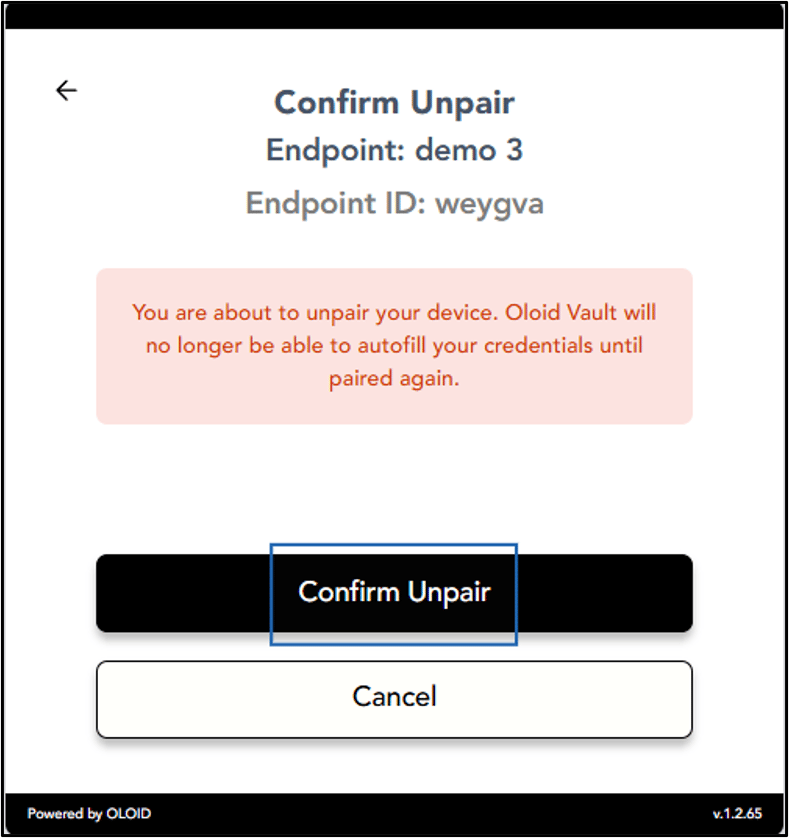
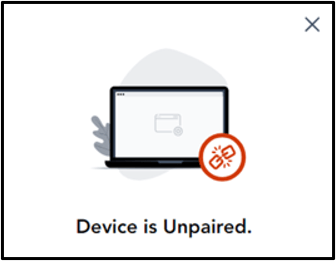
- Select Confirm Unpair.