Introduction
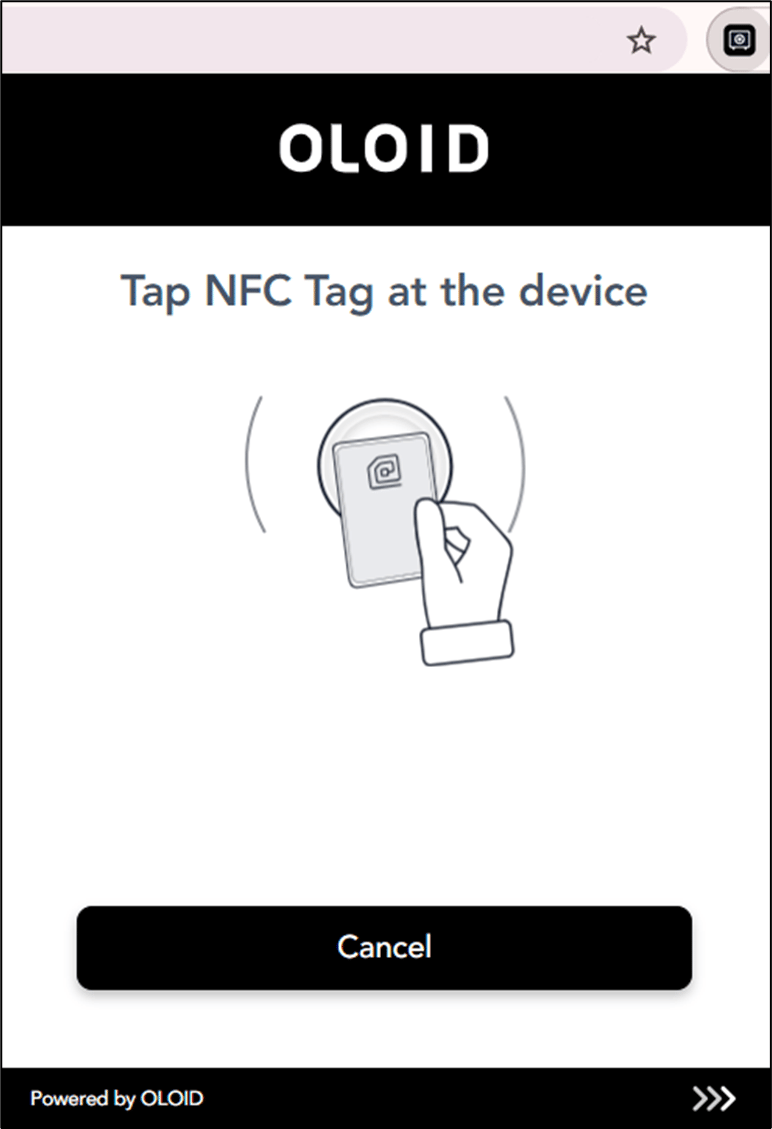
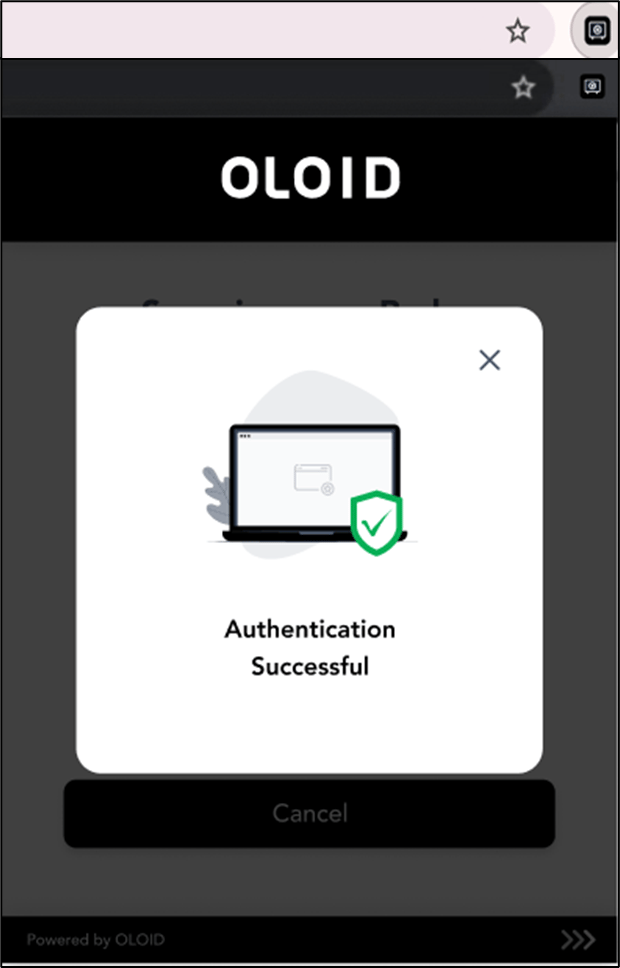
This document explains how to log in to Chrome Vault using NFC (Near Field Communication). NFC allows you to authenticate quickly by tapping your NFC tag on a compatible reader. This secure method streamlines access to Chrome Vault without the need to manually enter credentials.Prerequisites
- You have a valid NFC/ID tag assigned to you.
- Your device supports NFC and has an active NFC reader.
Steps to Log in to Chrome Vault using NFC
-
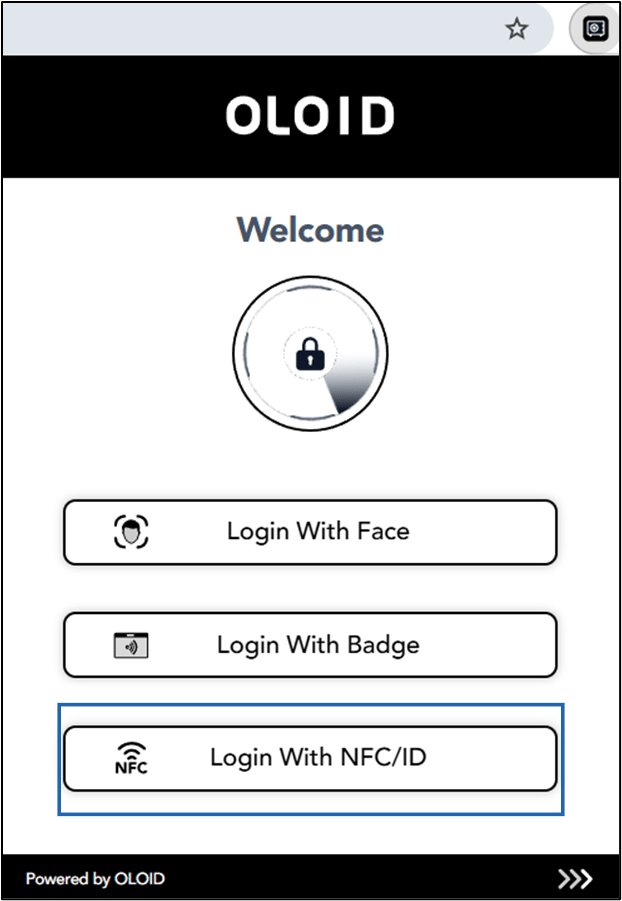
Open Google Chrome browser and click Chrome Vault icon located on the toolbar.

-
Select Login With NFC/ID.
Note: You will only see the authentication methods (Face, Badge and NFC/ID) enabled for you. Button names may vary based on configuration. Contact Support if no authentication method appears.