Introduction
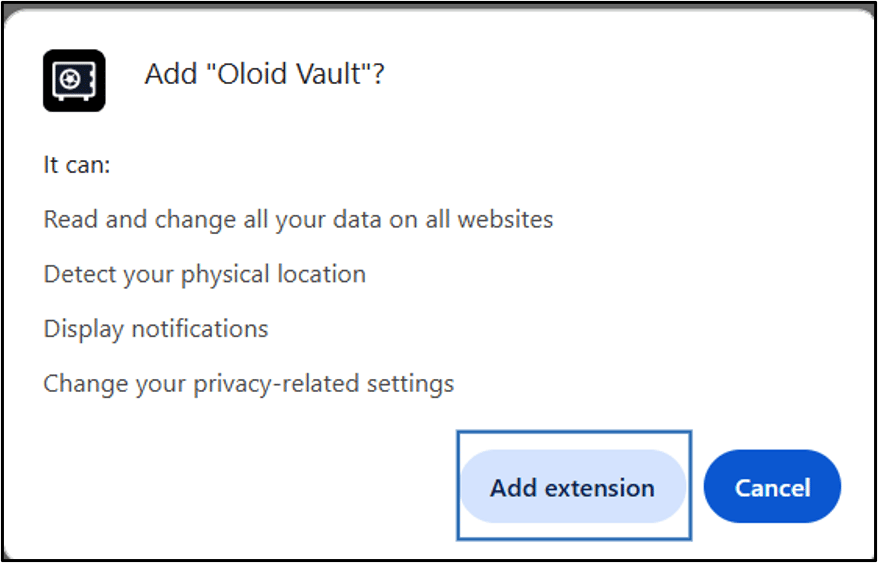
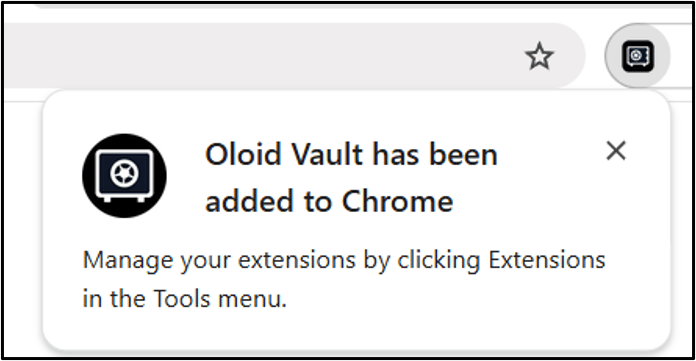
This document provides instructions to install the Oloid Vault extension in Google Chrome from the Chrome Web Store.Prerequisites
- Google Chrome is installed on the device.
- You have an active internet connection.
- You have permission to install browser extensions.
Steps to Add Oloid Vault Extension in Google Chrome.
-
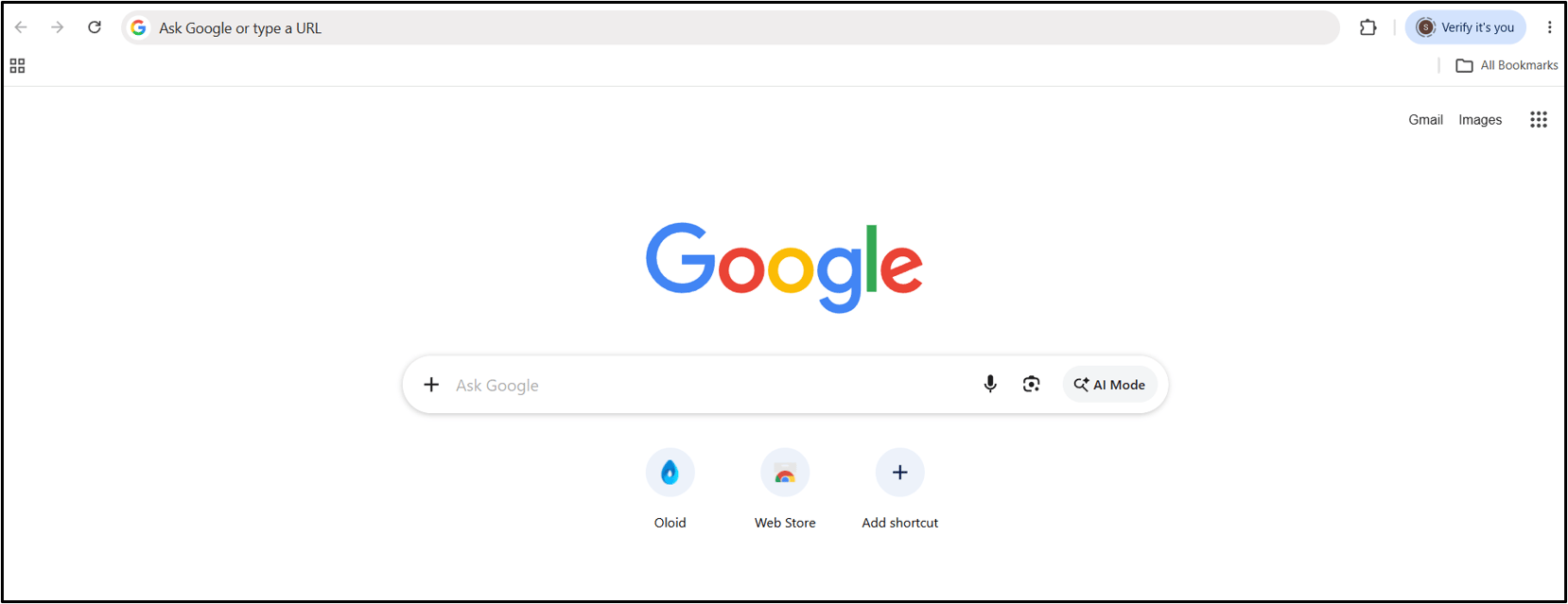
Open the Google Chrome browser.
The Google Chrome browser is displayed.
-
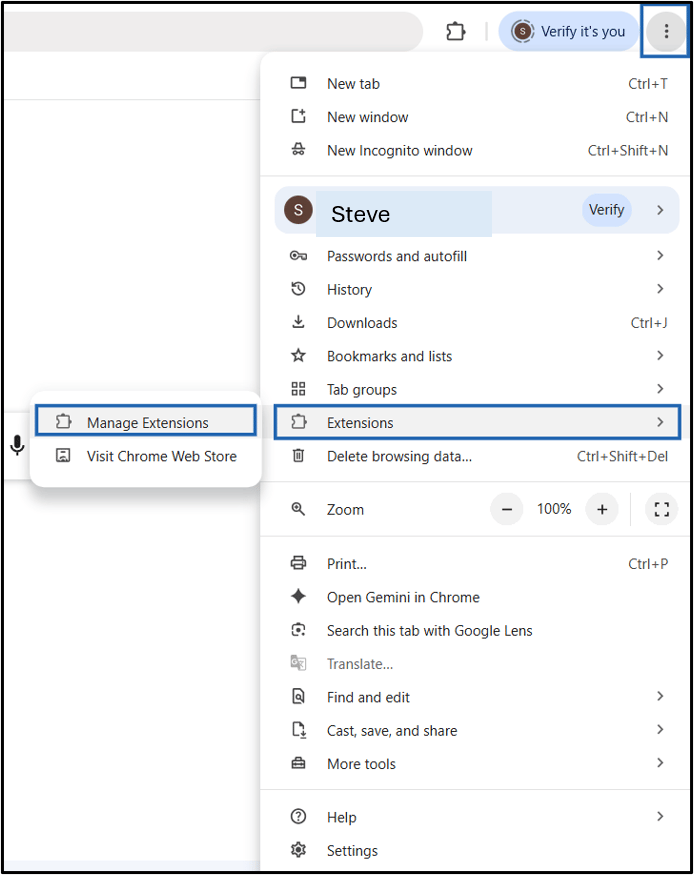
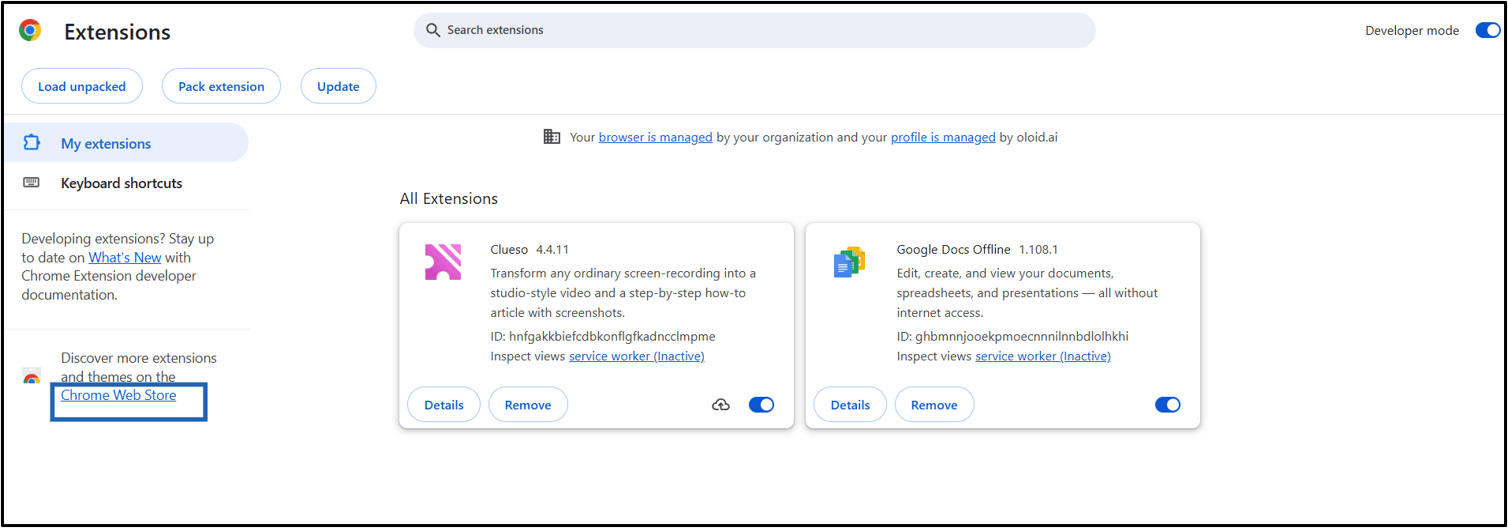
Click the Menu (three dots) icon > Extensions > Manage Extensions.
Note: You can also click Visit Chrome Web Store to open the Chrome Web Store and skip Step 3.
-
Click Chrome Web Store.
-
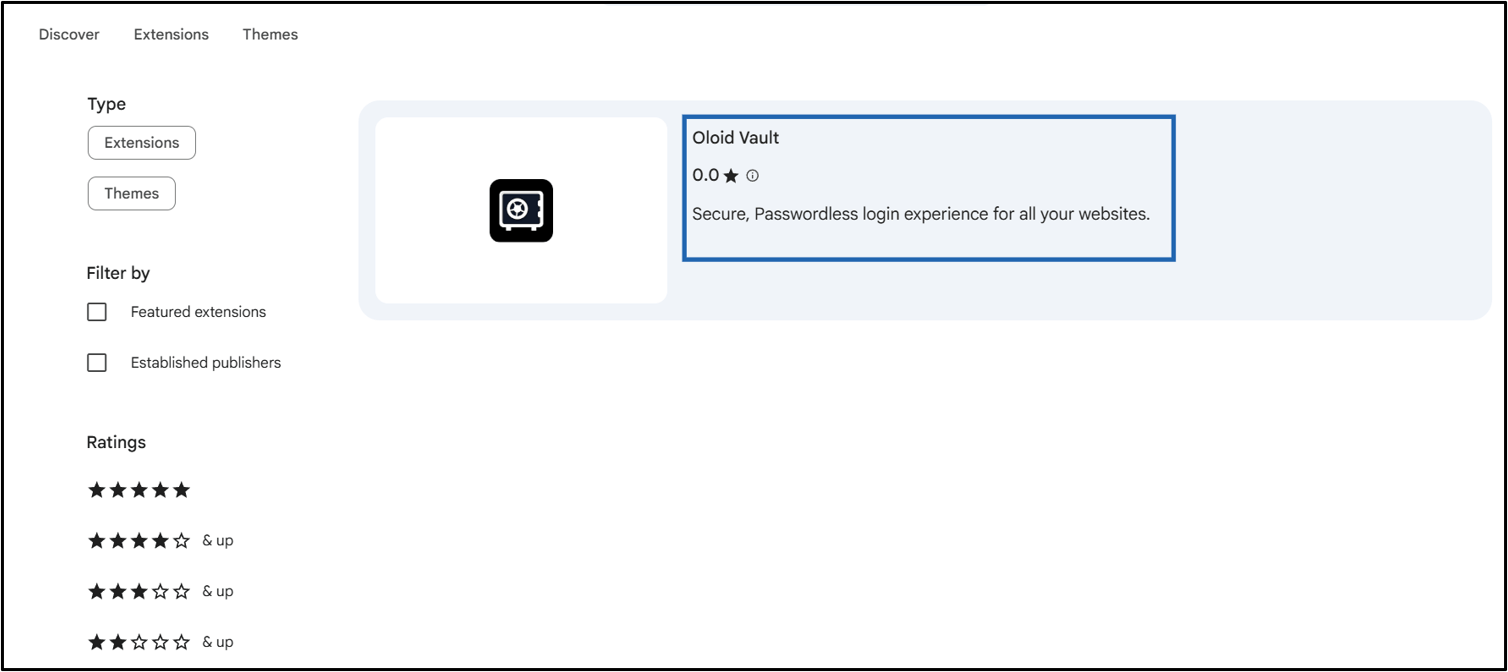
In the search bar, enter Oloid Vault.

-
Click Oloid Vault.
-
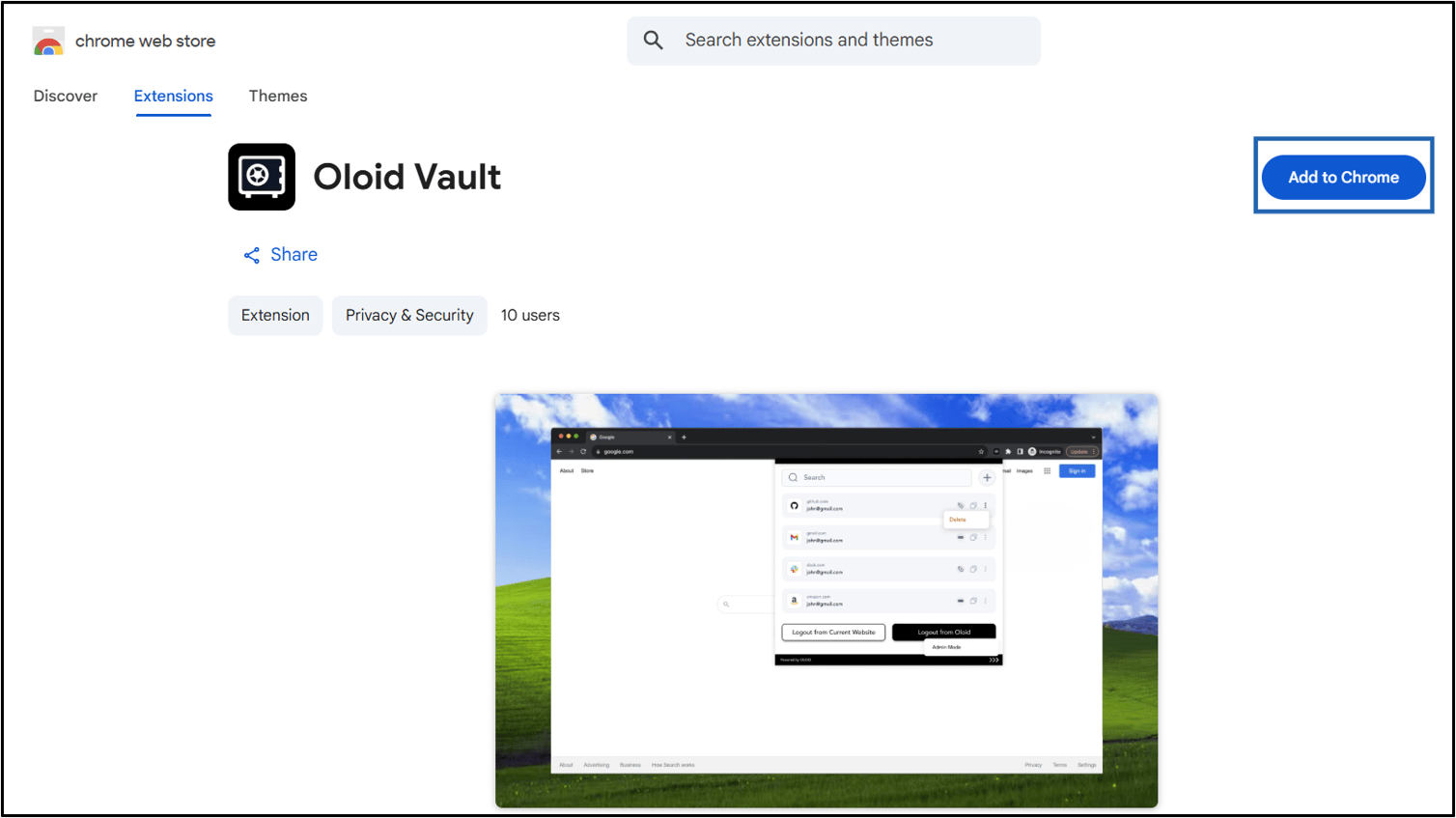
Click Add to Chrome.
-
Click Add extension.