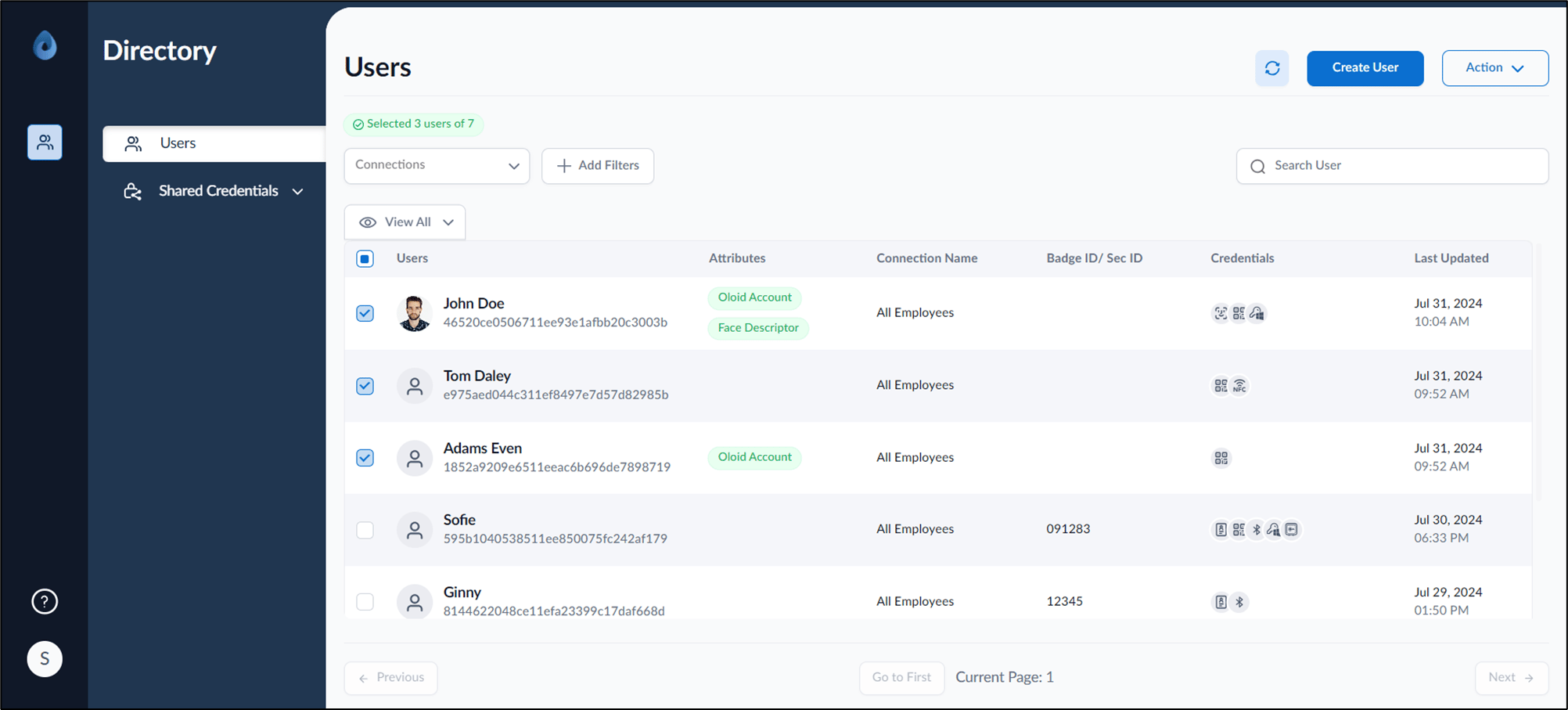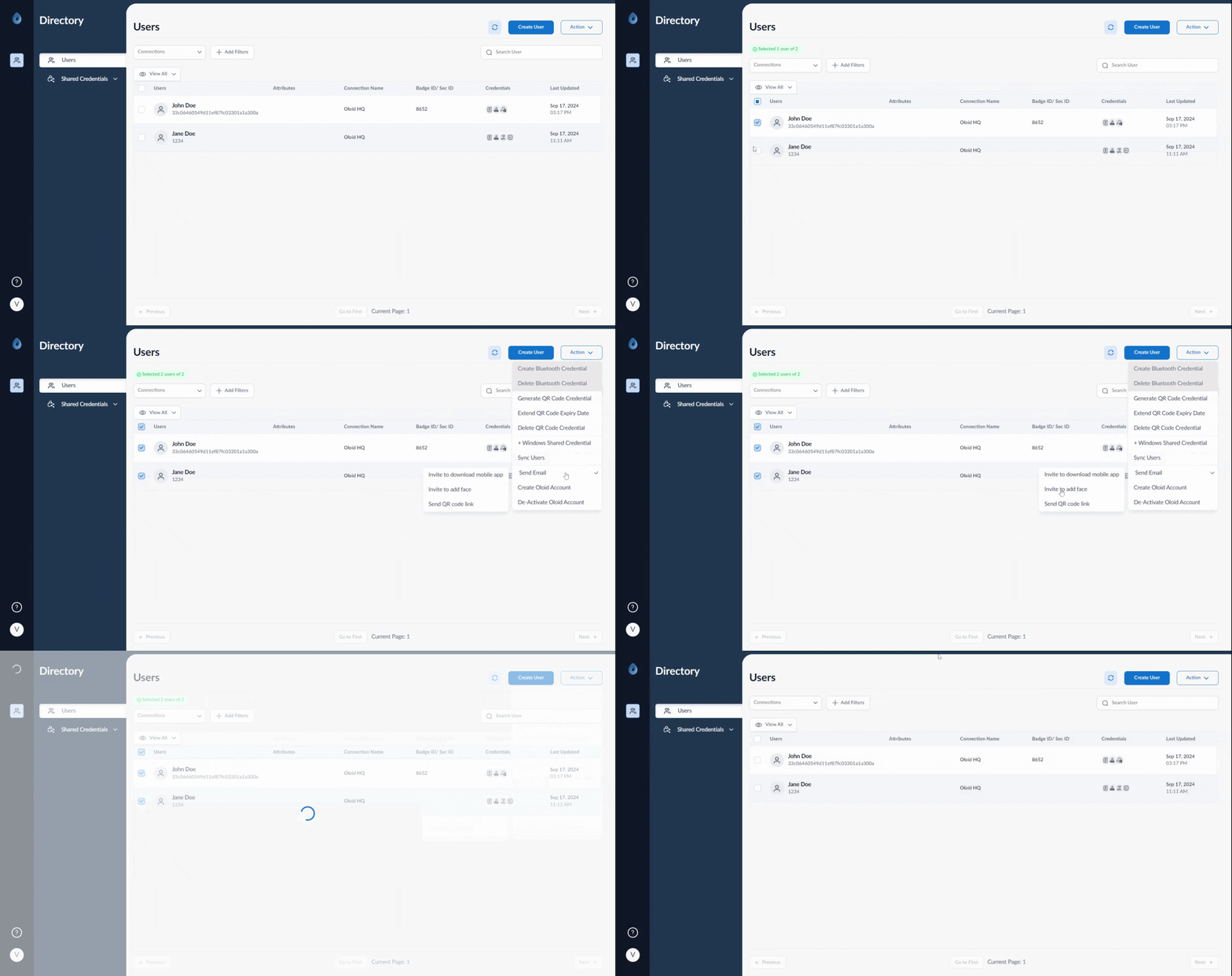
How to invite multiple users to add face - screenshot 1 Steps to invite multiple users to add Face
  1. Log in to the Supervisor Portal. The Users page is displayed.
  2. Select user(s). How to invite multiple users to add face - screenshot 2
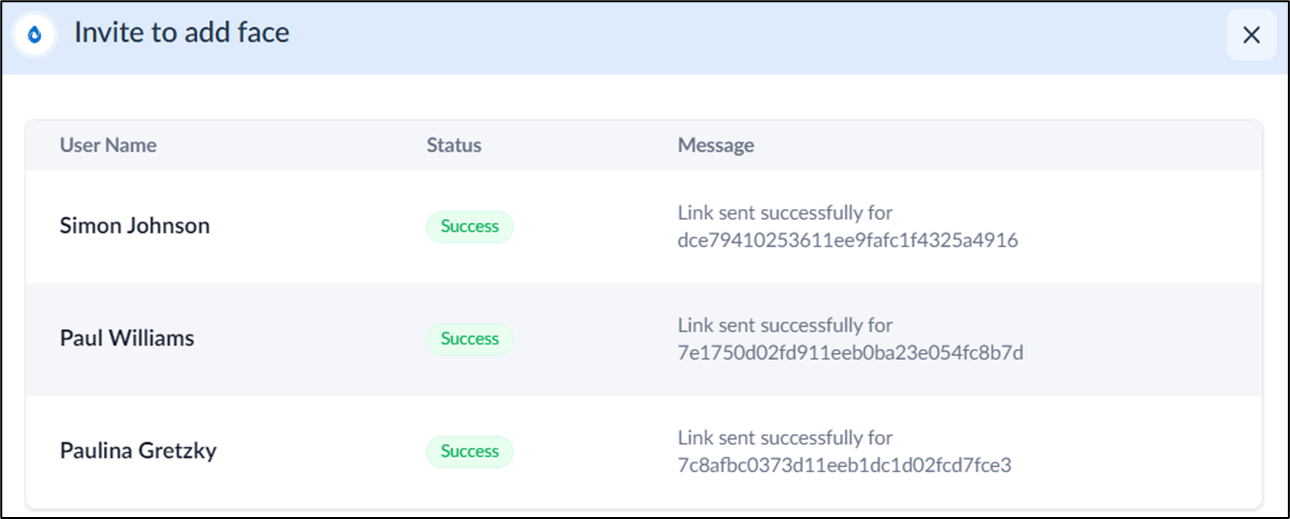
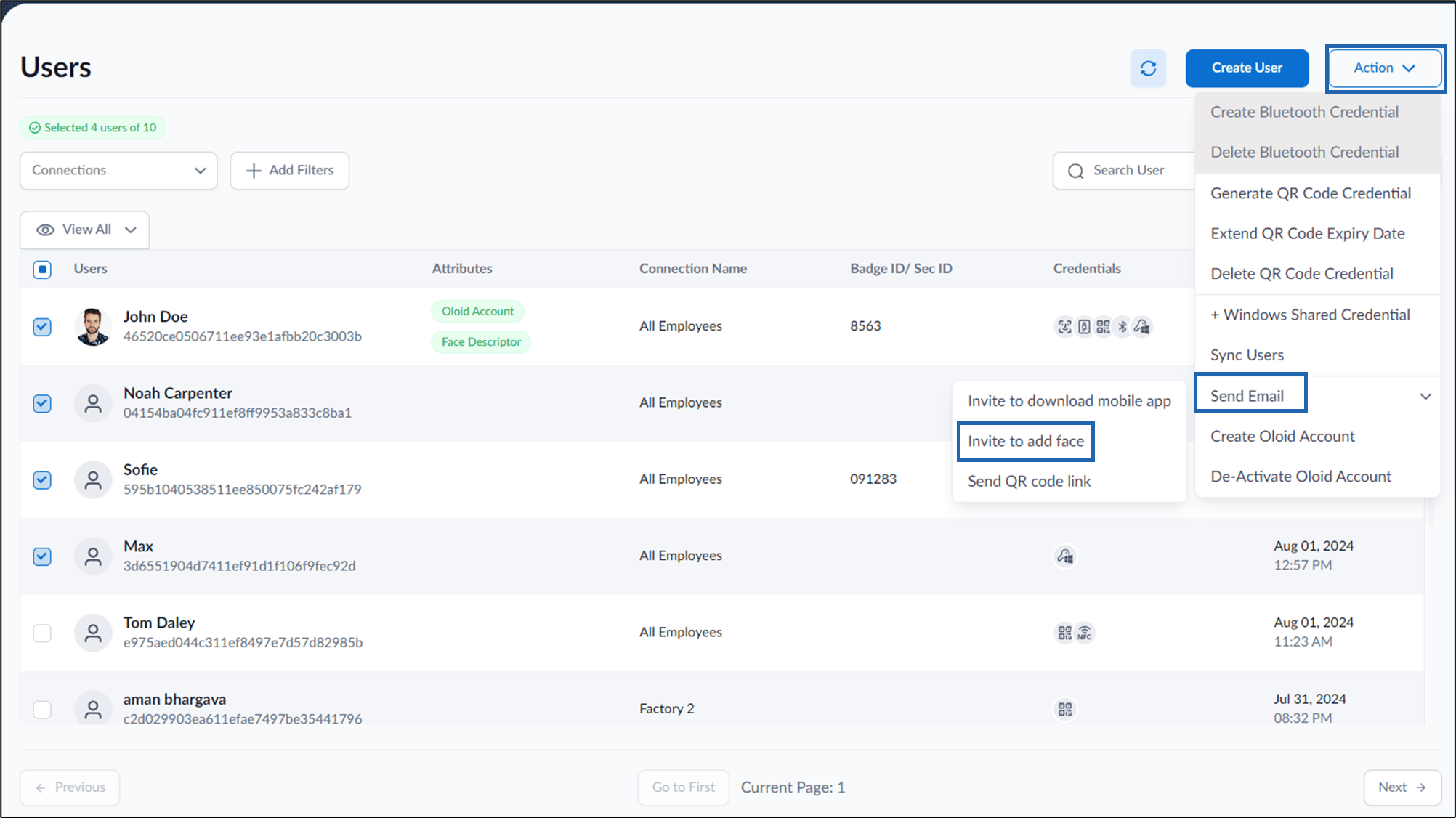
  3. On top right, Click Action > Send email > Invite to add face. How to invite multiple users to add face - screenshot 3 An email invite link is sent to the users to upload their face. How to invite multiple users to add face - screenshot 4
To upload face using the invite link, see How to add face using the invite link.