Introduction
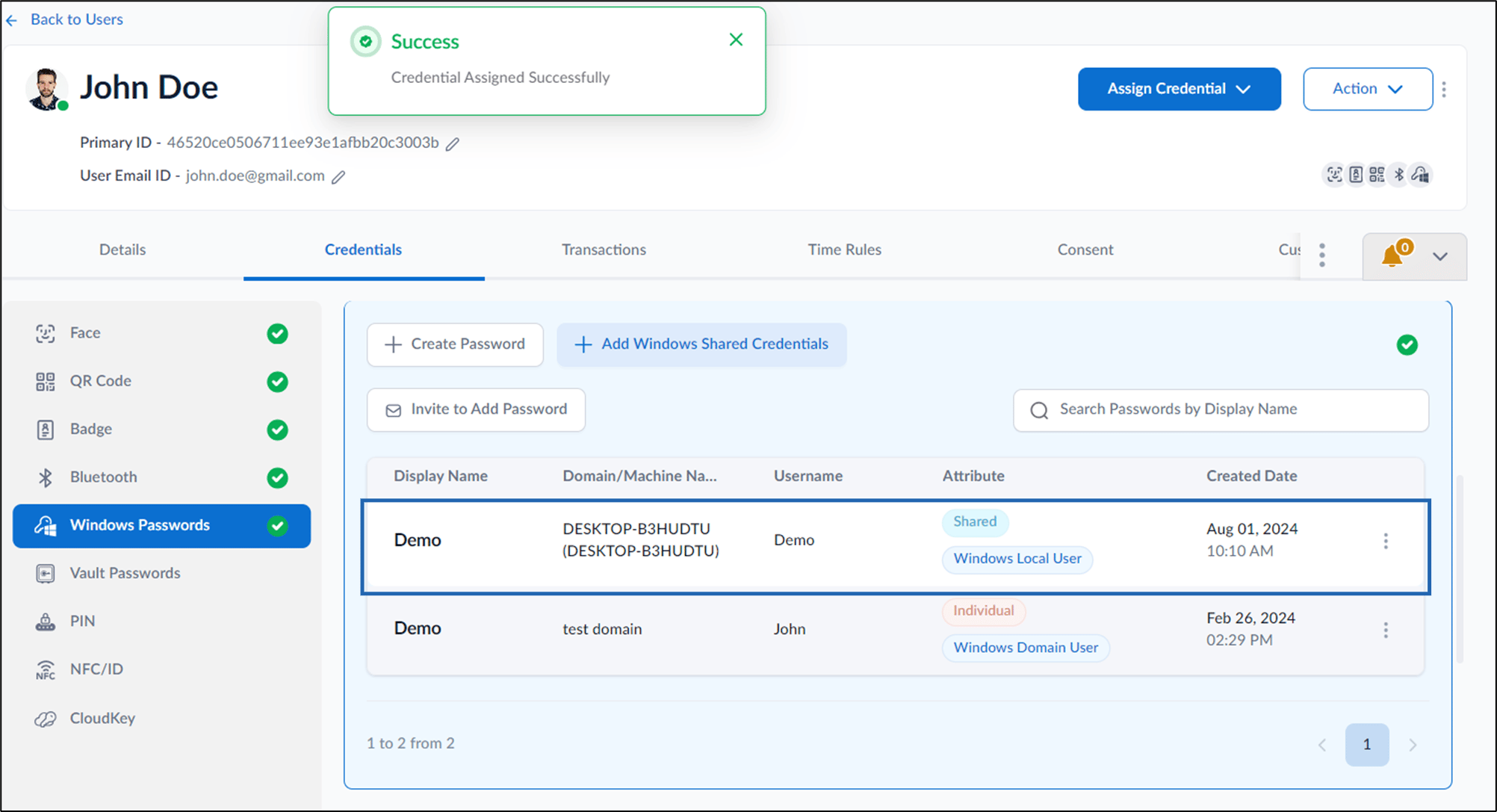
Shared Credentials are passwords that can be used to access a local windows machine or a domain. It is shared among the users to which they are assigned. Steps to assign Shared Credential:- Log in to the Supervisor Portal. The Users page is displayed.
- Click username to edit.

- The user details page is displayed.
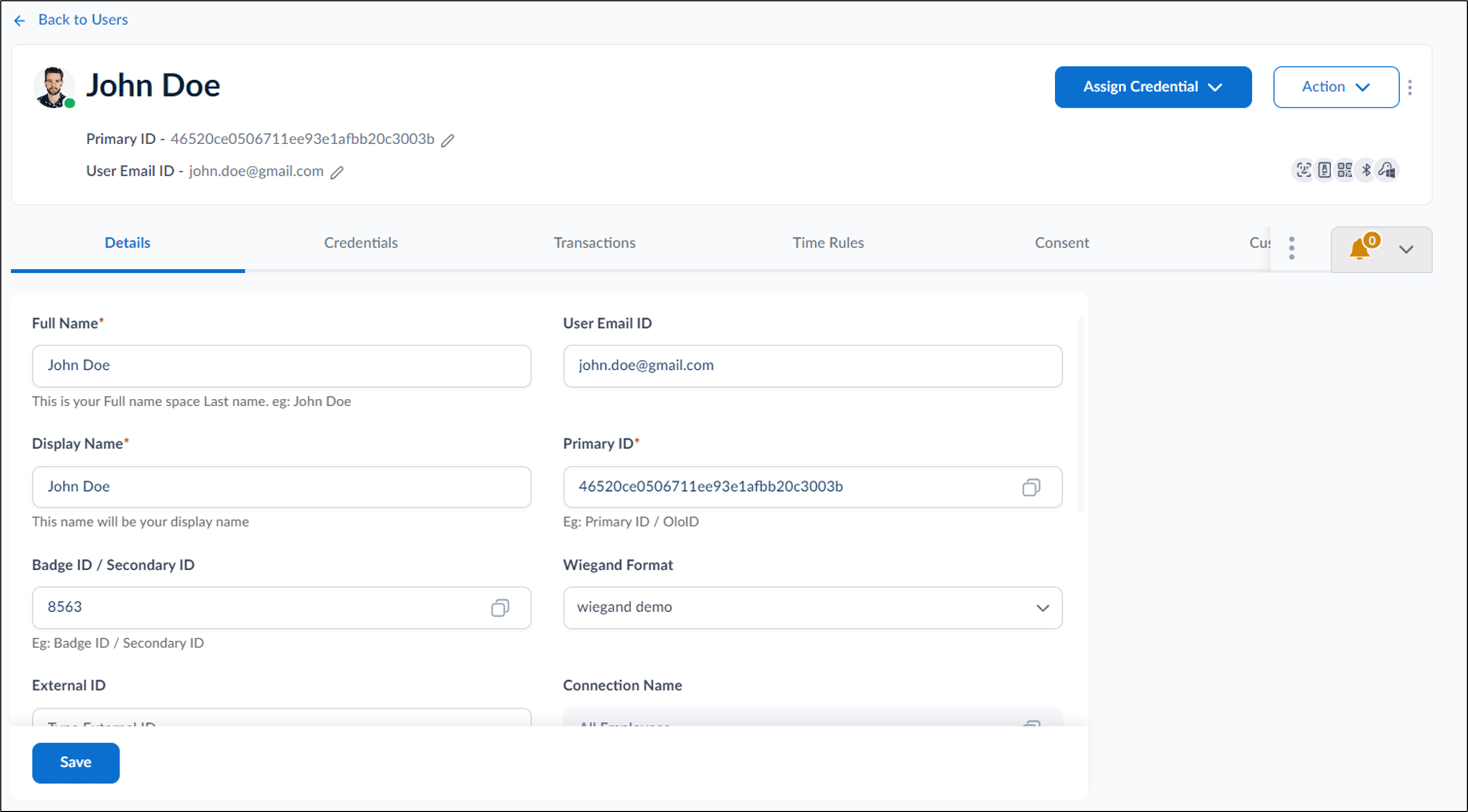
- Go to Credentials > Windows Passwords tab > + Add Windows Shared Credentials.


- On the pop-up box, select shared credential(s) from Select Shared Credentials drop-down list.
- Select Assign.
The shared credential is successfully assigned to the user.