

- Log in to the Supervisor Portal.
The Users page is displayed.
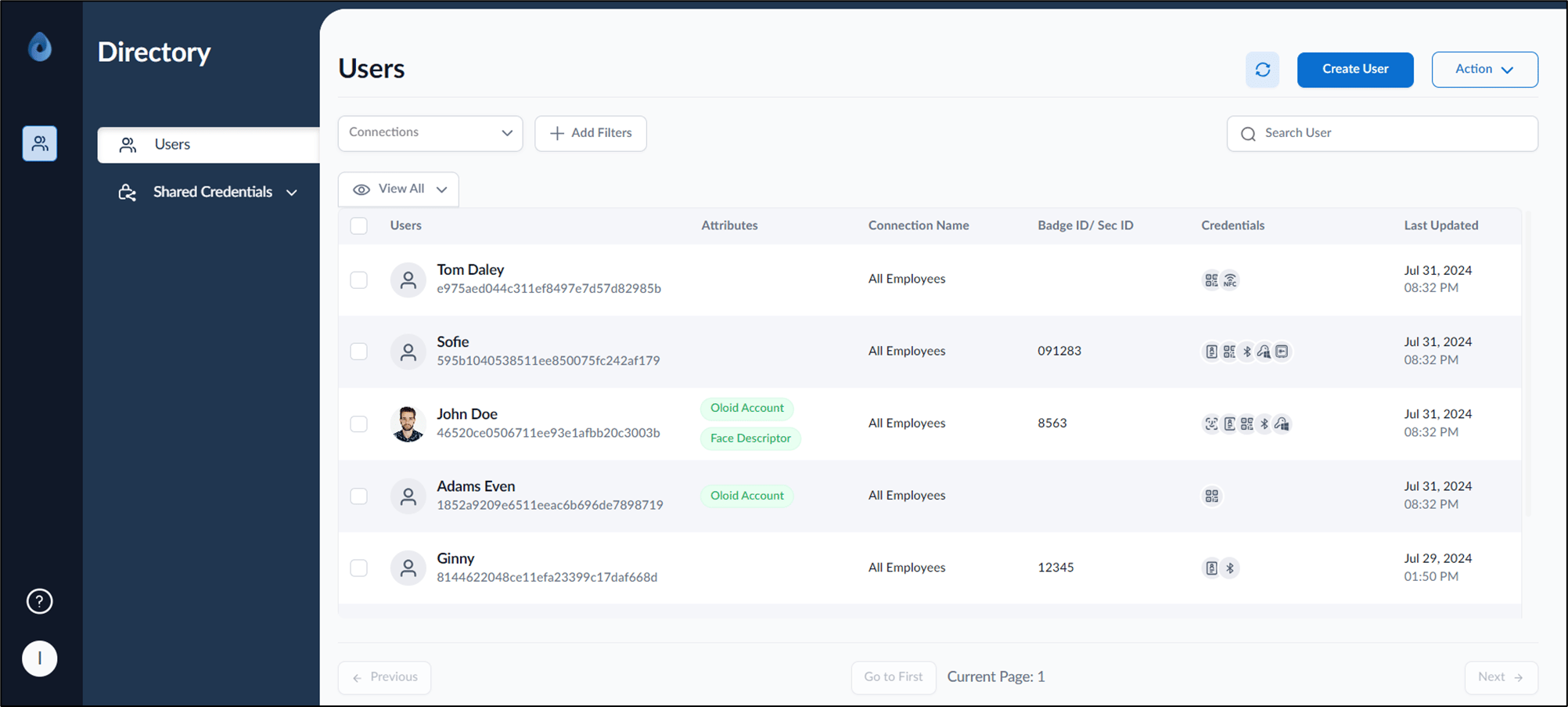
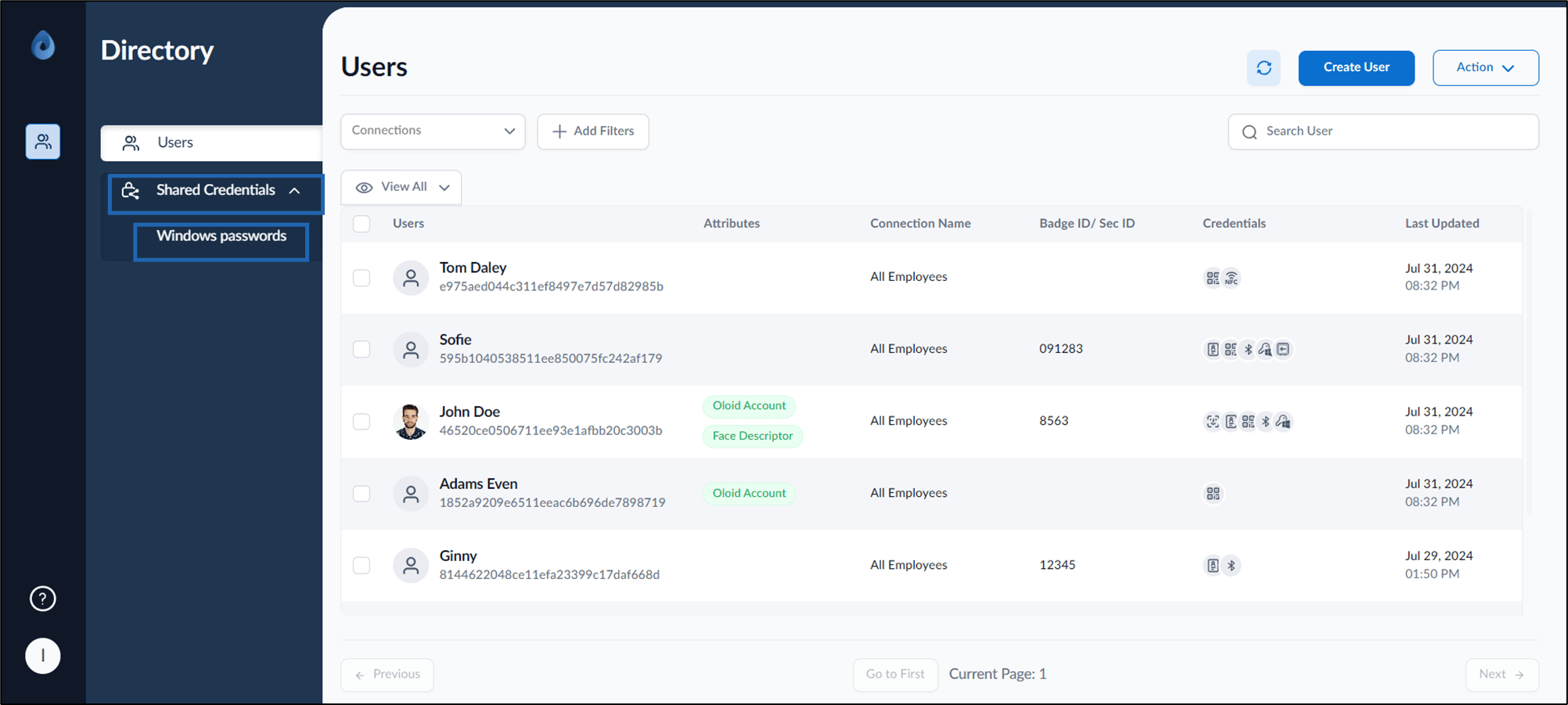
- Click Shared Credentials > Windows Passwords.
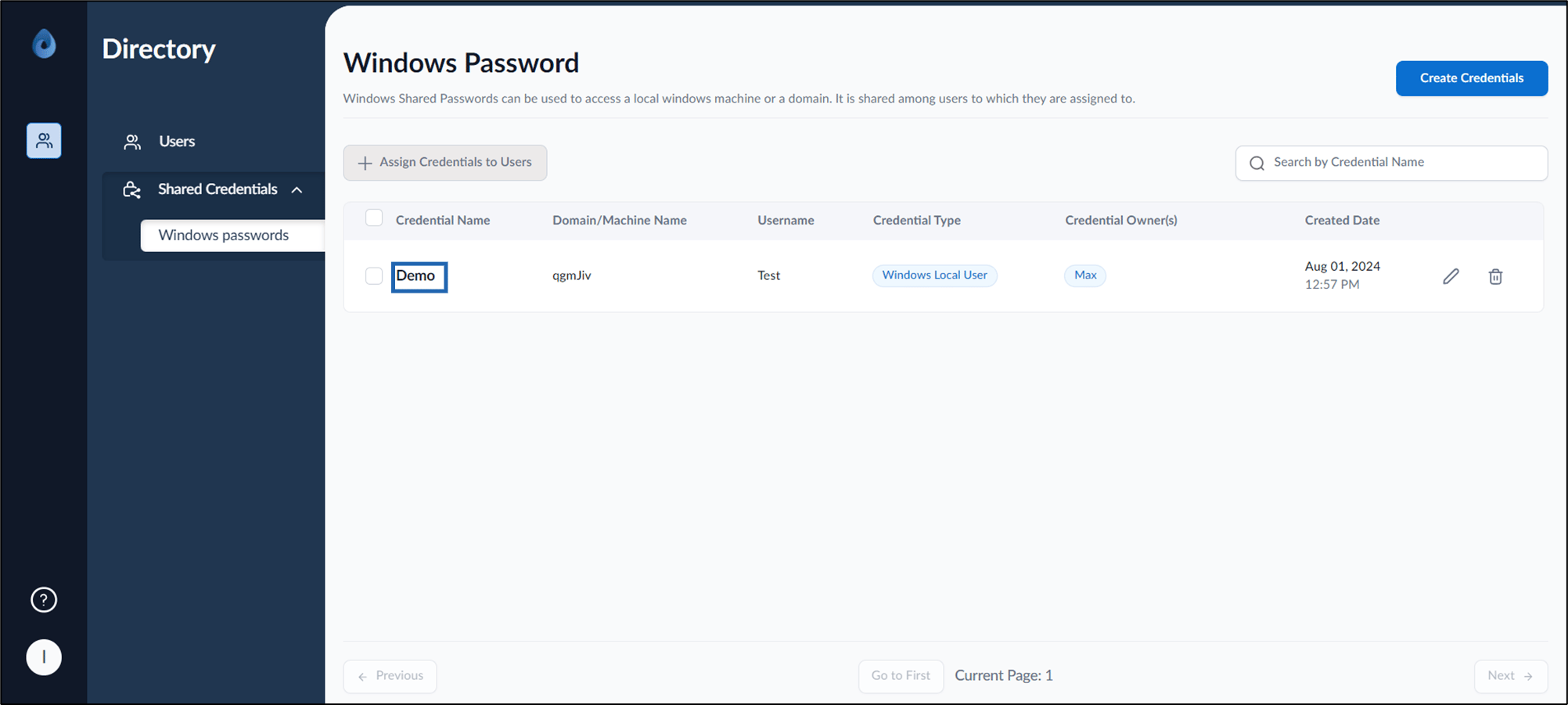
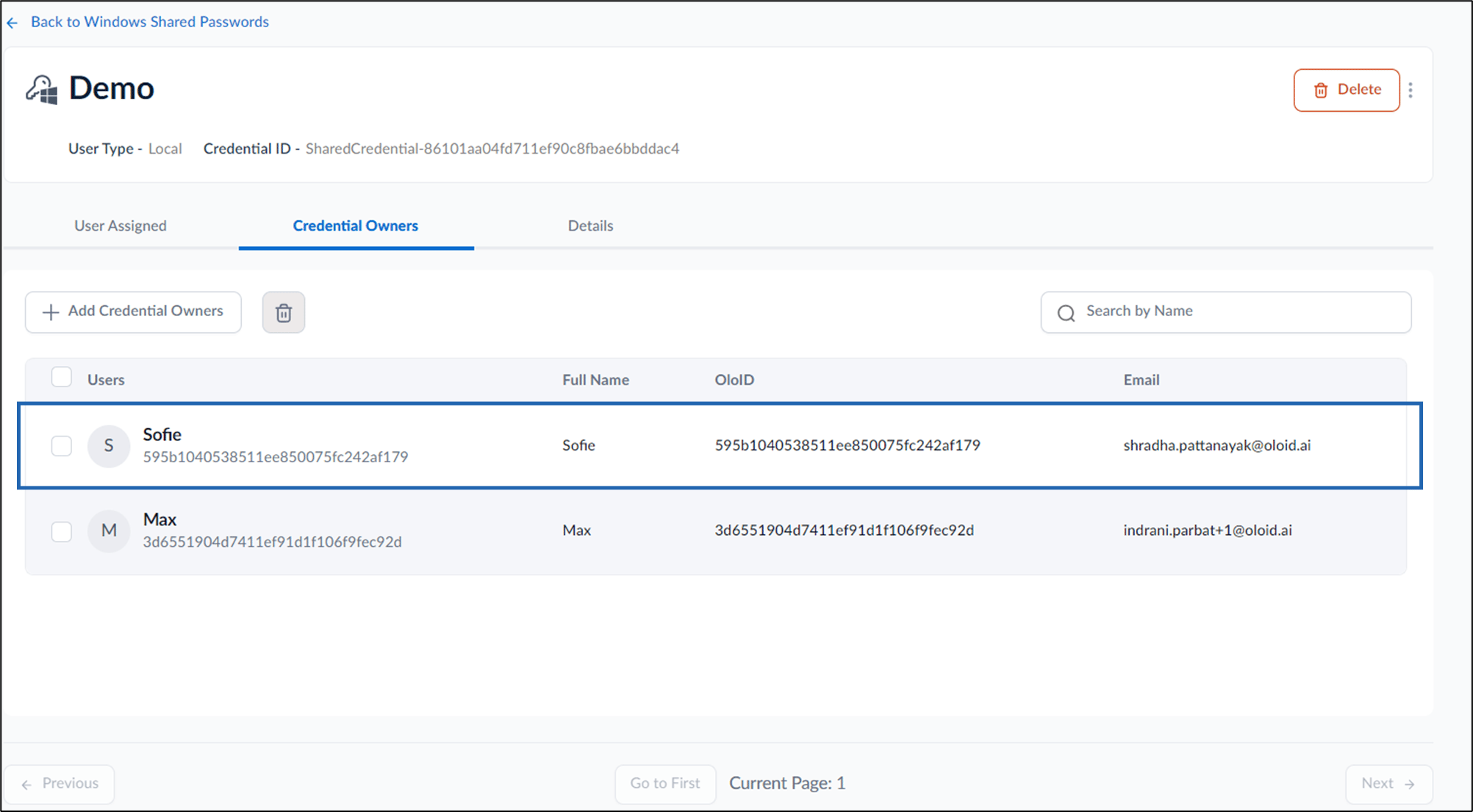
- Select credential name to edit.
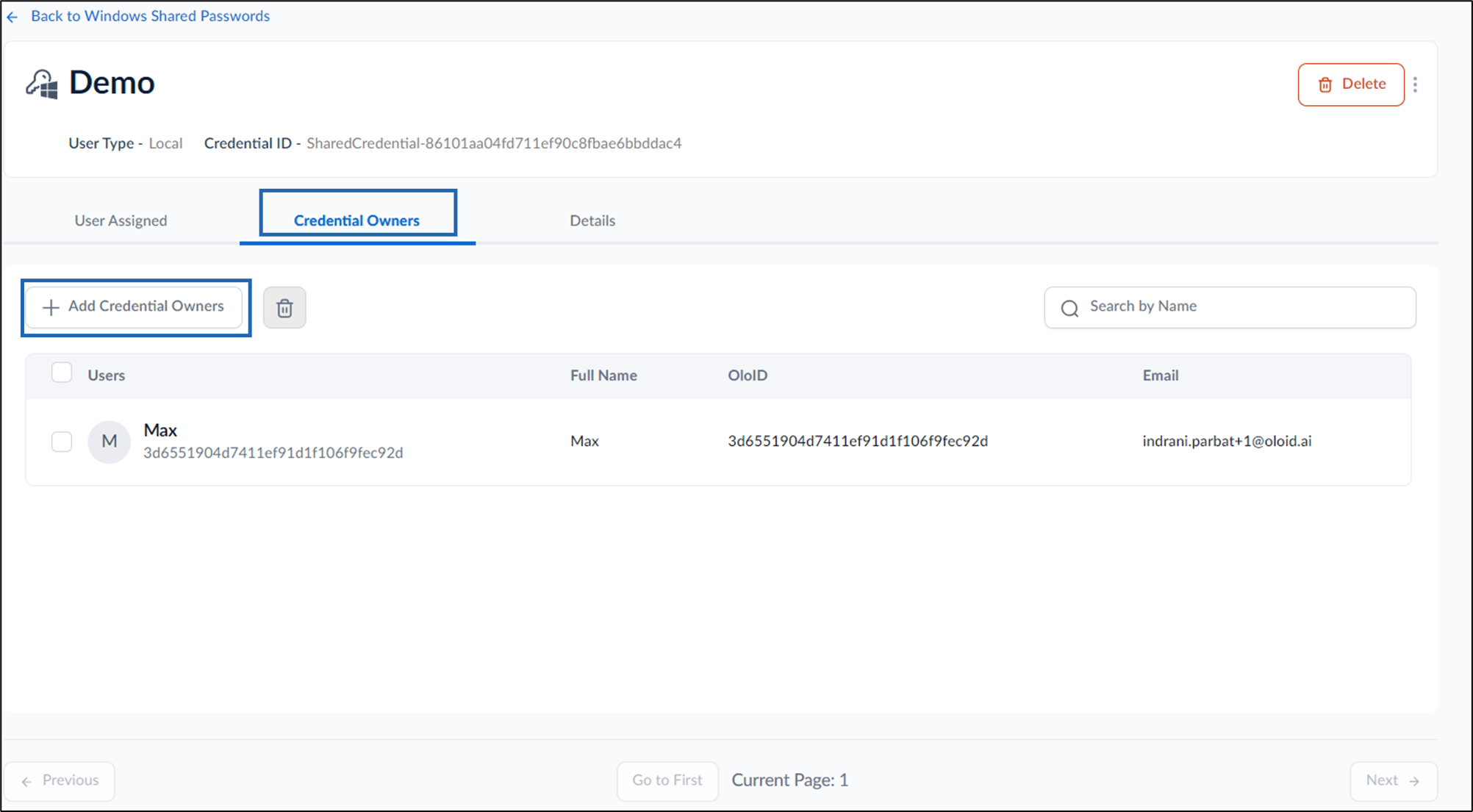
- Select Credential Owners tab > + Add Credential Owners.
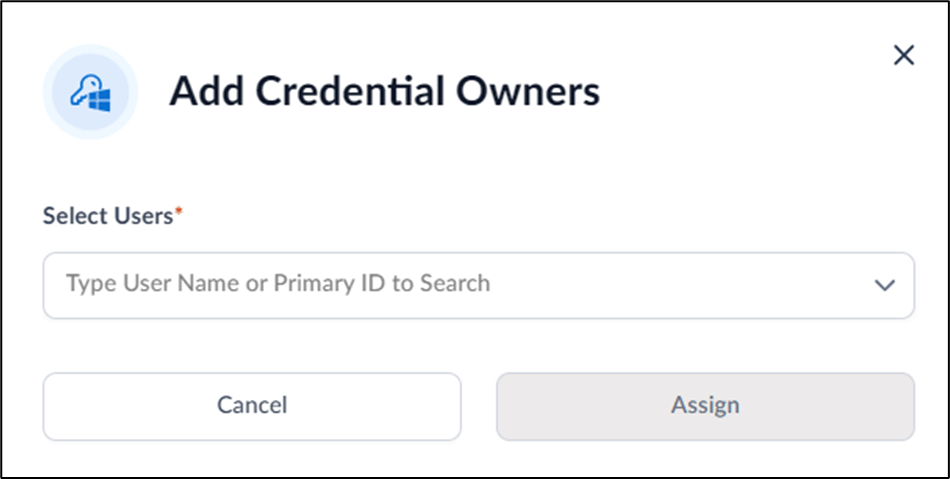
- On the pop-up box, enter user name(s) or primary ID(s) in the Users dropdown list.
- Select Assign.
The credential owners are successfully assigned.
Supervisor Portal - How to add credential owners
This document provides step-by-step instructions to add credential owners in the Supervisor Portal.
Steps to add Credential Owners:
⌘I