

- Launch your browser.
- Enter the URL provided for you in the browser’s address bar. Then, press Enter on your keyboard.
The Supervisor Portal login page is displayed.
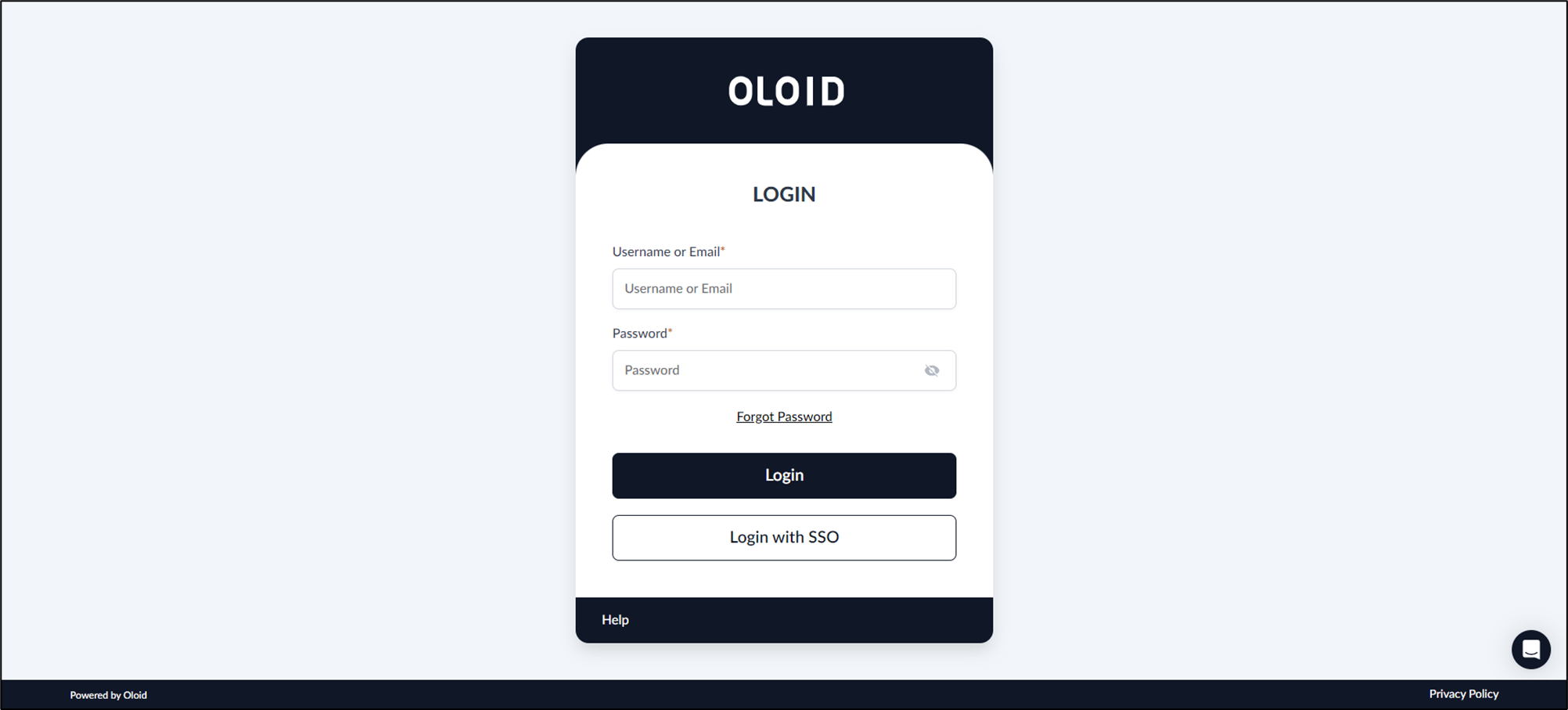
- Do the following:
- Enter your email address in the Email field.
- Enter Password.
-
Click Login.
The Oloid Supervisor Portal is displayed.
Note: Oloid uses SSO login and also allows you to log in to the portal with your Google, Microsoft, Okta, or with your Email account.
Supervisor Portal - How to log in to Supervisor Portal
The Supervisor Portal is a restricted area within Oloid’s Tenant Admin Portal, offering supervisors limited access as defined by the admin.
The Supervisor Portal is a restricted area within Oloid’s Tenant Admin Portal, offering supervisors limited access as defined by the admin.
Pre-requisite: You should be a user with Supervisor role.
⌘I