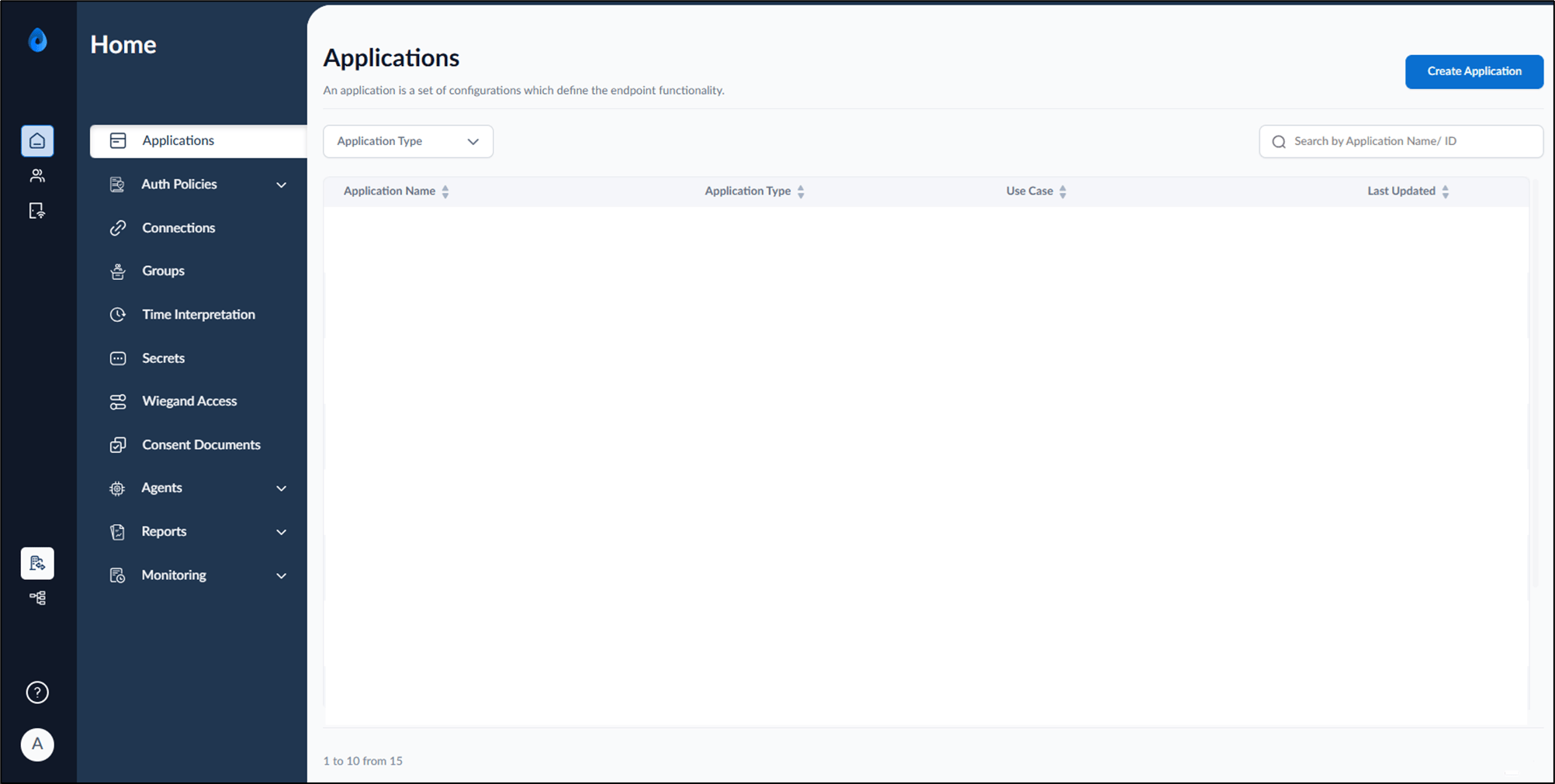
Introduction
This document provides instructions to login to the Tenant Admin Portal using PingOne Single Sign-On (SSO).Prerequisites
- You should be a user in the Oloid Portal with Admin/Supervisor role.
- You must have valid PingOne login credentials.
Steps to Login to Tenant Admin Portal using PingOne SSO Login
- Launch your browser.
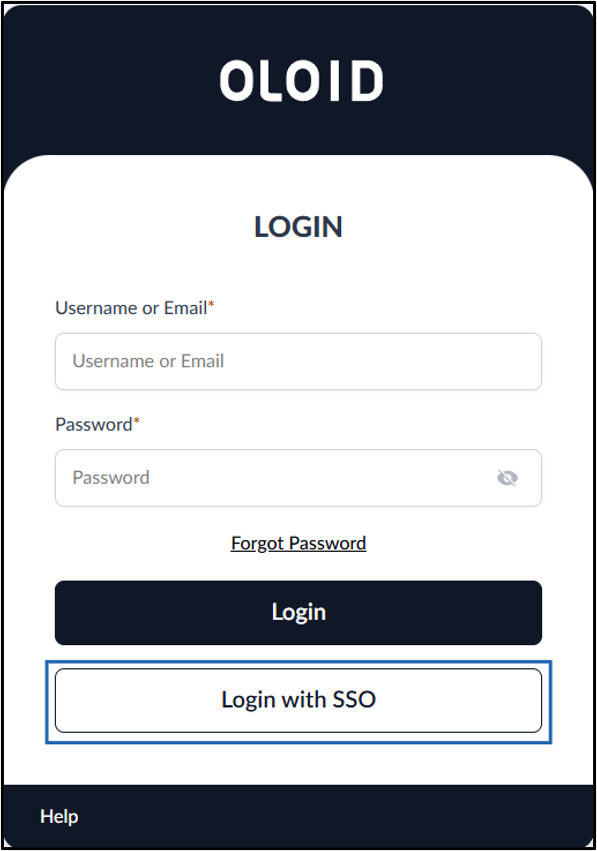
- Enter the URL provided for you in the browser’s address bar and press Enter. The Oloid LOGIN page is displayed.
- Click Login with SSO.
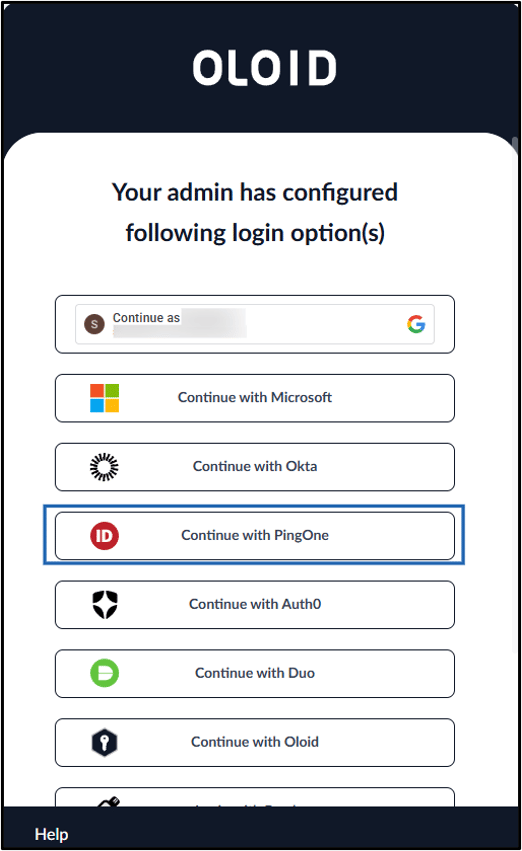
- Click Continue with PingOne.
- Do the following:
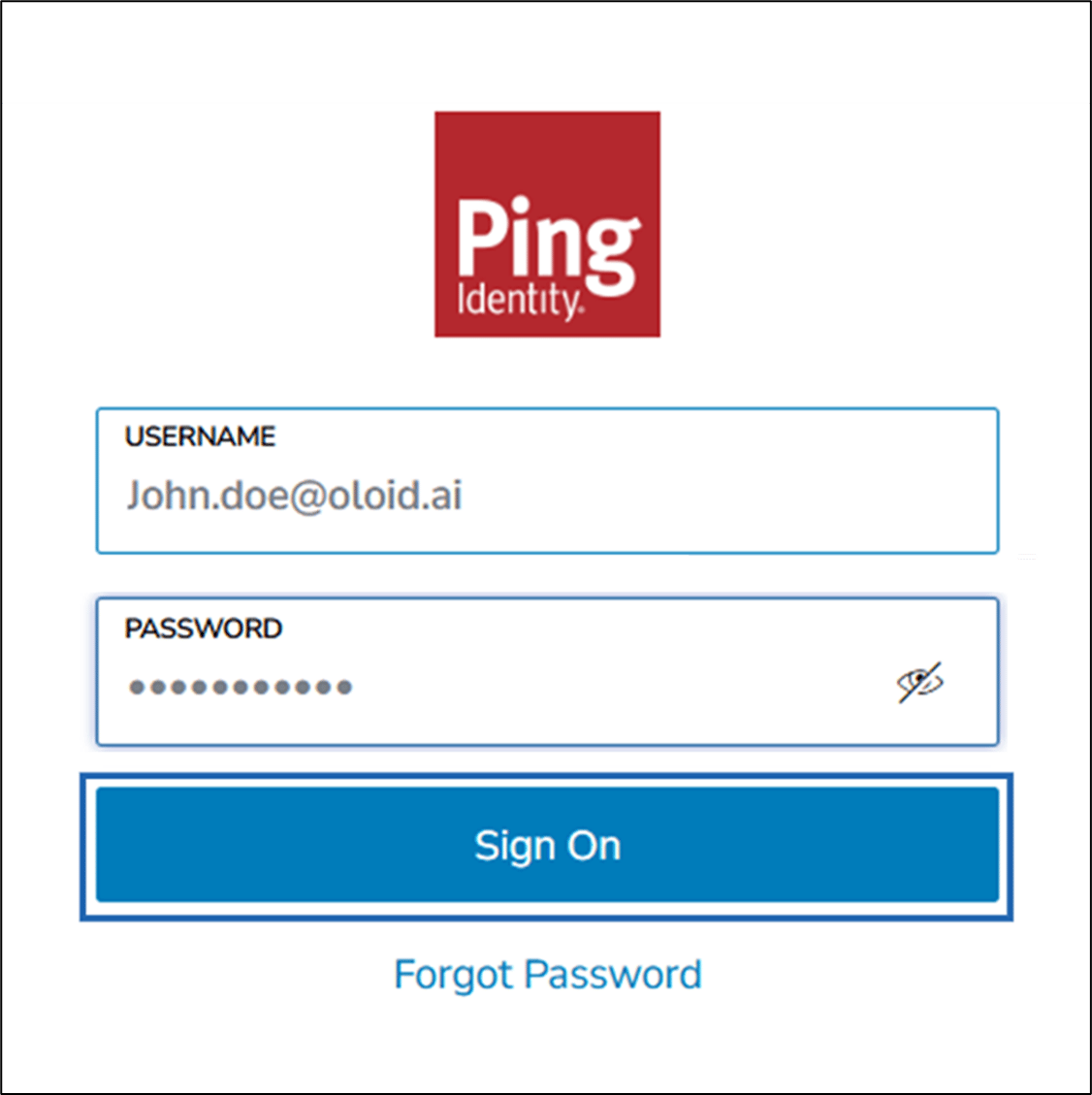
- Enter your Ping ID in the Ping UserName field.
- Enter Password.
- Click Sign On.