- You should be a user with Tenant Admin role in Oloid Portal.
- A user account must be created in the Auth0 dashboard.
- Launch your browser.
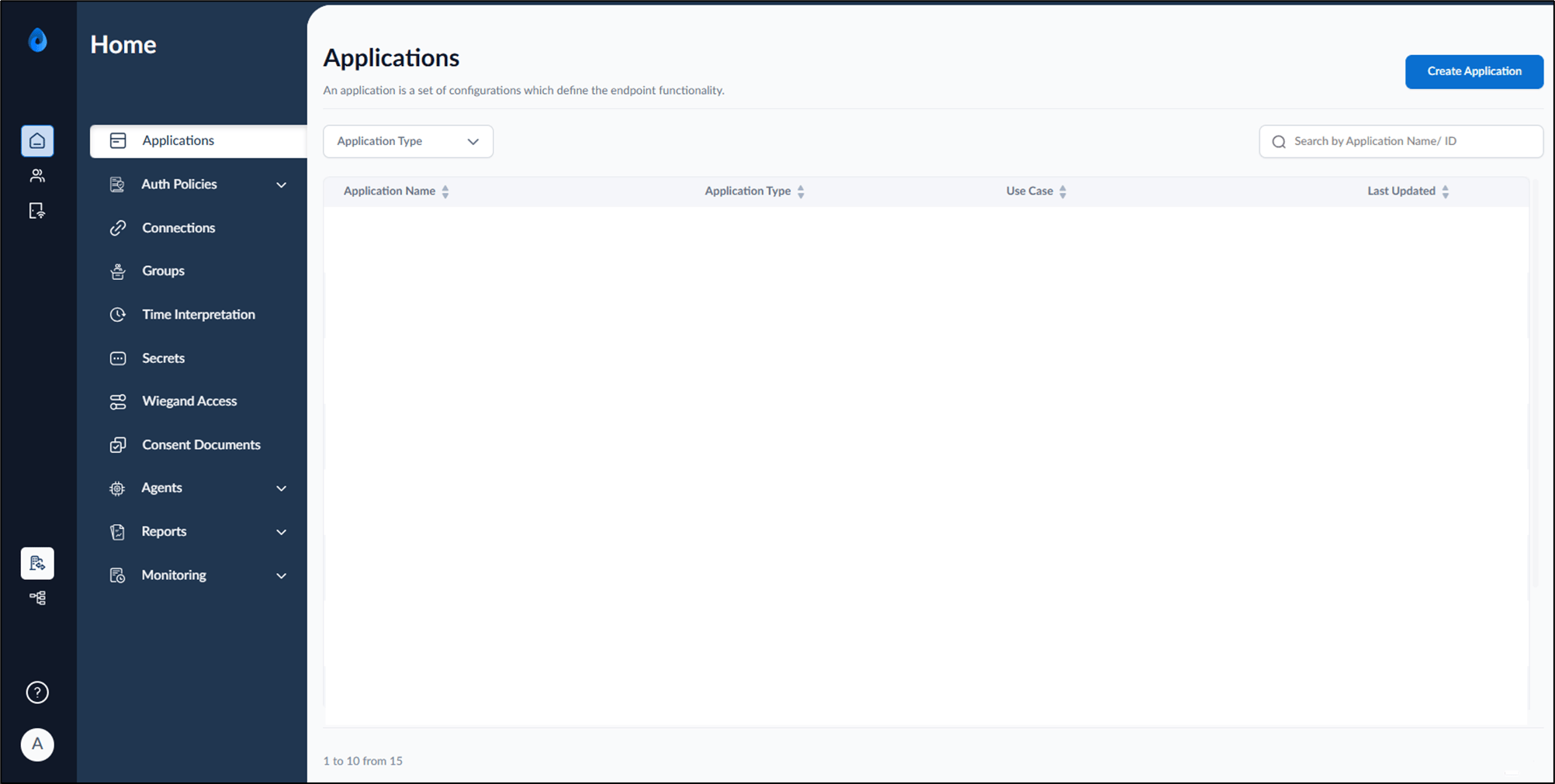
- Enter the URL provided for you in the browser’s address bar. Then, press Enter on your keyboard. The Oloid Portal page is displayed.
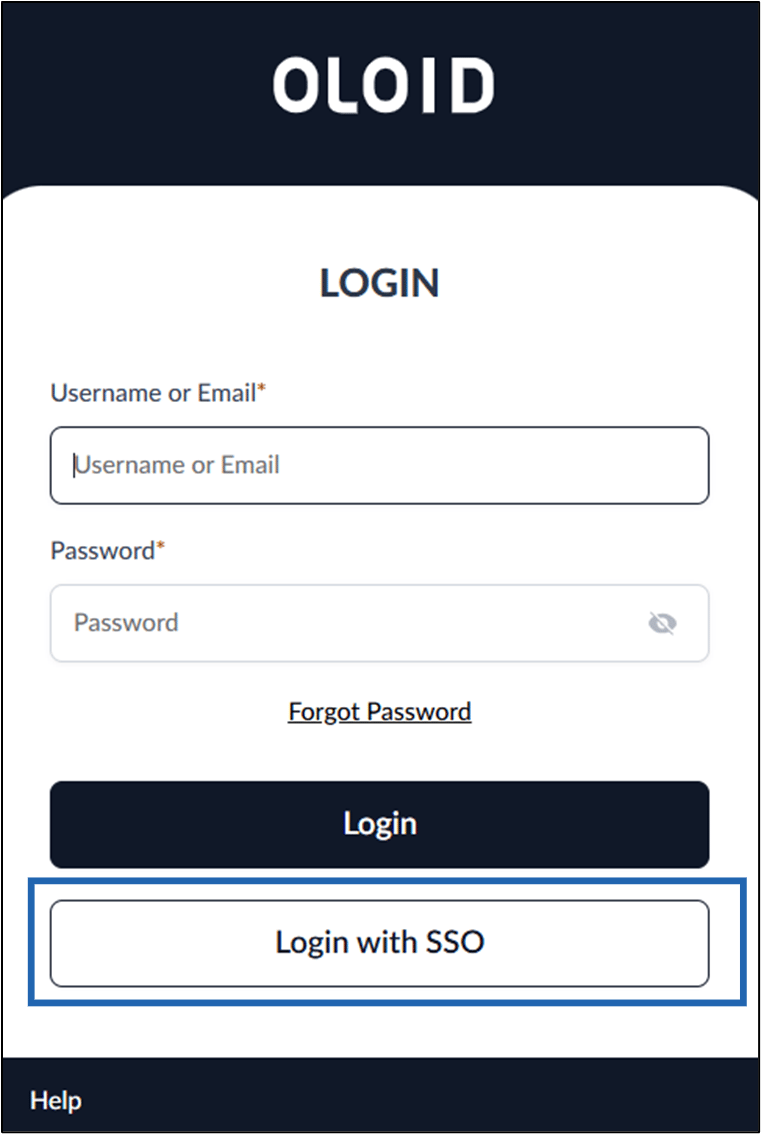
- Click Log in with SSO.
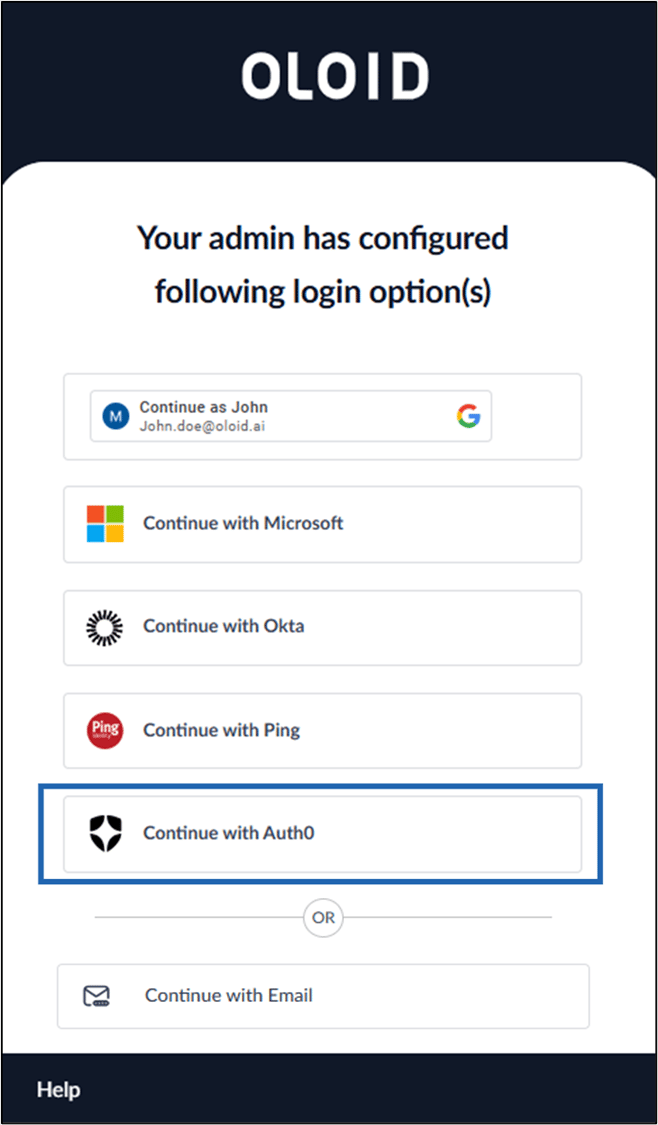
- Click Continue with Auth0.
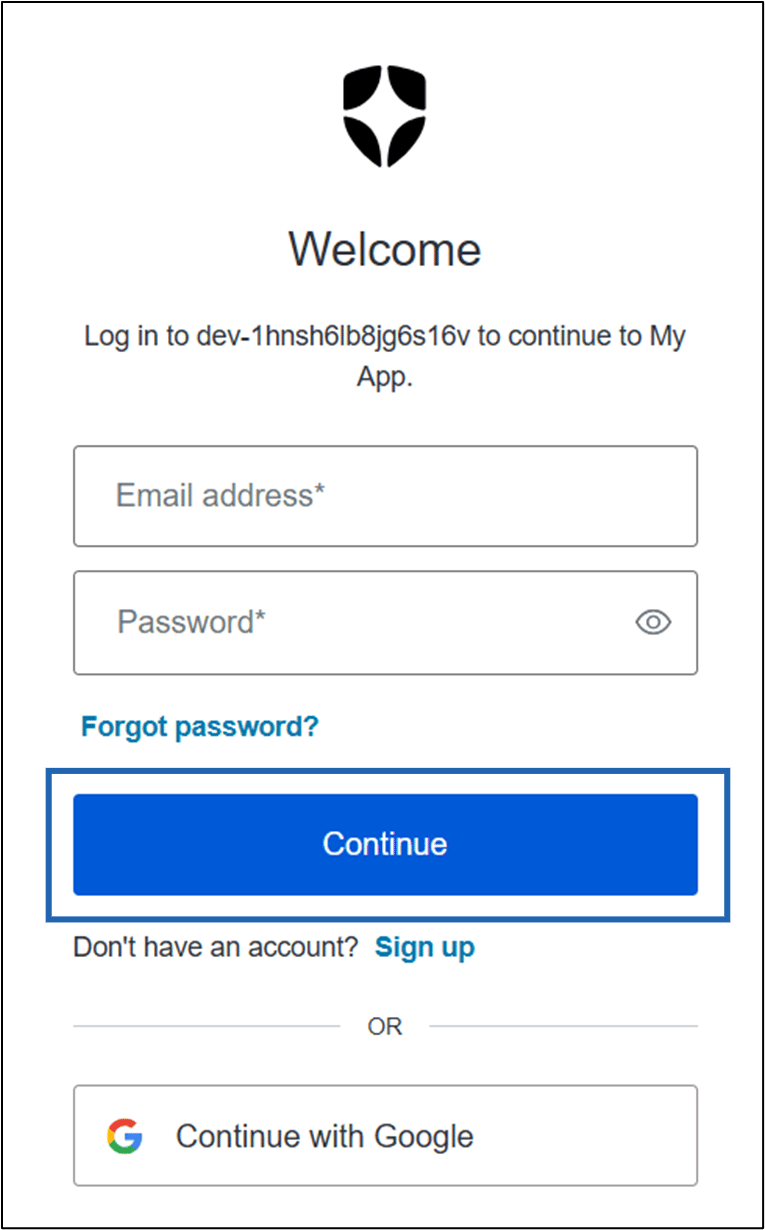
- Do the following:
- Enter your Email address.
- Enter your Password.
- Click Continue.