Introduction
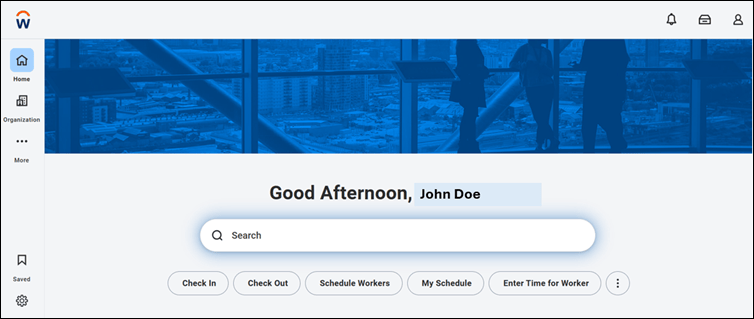
This document provides step-by-step instructions to log in to Workday using a Badge credential through Oloid authentication.Prerequisite
A credential must be assigned to the user in the Tenant Admin Portal. Assumption: Badge is assigned to the user.Steps to Log in to Workday with Badge
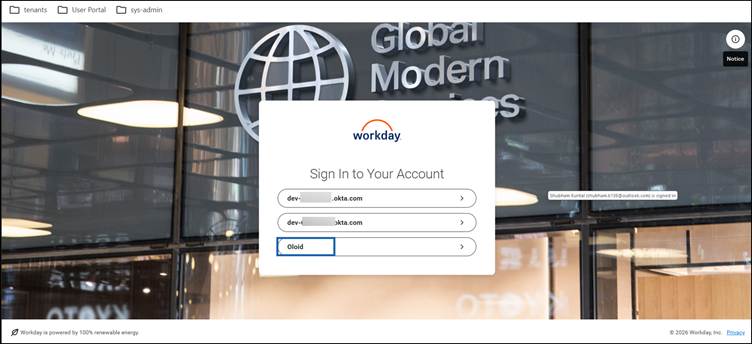
- Launch the Workday. The Workday Sign In screen is displayed.
-
Click Oloid.
-
Click Login with Badge.
Note: Based on the configured authentication methods, users may also authenticate using Face or NFC credentials.

-
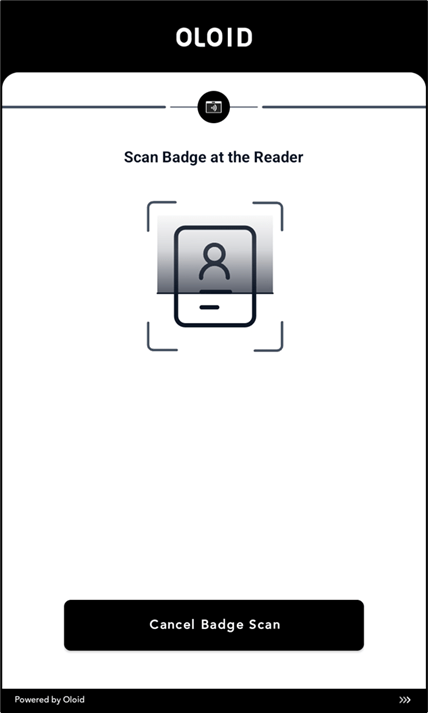
Tap the Badge on the Badge Reader to scan it.