Introduction
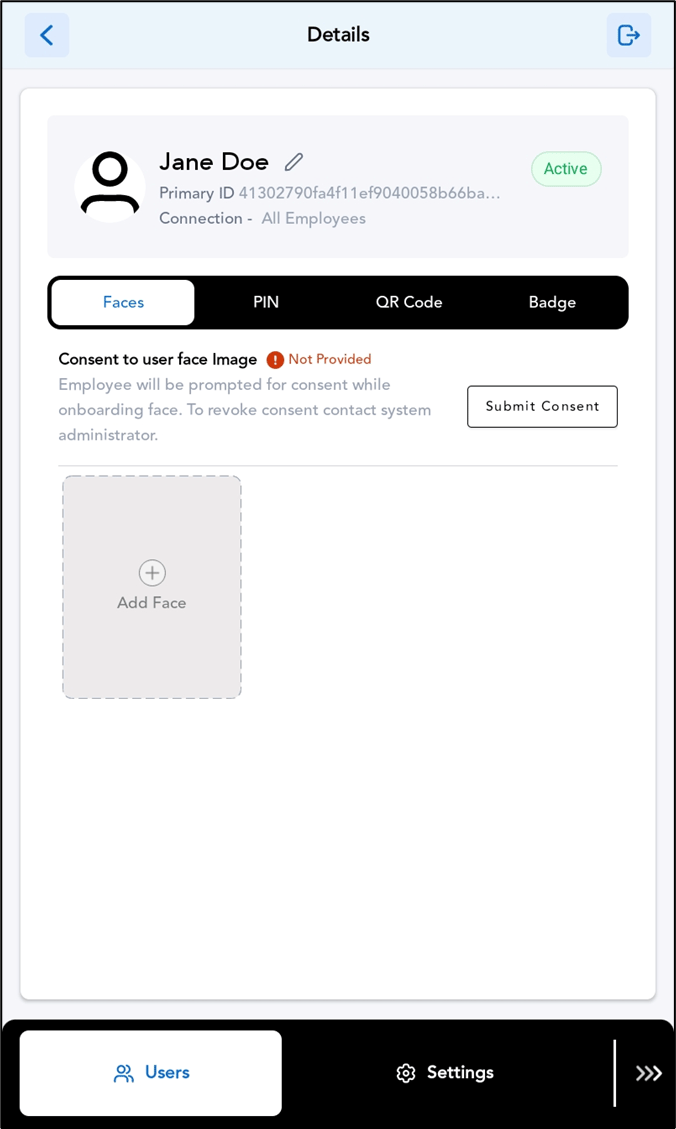
The Oloid DeviceLock App allows admins to manage and monitor user access efficiently. By viewing user details, admins can verify user information such as name, credentials, and access status directly within the app. This feature helps ensure proper user management and quick troubleshooting when needed.Prerequisite
You must add the User. To add refer How to add user in Oloid DeviceLock App.Steps to view user details
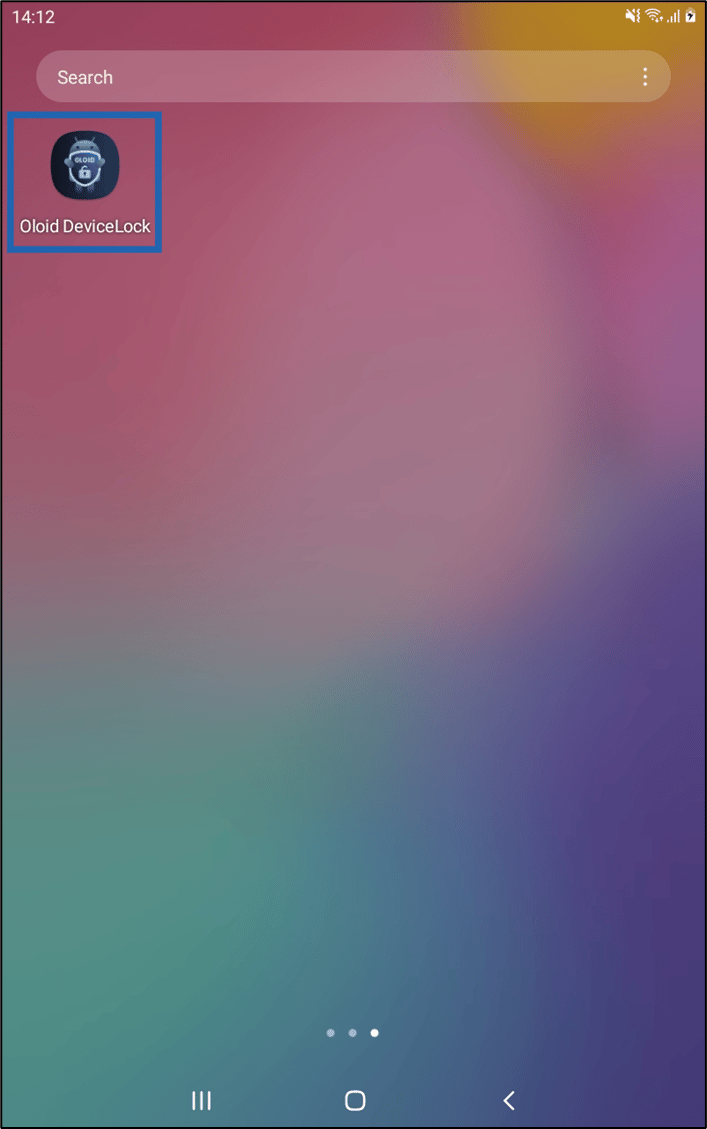
- Launch Oloid DeviceLock App on your device.
- Log in to the Admin Mode in Oloid DeviceLock App. For more details, refer this How to log in to admin mode in DeviceLock App. The User’s screen is displayed.