

Introduction
A tenant in Oloid DeviceLock App is a dedicated space with its own users, devices, and configurations. Resetting a tenant clears all existing data and settings, allowing you to start over.Prerequisite
You must pair DeviceLock endpoint. For more details refer: Oloid DeviceLock - How to pair an endpoint.Steps to Reset Tenant
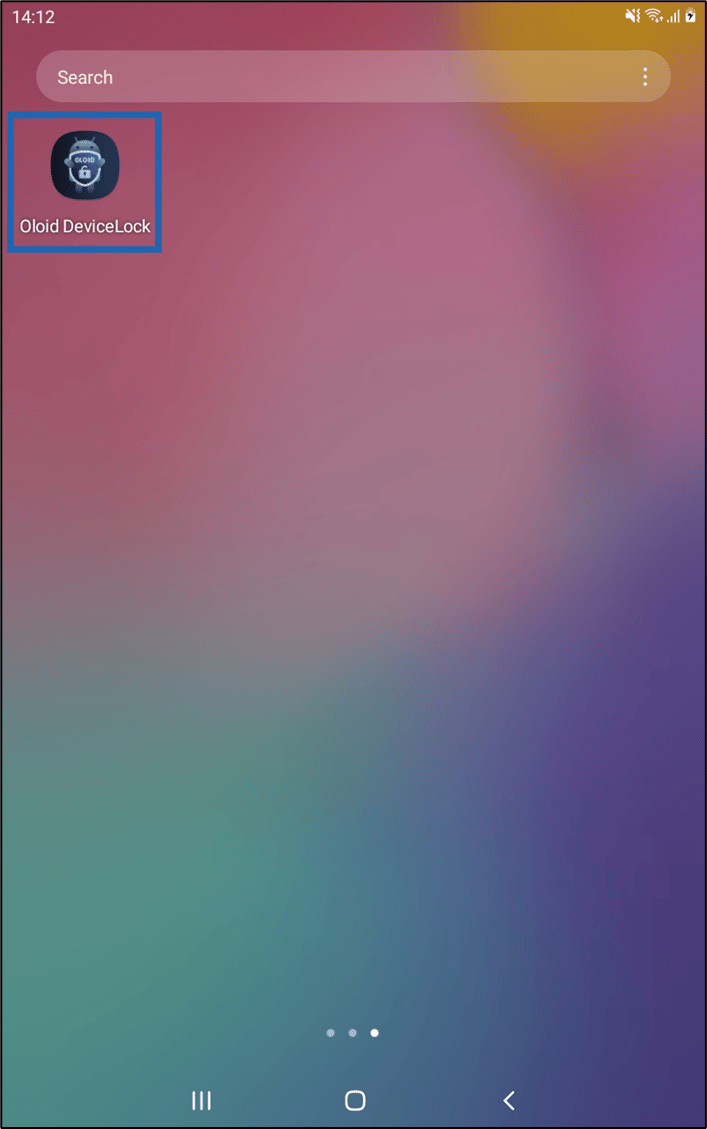
- Launch Oloid DeviceLock App on your device.
- Log in to the Admin Mode in Oloid DeviceLock App. For more details, refer this Oloid DeviceLock App - How to log in to admin mode
- On the bottom right, select More Options
 icon > tap Reset Tenant.


