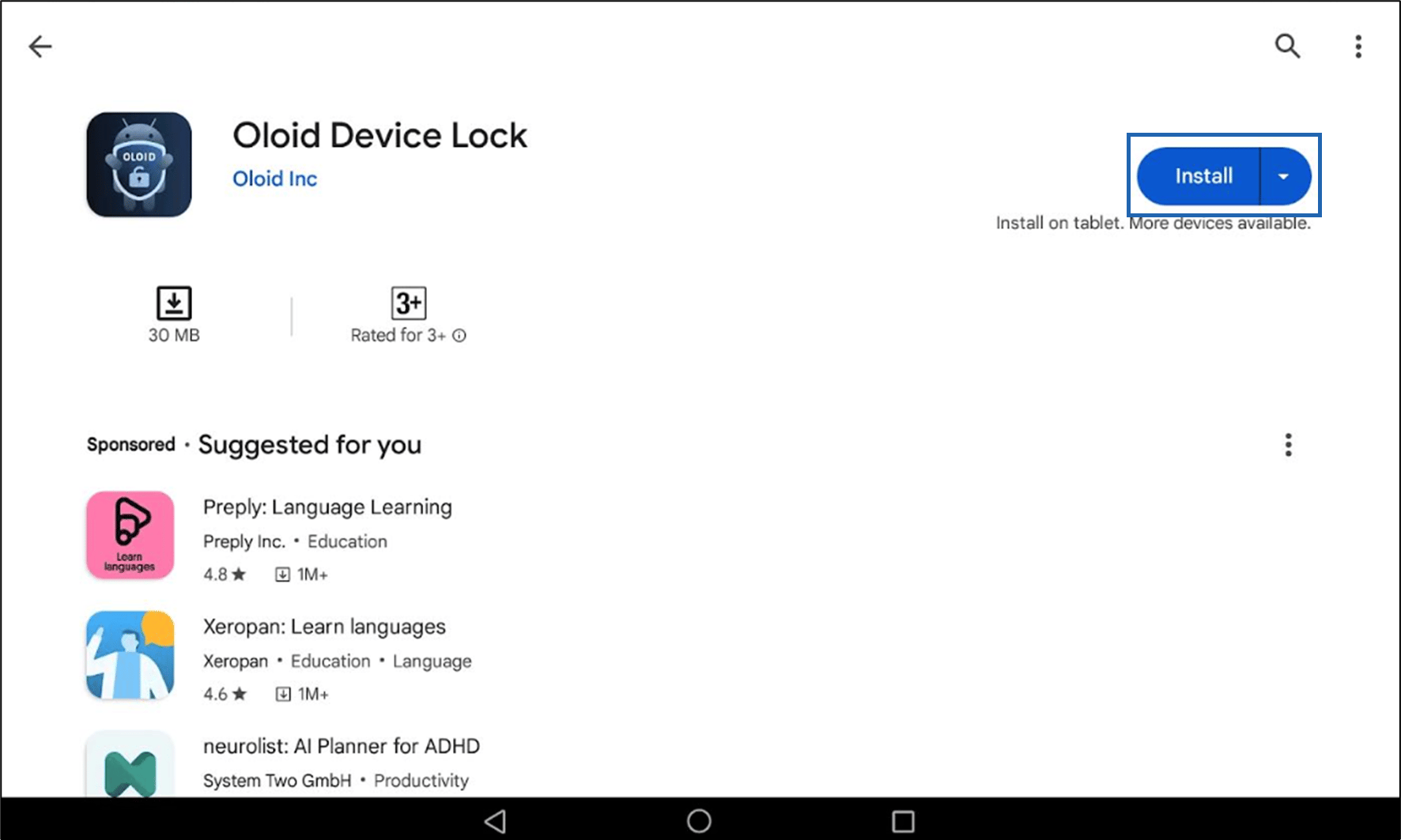
Introduction
This document provides step-by-step instructions to download and install the DeviceLock application from the Google Play Store on an Android device.Prerequisite
- Make sure you have a stable internet connection.
- You have access to the Google Play Store on the Android device.
Steps to Download DeviceLock App
- Locate the Play Store on your home screen and tap on it to launch the application.

- Tap on the Search icon located at the bottom right corner of the screen. The Search bar is displayed.
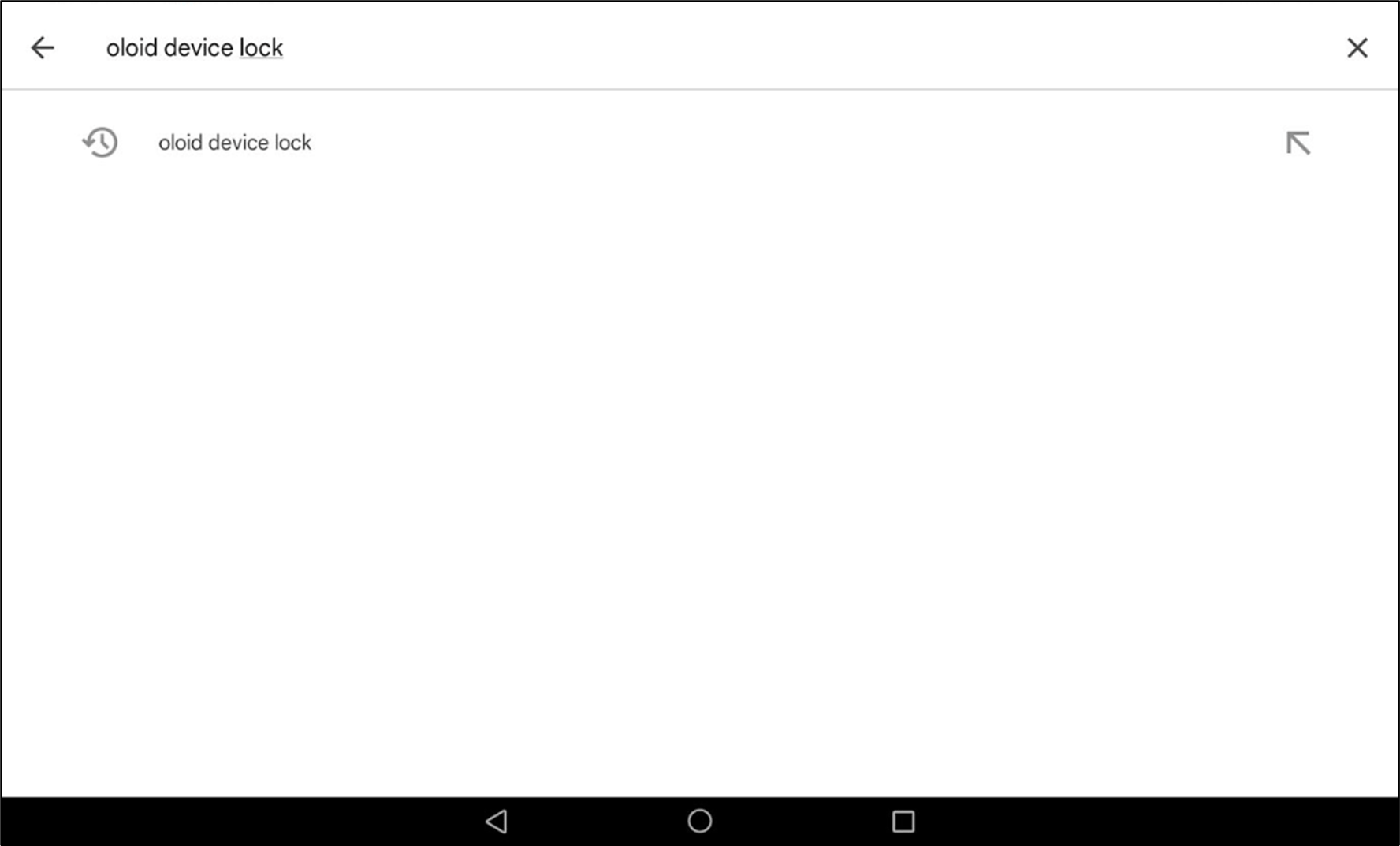
- In the search bar at the top of the screen, type Oloid Device Lock and tap on the search result.
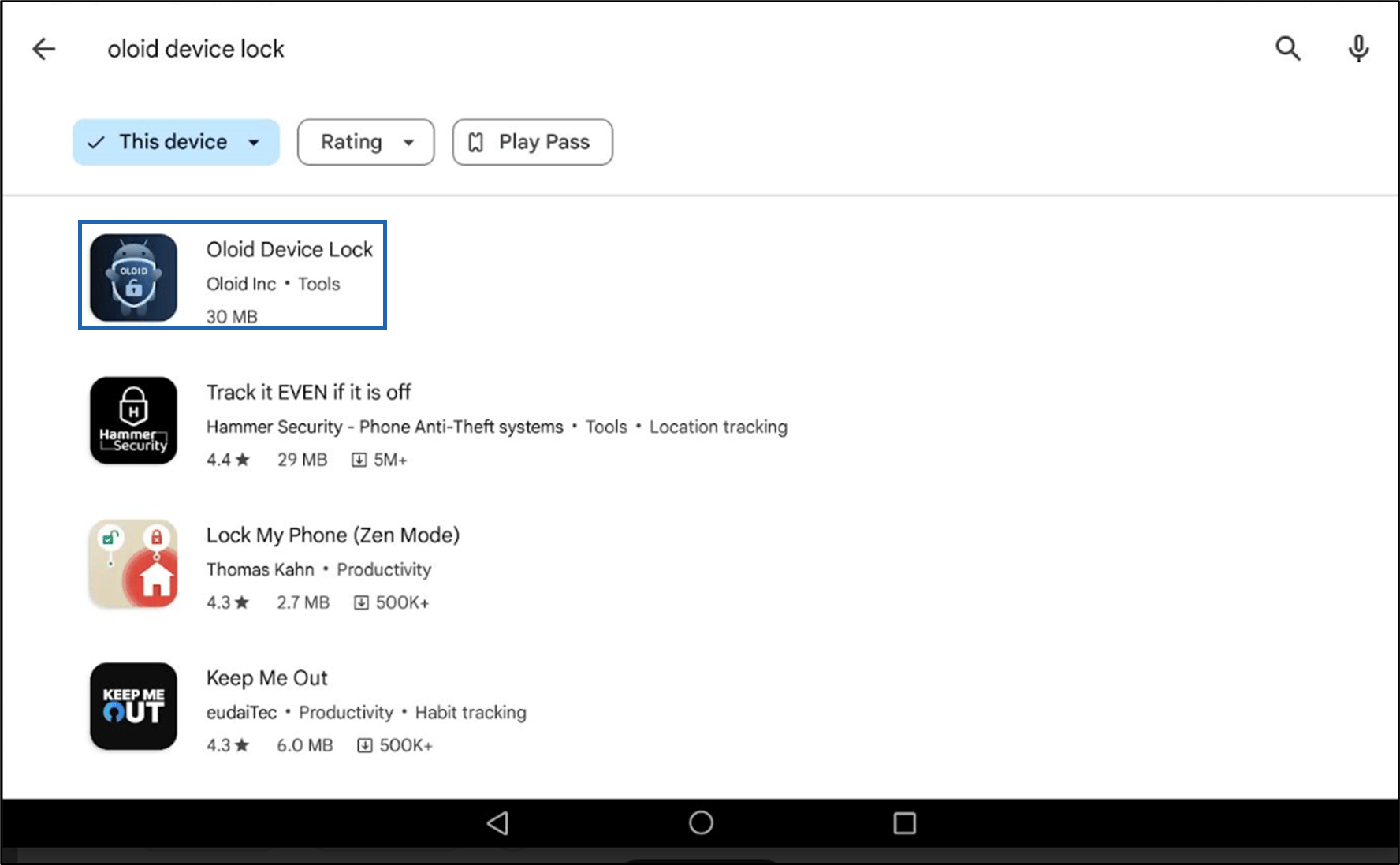
- Select Oloid Device Lock app.
- Review the app’s details, ratings, and user reviews to make sure it’s the correct app you want to download.