Introduction
The Unpair Endpoint feature in the Oloid DeviceLock App allows admins to disconnect an endpoint that is no longer in use or requires reconfiguration.Prerequisite
The Endpoint must be paired. To pair refer How to pair a DeviceLock endpoint.Steps to Unpair Endpoint
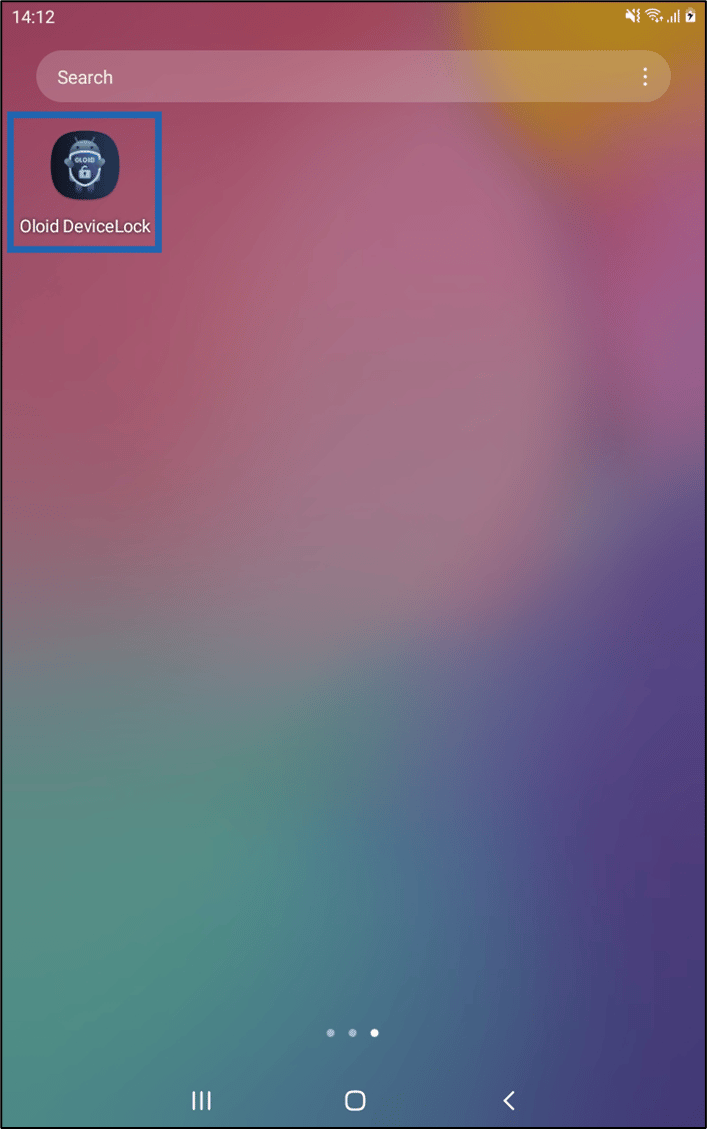
- Launch Oloid DeviceLock App on your device.
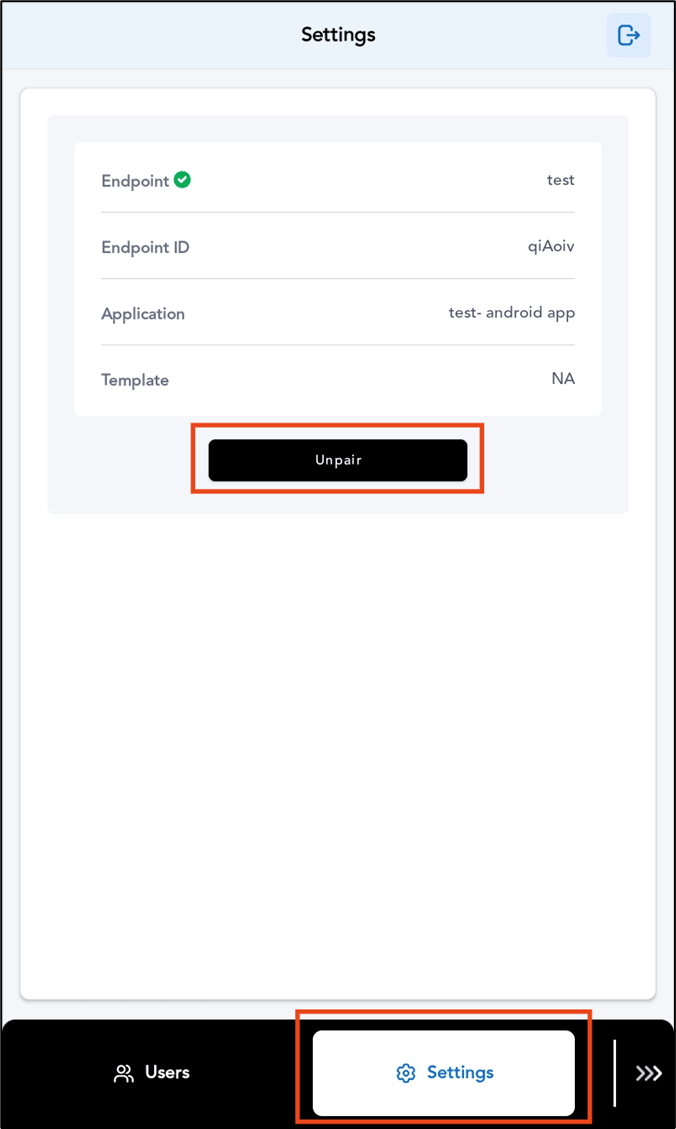
- Login to the Admin mode in DeviceLock App. To login referHow to log in to admin mode in DeviceLock App. The Settings screen is displayed.
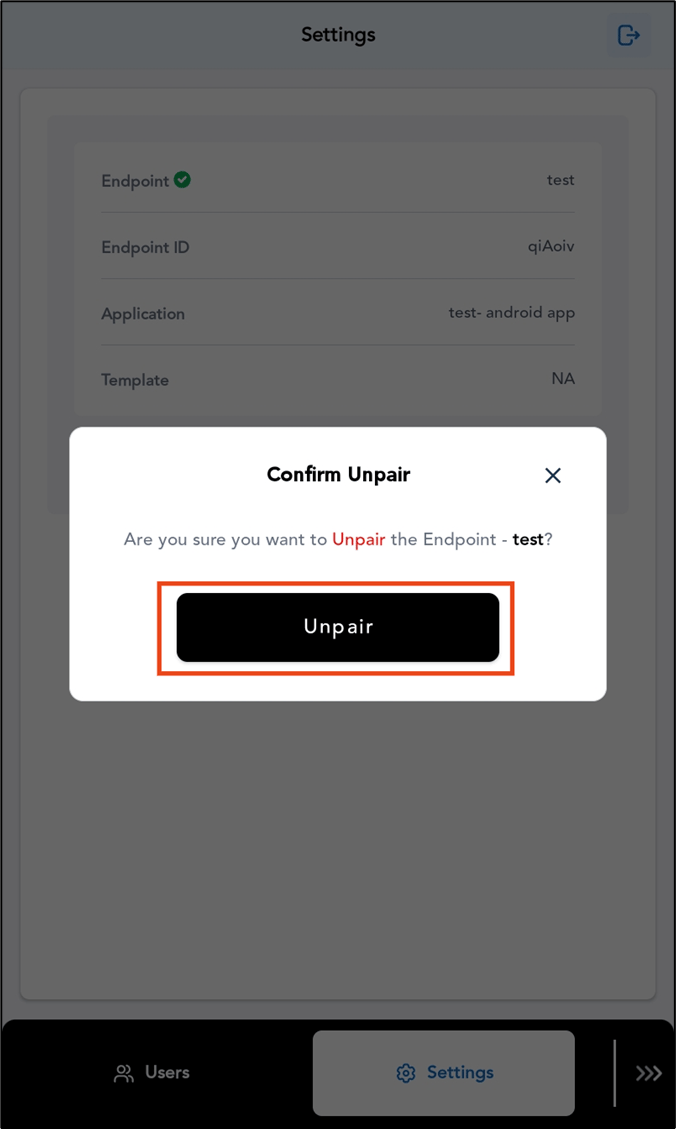
- Tap Unpair.
- Tap Unpair.