Introduction
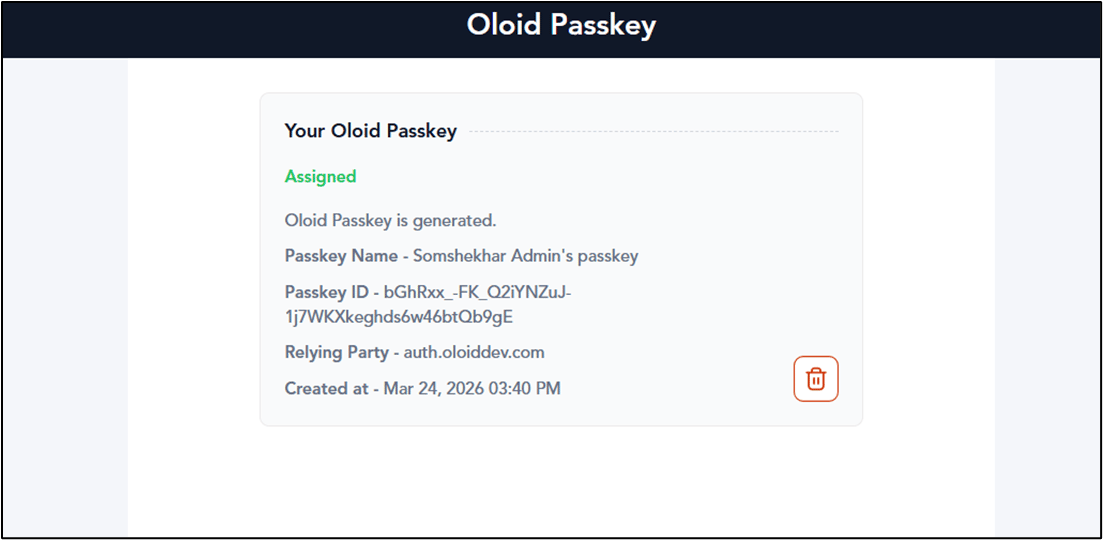
The User Portal allows users to create and register an Oloid passkey for authentication.Prerequisite
Oloid Passkey must be enabled in the App settings for User Portal from Tenant Admin portal.Steps to Generate Oloid Passkey
- Log in to the User Portal.
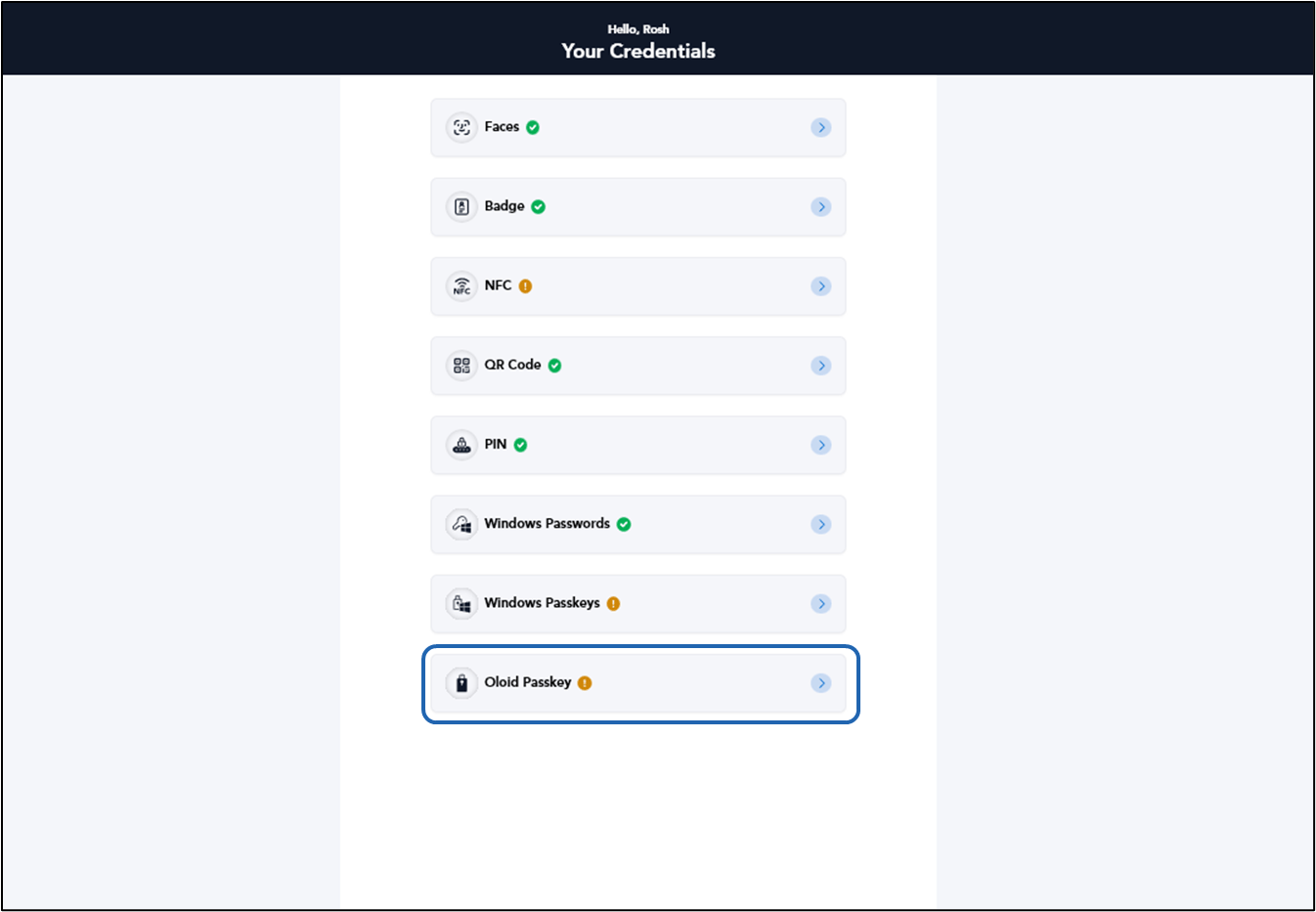
- On the credentials page of the portal, click Oloid Passkey.
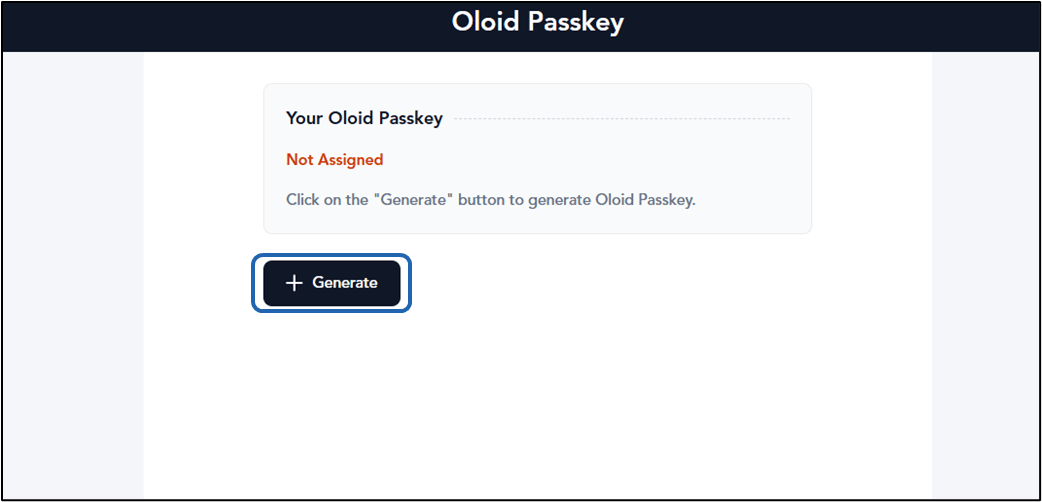
- Click Generate.
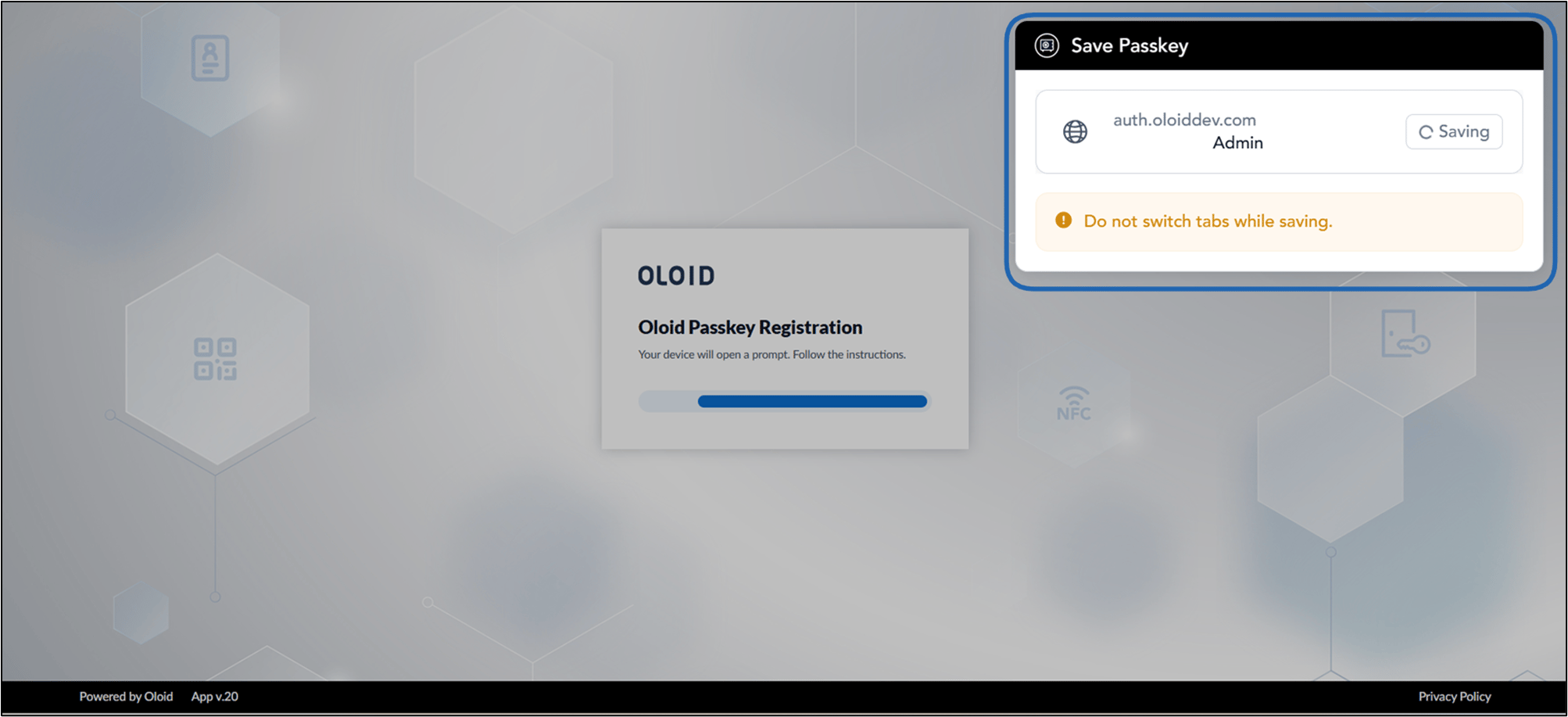
- The Passkey registration screen is displayed.