Introduction
This document provides step-by-step instructions for enrolling an NFC credential through the Oloid User Portal. Once enrolled, the NFC credential can be used for NFC-based authentication.Prerequisites
- You have the login URL provided to access the User portal.
- Your Employee ID or Email ID must be registered in the system.
- Ensure You have a Valid NFC card and Reader.
To Enroll NFC
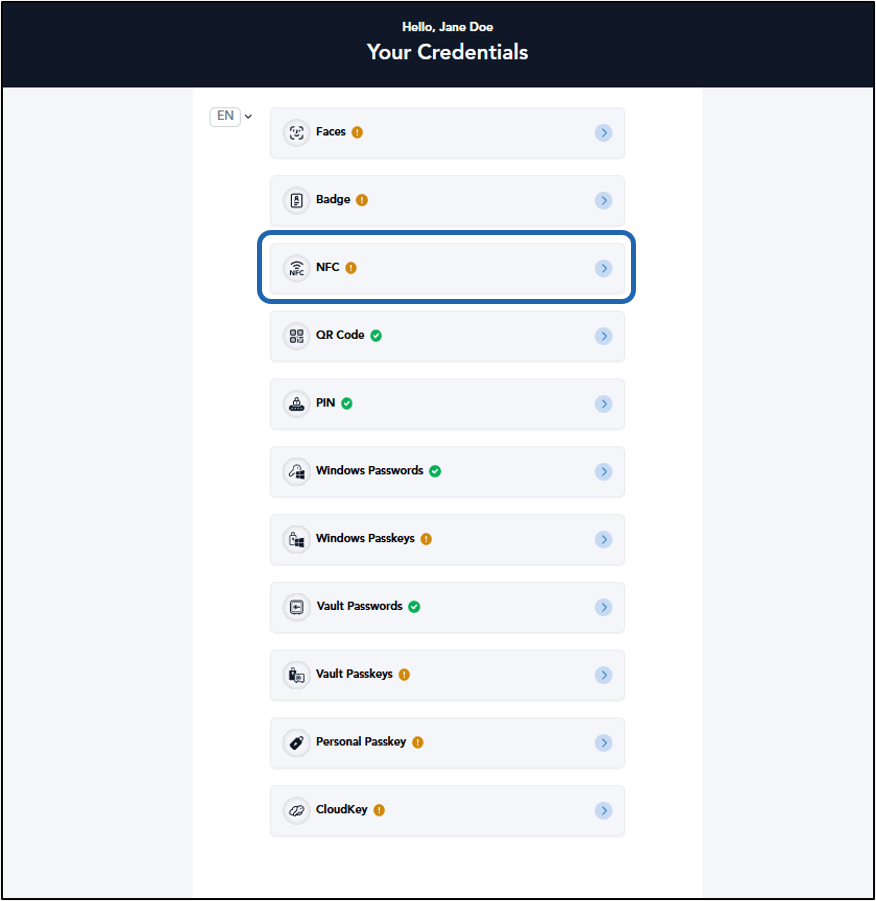
- Log in to the Oloid User Portal. The Your Credentials page is displayed.
-
Click NFC.
Note: If configured in the Tenant Admin Portal, You can select preferred display language from the Language Dropdown Selector.
-
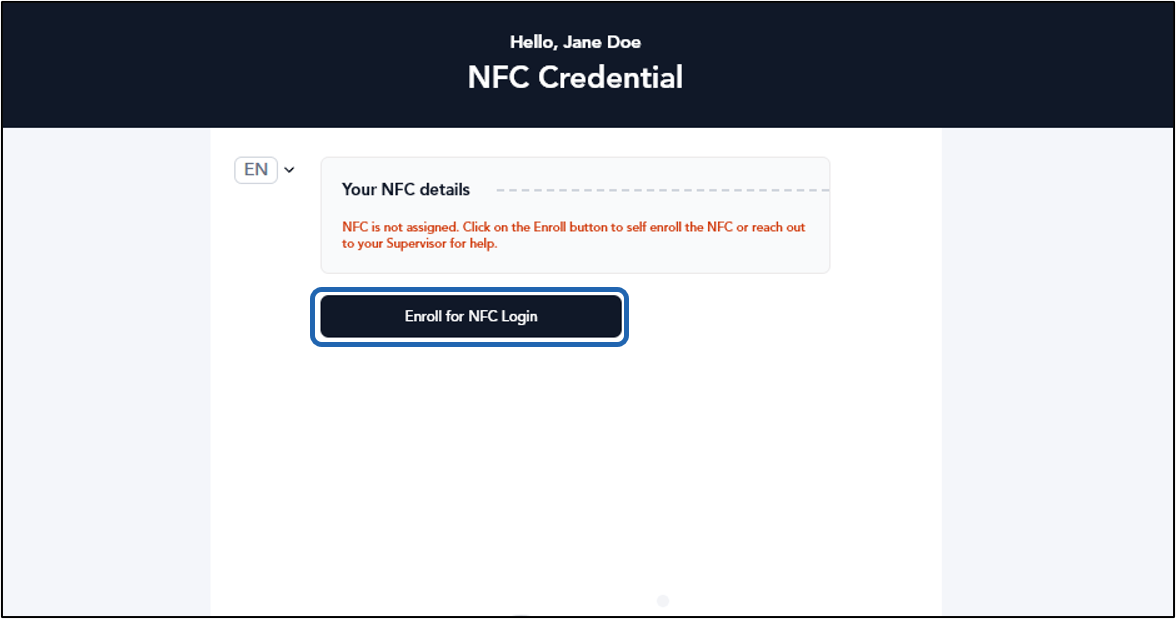
Click Enroll for NFC Login.
-
Click Okay.
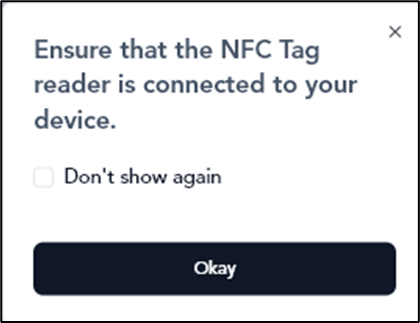
-
Do any of the following:
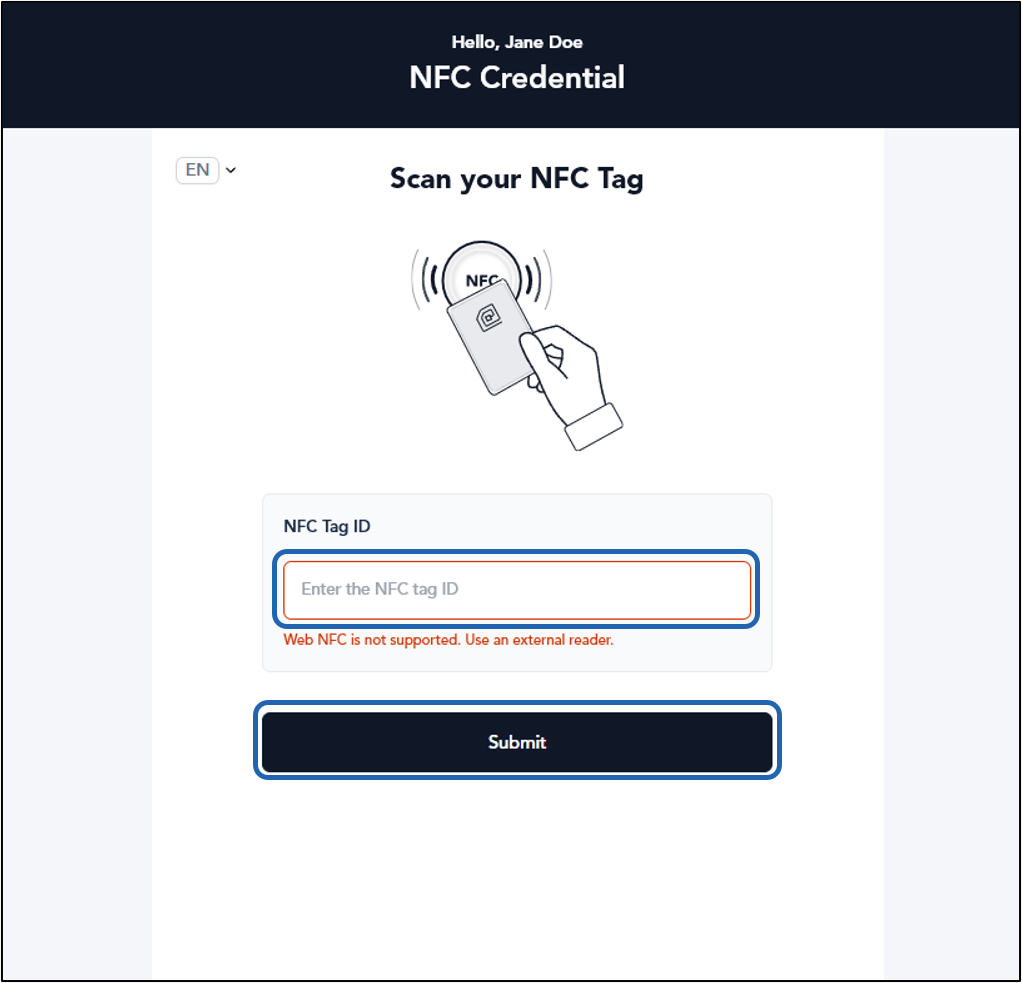
- Enter the NFC number.
-
Click on the NFC Tag ID textbox area. Tap the NFC card on the Card Reader to scan it.
Note: If you do not click on the Scan or Type Data textbox area, you will not see the data in the text field.
-
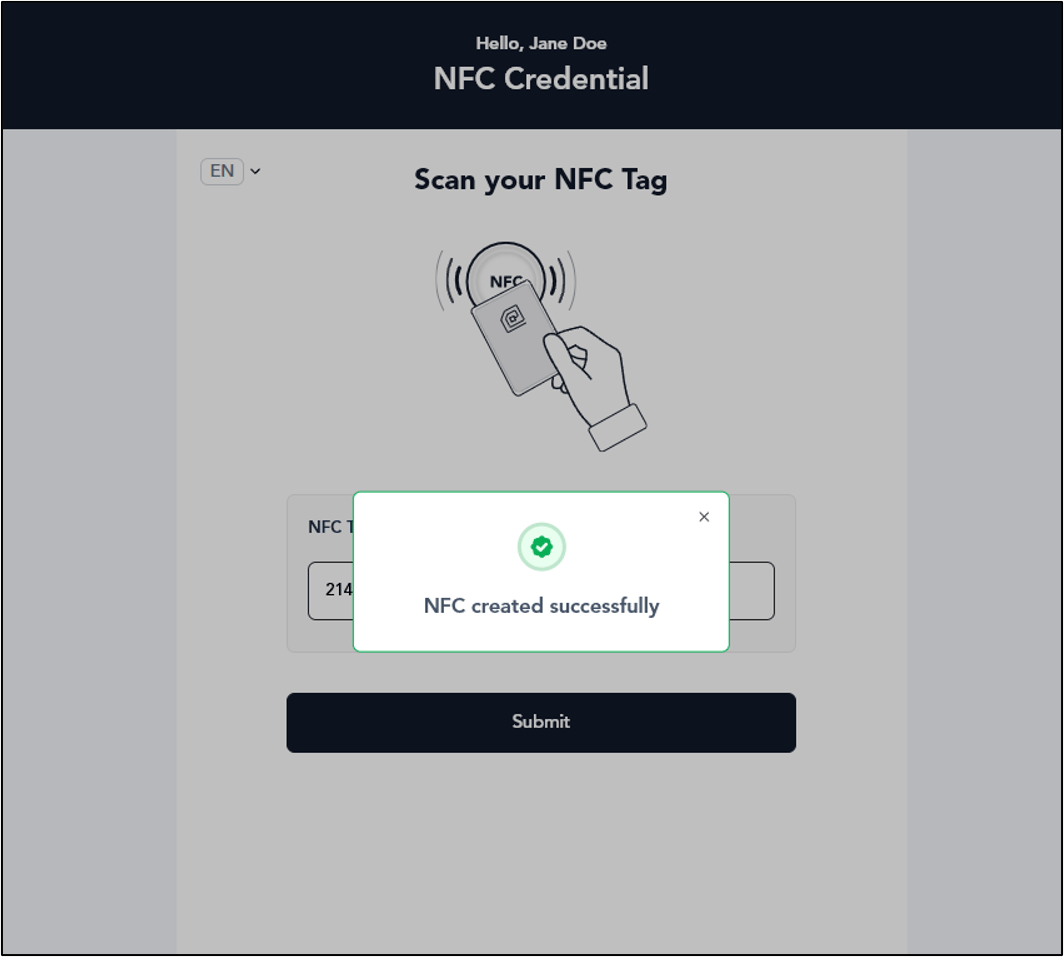
Click Submit.