

- Login to the Oloid User Portal.
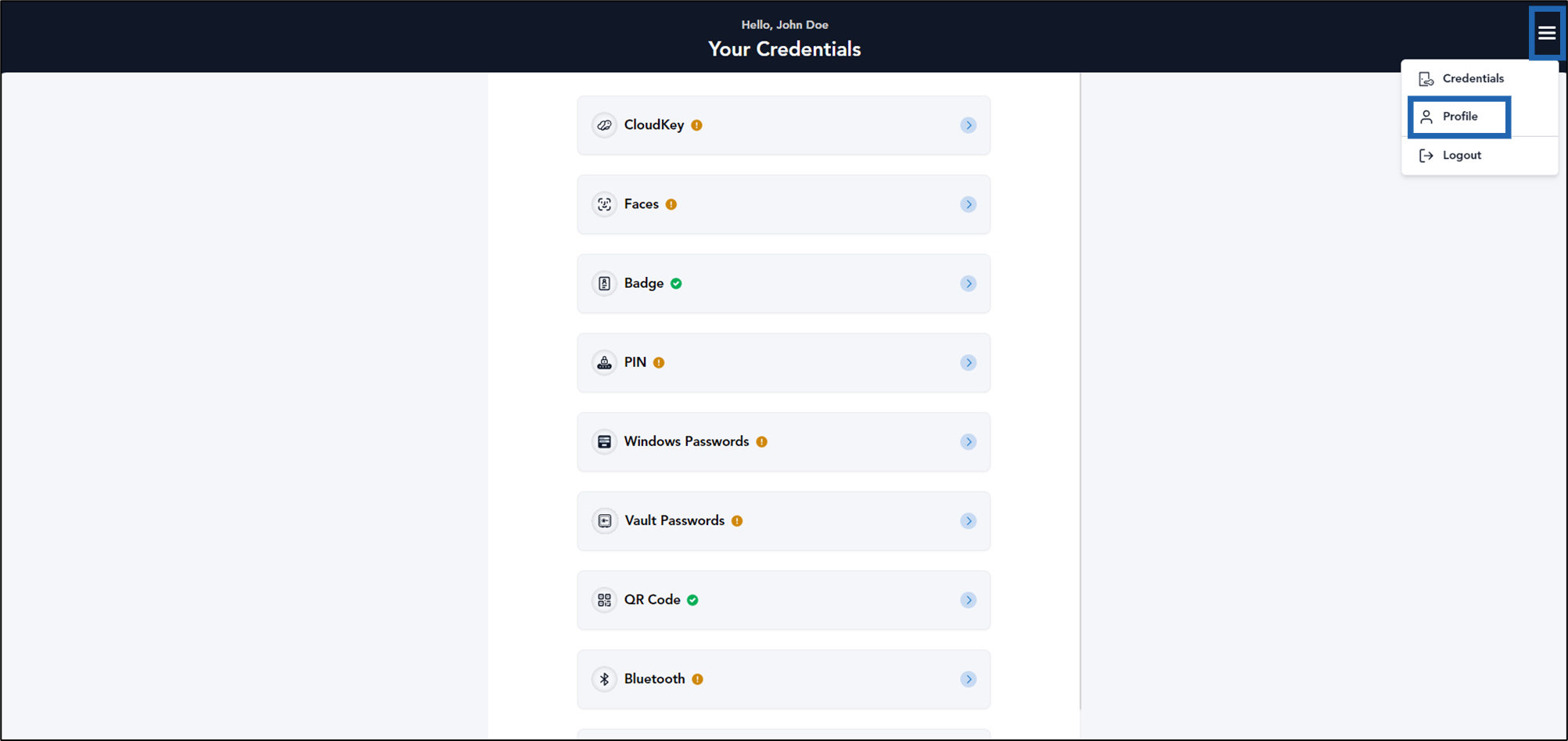
- On the homepage, click menu panel

- Select Profile.
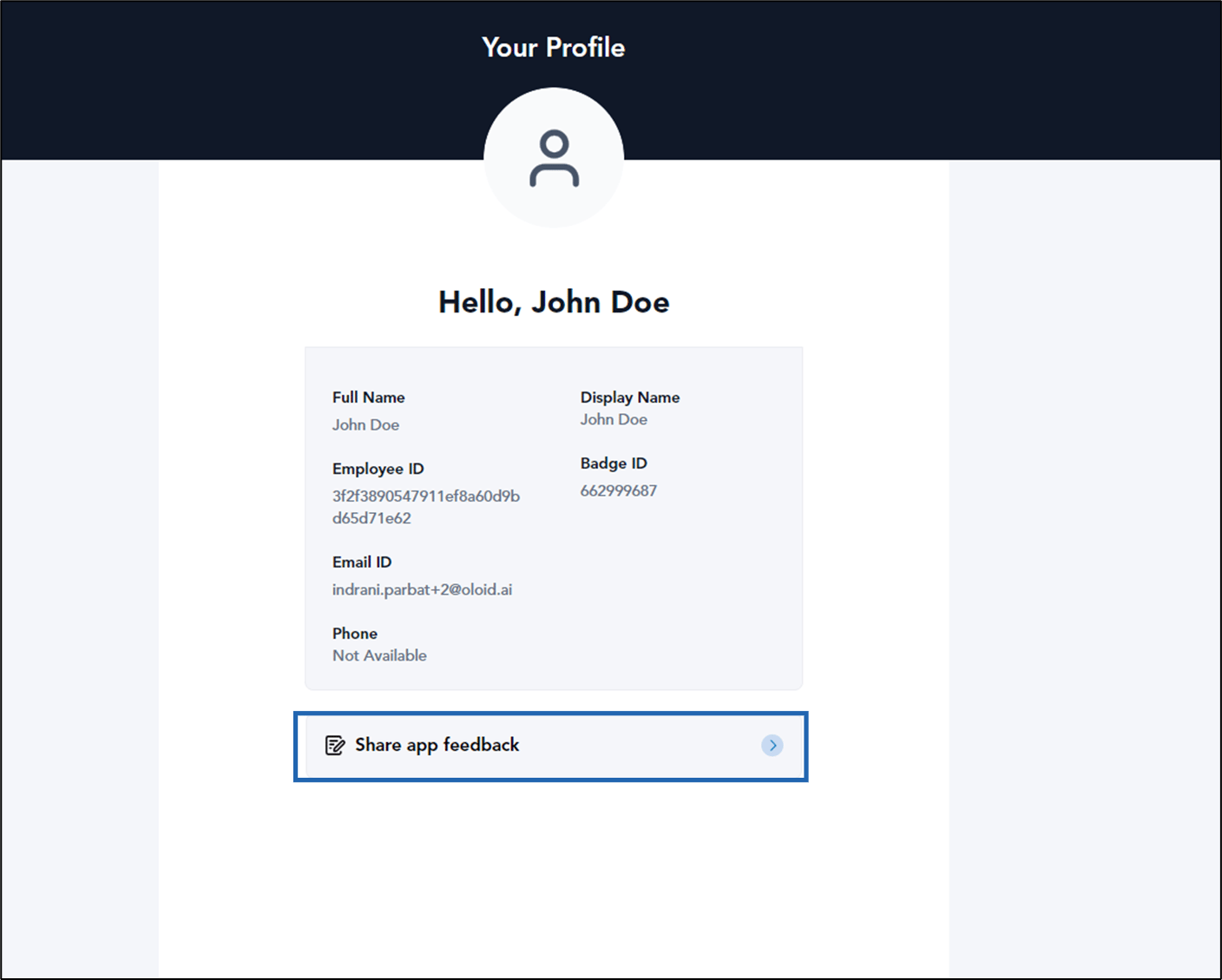
- Click Share app feedback.
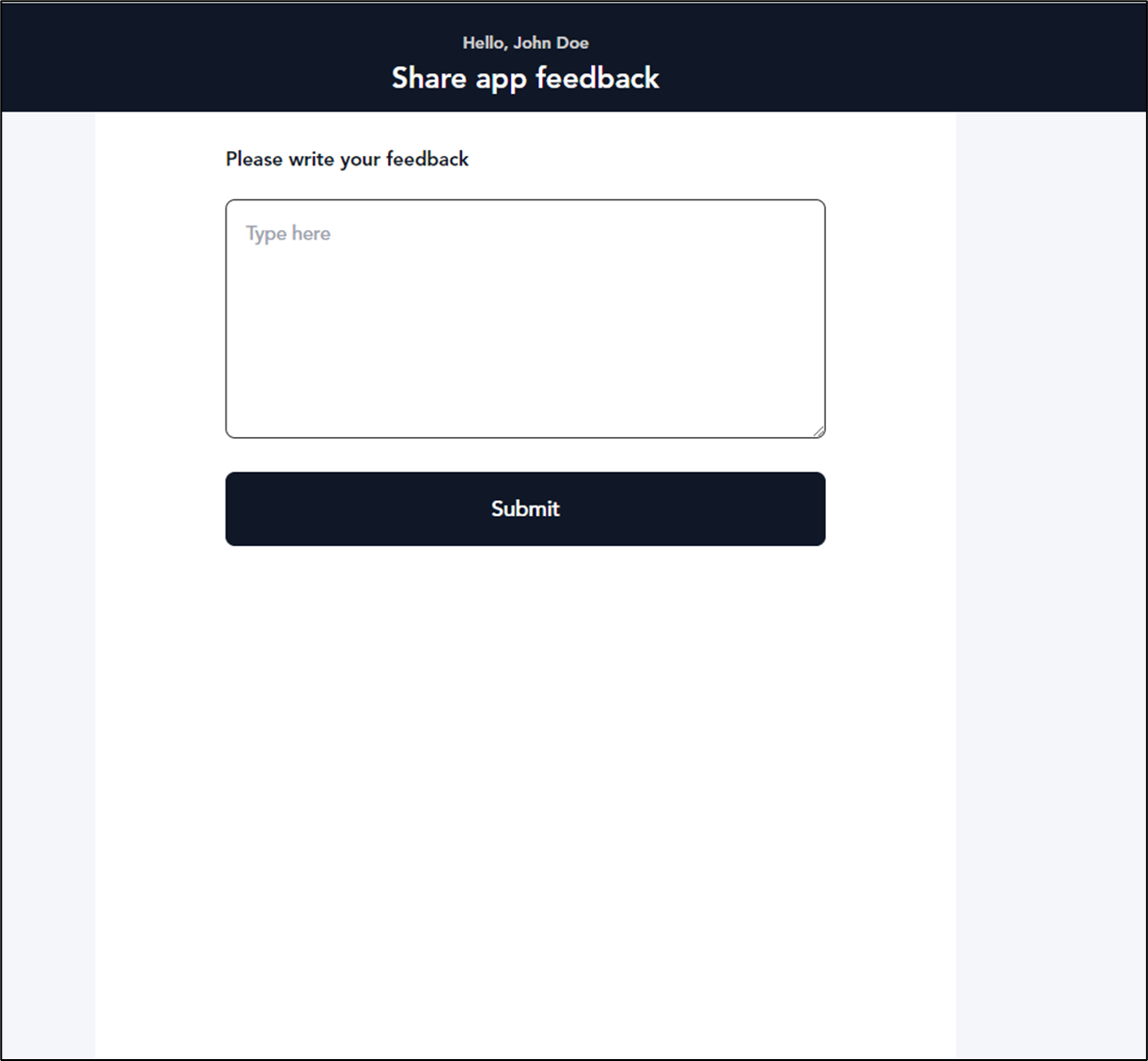
- Do the following:
- Enter feedback in Type here field.
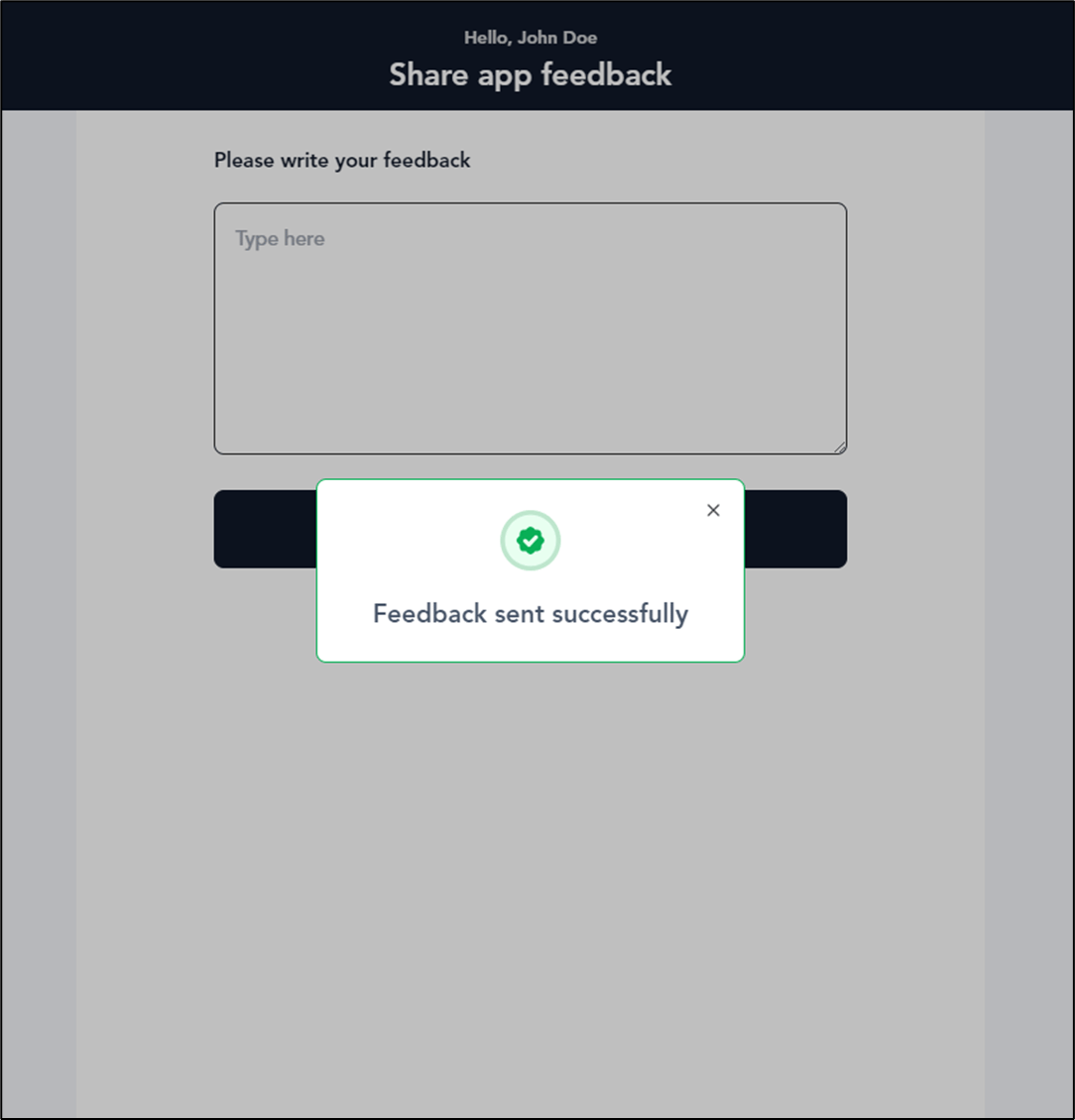
- Click Submit.
How to share feedback using Oloid User Portal
This document provides step-by-step instructions to share feedback on Oloid User Portal.
Steps to share feedback:
⌘I