

- Log in to the Oloid User Portal.
-
On the homepage, click QR Code.
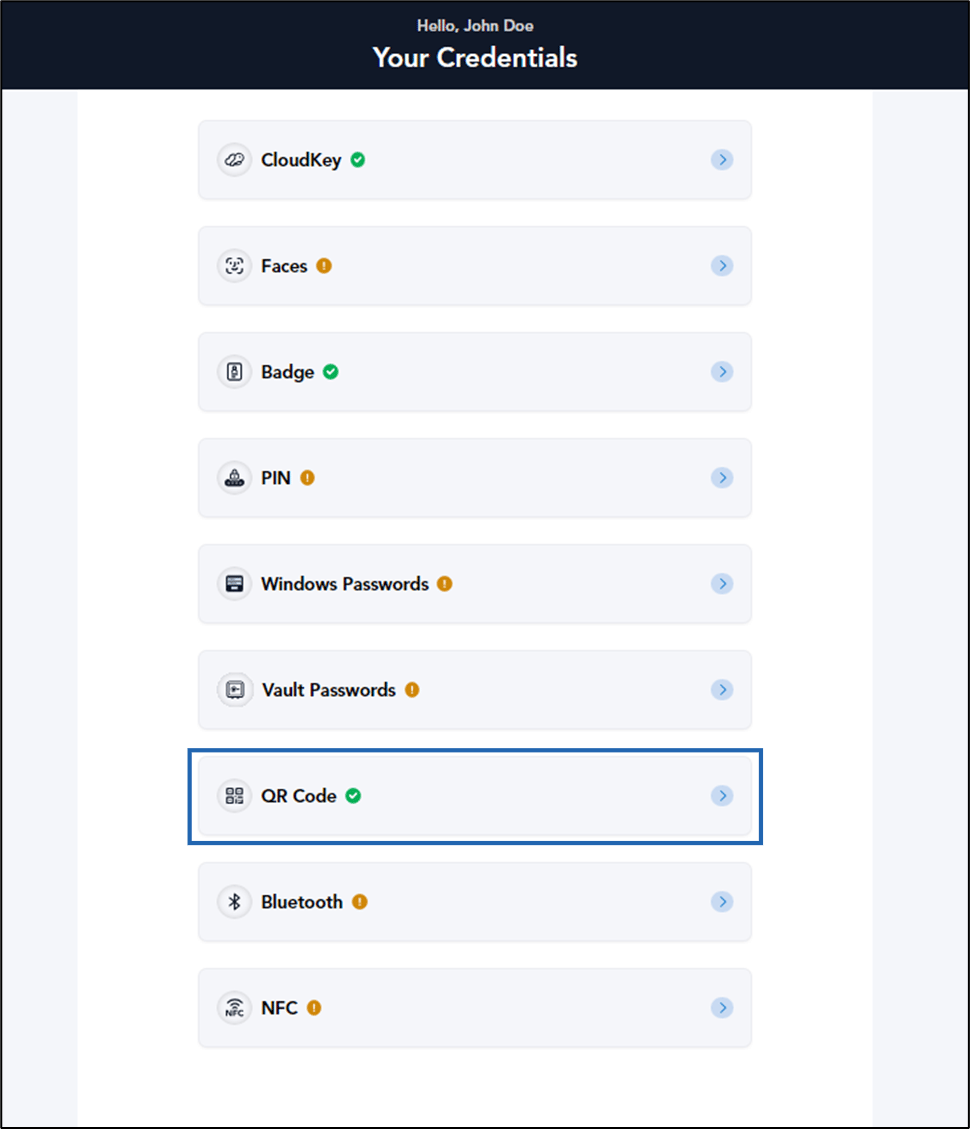
 Note: You can also download the QR Code.
How to view QR Code using Oloid User Portal
This document provides step-by-step instructions to view QR Code using Oloid User Portal.
Steps to view QR code:
⌘I