

- Log in to the Oloid User portal.
- On the homepage, click menu panel

- Select Logout.
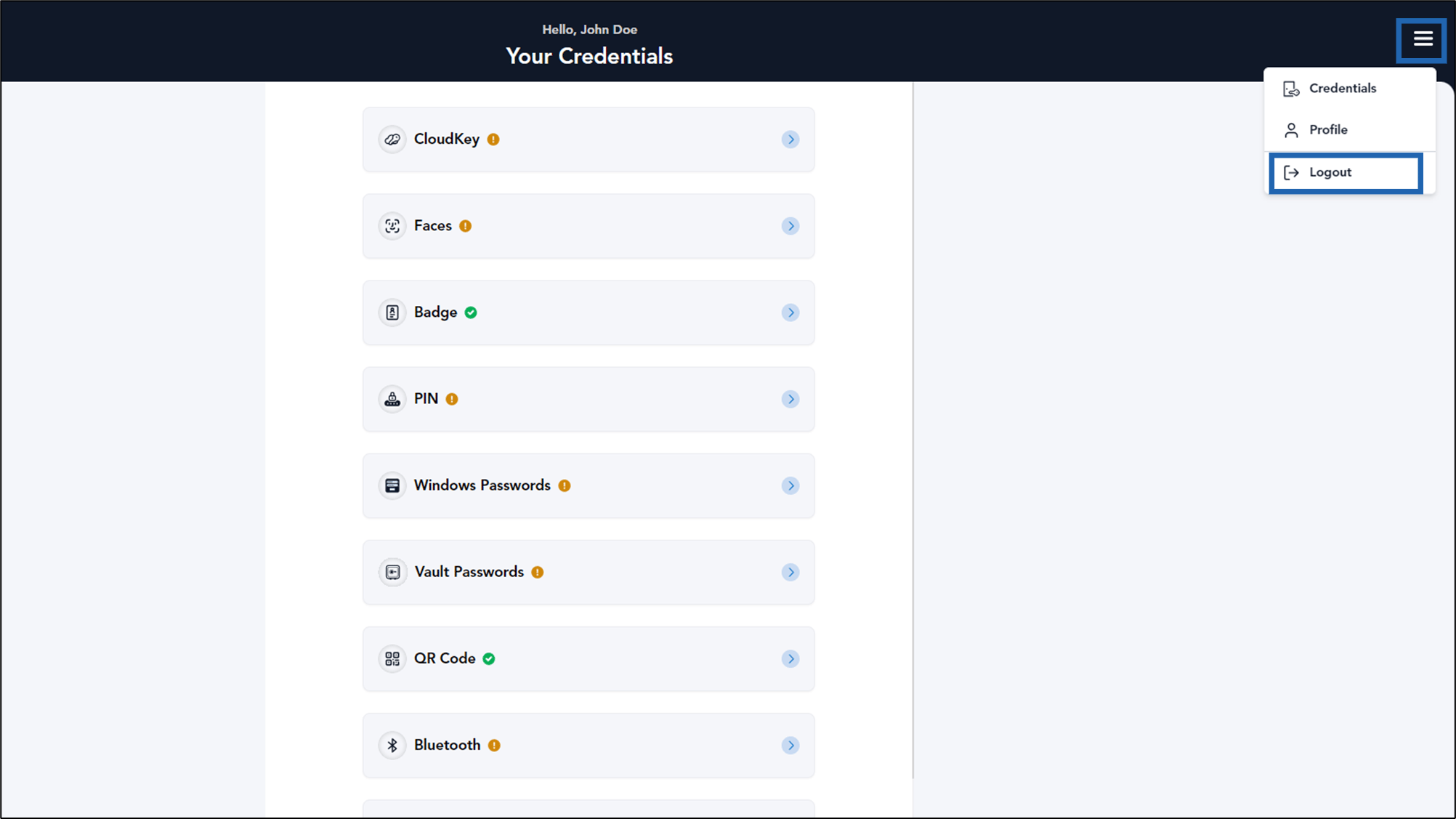
How to Log out Oloid User Portal
The document provides step-by-step instructions to log out of the Oloid User Portal.
Steps to Logout:
⌘I