Introduction
OLOID Windows Login lets users sign in to the Supervisor App on a shared Windows endpoint without typing a username or password. With NFC login, users sign in by tapping an NFC-enabled card or tag on the NFC reader connected to the endpoint. This makes sign-in quick and secure for frontline and shared-device workers.Prerequisites
- The Windows Login application must be created in the Tenant Admin Portal. For more information, refer to How to create and configure Windows Login application in the Tenant Admin Portal.
- The endpoint must be paired with the Windows Login application. For more information, refer to Windows Login - How to Manually Pair the Supervisor App.
- An NFC credential must be assigned to the user. For more information, refer to How to assign NFC as a credential to users.
- NFC must be enabled as an authenticator in the Windows application. For more information, refer to How to enable NFC in Windows application.
- An NFC reader must be connected to the endpoint and working.
Steps to Login using NFC ID
-
Double-click the Supervisor App to start it.

-
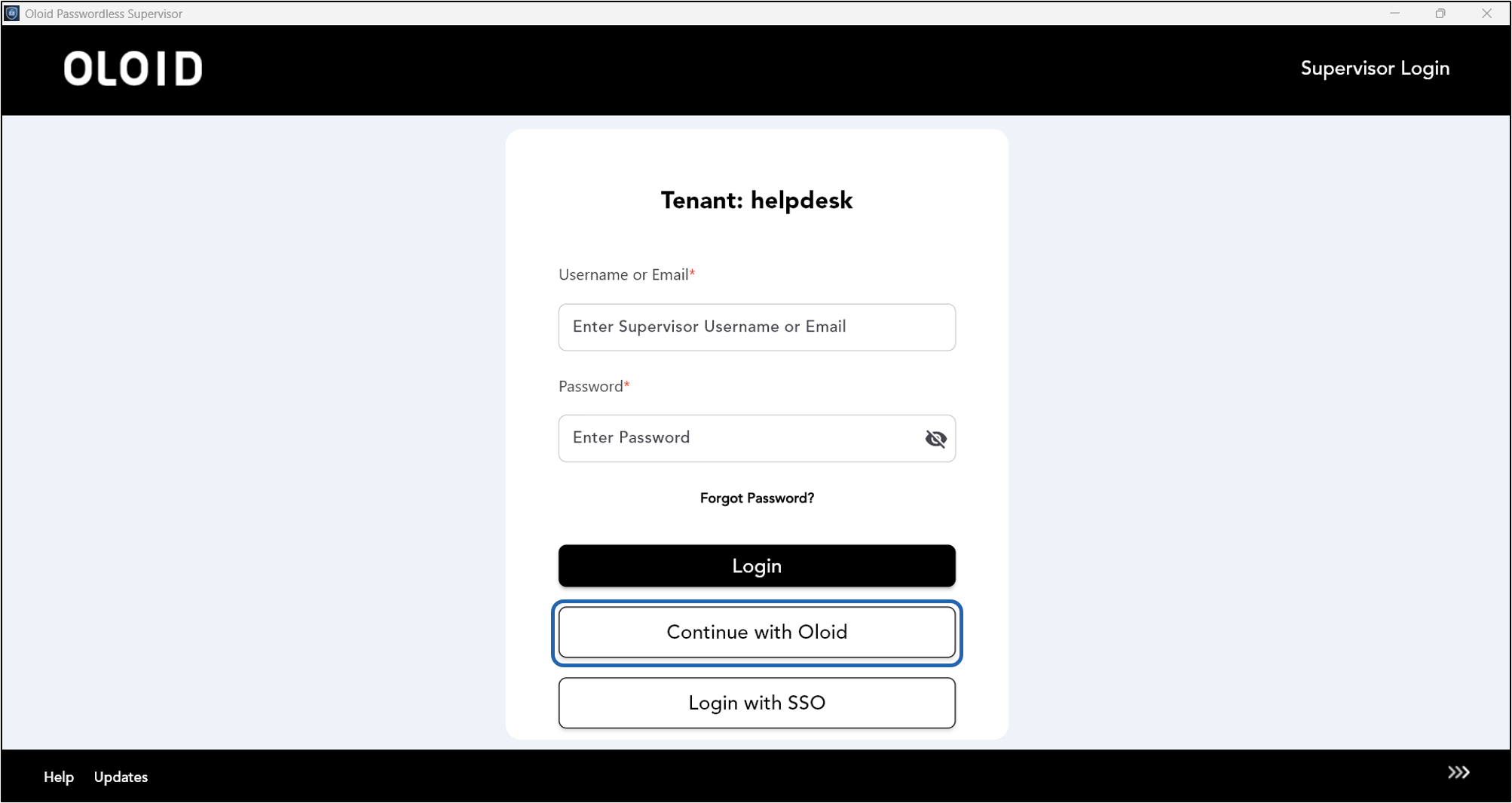
Click Continue with Oloid.
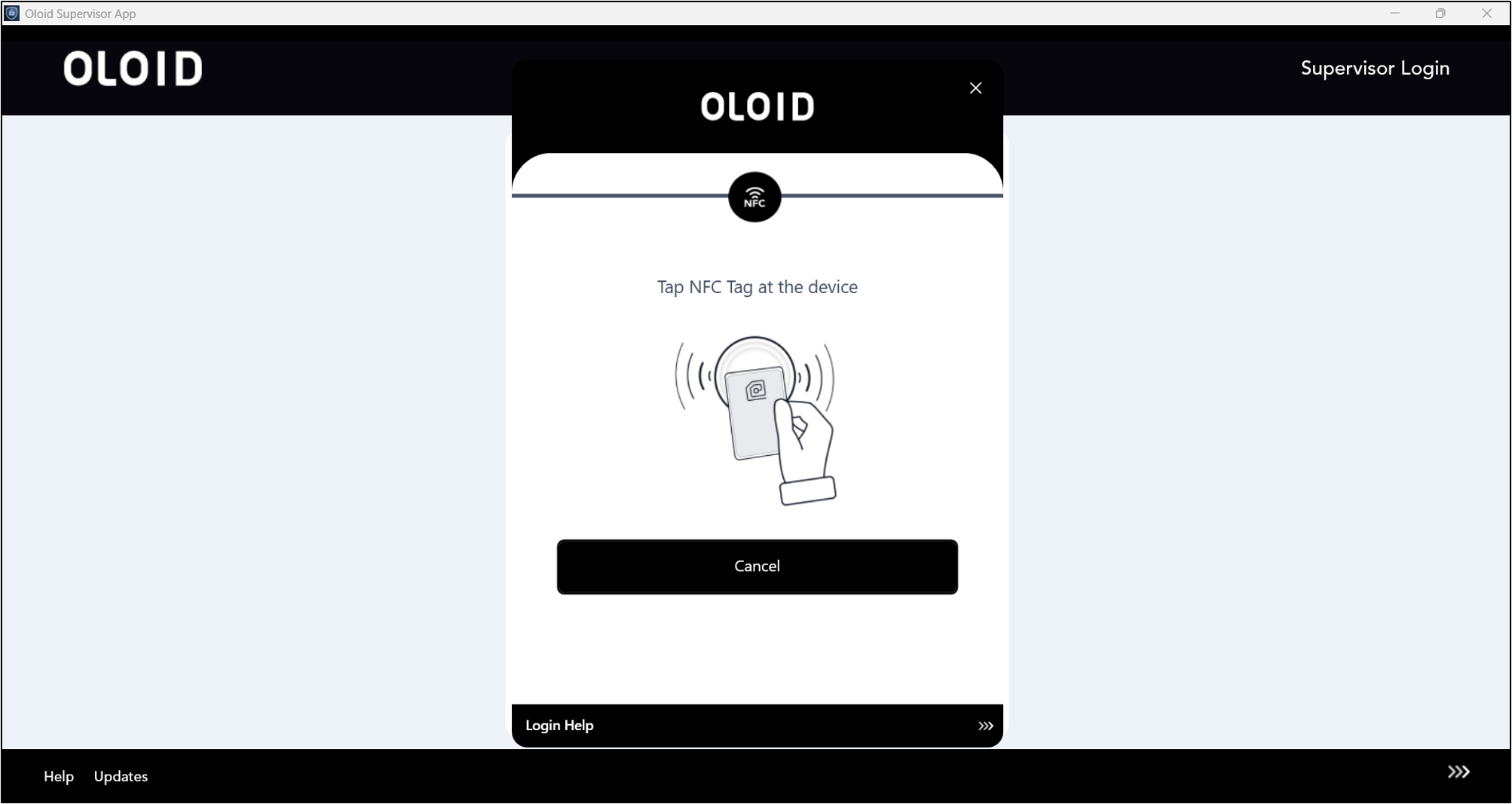
- Click Login with NFC Tag. The Scan NFC screen is displayed.
- Tap the NFC card or tag on the NFC reader to scan it.