

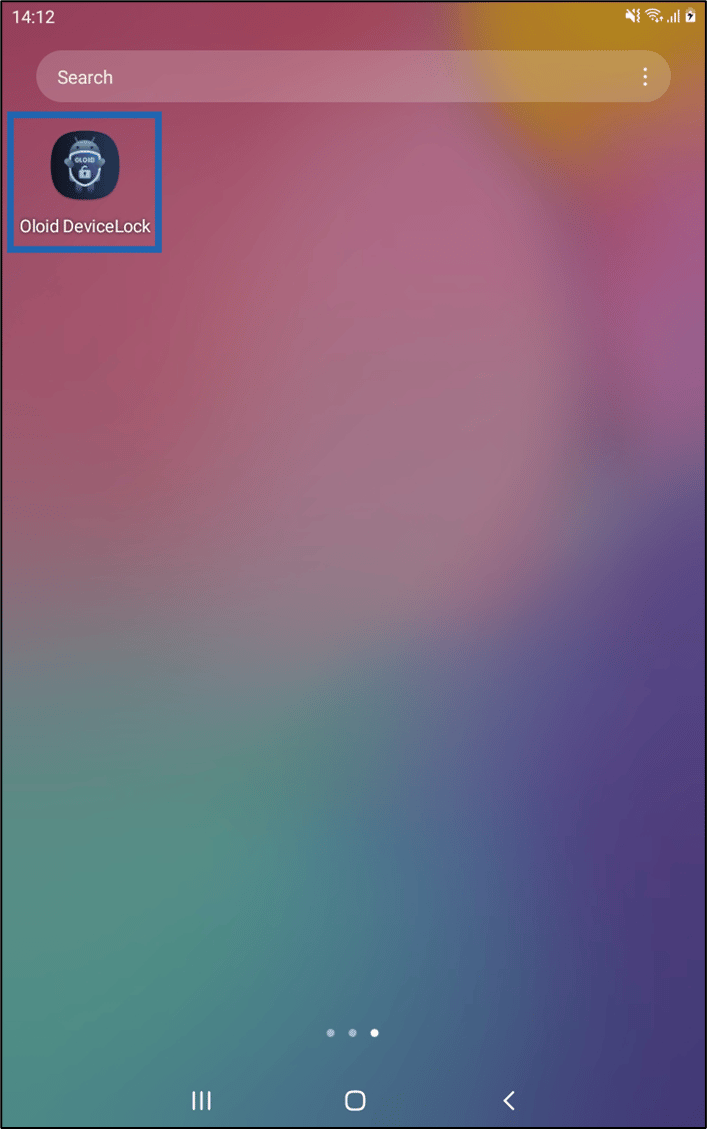
- Launch Oloid DeviceLock App on your device.
- Do any one of the following:
- Select More Option icon (
 ) on bottom-right side of the screen.
OR
) on bottom-right side of the screen.
OR - Double tap on the screen.
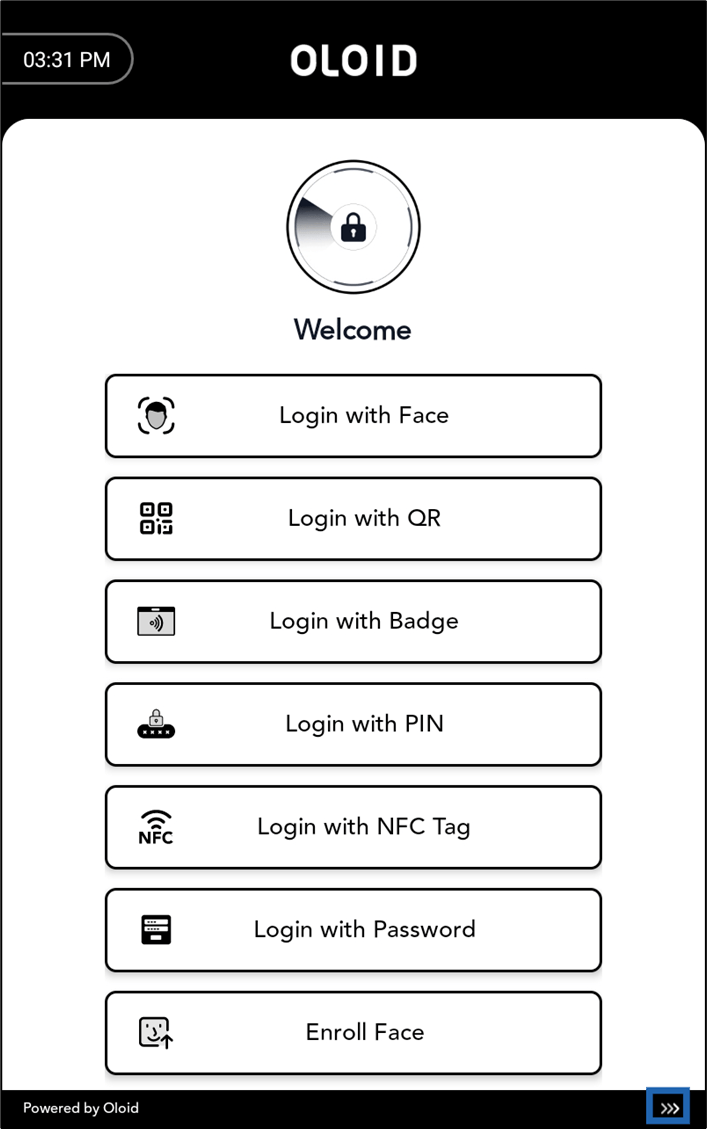
- Select More Option icon (
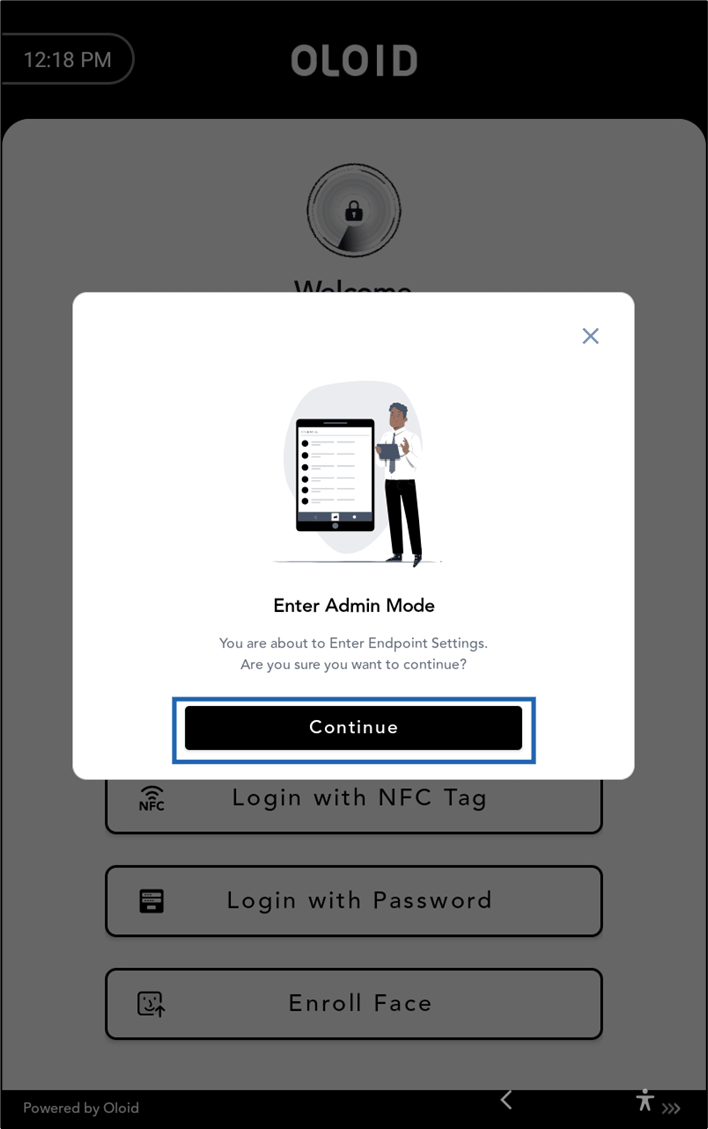
- Select Continue.
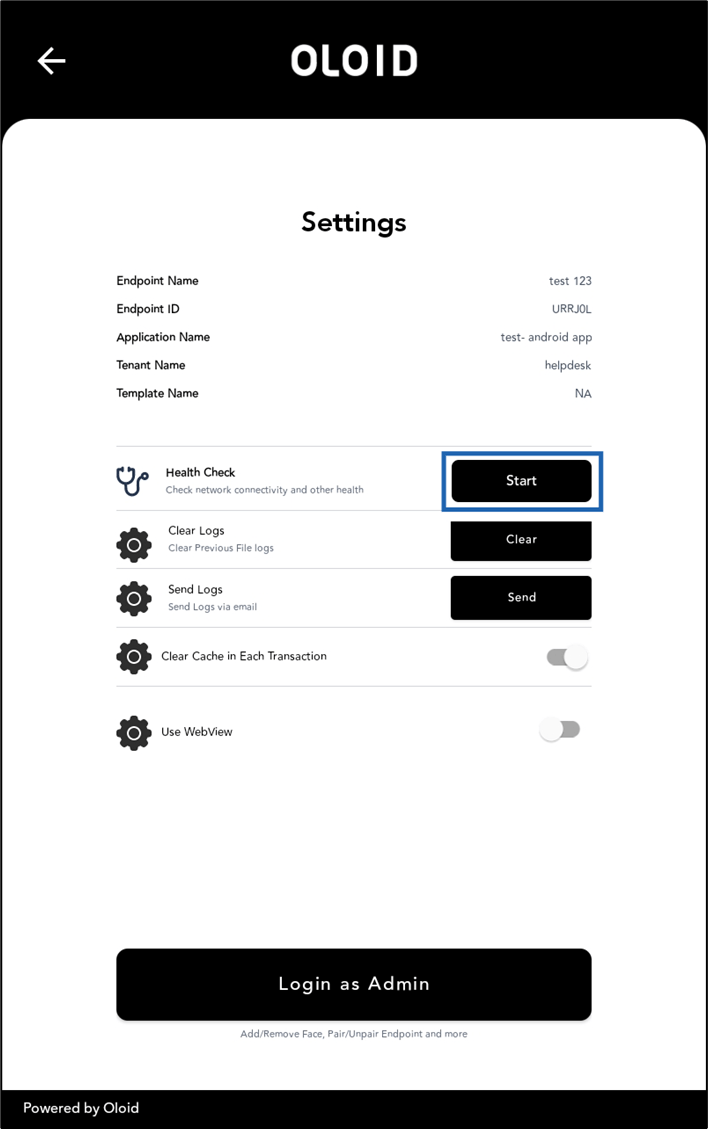
- Select Start to initiate the health check.
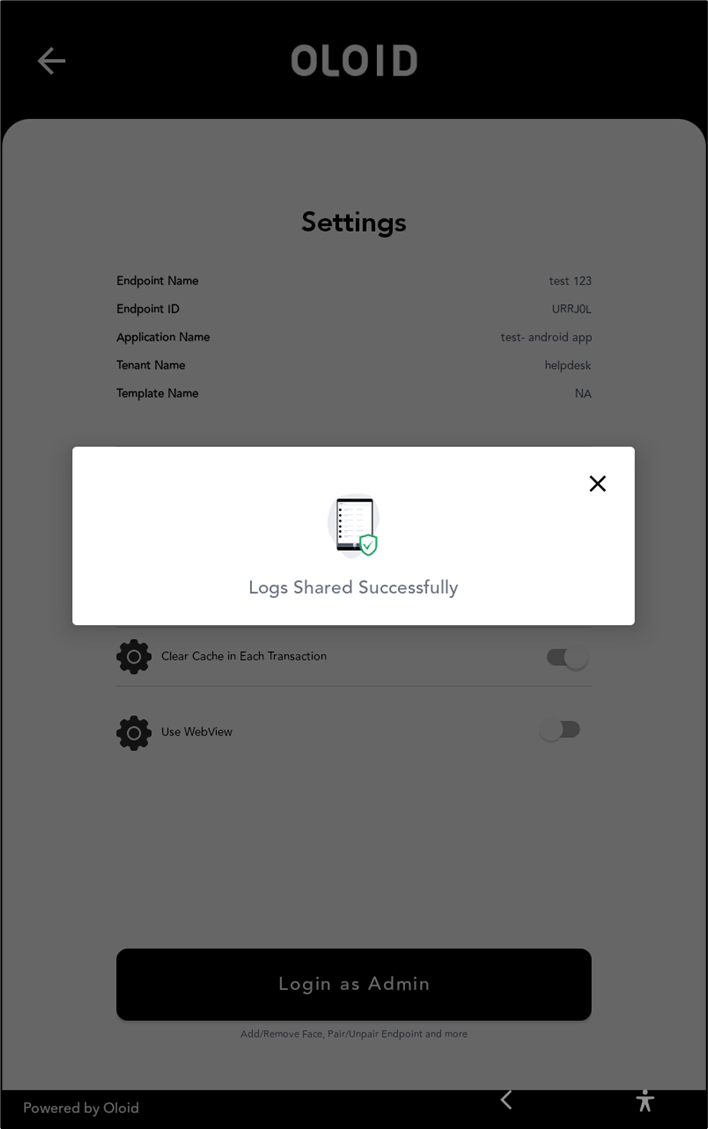
How to check health of Oloid DeviceLock App
This document provides step-by-step instructions to check health of Oloid DeviceLock App.
Steps to check health:
⌘I