

- Launch your chrome browser.
- Enter localhost: 3000 in your browser address bar. Then, press Enter on your keyboard.
The Workflow Login page is displayed.
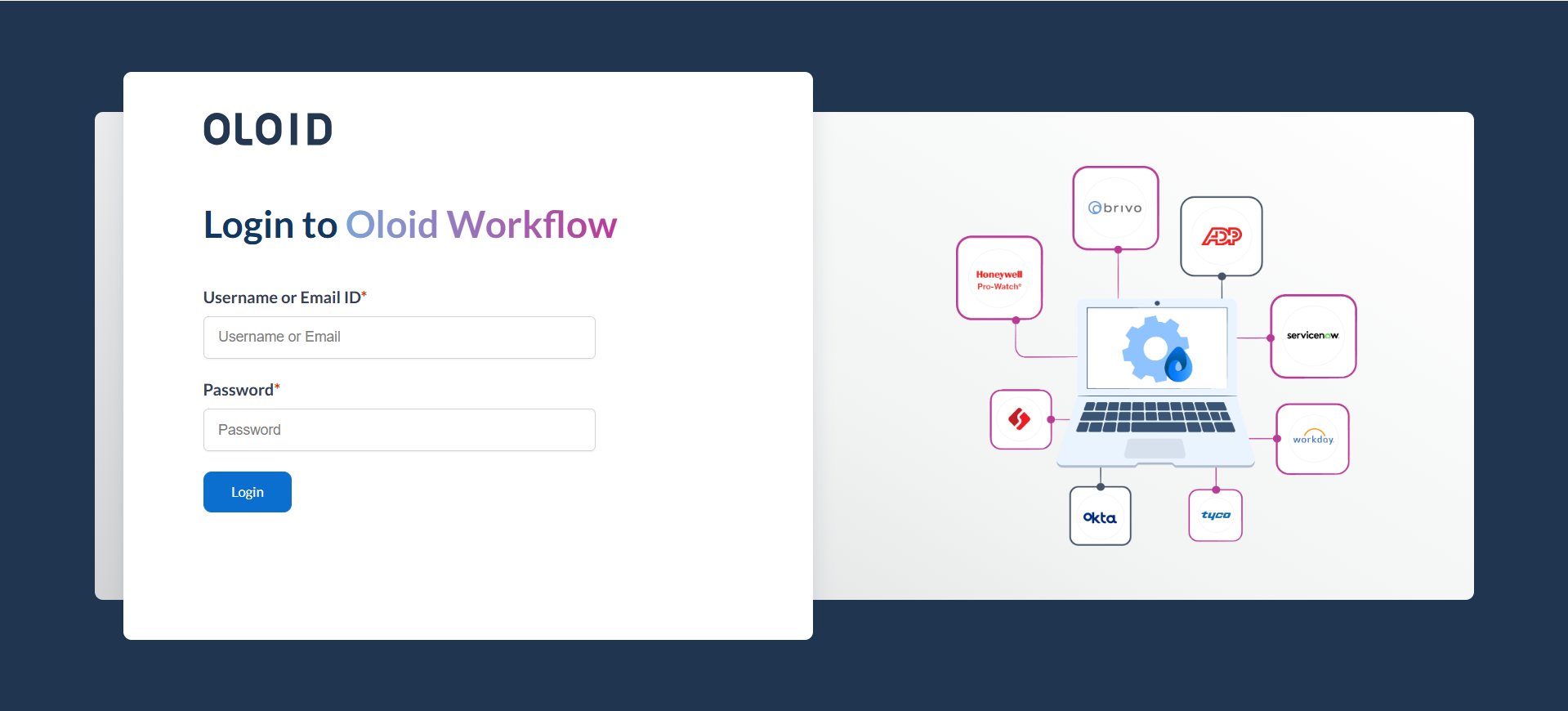
- Enter username and password in the appropriate fields.
- Click Login.
The Oloid Workflow application page is displayed.

- Click New Flow on the top menu.

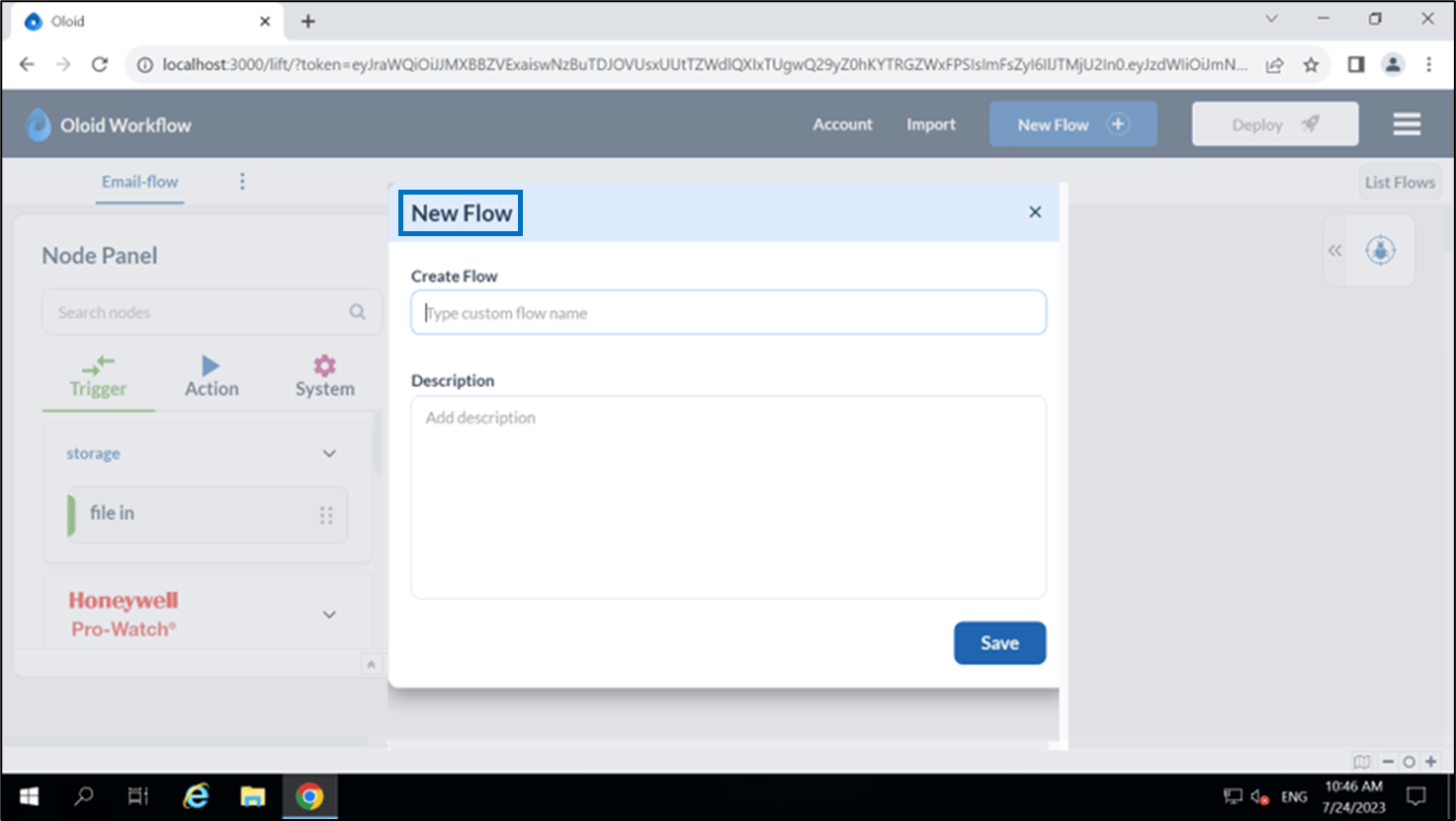
- Do the following in the pop-up box:
- Enter name of the flow in the Create Flow textbox.
- Enter Description.
- Click Save.
The new blank flow is created and added as a tab in the application

- Drag and drop the elements from the Node Panel to create your desired flow.

- Click Deploy. The flow is successfully deployed.
How to create a flow?
This document provides step by step instruction on how to create an Oloid Workflow.
Steps to create a Flow:
⌘I