

Introduction
The Users screen displays a list of users in the Oloid Verify/Connect app.Pre-requisite
You should be logged in as a tenant admin.To view User details
-
Tap Users on the menu at the bottom of the screen.

-
Tap on the selected user to view details.
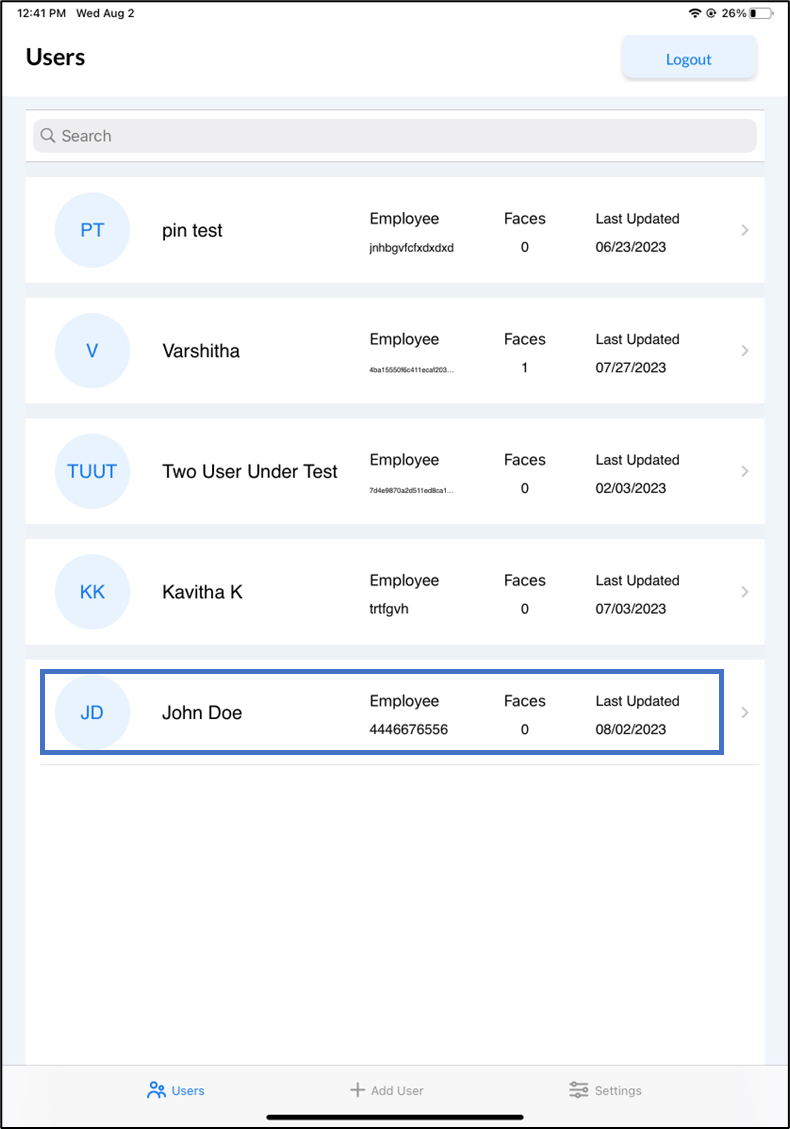
 Note: You can search for a user using the name or primary id of the user.