-
Log in as Admin to Oloid Verify/Connect.
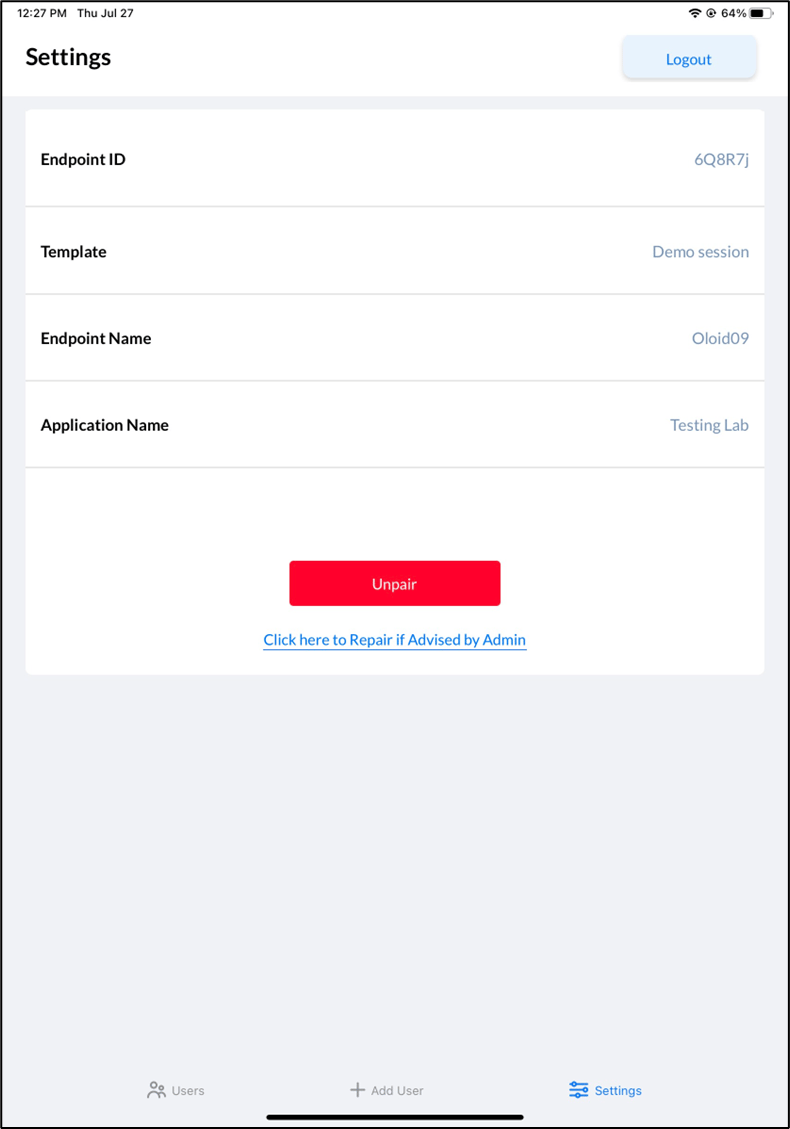
The Settings page is displayed on successful login.Note: For more information on logging in to admin mode, see How to log into the admin mode of Oloid Verify/Connect App as a Supervisor.

-
Do the following:
-
Add Template (optional).
Note: Templates allow Admins to configure Endpoints at scale. A template has to be created in Tenant Admin Portal.
- Enter Endpoint Name.
- Select Application Name from Application Name dropdown.
-
Click Pair.

-
Add Template (optional).