

- You should be a Tenant Admin.
- Application, Connections, and template (optional) are configured in Tenant Admin Portal.
- Go to App Store and download Oloid Verify/Connect App.
- Install the application and upon successful installation, launch the app.
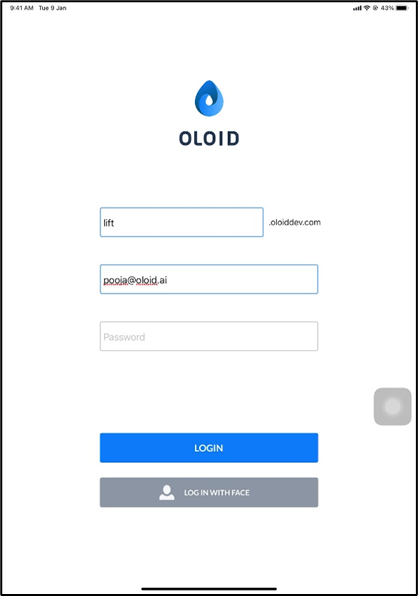
- Enter Tenant Name.
- Enter your email id in the Email text field.
- Enter your password in the Password text field.
- Tap LOGIN.
Note: If your face is added to the Tenant Portal as a Tenant Admin, you can tap on LOG IN WITH FACE to log in using your face.
- Do the following on the Settings page.
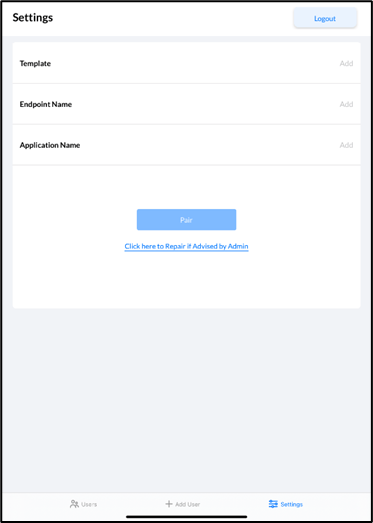

Note: Once the iPad is successfully paired, other settings can be configured in the tenant admin portal.
- The application prompts you to log out of Admin mode.
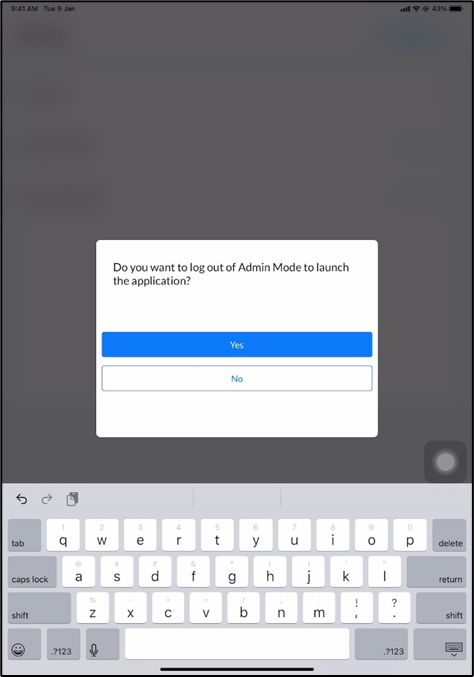
- Do one of the following:
Note: To go back to admin mode, double-click with two fingers on preview mode and tap Yes- To Continue.