

Introduction
This feature of Oloid Connect app allows the user in tenant admin mode to add new users using the app. To add user,- Tap +Add User on the menu at the bottom of the screen.
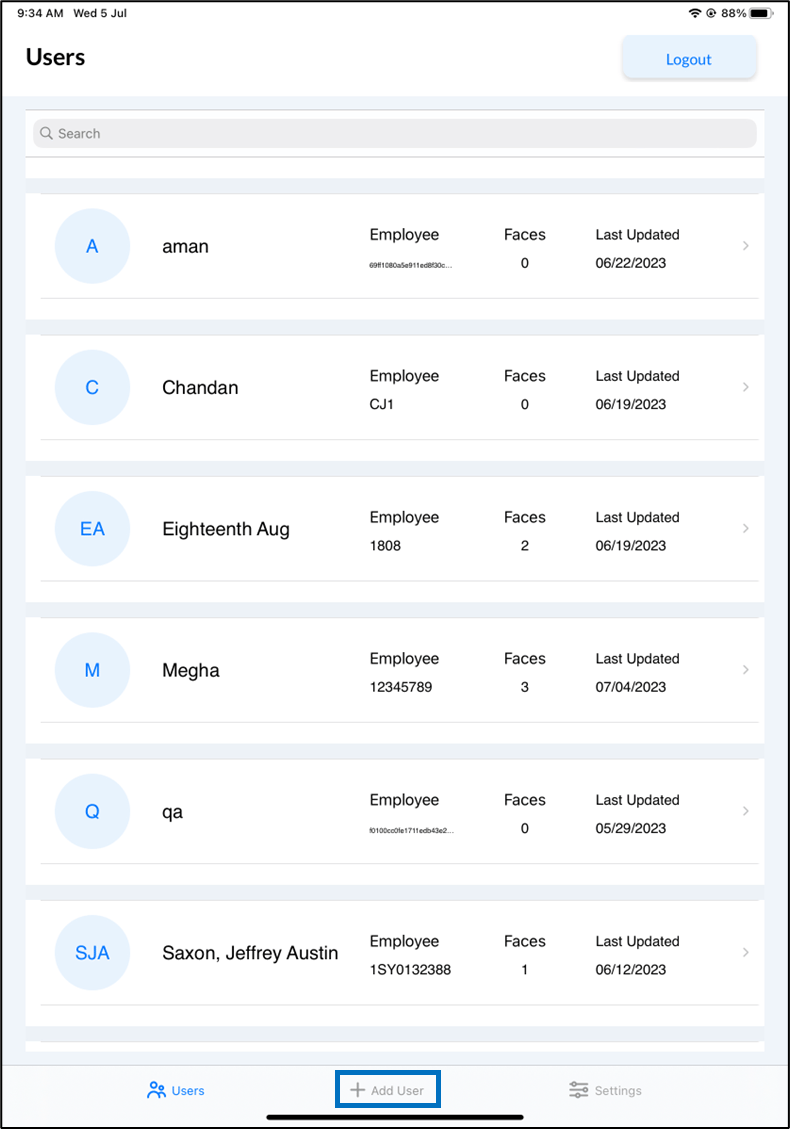

- Enter Name. First name and Last name should be separated by a space.
- Enter Primary ID. Only alphabets, numbers, and hyphen are accepted.
- Enter Secondary ID. Only alphabets and numbers are accepted.
- Select connection name from Connection Name list.
- Tap Add User.
A new user is added and user details are displayed in Details screen.
