- Launch your Oloid Verify/Connect App.
-
Double-tap on the Preview screen with two fingers.
To access endpoint details, refer Oloid Connect/Verify: How to see the endpoint details on the endpoint.Note: You can see Preview screen once the Oloid Verify App is paired.
- Click YES-CONTINUE to log into Admin Mode. The Settings screen is displayed.
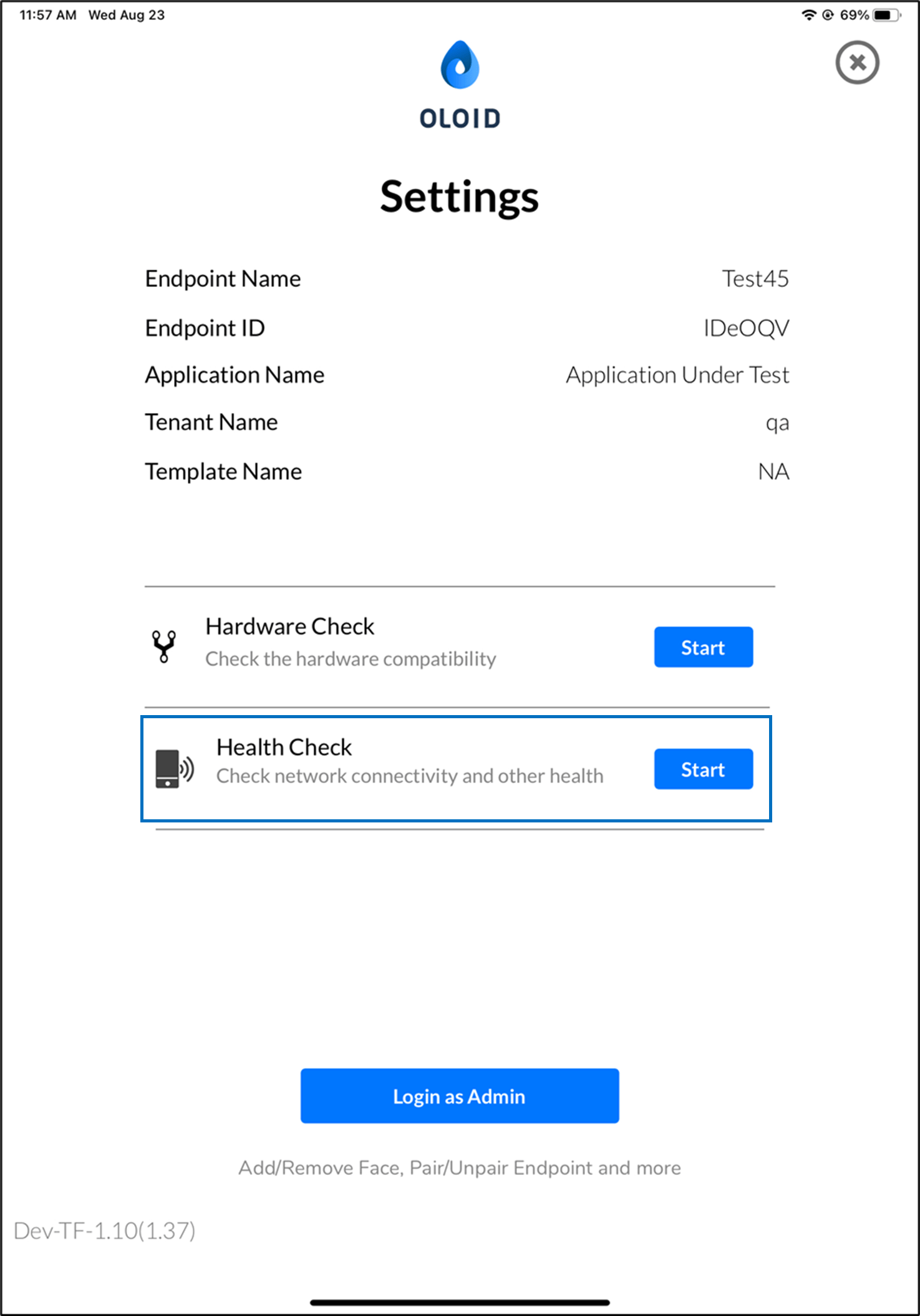
- Go to the Settings page of Oloid Verify/Connect app.
-
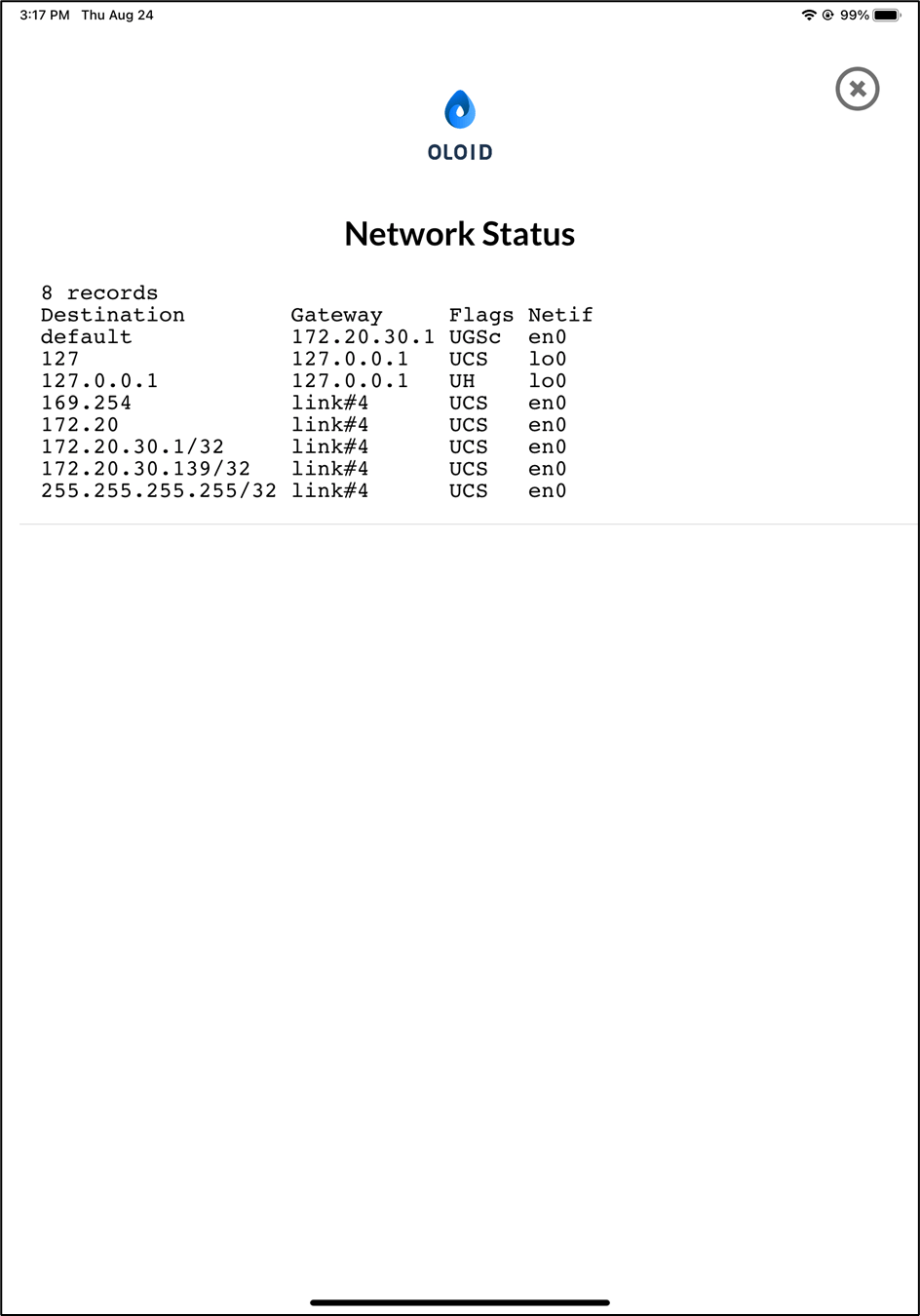
Tap Start in Health Check section.