

- Log in to the Oloid Portal.
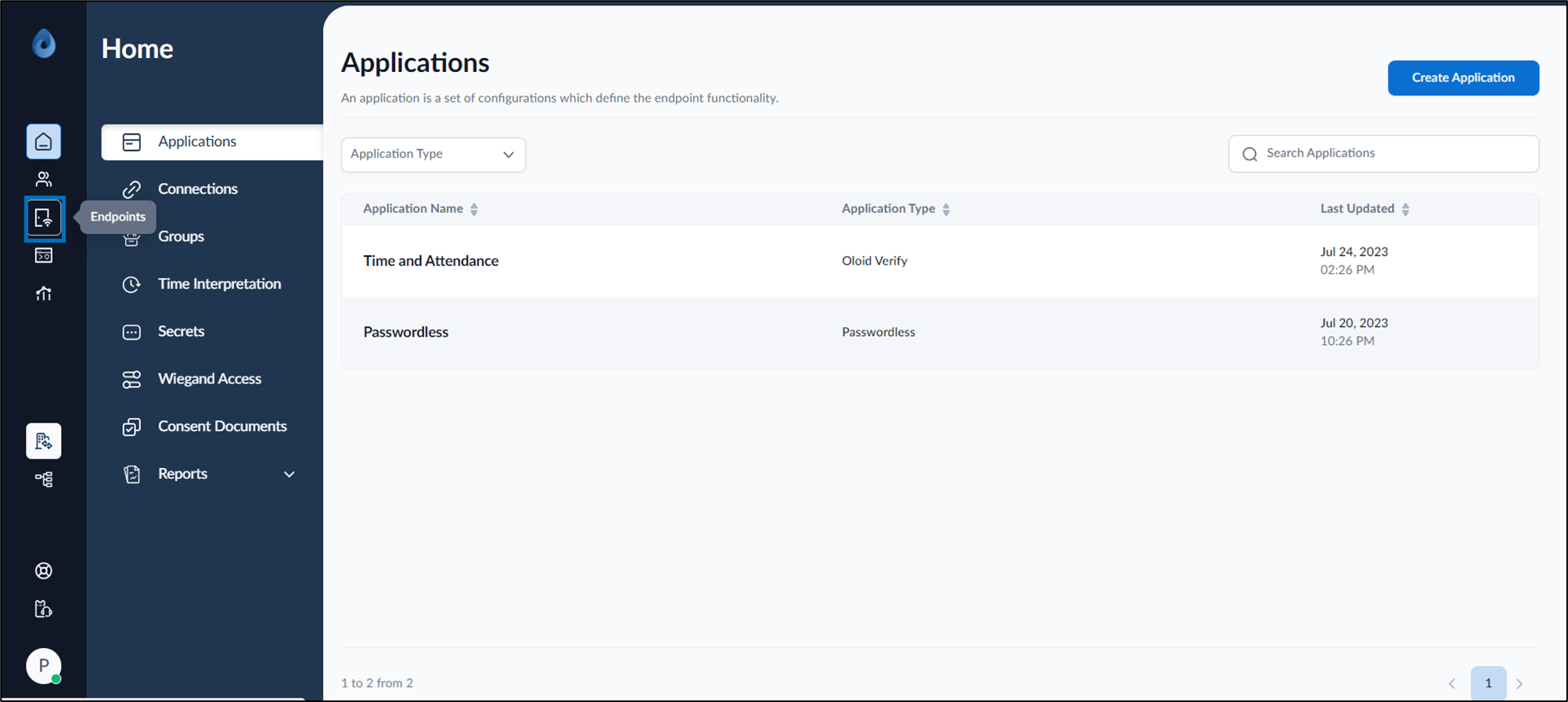
- On the homepage of the portal, click Endpoints on the left menu panel.
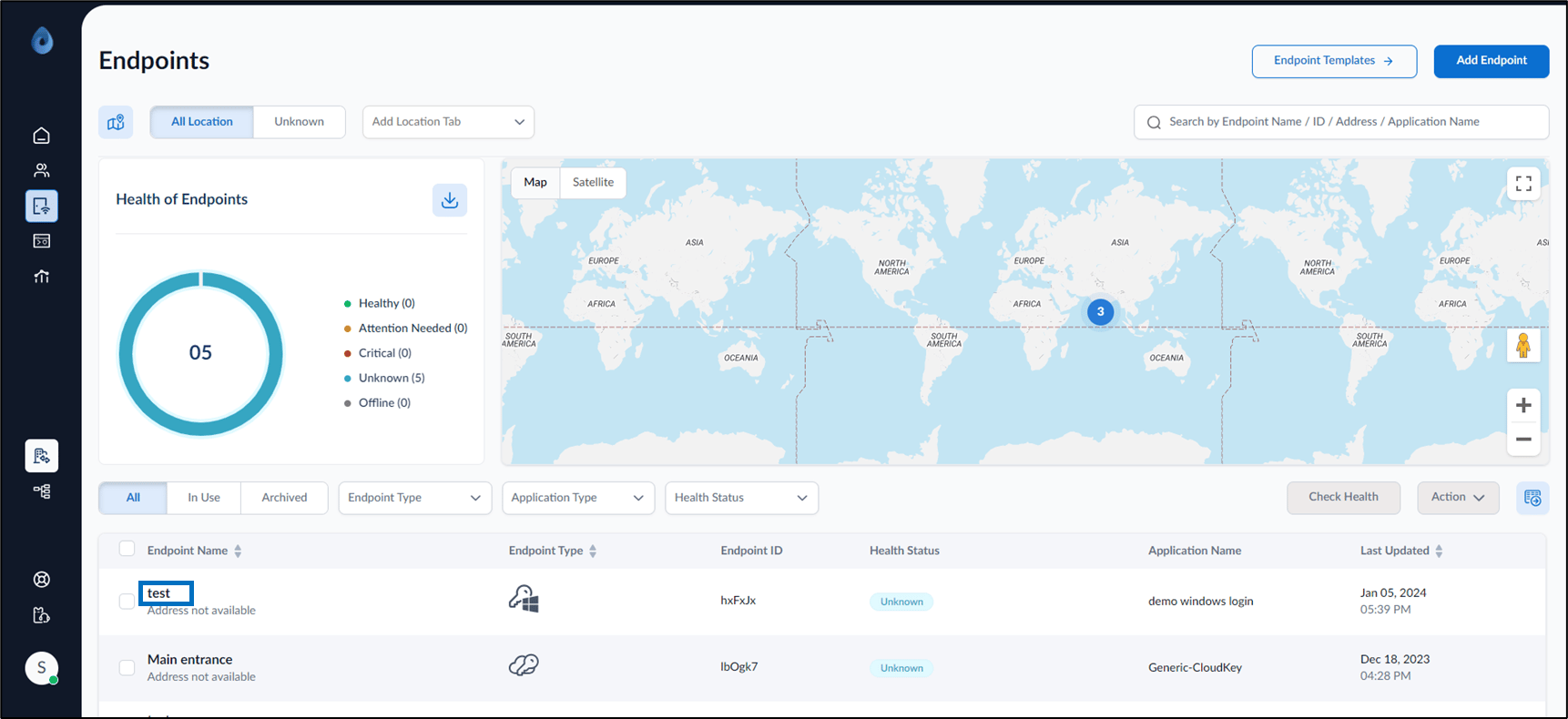
- Click Endpoint Name (endpoint created from portal) to edit.
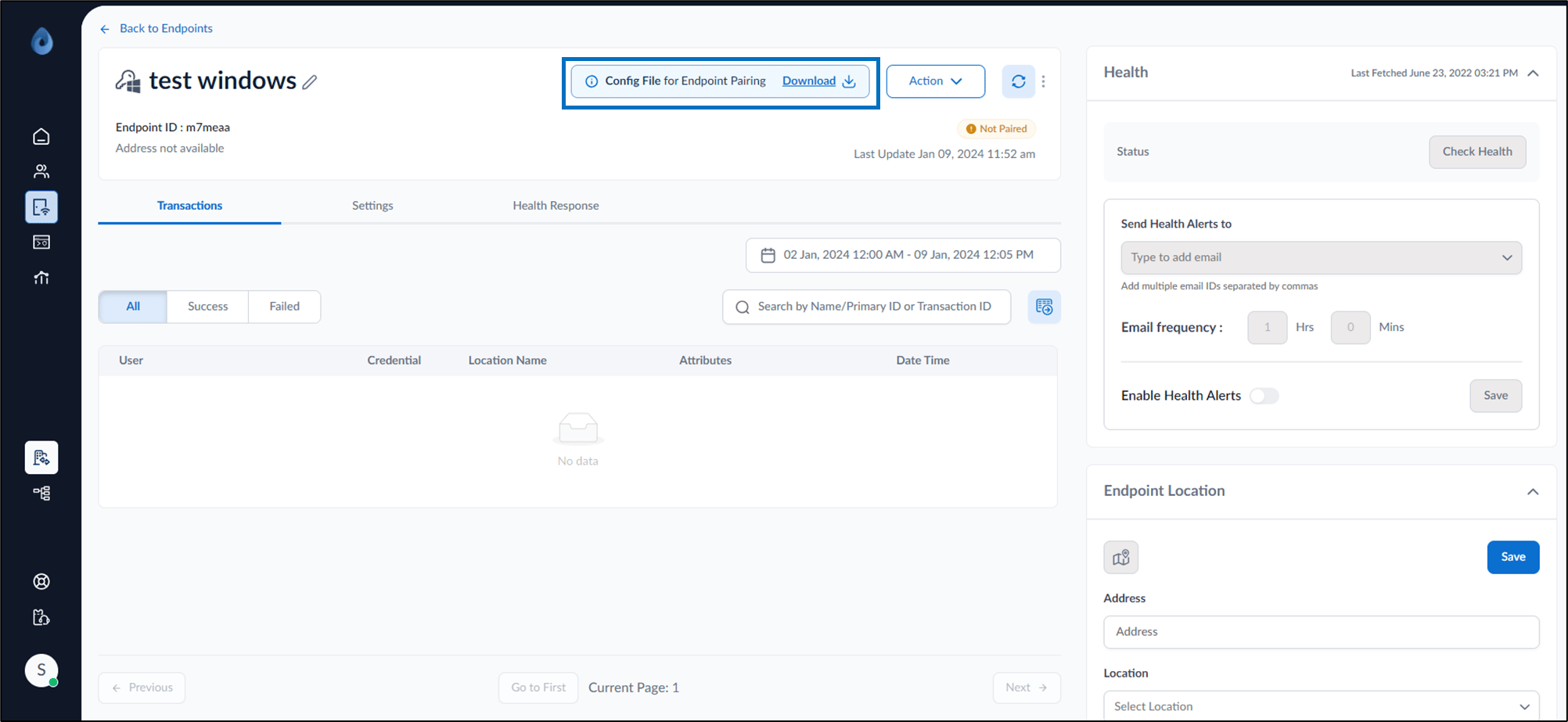
- Click Download to download the config file for endpoint pairing.
How to download endpoint config file for Windows Login
The Windows Login endpoint must be created from Oloid Portal. For further details, see How to add Windows Login endpoint
Pre-requisite
The Windows Login endpoint must be created from Oloid Portal. For further details, see How to add Windows Login endpoint
To download endpoint config file:
⌘I