Introduction
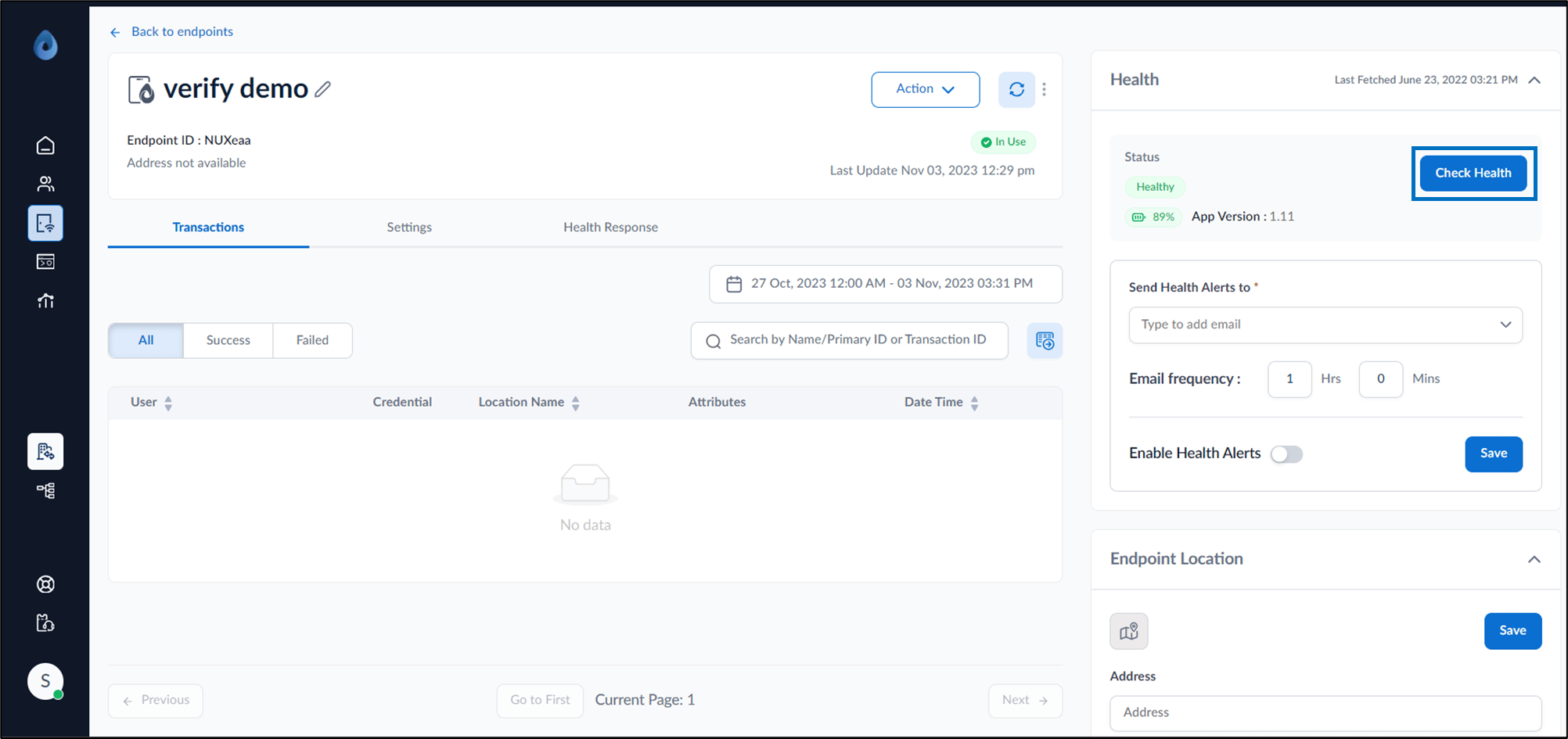
The Check Health feature in the Oloid portal provides the endpoint’s health status. Steps to add health alerts:- Log in to the Oloid Portal.
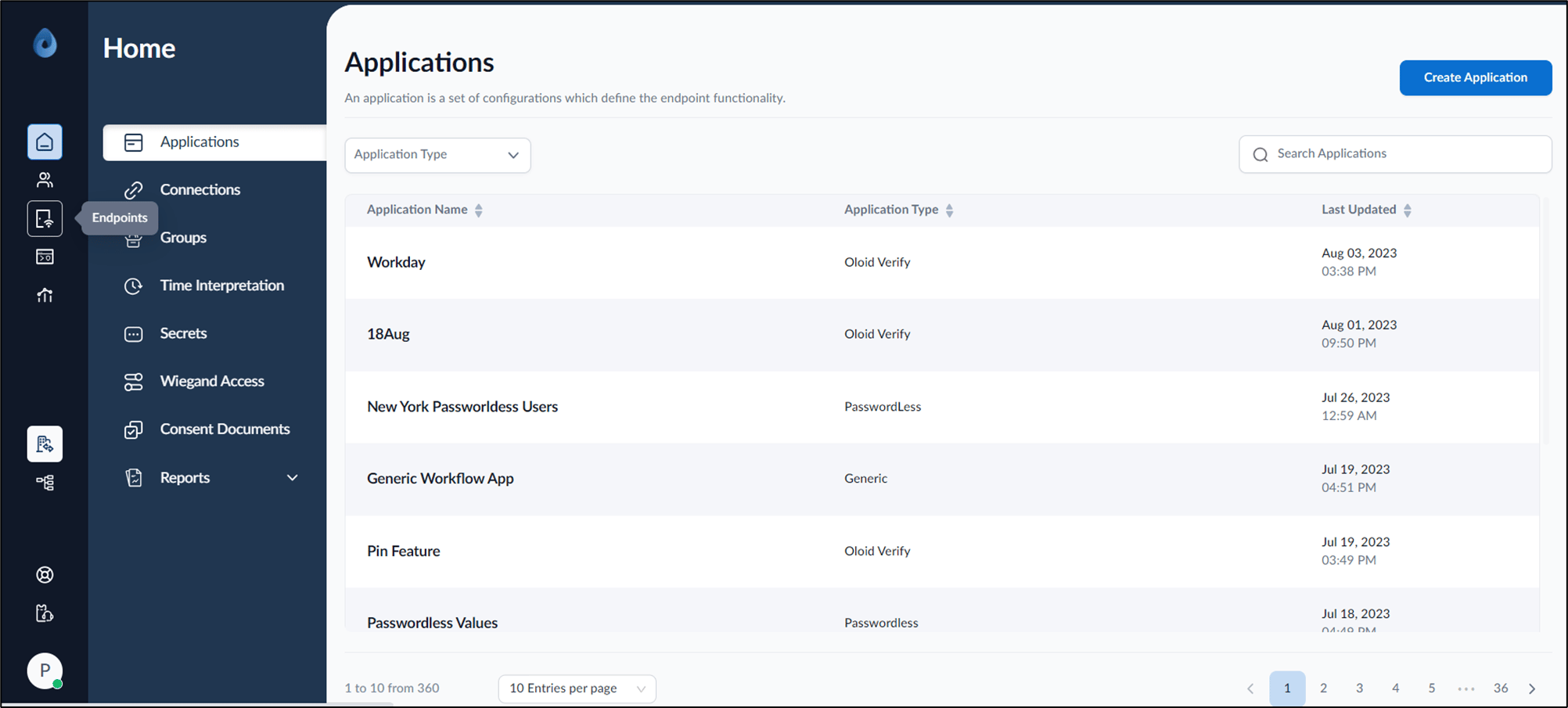
- On the homepage of the portal, click Endpoints on the left menu panel.
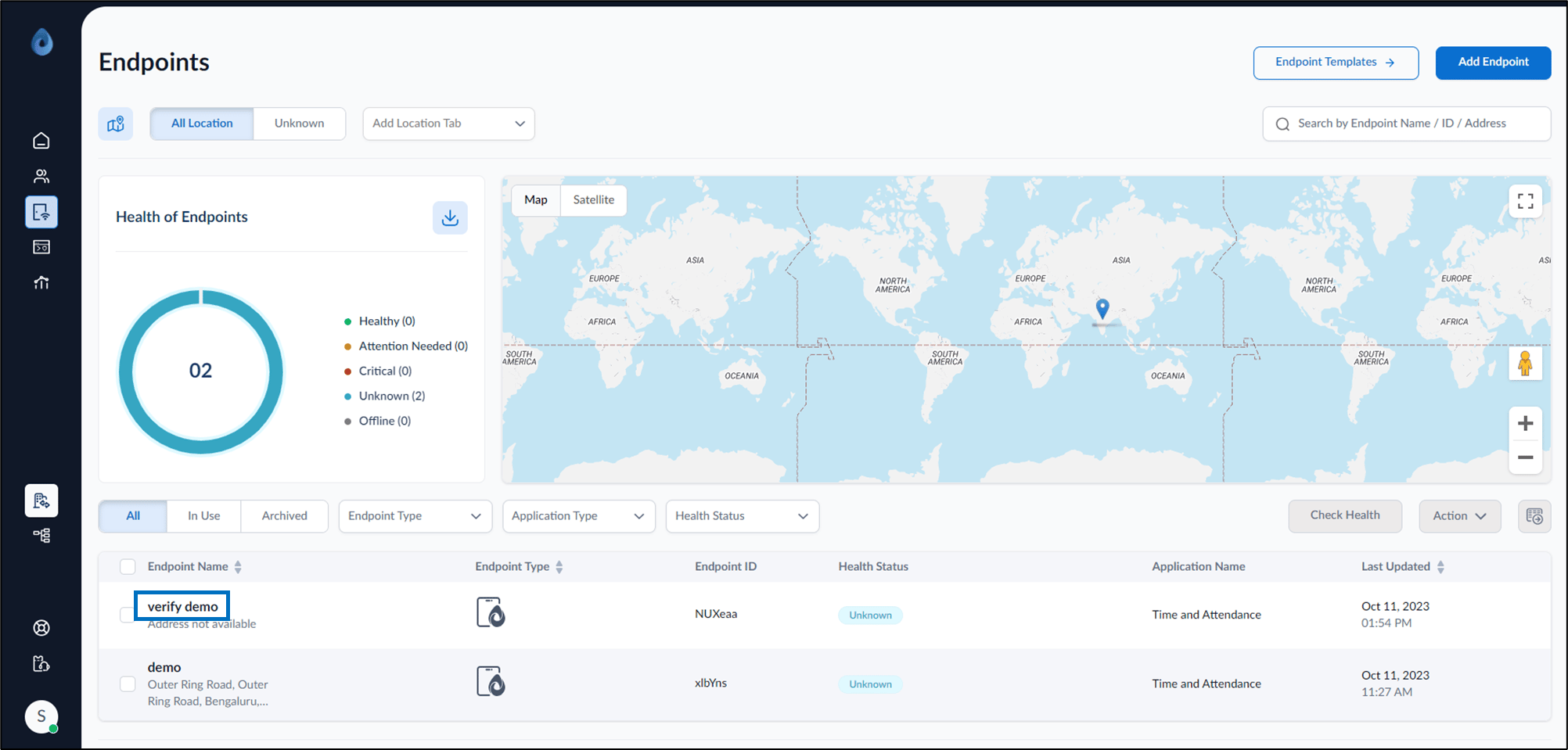
- Click Endpoint Name to edit.
- Do one of the following:
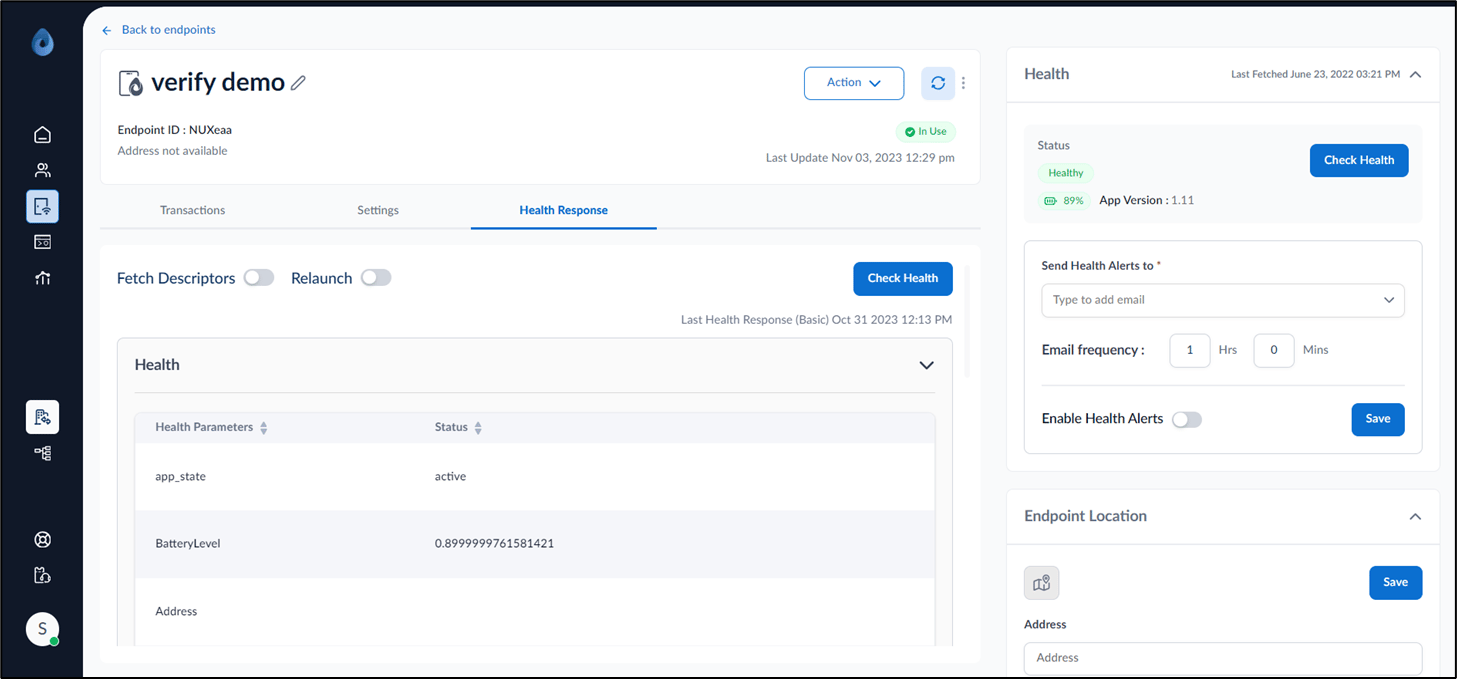
- Navigate to Health Response tab > Check Health.
- On the top right corner, locate Health.
- Select Check Health.