

Note: This document is not valid as UI has changed completely. Needs to be deleted.
- Log in to the Oloid Portal.
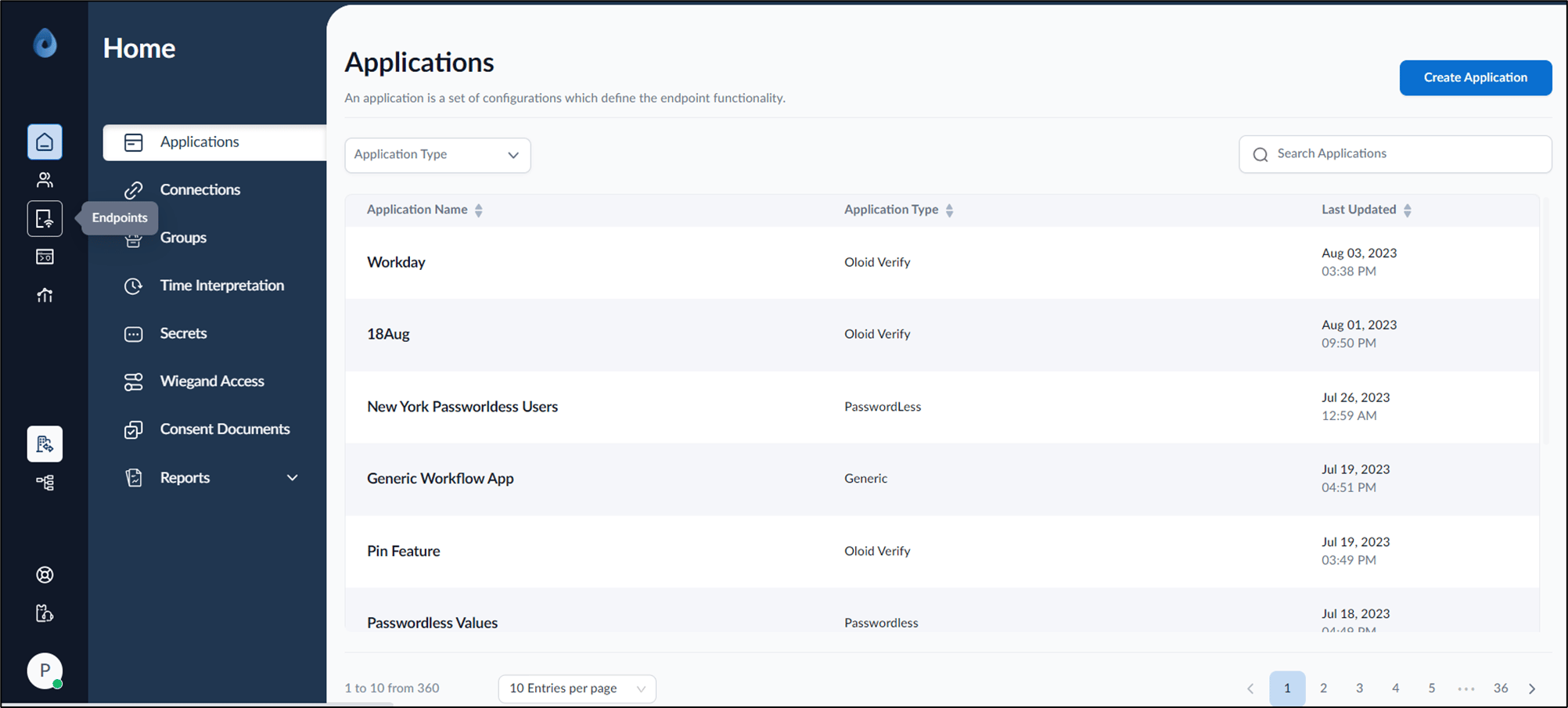
- On the home page of the portal, click Endpoints on the left menu panel.
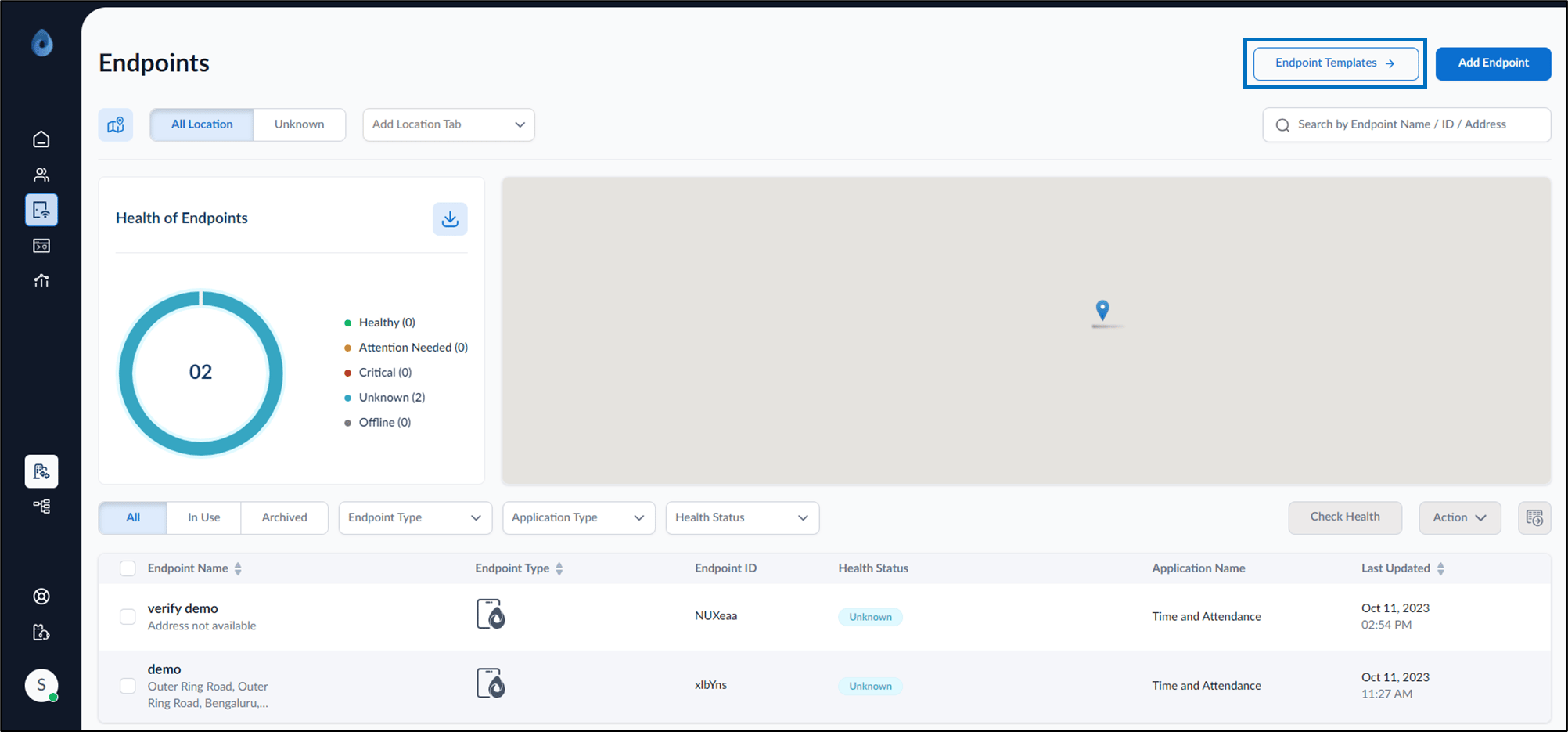
- On the top right, click Endpoint Templates.
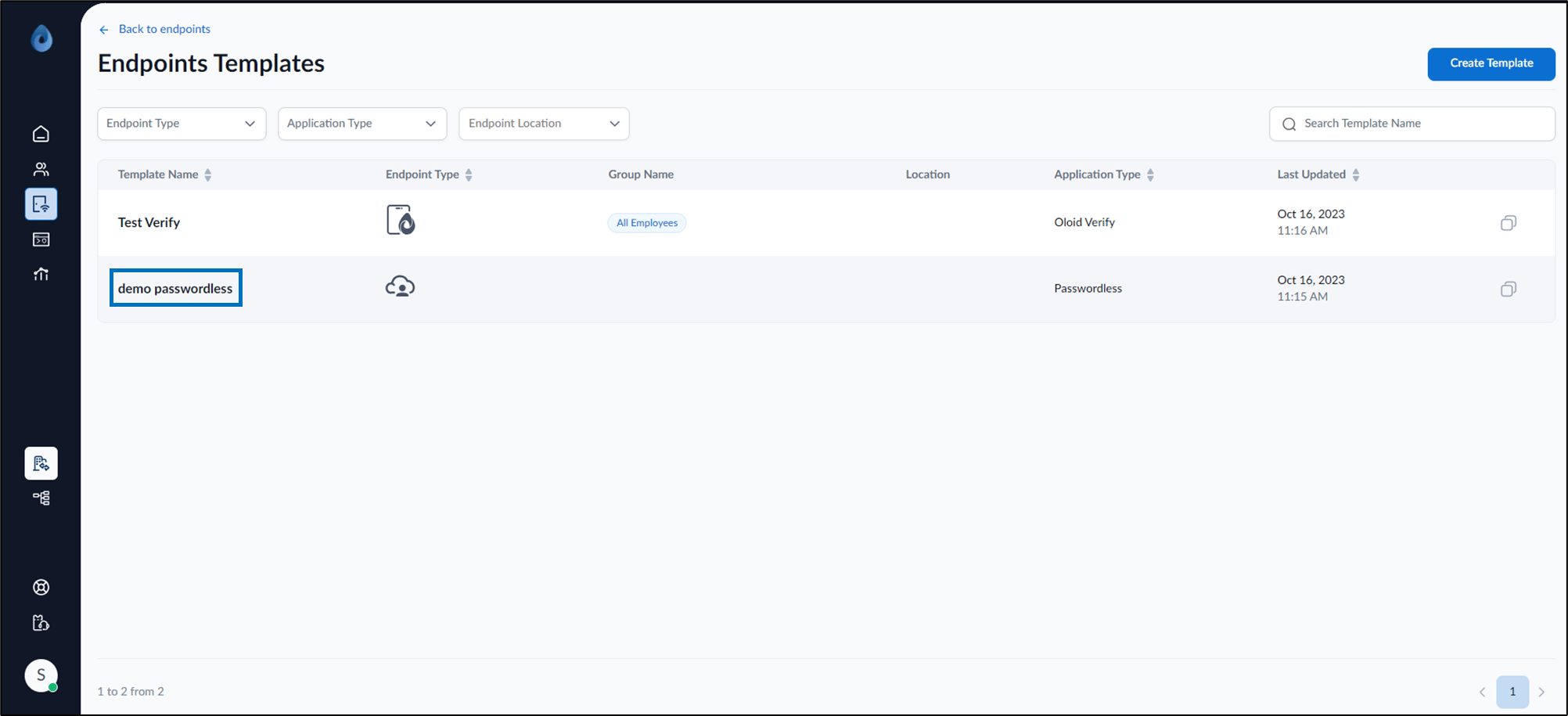
- Click template name of Passwordless Endpoint Type to be configured from the listed template name.
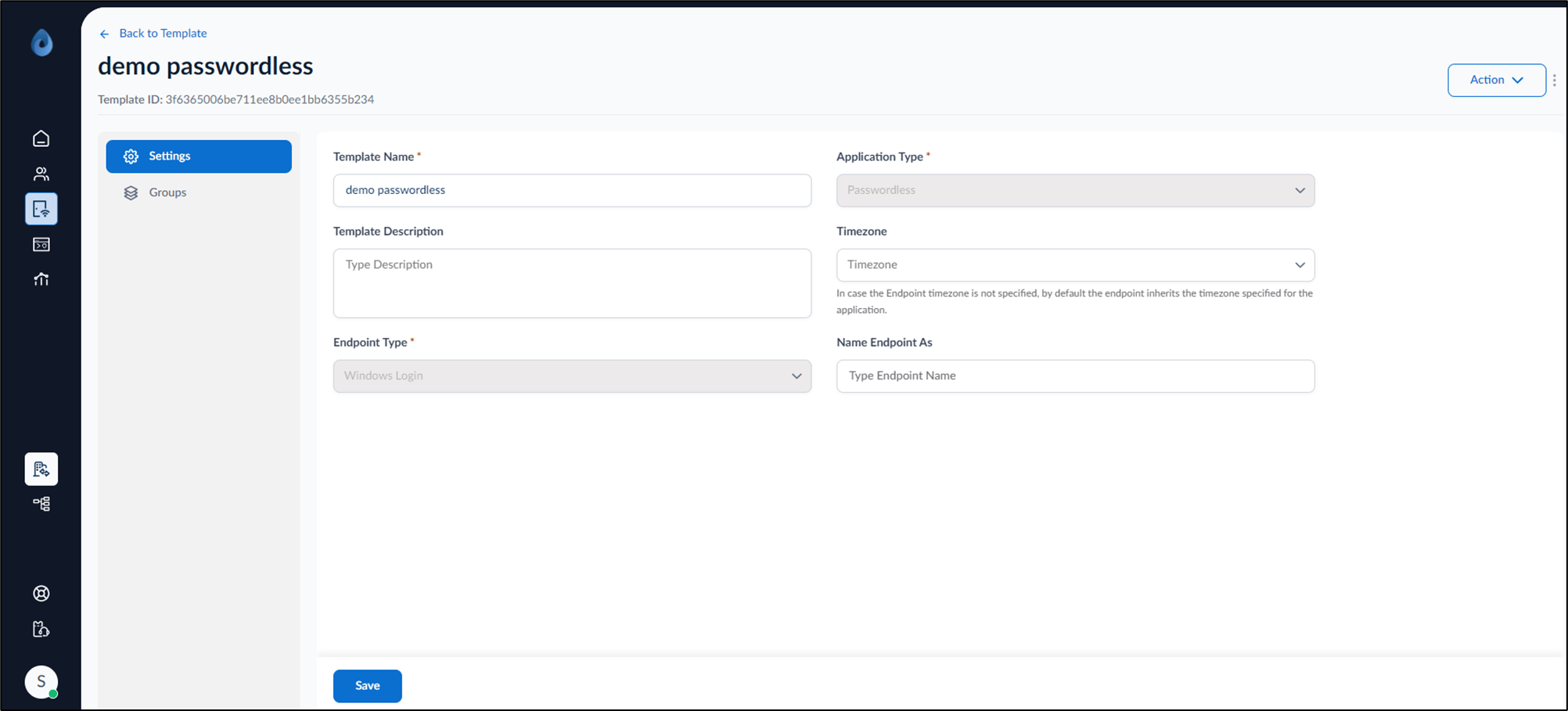
- Do the following:
- Settings tab:
- Enter Template Name.
- Enter Template Description (Optional).
- Select timezone from Timezone dropdown list.
- Enter endpoint name in the Name Endpoint As field.
- Click Save.
- Groups tab: Add group to the template. The Passwordless template is configured.
- Settings tab: