

- Log in to the Tenant Admin Portal. For more details, refer How to log in to the Tenant Admin Portal.
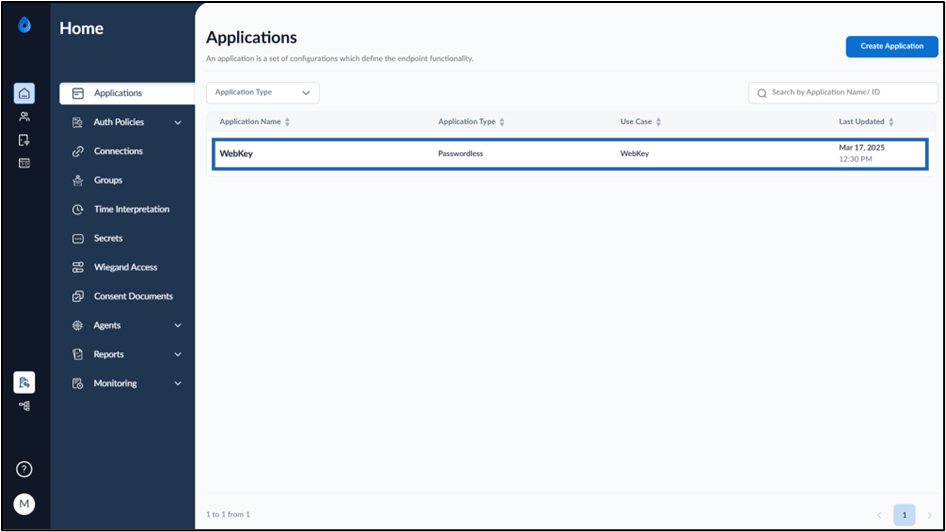
- On the Applications page, select the Webkey application to edit.
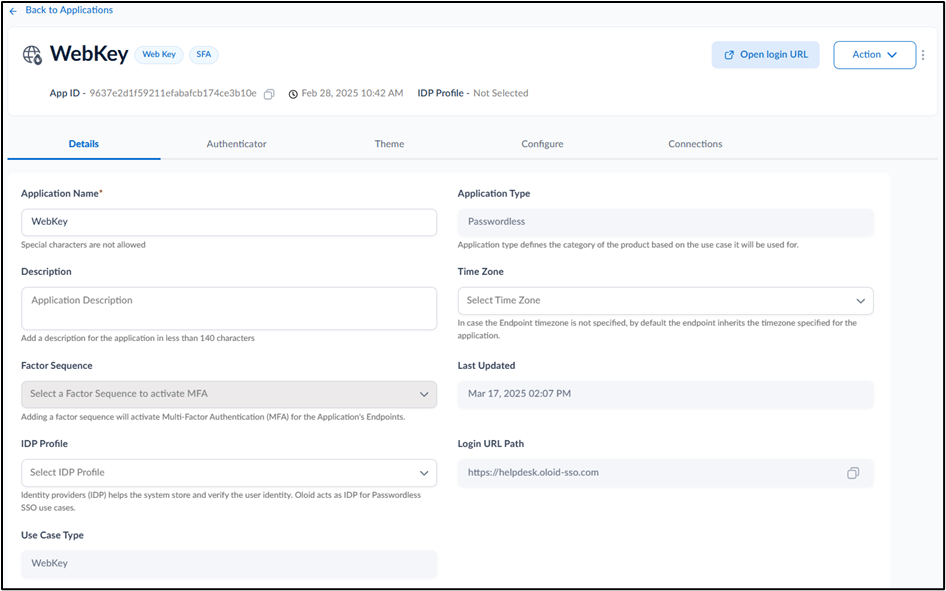
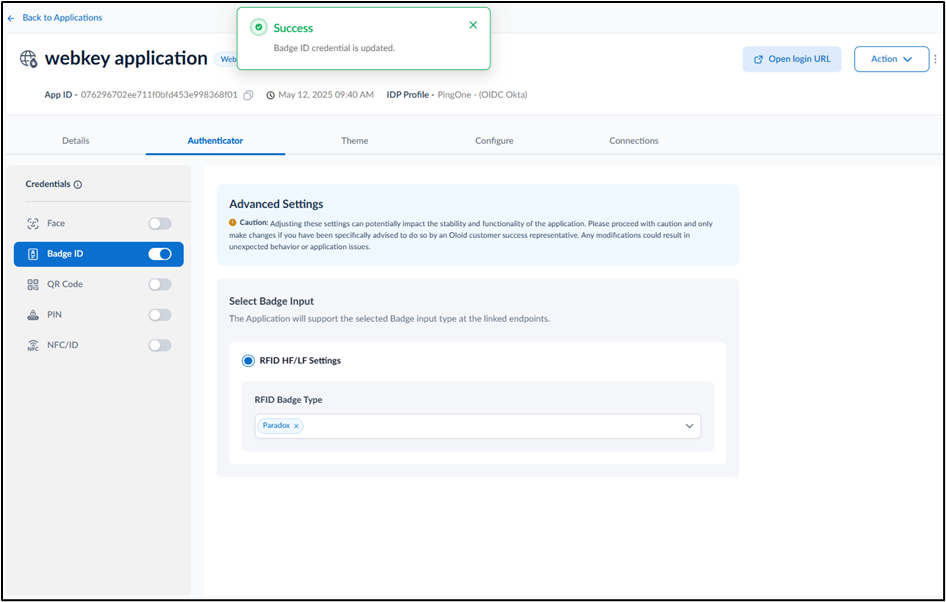
- Go to Authenticator tab**.**
- Turn on Badge ID toggle.
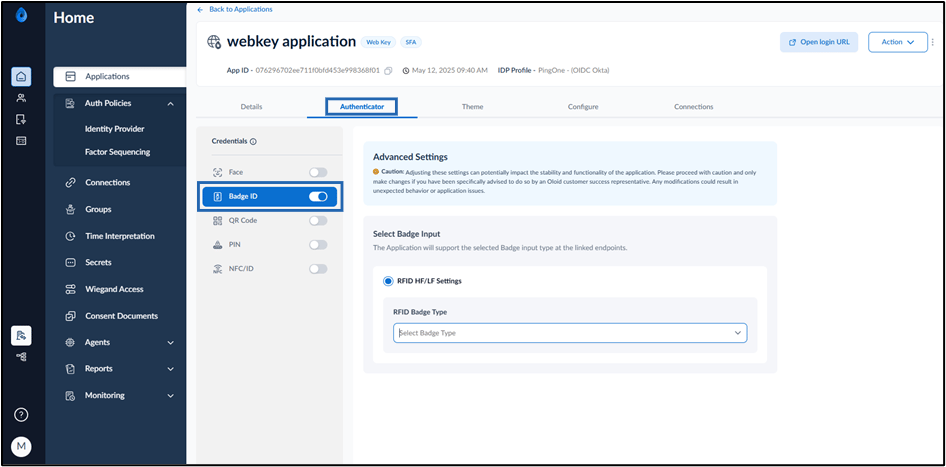
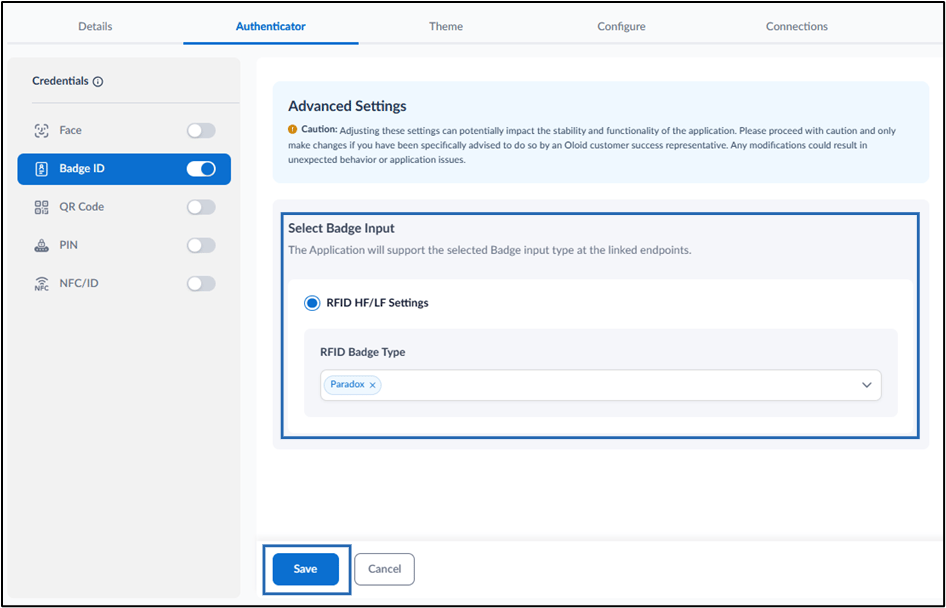
- Select a RFID Badge Type from the dropdown list.
- Click Save.
Webkey - How to configure Badge ID credential for Webkey in the Tenant Admin Portal
This document provides step-by-step instructions to configure Badge ID credential for WebKey Application in the Tenant Admin Portal.
Introduction
The Badge credential feature in the Tenant Admin Portal allows admin to enable badge for the WebKey application. Once enabled, Users can authenticate to the Webkey application by scanning their badge.
Steps to configure Badge ID credential:
⌘I