Introduction
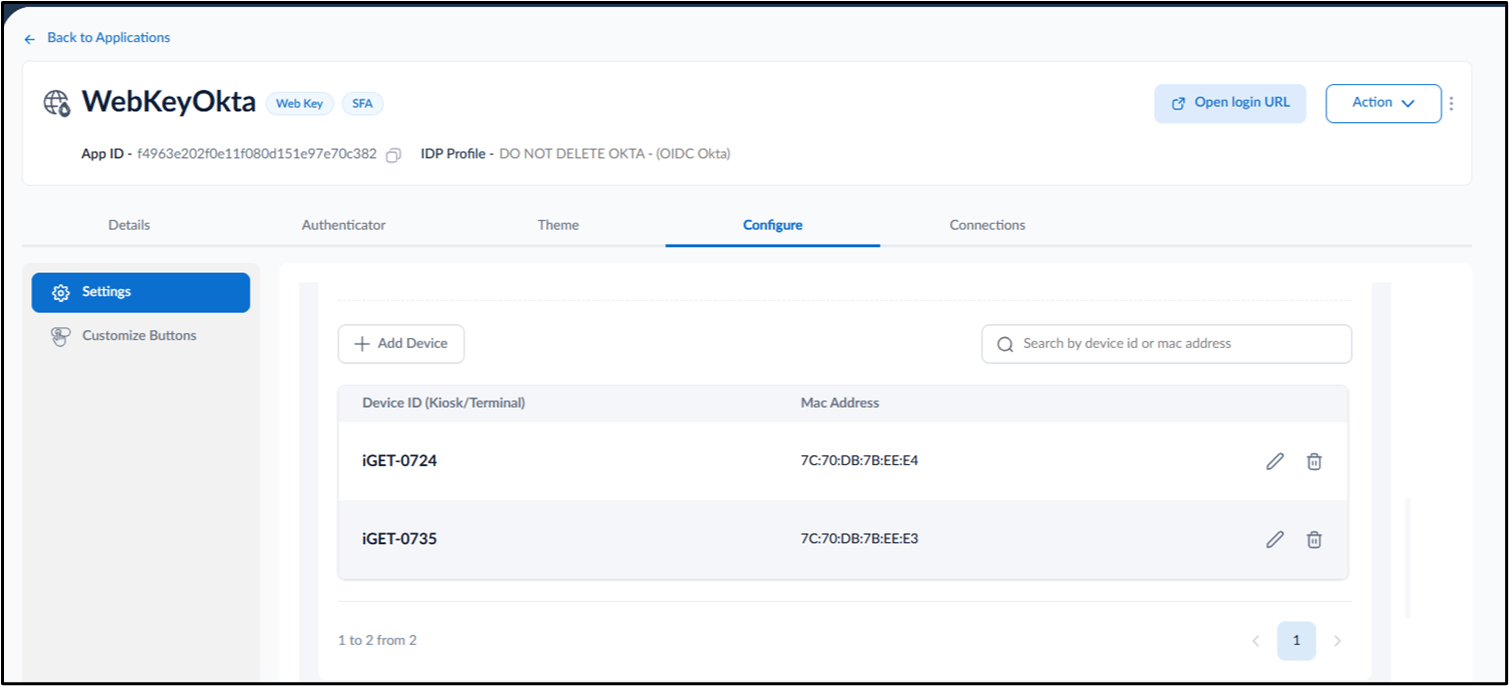
Enabling a Custom User Agent allows the tenant admin to register new devices directly from user transactions.Prerequisite
- You must have a tenant admin account.
- Custom User agent must be enabled. Devices can also be added to Webkey application from Oloid portal. For further information please refer: How to configure Custom User Agent in WebKey Application
Steps to Add Device to Application
- Log in to the Tenant Admin Portal.
-
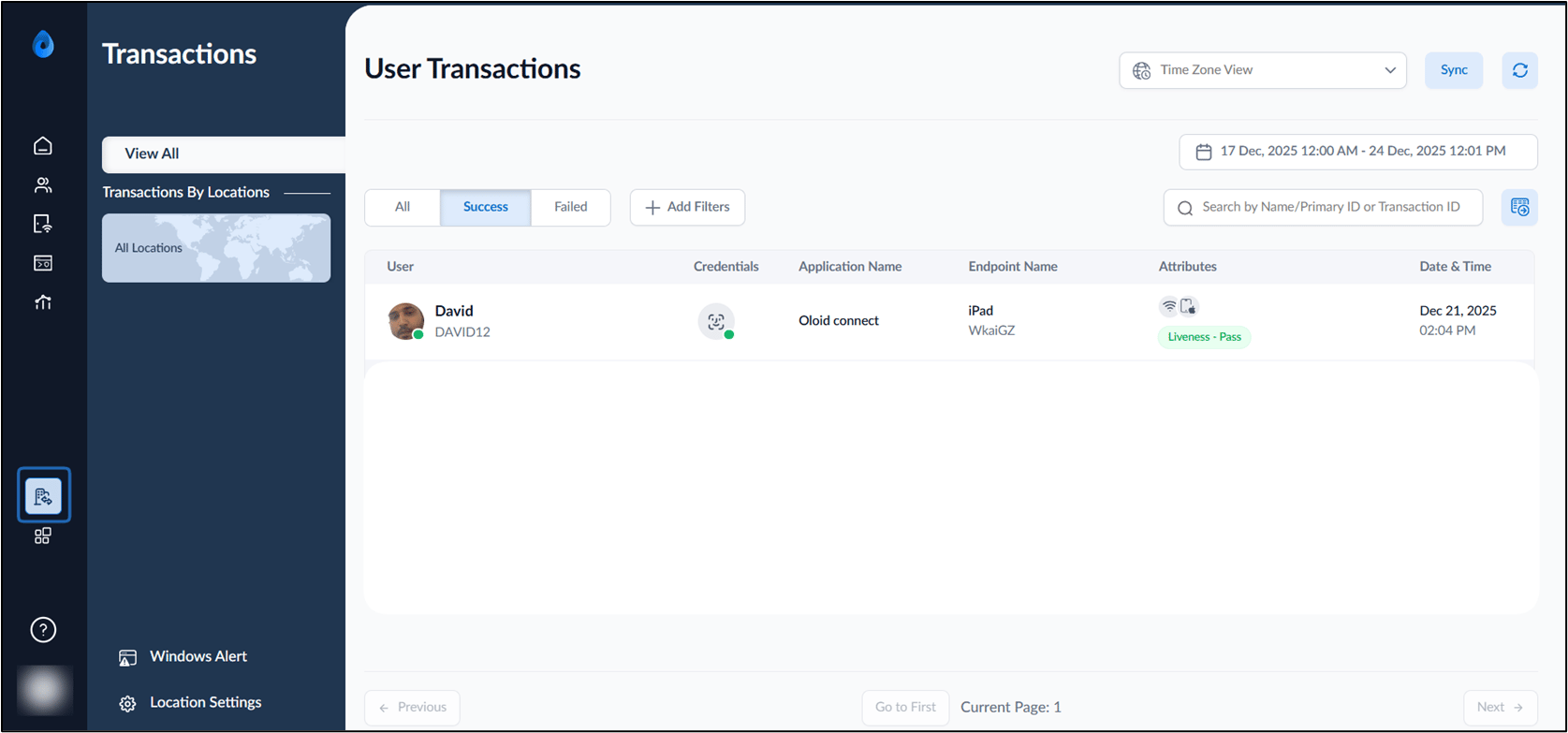
Click Transactions from the left menu panel.
-
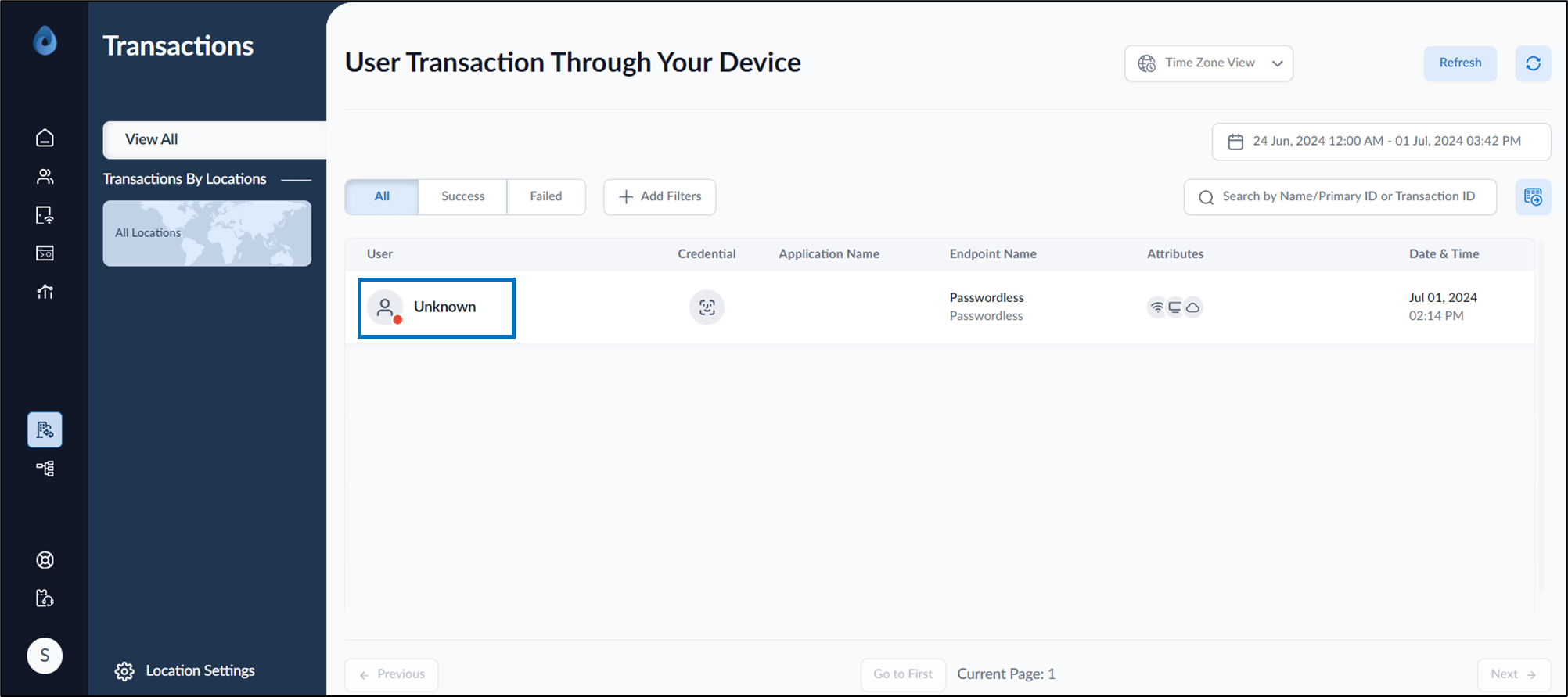
Selectthe latest transactionto edit.
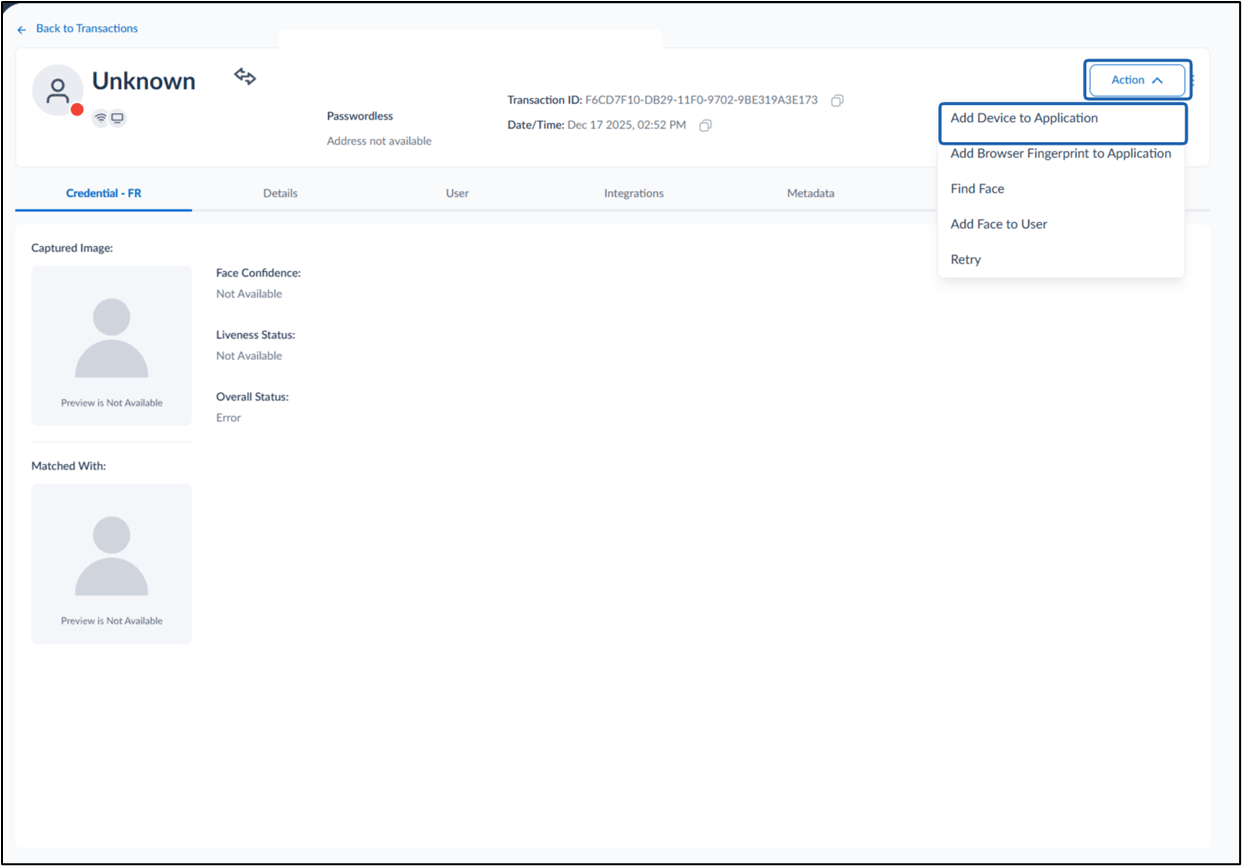
Note: Device can only be added from failed transaction.
-
On the top right, select Action > Add Device to Application.
-
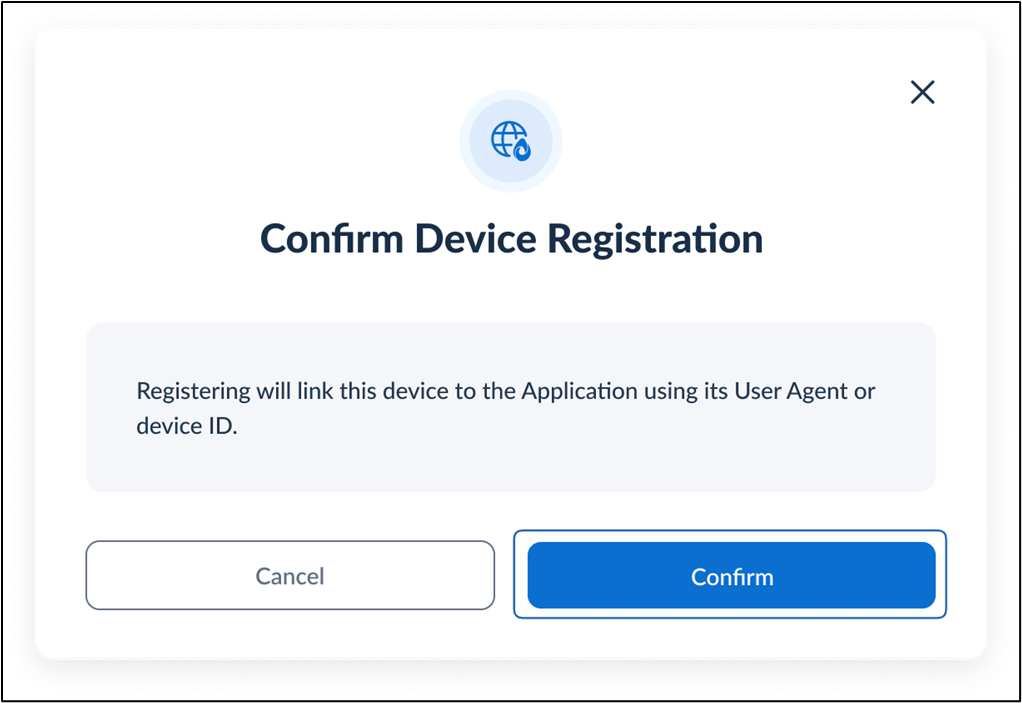
On the Confirm Device Registration pop-up box, select Confirm.
Note: Registering will link the device to the application using its User Agent or Device ID