Pre-requisite:
  • You must have an Okta account.
  • The badge reader should be connected to your android tablet.
  • User and PIN credentials are created in the Oloid Portal.
  • Oloid Device Lock App is launched and Welcome screen is displayed.
To log in with badge:
  1. Tap Login with Badge. How to log into Workforce /HRMS... - screenshot 1
  2. Scan your badge in the Badge Reader. How to log into Workforce /HRMS... - screenshot 2 On successful badge authentication, the Enter PIN page is displayed.
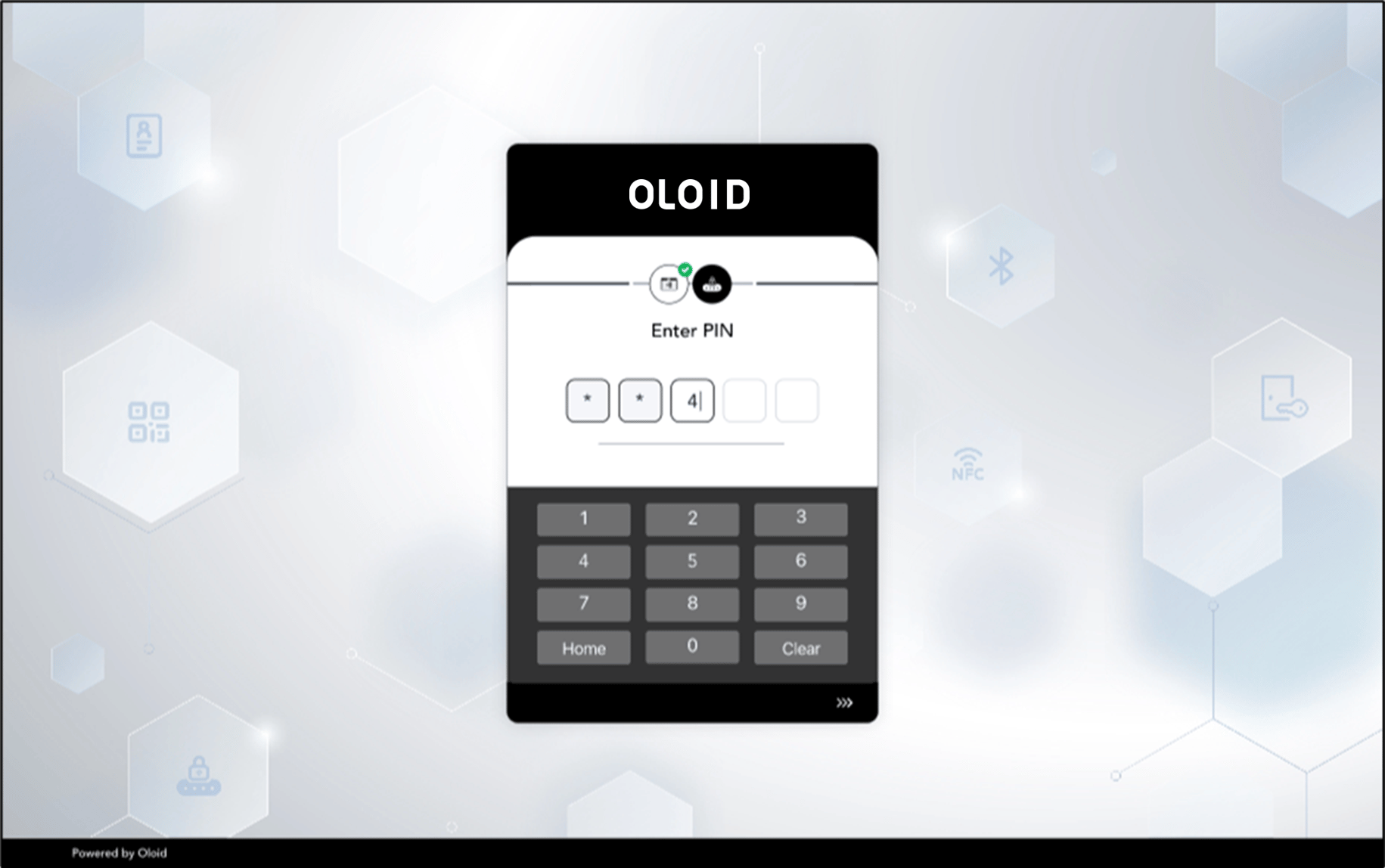
  3. Enter the PIN. How to log into Workforce /HRMS... - screenshot 3 On PIN authentication, you are signed into the Okta system.