No longer supported
Introduction
This document provides step-by-step instructions on how to create Chrome Vault endpoint in the Oloid Portal. A Chrome Vault endpoint allows the Oloid Vault to integrate with the Chrome browser so that credentials can be securely managed and updated.Prerequisites
You are a registered user in the Tenant Admin Portal with the Admin role.Steps to create Chrome Vault endpoint
- Log in to the Tenant Admin Portal.
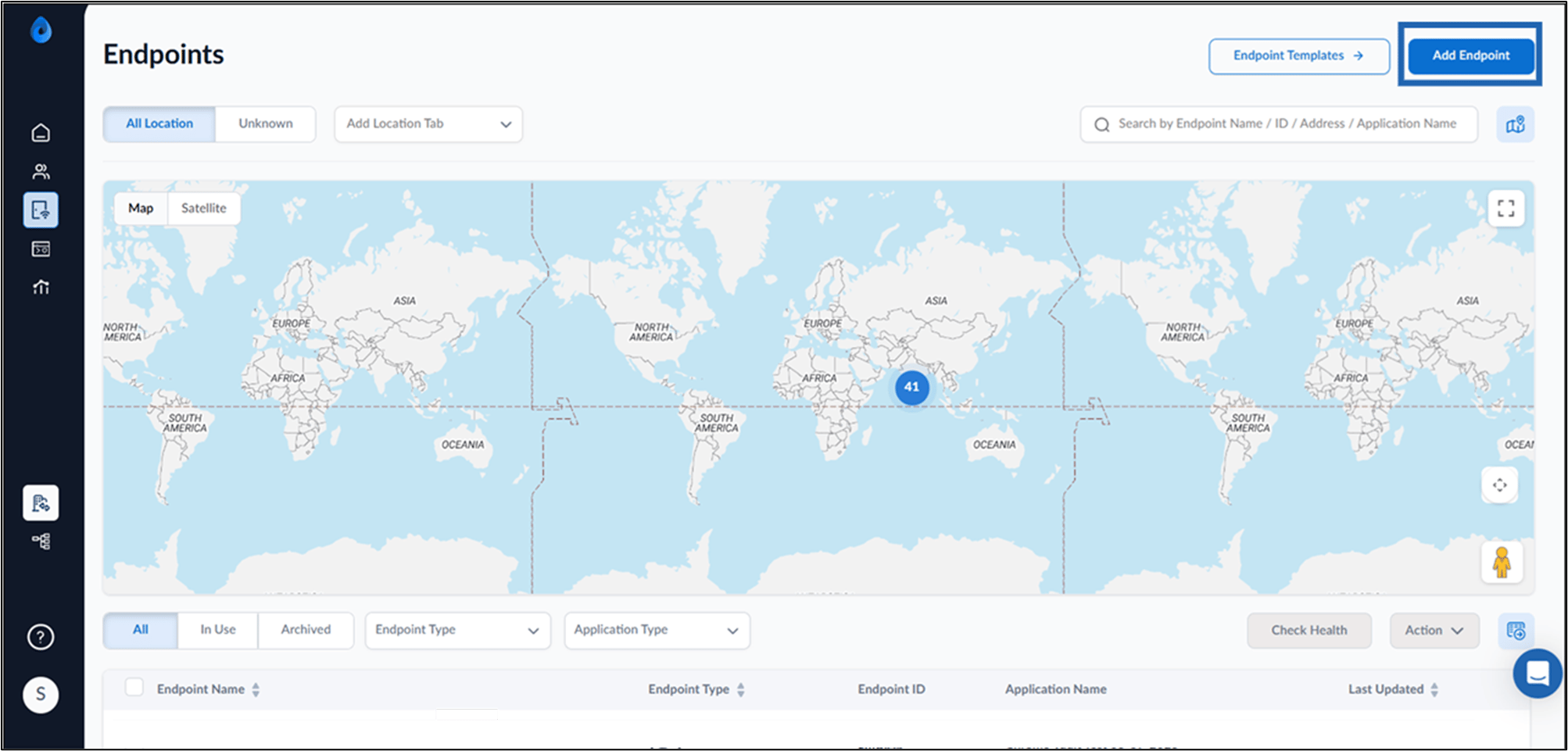
- On the homepage of the portal, click Endpoints on the left panel menu.

- Click Add Endpoint on the top right corner.
- Select Oloid Vault and select Continue.

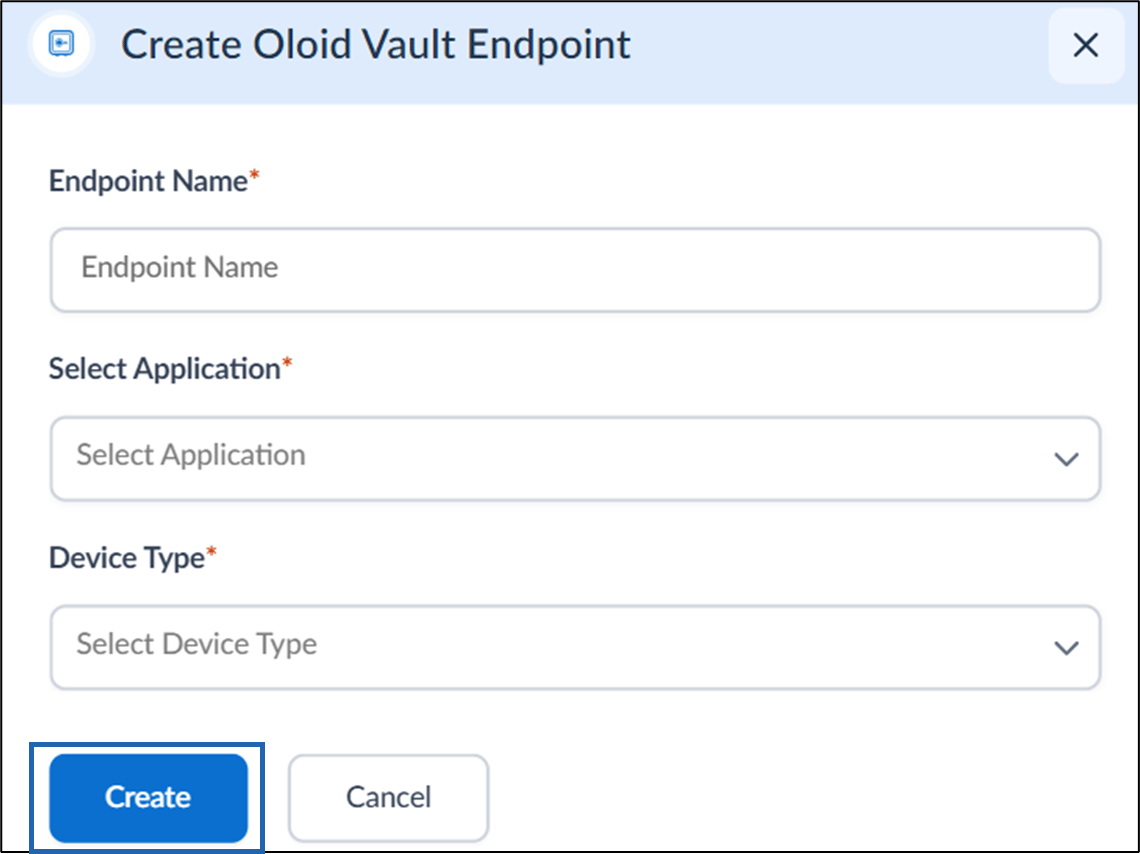
- Do the following:
- Enter Endpoint Name.
- Select Application from the application list**.**
- Select Device Type as Chrome Browser from the dropdown list.
- Click Create.