-
Download the Chrome Vault installer file on your system.
Note: Reach out to Oloid Support for the installer file.
- Right-click the zipper folder and then choose Extract All. The extracted files are saved in the same folder as the original .zip file.
- Open Google Chrome browser.
-
Navigate to Extensions > Manage Extensions.

-
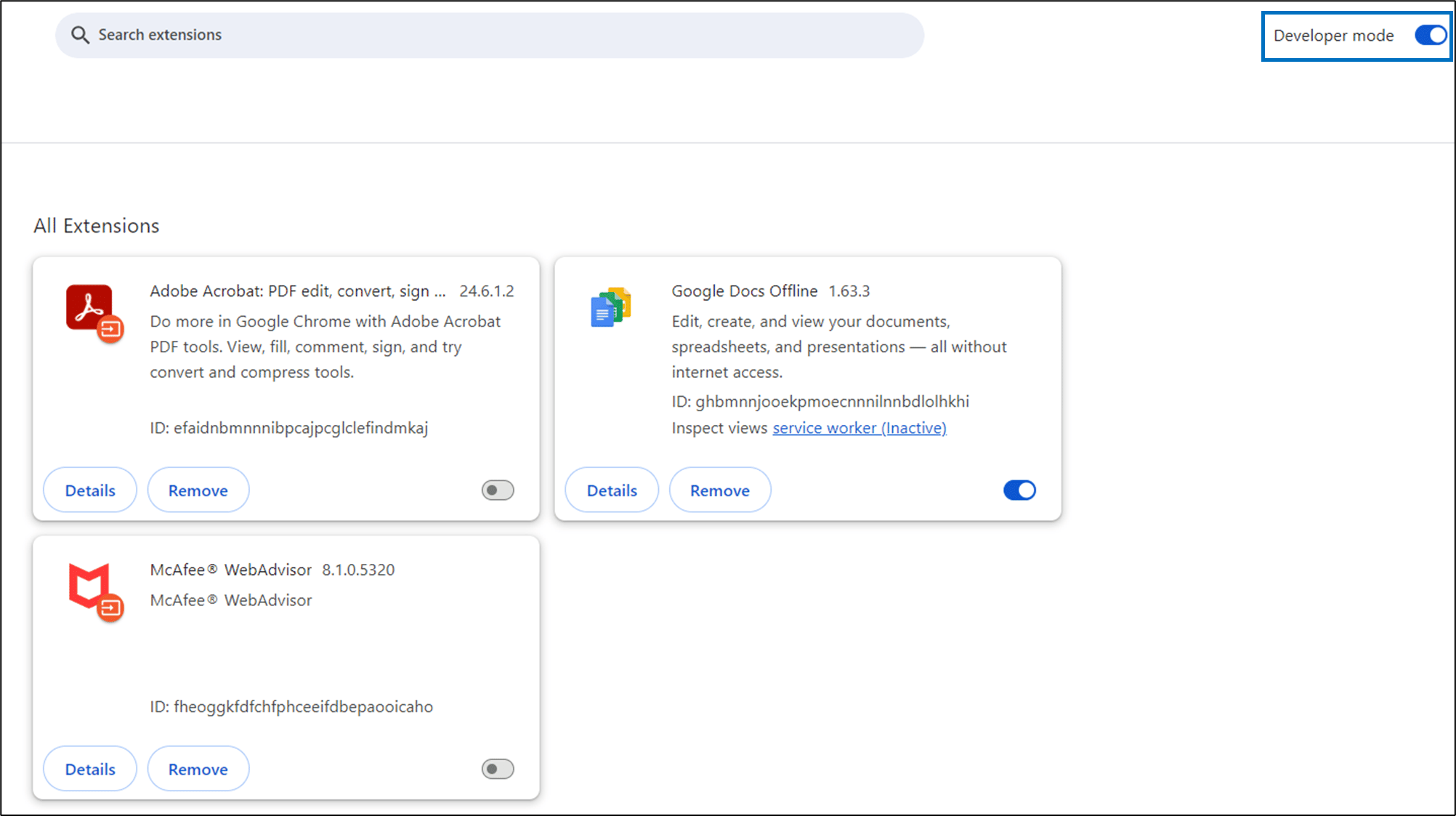
On the top right, enable Developer Mode.
-
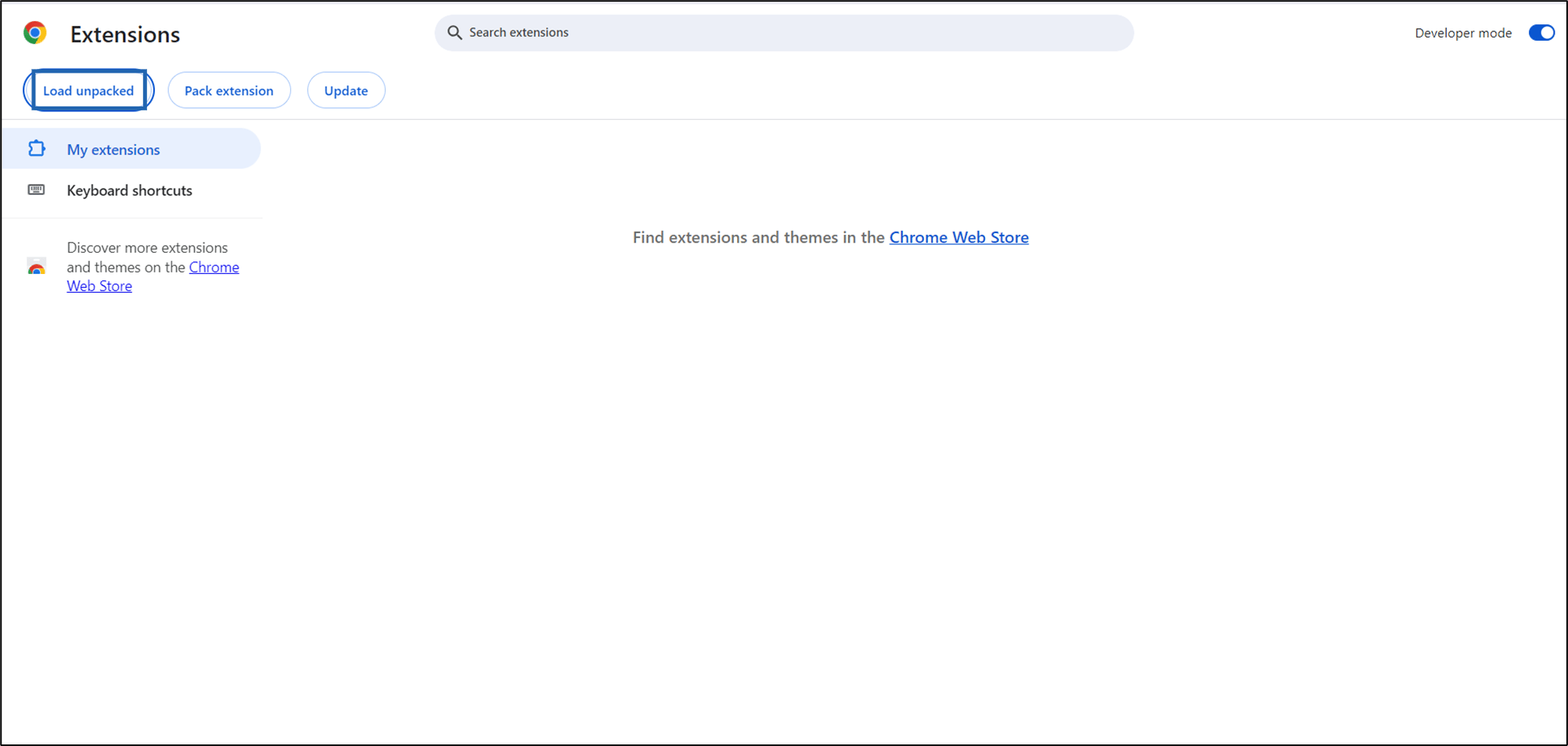
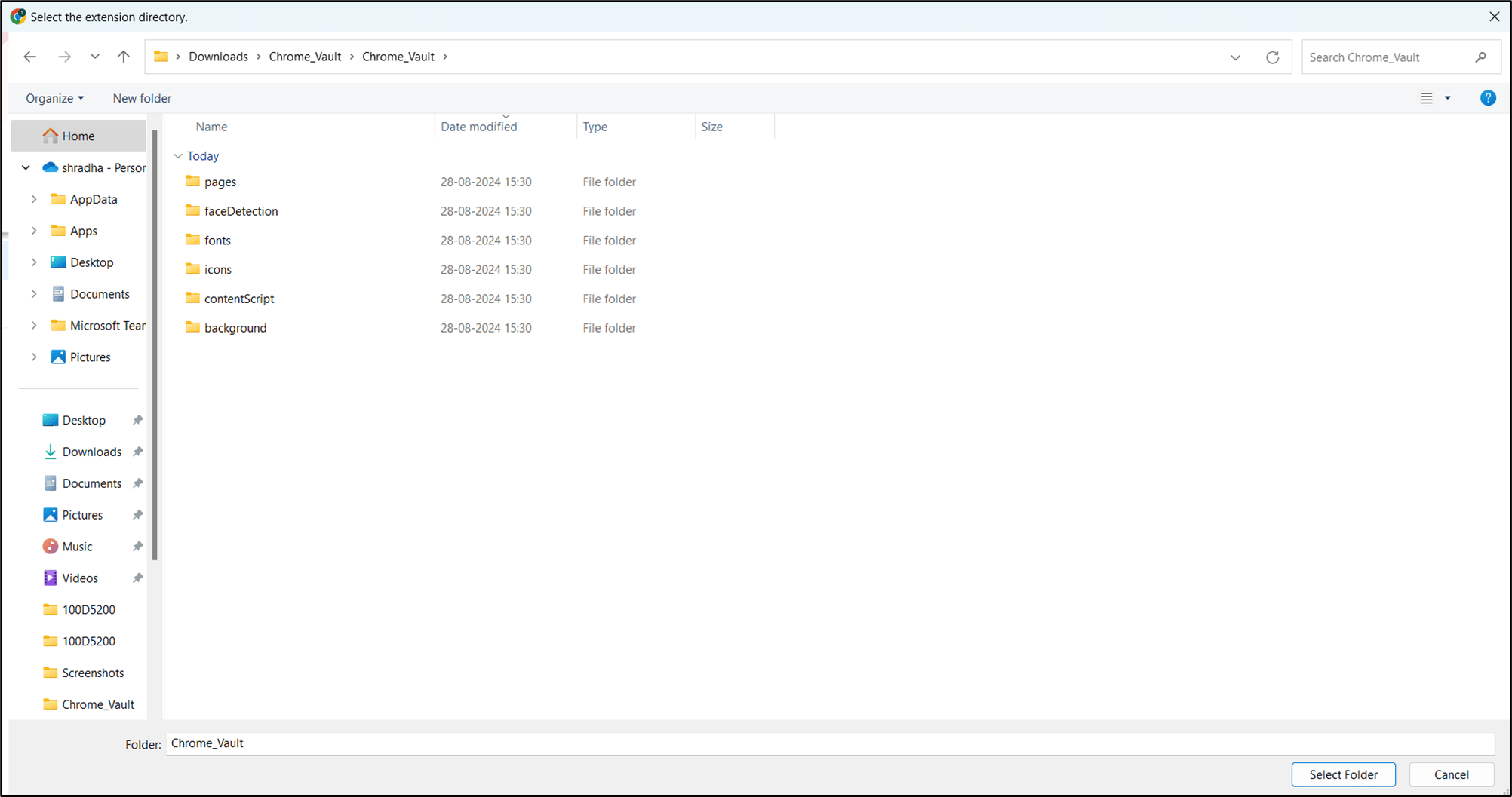
Select Load unpacked to select the extension directory.
-
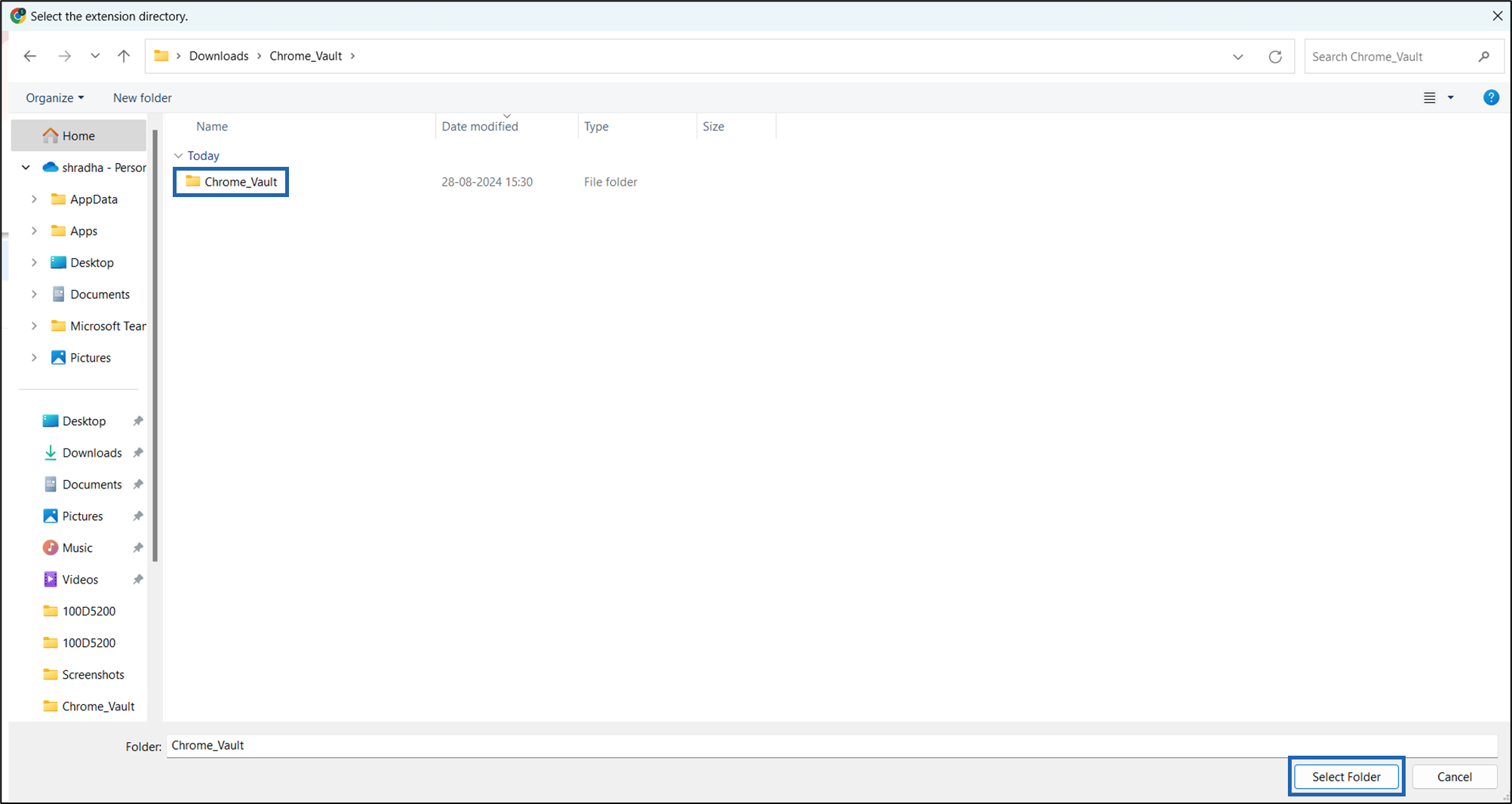
Open the Chrome Vault folder,then click Select Folder.
-
Select Details and do the following:
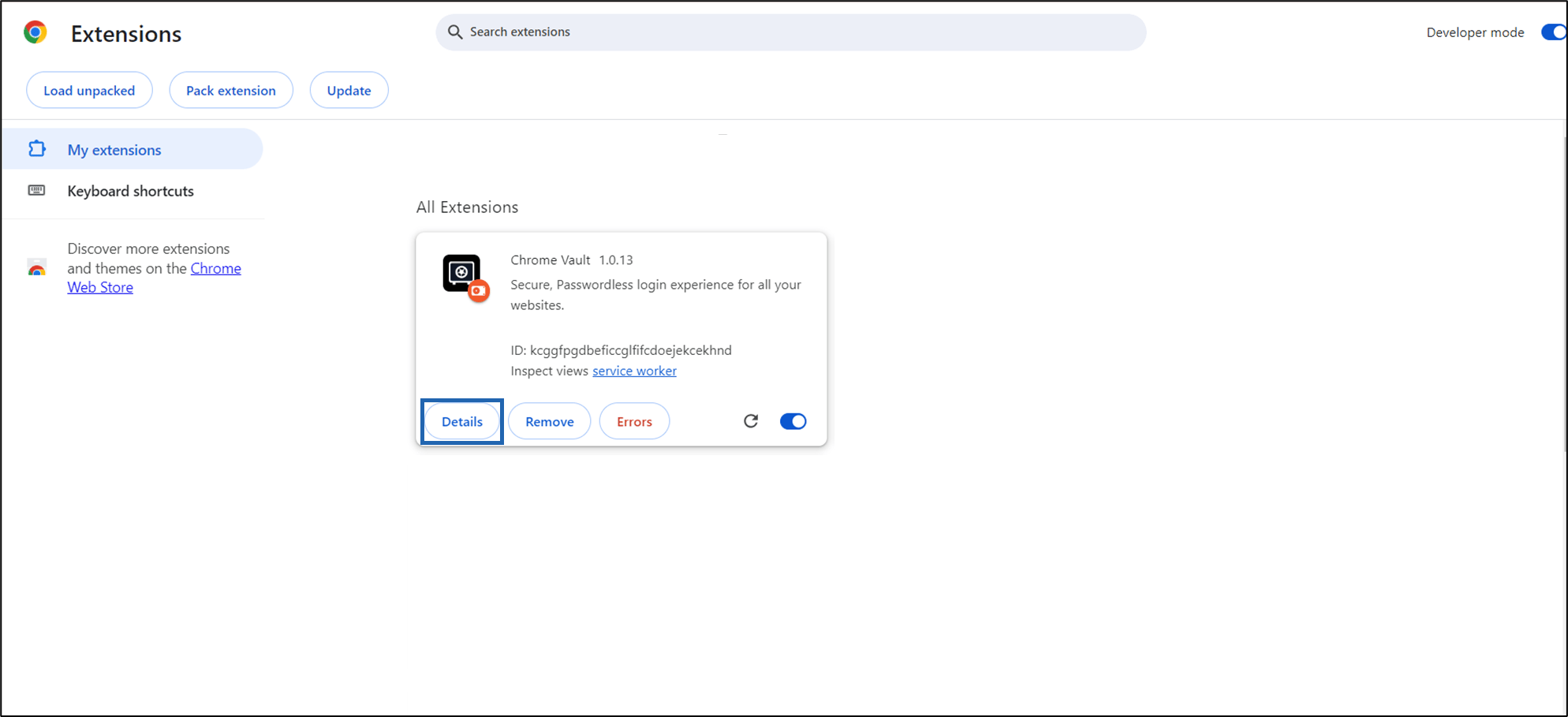
- Enable Pin to toolbar toggle button.
-
Enable Allow in Incognito toggle button.


-
Click Chrome Vault icon to open.
The Welcome screen is displayed. The application is automatically paired successfully and ready to use.
Note: If auto pairing fails, you can manually pair the Chrome Vault application. For detailed instructions, see How to manually pair endpoint in Chrome Vault.

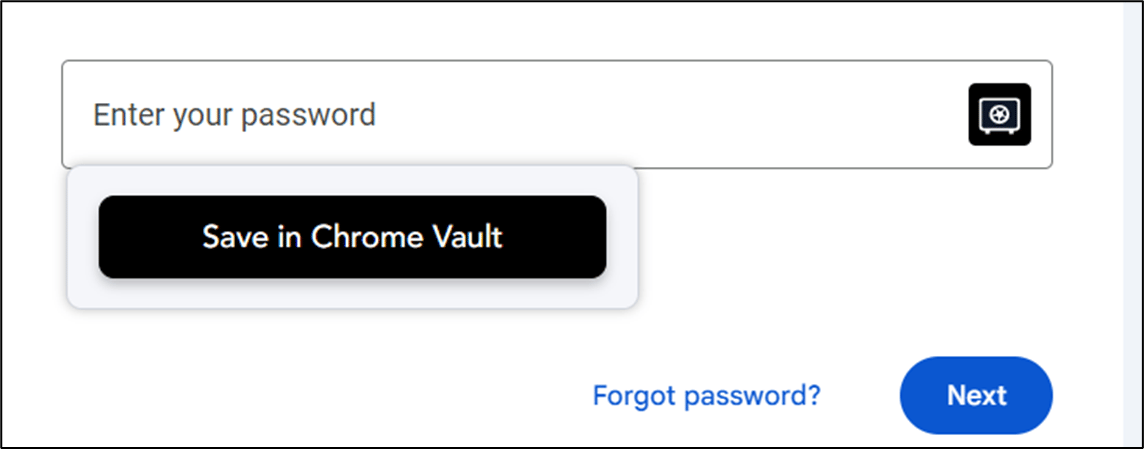
Note: After installation, the Chrome Vault icon will also appear when you visit any website in your browser and click on credential fields.
- You can click Chrome Vault icon in the credential field to unlock and then save your credentials. This will show up when you are not logged into Chrome Vault application.

- You can click the Chrome Vault icon in the credential field to save your credentials securely. This will show up when you are already logged into Chrome Vault app.