Introduction
The Tenant Admin Portal allows the admin to delete Bluetooth credentials for users within a specific connection. Removing these credentials immediately disables access through Bluetooth-enabled devices, ensuring secure and up-to-date user authentication. This helps admin maintain proper access control by eliminating unused or expired credentials.Prerequisite
You must create Bluetooth credential for connections in the Tenant Admin Portal. To create Bluetooth credential refer How to create Bluetooth credential for users in a connections in the Tenant Admin Portal.Steps to delete Bluetooth credentials for a Connection
- Log in to the Tenant Admin Portal.
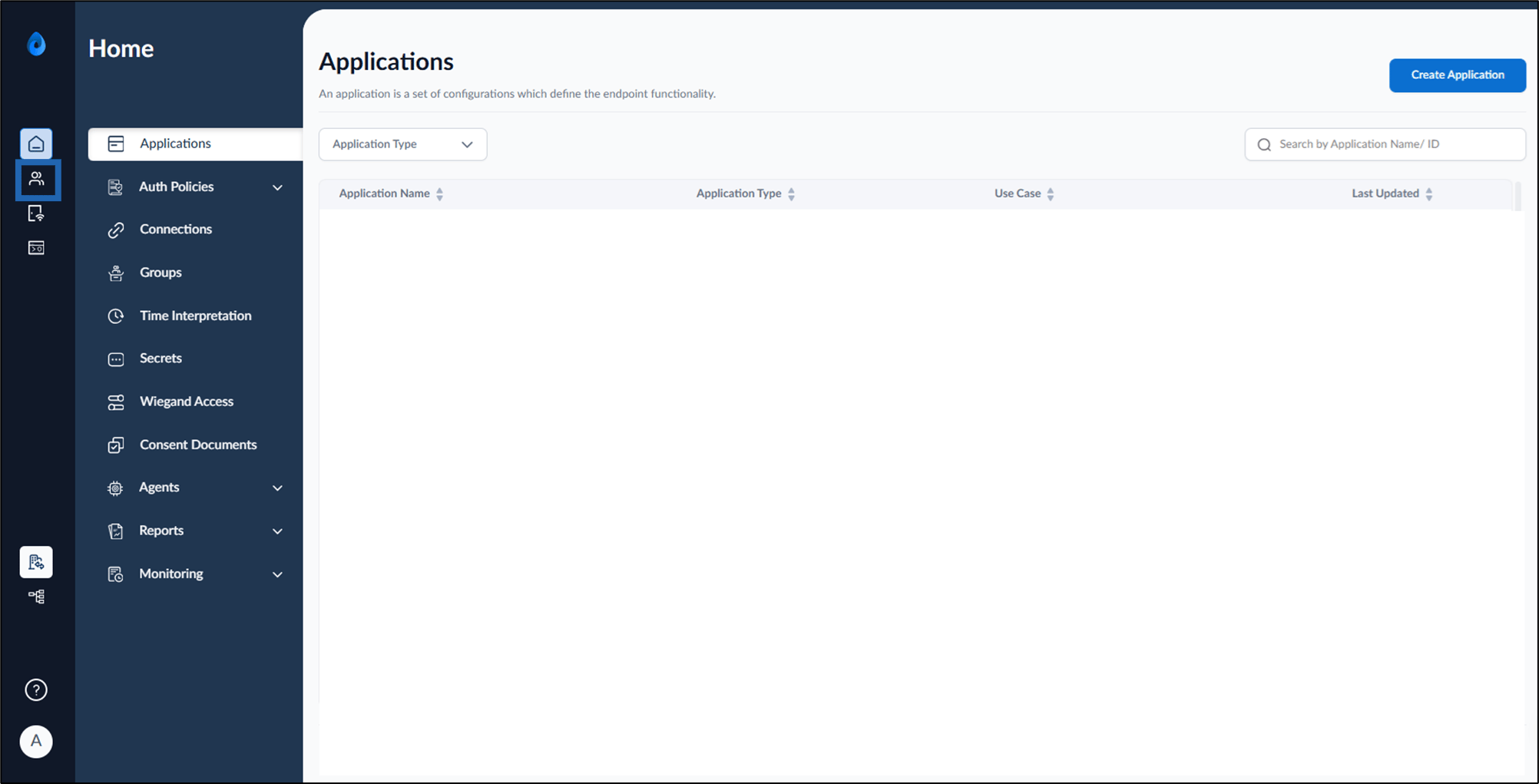
- On the home page of the portal, click Directory on the left menu panel.
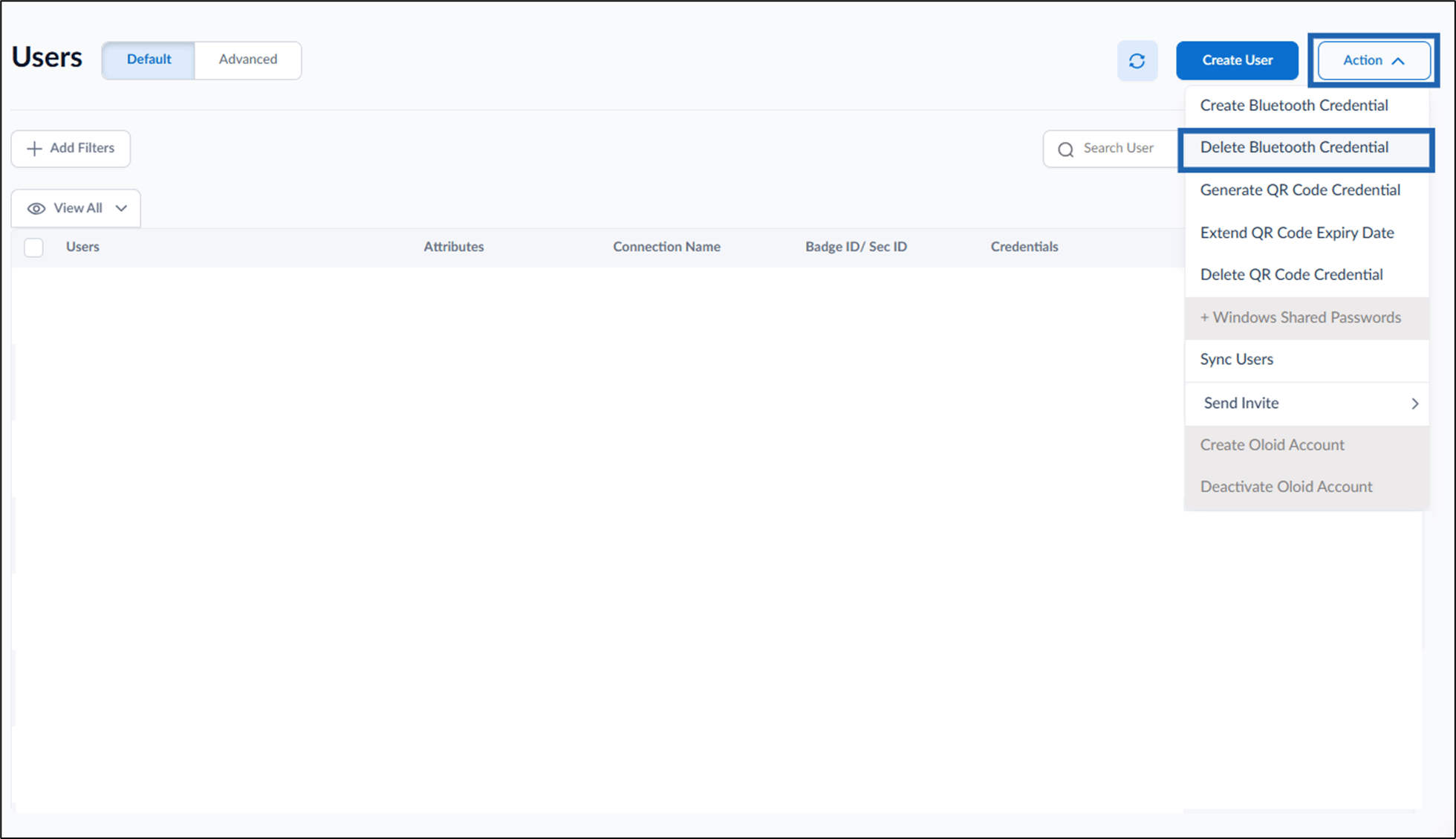
- Go to Action > select Delete Bluetooth Credential.
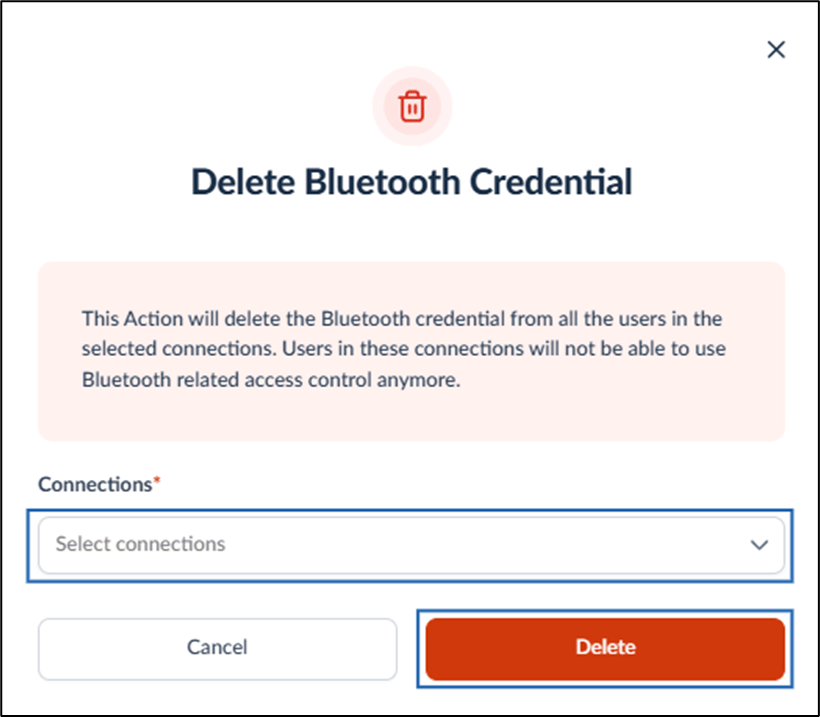
- On the pop-up box, do the following:
- Select the connection(s) from the Connections dropdown list.
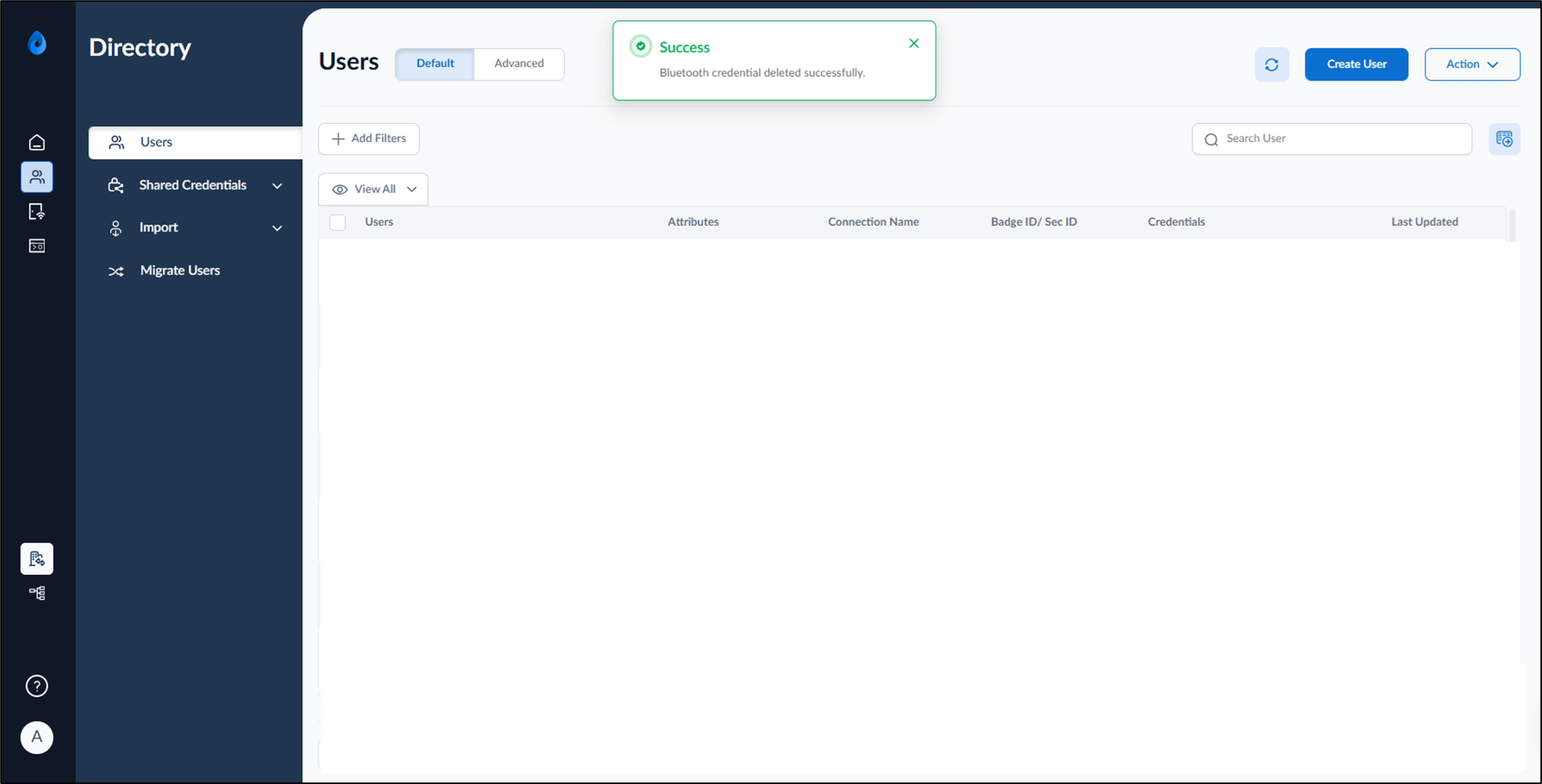
- Click Delete.