

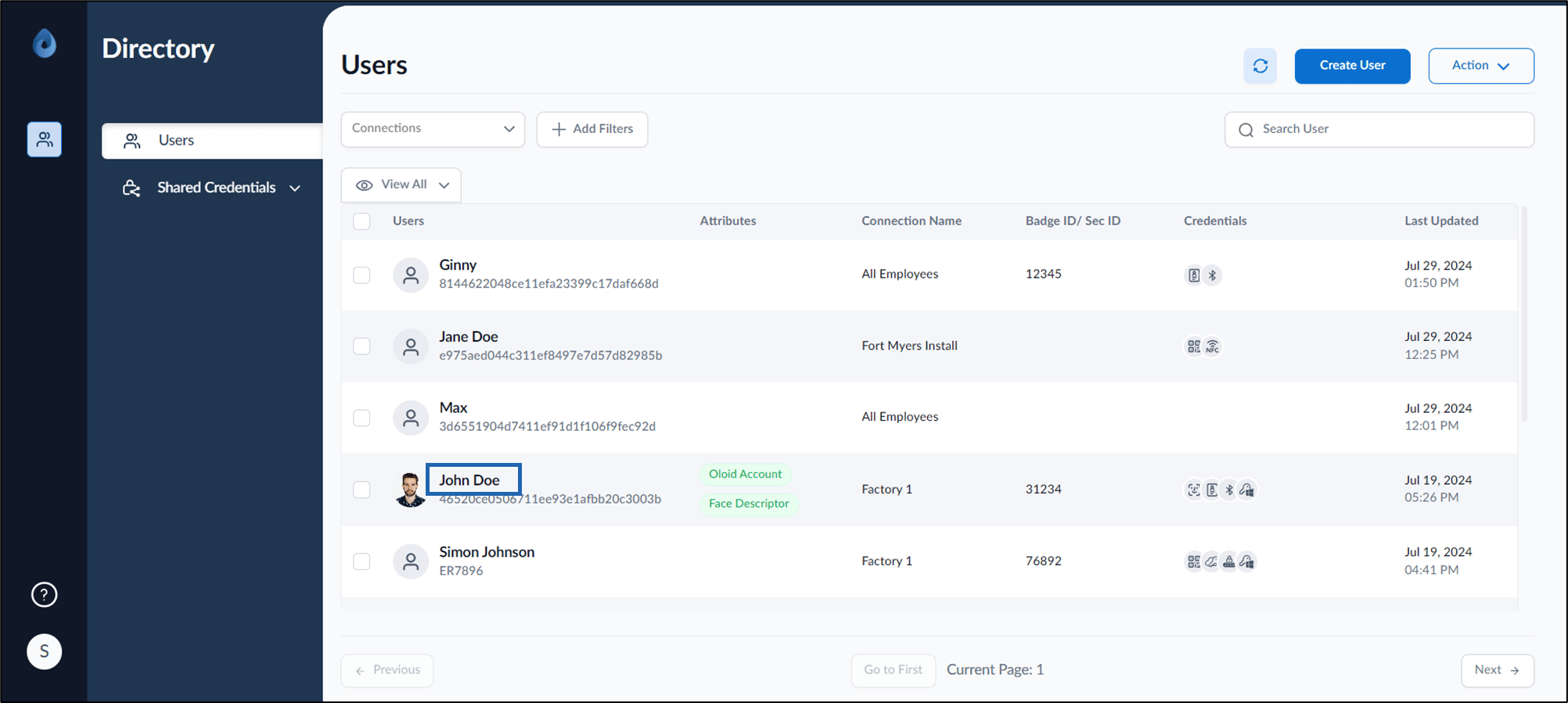
- Log in to the Supervisor Portal. The Users page is displayed.
- Click username to edit.
- Go to Credentials tab > QR Code > select Send User Portal Link.

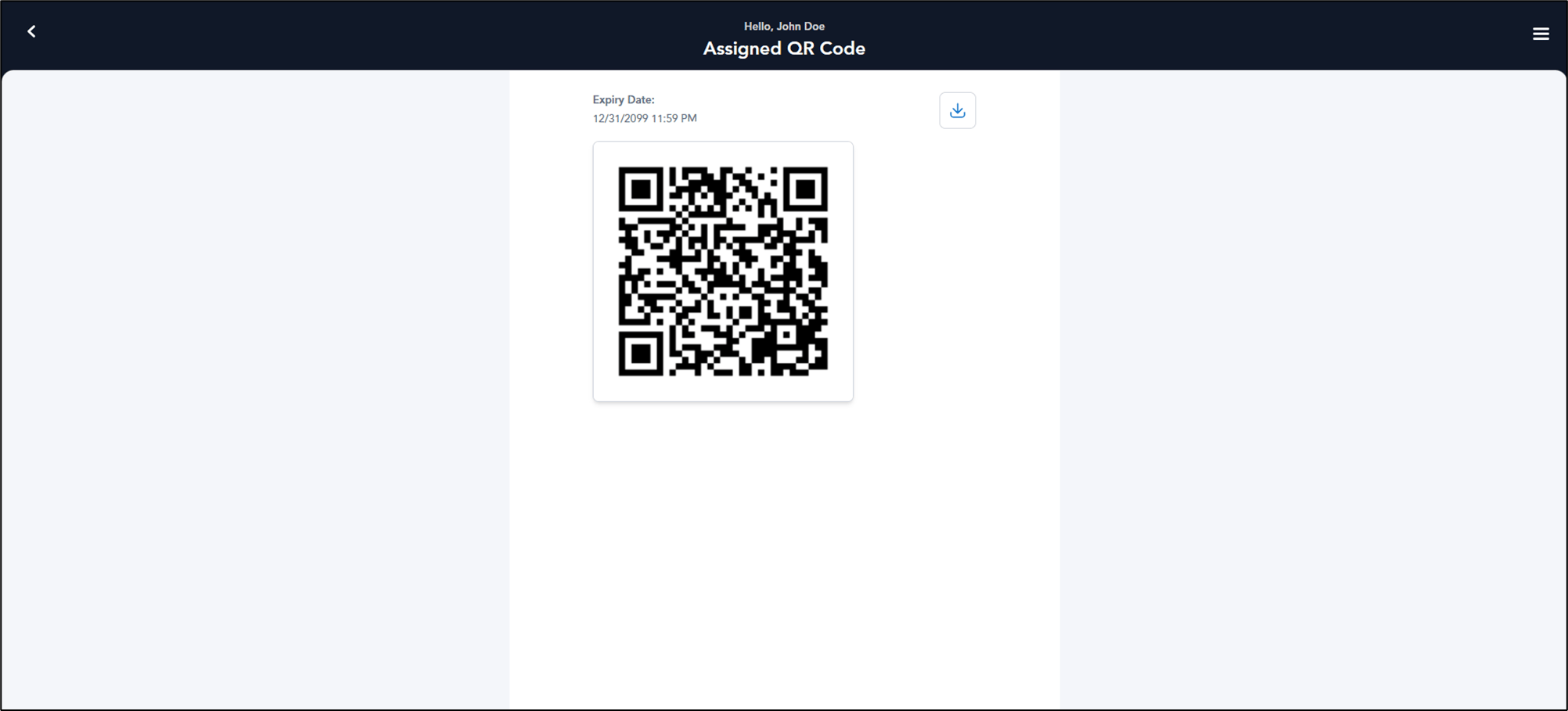
Supervisor Portal - How to send QR Code credential to user using the User Portal link
To send QR Code credential to user using the User Portal ink:
To send QR Code credential to user using the User Portal ink:
⌘I