

- Log in to the Oloid Portal.
- On the home page of the portal, click Directory on the left menu panel.

- Click user name to edit.
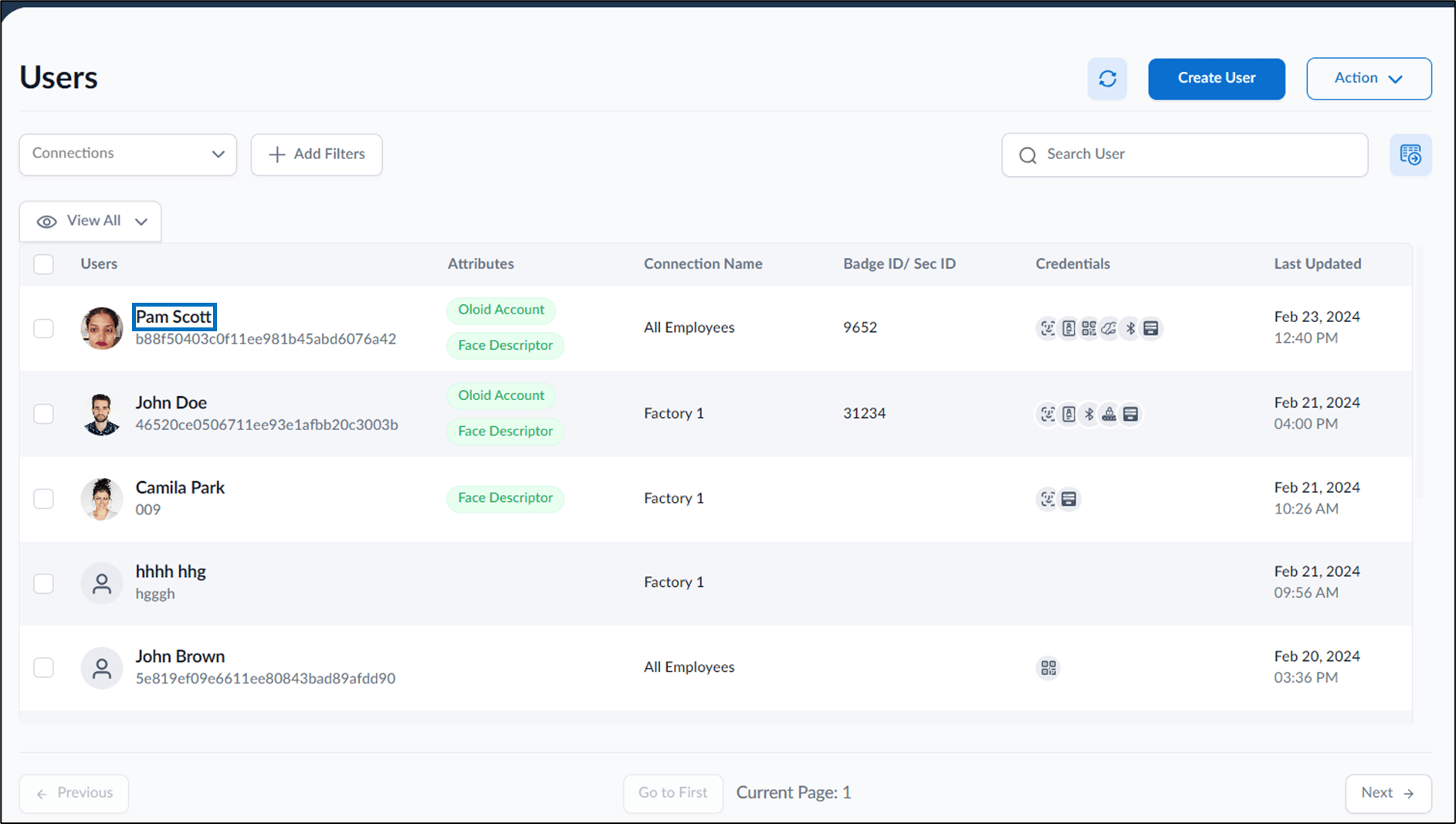
- Go to Action > Improve Faces.


- Select a preferred face.
- Do one of the following:
- Click ADD FACE to add it as a reference image.
- Click ADD FACE (OVERRIDE) to add a new face with confidence level. Face is added and overrides reference image on confidence level match.